Manage WhatsApp vehicle service reminders and bookings with WATI and Google Sheets

Workflow preview

Workflow preview
100%
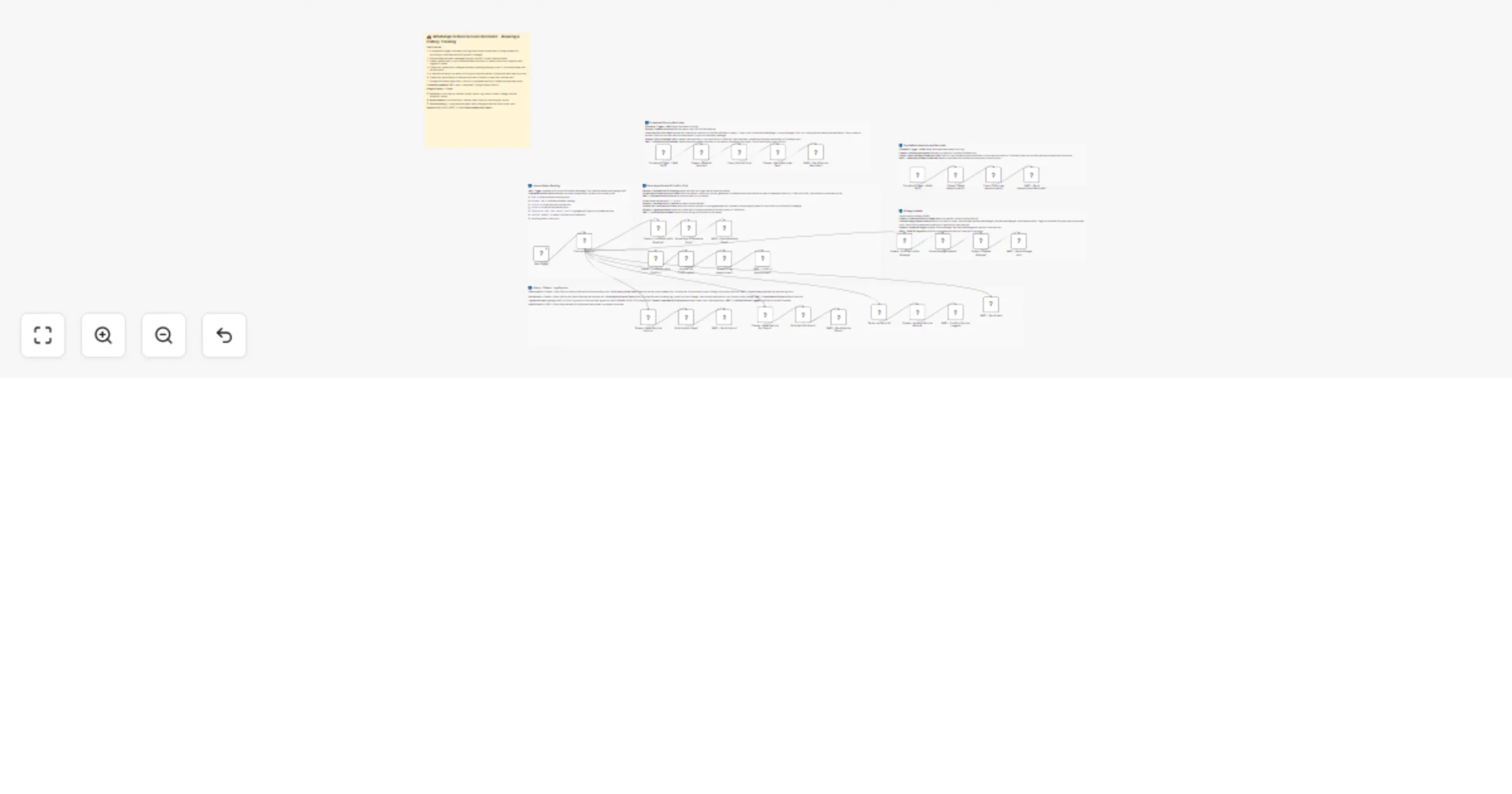
Manage WhatsApp vehicle service reminders and bookings with WATI and Google Sheets preview
Open on n8n.io

1. Workflow Overview

Streamline your automotive service center's operations with this comprehensive automation. This workflow manages the entire customer lifecycle—from automated service reminders and instant appointme...

Best for

  • Support Chatbot automation workflows
  • AI Chatbot automation workflows
  • advanced n8n builders looking for reusable templates

Tools used

n8n-nodes-base.stickynote, n8n-nodes-base.scheduletrigger, n8n-nodes-base.googlesheets, n8n-nodes-base.code, n8n-nodes-wati.wati, n8n-nodes-base.switch, n8n-nodes-wati.watitrigger

Source and attribution

This workflow is cataloged by N8N Workflows and links back to its original n8n.io source page by Jitesh Dugar.

Original n8n.io source

1.1 Workflow description

Title
Manage WhatsApp vehicle service reminders and bookings with WATI and Google Sheets
Workflow name
Manage WhatsApp vehicle service reminders and bookings with WATI and Google Sheets

Streamline your automotive service center's operations with this comprehensive automation. This workflow manages the entire customer lifecycle—from automated service reminders and instant appointment booking via WhatsApp to mileage tracking and full service history logs—all synchronized in real-time with Google Sheets and WATI.


🎯 What This Workflow Does

This template transforms WhatsApp into a self-service hub for vehicle owners and a management tool for garage staff:

⏰ Automated Reminders

Service Due: Every morning at 9 AM, the bot scans your database and identifies vehicles due for service based on either their next service date or mileage threshold, sending a personalized WhatsApp alert to the owner.

Appointment Prep: At 8 AM daily, the system reminds owners of their confirmed appointments for the following day, reducing no-shows.


📅 Instant Booking & Confirmation

When an owner replies with book, the bot dynamically generates available slots for the next 3 weekdays. Owners pick a slot (e.g., confirm 1), and the appointment is instantly logged in your Appointments sheet with a confirmation message sent back.


📏 Mileage & Status Management

Owners can update their odometer reading anytime by sending mileage <km>. The bot automatically recalculates their next service point and warns them if they are approaching a critical maintenance interval.


📋 History & Staff Tools

Customer View: Owners can request their vehicle's full status card or a detailed history of their last 5 service records.

Staff Logging: Garage technicians can log completed work using a simple command (e.g., logservice MH12... 52000 Oil Change 2500), which automatically updates the service history and resets the reminder cycle.


✨ Key Features

  • Intelligent Odometer Tracking: Predicts service needs by comparing current mileage against individual service intervals.
  • Dynamic Slot Generation: Automatically avoids weekends and generates morning/afternoon options to simplify the booking experience.
  • Command-Based Routing: Uses an intuitive keyword system (book, status, history, mileage) to handle multiple customer requests simultaneously.
  • Duplicate Prevention: Tracks "reminders sent" to ensure customers aren't pestered with multiple alerts for the same service period.

💼 Perfect For

  • Independent Garages: Providing a "dealership-level" digital experience without expensive software.
  • Fleet Managers: Tracking maintenance schedules for corporate vehicles.
  • Car Dealerships: Automating follow-ups for post-purchase service packages.
  • Motorcycle Repair Shops: Managing quick oil changes and seasonal check-ups.

🔧 What You'll Need

Required Integrations

  • WATI: For WhatsApp messaging and handling incoming customer commands.
  • Google Sheets: To act as your 3-part database (Vehicles, Appointments, and ServiceHistory).

⚙️ Configuration Steps

  1. Google Sheet Setup: Create a sheet with three tabs:
  • Vehicles
  • Appointments
  • ServiceHistory
  1. Document ID: Replace YOUR_GOOGLE_SHEET_ID in every Google Sheets node with your specific sheet's ID.

  2. Credentials: Connect your Google Sheets OAuth2 and WATI account credentials in n8n.


Ready to automate your service bay? Import this template, connect your Google Sheet, and start sending intelligent reminders to your customers today!

1.2 Logical Blocks

This catalog entry is organized from the workflow JSON. The node-level section below shows the executable blocks available for review before importing the template.

2. Block-by-Block Analysis

Block 1 - 📋 Flow Overview

Type / Role
n8n-nodes-base.stickyNote - stickyNote
Config choices
Version 1

Block 2 - Sticky – Scheduled Reminder

Type / Role
n8n-nodes-base.stickyNote - stickyNote
Config choices
Version 1

Block 3 - Sticky – Appointment Reminder

Type / Role
n8n-nodes-base.stickyNote - stickyNote
Config choices
Version 1

Block 4 - Sticky – Inbound Routing

Type / Role
n8n-nodes-base.stickyNote - stickyNote
Config choices
Version 1

Block 5 - Sticky – Book & Confirm

Type / Role
n8n-nodes-base.stickyNote - stickyNote
Config choices
Version 1

Block 6 - Sticky – Mileage Update

Type / Role
n8n-nodes-base.stickyNote - stickyNote
Config choices
Version 1

Block 7 - Sticky – History, Status & Log

Type / Role
n8n-nodes-base.stickyNote - stickyNote
Config choices
Version 1

Block 8 - Schedule Trigger – 8AM Daily

Type / Role
n8n-nodes-base.scheduleTrigger - scheduleTrigger
Config choices
Version 1.2

Block 9 - Schedule Trigger – 9AM Daily1

Type / Role
n8n-nodes-base.scheduleTrigger - scheduleTrigger
Config choices
Version 1.2

Block 10 - Sheets – Read All Vehicles1

Type / Role
n8n-nodes-base.googleSheets - googleSheets
Config choices
Version 4.5

Block 11 - Check Service Due1

Type / Role
n8n-nodes-base.code - code
Config choices
Version 2

Block 12 - Sheets – Mark Reminder Sent1

Type / Role
n8n-nodes-base.googleSheets - googleSheets
Config choices
Version 4.5

Block 13 - WATI – Send Service Reminder1

Type / Role
n8n-nodes-wati.wati - wati
Config choices
Version 1

Block 14 - Sheets – Read Appointments1

Type / Role
n8n-nodes-base.googleSheets - googleSheets
Config choices
Version 4.5

Block 15 - Check Tomorrow Appointments1

Type / Role
n8n-nodes-base.code - code
Config choices
Version 2

Block 16 - WATI – Send Appointment Reminder1

Type / Role
n8n-nodes-wati.wati - wati
Config choices
Version 1

Block 17 - Command Router1

Type / Role
n8n-nodes-base.switch - switch
Config choices
Version 3

Block 18 - Sheets – Find Vehicle for Booking1

Type / Role
n8n-nodes-base.googleSheets - googleSheets
Config choices
Version 4.5

Block 19 - Parse Book & Generate Slots1

Type / Role
n8n-nodes-base.code - code
Config choices
Version 2

Block 20 - WATI – Send Available Slots1

Type / Role
n8n-nodes-wati.wati - wati
Config choices
Version 1

Block 21 - Sheets – Find Vehicle for Confirm1

Type / Role
n8n-nodes-base.googleSheets - googleSheets
Config choices
Version 4.5

Block 22 - Handle Slot Confirmation1

Type / Role
n8n-nodes-base.code - code
Config choices
Version 2

Block 23 - Sheets – Log Appointment1

Type / Role
n8n-nodes-base.googleSheets - googleSheets
Config choices
Version 4.5

Block 24 - WATI – Confirm Appointment1

Type / Role
n8n-nodes-wati.wati - wati
Config choices
Version 1

Showing the first 24 of 39 workflow blocks. Download the JSON for the full node graph.

3. Summary Table

Workflow Manage WhatsApp vehicle service reminders and bookings with WATI and Google Sheets
Complexity advanced
Nodes 39
Categories Support Chatbot, AI Chatbot
Author Jitesh Dugar
Published 26 Feb 2026

4. Reproducing the Workflow from Scratch

  1. 1. Download the workflow JSON

    Use the JSON export at /data/workflows/13733/13733.json as the source template for this automation.

  2. 2. Import the template into n8n

    Open n8n, import the downloaded JSON, and review each node before activating the workflow.

  3. 3. Configure credentials and variables

    Replace placeholder credentials, API keys, webhook URLs, account IDs, and environment-specific values with your own settings.

  4. 4. Test with sample data

    Run the workflow manually or in a staging workspace, inspect node output, and confirm downstream systems receive the expected data.

  5. 5. Activate and monitor

    Enable the workflow only after testing, then monitor executions, errors, and rate limits during the first production runs.

5. General Notes & Resources

Review imported nodes carefully before activation. This catalog entry is intended to help you inspect the workflow structure, understand required services, and find related templates faster.

Node names, credentials, schedules, webhook paths, and external service limits may need adjustment for your workspace.

Frequently asked questions

What does Manage WhatsApp vehicle service reminders and bookings with WATI and Google Sheets do?

Streamline your automotive service center's operations with this comprehensive automation. This workflow manages the entire customer lifecycle—from automated service reminders and instant appointme...

What do I need before importing this workflow?

Review the workflow JSON, configure any required credentials in n8n, and test the automation in a safe workspace before using it in production.

Can I customize this workflow?

Yes. Use the block-by-block analysis and the downloadable JSON to inspect each node, then adjust credentials, prompts, schedules, filters, or destinations for your Support Chatbot, AI Chatbot use case.