Block 1 - 📋 Main Overview
- Type / Role
- n8n-nodes-base.stickyNote - stickyNote
- Config choices
- Version 1


 Early Deal
Empower your property management with a high efficiency automated support desk. This workflow manages the complete maintenance lifecycle—from initial issue classification and ticket creation to tea...
n8n-nodes-base.stickynote, n8n-nodes-base.switch, n8n-nodes-base.code, n8n-nodes-base.googlesheets, n8n-nodes-wati.wati, n8n-nodes-base.scheduletrigger, n8n-nodes-wati.watitrigger
This workflow is cataloged by N8N Workflows and links back to its original n8n.io source page by Jitesh Dugar.
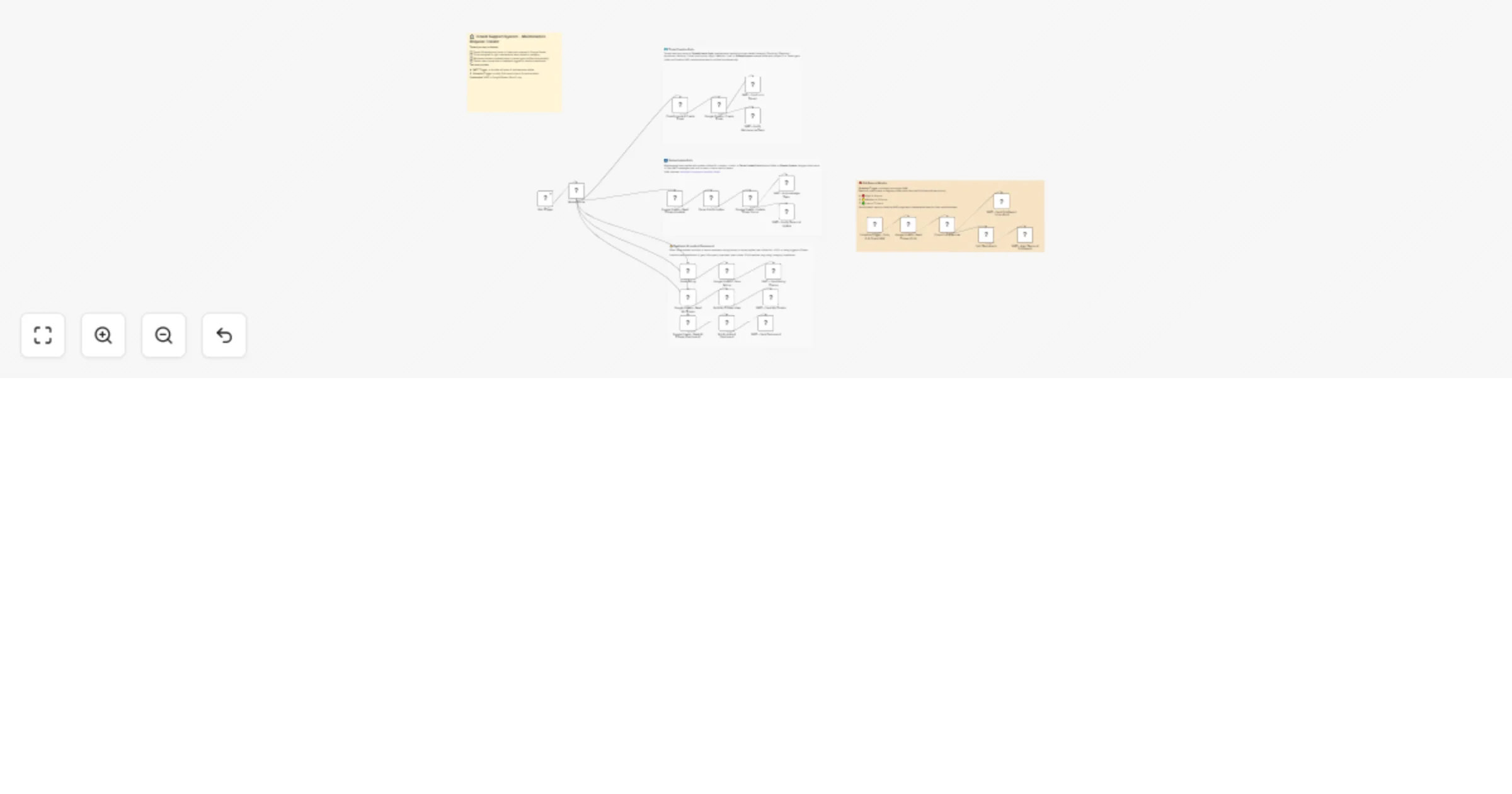
Original n8n.io sourceEmpower your property management with a high-efficiency automated support desk. This workflow manages the complete maintenance lifecycle—from initial issue classification and ticket creation to team assignment, status updates, and tenant feedback—all centralized through WhatsApp using WATI and Google Sheets.
Turns WhatsApp into an intelligent bridge between tenants, maintenance teams, and landlords:
📝 Instant Ticket Creation Tenants can report any property issue via WhatsApp. The system automatically classifies the problem (Plumbing, Electrical, etc.) and assigns a priority level based on keywords.
🚦 Smart Command Routing A master switch node handles incoming messages based on intent:
New Issue: Classifies and logs a new ticket.
update <id> <status>: Allows maintenance teams to update progress.
rate <id> <1-5>: Captures tenant satisfaction scores.
mystatus: Provides tenants a view of their active tickets.
dashboard: Gives landlords an overview of property health.
🛠️ Maintenance Coordination Simultaneously notifies the tenant of their Ticket ID and pings the relevant maintenance team with full issue details and an SLA deadline.
🚨 Proactive SLA Monitoring A daily morning trigger scans all open tickets for SLA breaches (e.g., High Priority overdue after 4 hours) and alerts the landlord and teams for immediate action.
lastUpdated column in Google Sheets.teamMap in the Classify Issue node to include your contractors' actual WhatsApp numbers. ticketId, phone, tenantName, issueText, category, priority, status, assignedTeam, teamPhone, createdAt, slaDueAt, rating, lastUpdated, notes
"My sink is leaking" to your WATI number, then use a team number to reply update <ID> in-progress.Ready to simplify your property management? Import this template and connect your Google Sheets to start tracking maintenance requests today!
This catalog entry is organized from the workflow JSON. The node-level section below shows the executable blocks available for review before importing the template.
Showing the first 24 of 31 workflow blocks. Download the JSON for the full node graph.
| Workflow | Manage WhatsApp property maintenance tickets with WATI and Google Sheets |
|---|---|
| Complexity | advanced |
| Nodes | 31 |
| Categories | Support Chatbot, AI Chatbot |
| Author | Jitesh Dugar |
| Published | 25 Feb 2026 |
Use the JSON export at /data/workflows/13705/13705.json as the source template for this automation.
Open n8n, import the downloaded JSON, and review each node before activating the workflow.
Replace placeholder credentials, API keys, webhook URLs, account IDs, and environment-specific values with your own settings.
Run the workflow manually or in a staging workspace, inspect node output, and confirm downstream systems receive the expected data.
Enable the workflow only after testing, then monitor executions, errors, and rate limits during the first production runs.
Review imported nodes carefully before activation. This catalog entry is intended to help you inspect the workflow structure, understand required services, and find related templates faster.
Node names, credentials, schedules, webhook paths, and external service limits may need adjustment for your workspace.
Empower your property management with a high efficiency automated support desk. This workflow manages the complete maintenance lifecycle—from initial issue classification and ticket creation to tea...
Review the workflow JSON, configure any required credentials in n8n, and test the automation in a safe workspace before using it in production.
Yes. Use the block-by-block analysis and the downloadable JSON to inspect each node, then adjust credentials, prompts, schedules, filters, or destinations for your Support Chatbot, AI Chatbot use case.