Block 1 - No Operation, do nothing1
- Type / Role
- n8n-nodes-base.noOp - noOp
- Config choices
- Version 1


 Early Deal
Eliminate 90% of manual work in procurement by automating quote requests, response tracking, price extraction, and supplier follow ups. This complete automation handles everything from sending pers...
n8n-nodes-base.noop, n8n-nodes-base.stickynote, n8n-nodes-base.gmail, n8n-nodes-base.googlesheets, @n8n/n8n-nodes-langchain.informationextractor, n8n-nodes-base.manualtrigger, n8n-nodes-base.scheduletrigger, n8n-nodes-base.code
This workflow is cataloged by N8N Workflows and links back to its original n8n.io source page by Ruth Olatunji.
Original n8n.io sourceEliminate 90% of manual work in procurement by automating quote requests, response tracking, price extraction, and supplier follow-ups. This complete automation handles everything from sending personalized emails to extracting pricing data with AI and sending WhatsApp reminders—so you can focus on decision-making, not data entry. This all-in-one workflow transforms a 5-hour manual process into a 10-minute review task, saving 15-20 hours per month while improving supplier response rates by 30%.
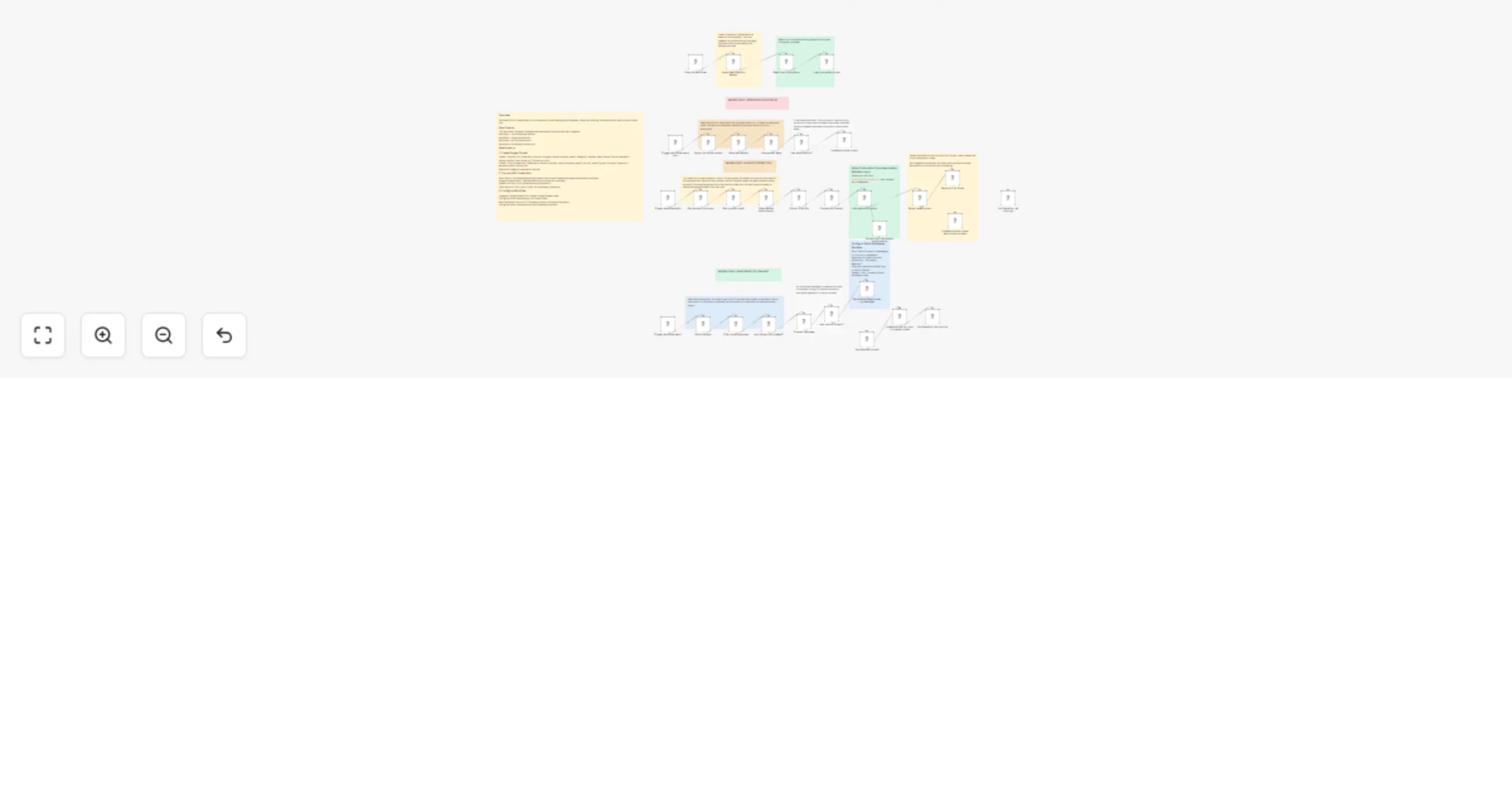
How it works This workflow contains 4 independent automation modules running on separate schedules:
Quote Request Sender (Manual trigger)
Reads supplier list from Google Sheets Sends personalized emails via Gmail with category and deadline Logs all requests with timestamps to tracking sheet
Response Monitor (Hourly schedule)
Automatically checks Gmail for supplier replies with attachments Updates tracking sheet status to "Quote Received" Zero manual email monitoring required
AI Price Extraction (Manual trigger)
Downloads PDF/Excel attachments from emails Extracts text using n8n's built-in parser Sends to OpenAI GPT-4o-mini to identify products, prices, quantities, currencies Saves structured data to Price Comparison sheet
WhatsApp Follow-ups (Daily at 9 AM)
Checks for non-responsive suppliers Sends smart reminders at Day 3, 5, and 7 with escalating urgency Falls back to email if no phone number Logs all follow-up history
Each module shares data through Google Sheets while running independently. Set up steps Time to set up: 20-30 minutes
Create two Google Sheets: "Quote Tracking" (with columns: supplier_name, supplier_email, category, request_date, status, quote_received, phone_number, last_follow_up, follow_up_count) and "Price Comparison" (with columns: supplier_name, supplier_email, product_name, price, currency, quantity, extracted_date, source_file)
Connect credentials: Gmail OAuth, Google Sheets OAuth (same account), OpenAI API key, Twilio Account SID + Auth Token Update all Google Sheet IDs in every Google Sheets node (8 nodes total across all modules)
Configure Twilio WhatsApp sandbox: Go to Twilio Console → Messaging → WhatsApp → Send join code from your phone → Update "From" number in Send WhatsApp node Add 2-3 test suppliers to Tracking Sheet with your email addresses using + trick ([email protected]) and phone numbers in international format Test each module: Execute Quote Sender → Reply to test email with PDF → Execute AI Extraction → Set supplier date to 3 days ago → Test Follow-ups Activate schedules for Response Monitor (hourly) and Follow-ups (daily at 9 AM)
Detailed node configurations and troubleshooting tips are included in sticky notes throughout the workflow canvas.
Requirements
Gmail account with API access Google Sheets (2 sheets) OpenAI API account ($5-15/month) Twilio account with WhatsApp ($10-20/month) n8n (any version supporting HTTP Request node)
Who is this for
Procurement teams managing multiple supplier quotes Small businesses comparing vendor prices Operations managers handling RFQs Purchasing departments drowning in email attachments Anyone collecting and tracking supplier pricing at scale
Time savings: From 5 hours to 10 minutes per quote cycle (90% reduction) Response rate improvement: 50% → 80% with automated follow-ups Accuracy: 95%+ AI extraction accuracy vs 5-10% manual data entry errors
This catalog entry is organized from the workflow JSON. The node-level section below shows the executable blocks available for review before importing the template.
Showing the first 24 of 46 workflow blocks. Download the JSON for the full node graph.
| Workflow | Manage supplier quote requests and follow-ups with Gmail, Sheets, GPT-4o-mini and WhatsApp |
|---|---|
| Complexity | advanced |
| Nodes | 46 |
| Categories | CRM, AI Summarization |
| Author | Ruth Olatunji |
| Published | 11 Jan 2026 |
Use the JSON export at /data/workflows/12638/12638.json as the source template for this automation.
Open n8n, import the downloaded JSON, and review each node before activating the workflow.
Replace placeholder credentials, API keys, webhook URLs, account IDs, and environment-specific values with your own settings.
Run the workflow manually or in a staging workspace, inspect node output, and confirm downstream systems receive the expected data.
Enable the workflow only after testing, then monitor executions, errors, and rate limits during the first production runs.
Review imported nodes carefully before activation. This catalog entry is intended to help you inspect the workflow structure, understand required services, and find related templates faster.
Node names, credentials, schedules, webhook paths, and external service limits may need adjustment for your workspace.
Eliminate 90% of manual work in procurement by automating quote requests, response tracking, price extraction, and supplier follow ups. This complete automation handles everything from sending pers...
Review the workflow JSON, configure any required credentials in n8n, and test the automation in a safe workspace before using it in production.
Yes. Use the block-by-block analysis and the downloadable JSON to inspect each node, then adjust credentials, prompts, schedules, filters, or destinations for your CRM, AI Summarization use case.