Block 1 - Overview
- Type / Role
- n8n-nodes-base.stickyNote - stickyNote
- Config choices
- Version 1


 Early Deal
Track all n8n workflow failures with automatic error capture, severity classification, duplicate detection, Slack alerting, performance metrics, and log retention. WHAT IT DOES: Runs as an error su...
n8n-nodes-base.stickynote, n8n-nodes-base.errortrigger, n8n-nodes-base.code, n8n-nodes-base.httprequest, n8n-nodes-base.if, n8n-nodes-base.switch, n8n-nodes-base.slack, n8n-nodes-base.noop
This workflow is cataloged by N8N Workflows and links back to its original n8n.io source page by Manu.
Original n8n.io sourceTrack all n8n workflow failures with automatic error capture, severity classification, duplicate detection, Slack alerting, performance metrics, and log retention.
WHAT IT DOES:
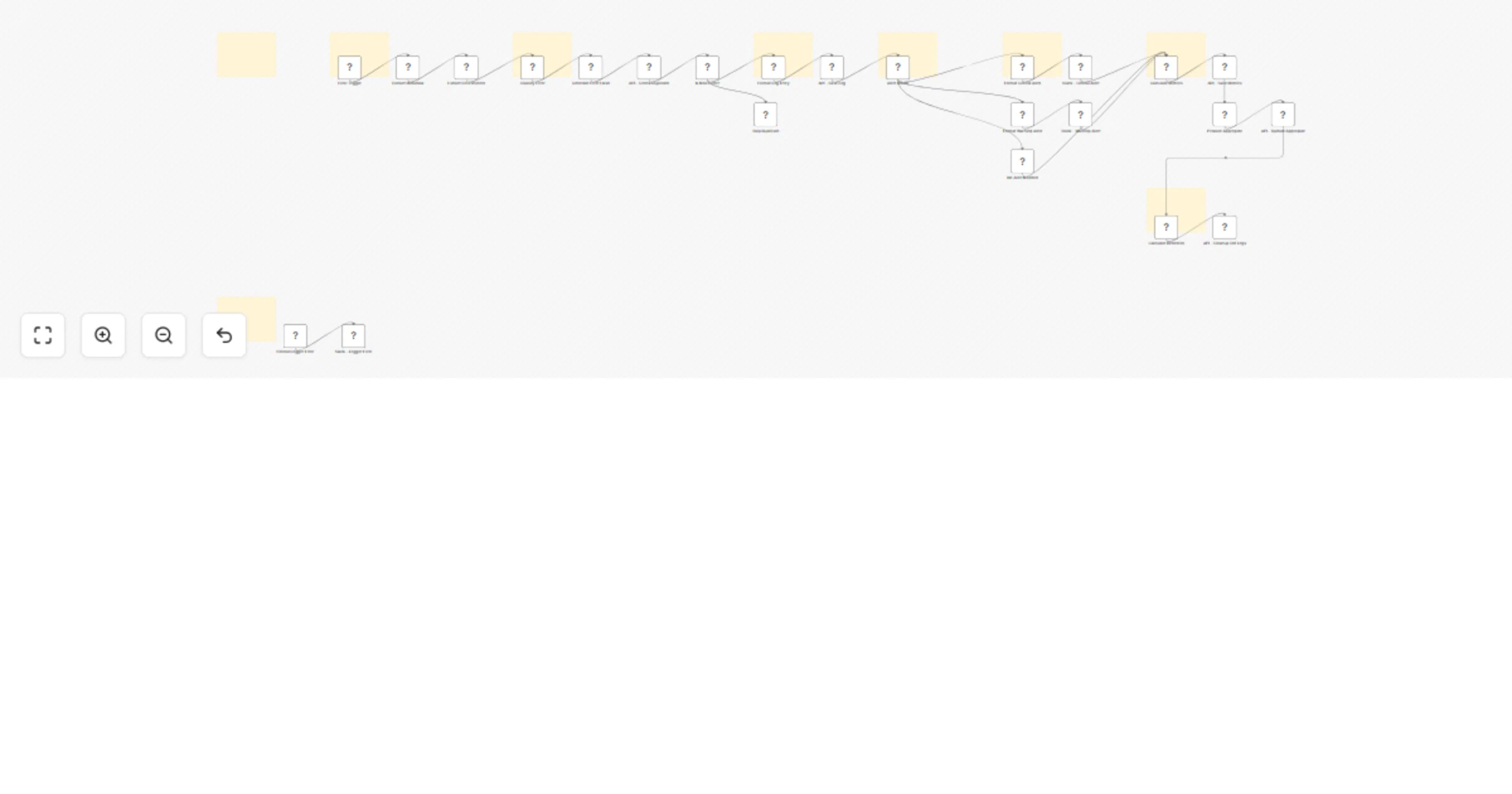
Runs as an error sub-workflow attached to any workflow you want to monitor Captures execution metadata (workflow name, ID, duration, mode, failed node, stack trace) Extracts environment info (timezone, node version, platform) Classifies error severity (critical, warning, info) based on configurable keywords Deduplicates alerts within 5-minute windows to prevent flooding Saves structured logs to your database via REST API Routes alerts to the appropriate Slack channel by severity Calculates performance metrics and updates daily aggregates Auto-cleans old logs based on configurable retention policy Includes a fallback error handler to prevent cascading failures from the logger itself
INCLUDED FLOWS:
New critical error: Error Trigger → Extract metadata → Classify as critical → Check duplicate → Save log → Slack alert to #workflow-alerts → Calculate metrics → Update aggregates → Cleanup old logs New warning error: Same capture flow → Classify as warning → Slack alert to #workflow-warnings → Metrics and retention New info error: Same capture flow → No keyword match → Logged only, no alert → Metrics and retention Duplicate error: Same workflowId + errorNode + errorType within 5-minute window → Skipped, no alert or log saved Logger failure: Logger Error Trigger → Format error → Immediate Slack alert to #system-errors, prevents cascading
SEVERITY CLASSIFICATION:
Critical (immediate alert to #workflow-alerts): payment, database, authentication, authorization, critical, fatal, connection, timeout Warning (alert to #workflow-warnings): retry, temporary, unavailable, rate limit, quota Info (logged only, no alert): any error not matching critical or warning keywords
LOG DATA STRUCTURE:
Each log entry contains execution_id, workflow_id, workflow_name, status, severity, started_at, ended_at, duration_seconds Error details include error_message, error_type, error_node, error_stack (truncated to 2000 chars) Deduplication fields: error_hash, dedupe_key Additional fields: mode, environment (JSON), created_at timestamp
SETUP:
HTTP Header Auth credential with API key and base URL for your logging REST API Slack credential with access to three channels: #workflow-alerts (critical), #workflow-warnings (warnings), #system-errors (logger failures) Backend API with endpoints: GET /api/logs/dedupe/:dedupeKey, POST /api/logs/execution, POST /api/logs/metrics, POST /api/logs/aggregate, DELETE /api/logs/cleanup To monitor a workflow, set this workflow as its error sub-workflow in the workflow settings
CUSTOMIZABLE:
Critical and warning keywords are editable arrays in the Classify Error code node Deduplication window is adjustable in the Generate Error Hash code node (default: 5 minutes) Retention period is configurable in the Calculate Retention code node (default: 30 days) Metrics calculation logic is editable in the Calculate Metrics code node Slack channel names are configurable in each Slack alert node Stack trace truncation length is adjustable in the Format Log Entry code node (default: 2000 chars) Add email alerts by connecting a Gmail node after any Slack alert node Add PagerDuty or Opsgenie integration after the critical alert path for on-call escalation
IDEAL FOR:
DevOps teams, n8n administrators, and automation engineers who need centralized error monitoring, alerting, and performance tracking across multiple n8n workflows.
This catalog entry is organized from the workflow JSON. The node-level section below shows the executable blocks available for review before importing the template.
Showing the first 24 of 33 workflow blocks. Download the JSON for the full node graph.
| Workflow | Log n8n workflow errors to your REST API with Slack alerts and metrics |
|---|---|
| Complexity | advanced |
| Nodes | 33 |
| Categories | DevOps, AI Summarization |
| Author | Manu |
| Published | 03 Feb 2026 |
Use the JSON export at /data/workflows/13198/13198.json as the source template for this automation.
Open n8n, import the downloaded JSON, and review each node before activating the workflow.
Replace placeholder credentials, API keys, webhook URLs, account IDs, and environment-specific values with your own settings.
Run the workflow manually or in a staging workspace, inspect node output, and confirm downstream systems receive the expected data.
Enable the workflow only after testing, then monitor executions, errors, and rate limits during the first production runs.
Review imported nodes carefully before activation. This catalog entry is intended to help you inspect the workflow structure, understand required services, and find related templates faster.
Node names, credentials, schedules, webhook paths, and external service limits may need adjustment for your workspace.
Track all n8n workflow failures with automatic error capture, severity classification, duplicate detection, Slack alerting, performance metrics, and log retention. WHAT IT DOES: Runs as an error su...
Review the workflow JSON, configure any required credentials in n8n, and test the automation in a safe workspace before using it in production.
Yes. Use the block-by-block analysis and the downloadable JSON to inspect each node, then adjust credentials, prompts, schedules, filters, or destinations for your DevOps, AI Summarization use case.