Insert Notion database fields from a public URL via WhatsApp
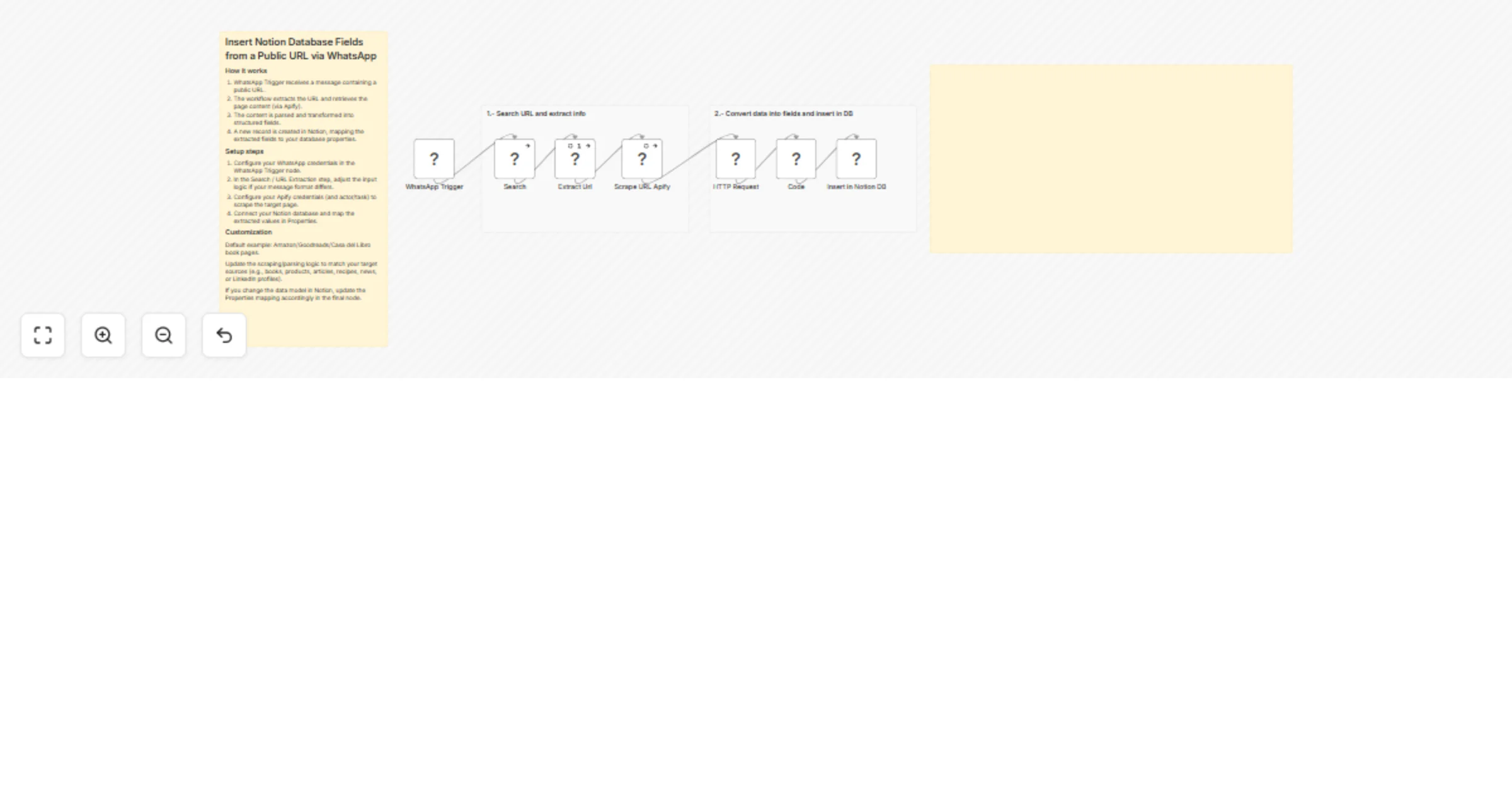
Workflow preview

$20/month : Unlimited workflows
2500 executions/month

THE #1 IN WEB SCRAPING
Scrape any website without limits
HOSTINGER  Early Deal
DISCOUNT 20% Try free
Early DealDISCOUNT 20%
Self-hosted n8n
Unlimited workflows - from $4.99/mo

#1 hub for scraping, AI & automation
6000+ actors - $5 credits/mo
Overview
Insert Notion Database Fields from a Public URL via WhatsApp
How it works
- WhatsApp Trigger receives a message containing a public URL.
- The workflow extracts the URL and retrieves the page content (via Apify).
- The content is parsed and transformed into structured fields.
- A new record is created in Notion, mapping the extracted fields to your database properties.
Setup steps
- Configure your WhatsApp credentials in the WhatsApp Trigger node.
- In the Search / URL Extraction step, adjust the input logic if your message format differs.
- Configure your Apify credentials (and actor/task) to scrape the target page.
- Connect your Notion database and map the extracted values in Properties.
Customization
Default example: Amazon/Goodreads/Casa del Libro book pages.
Update the scraping/parsing logic to match your target sources (e.g., books, products, articles, recipes, news, or LinkedIn profiles).
If you change the data model in Notion, update the Properties mapping accordingly in the final node.