Implement on-prem RAG with Qdrant and Ollama for a self-hosted KB

Workflow preview

Workflow preview
100%
Implement on-prem RAG with Qdrant and Ollama for a self-hosted KB preview
Open on n8n.io

1. Workflow Overview

Try It This n8n template provides a self hosted RAG implementation. How it works Provides one workflow to maintain the knowledge base and another one to query the knowledge base. Uploaded documents...

Best for

  • Internal Wiki automation workflows
  • AI RAG automation workflows
  • intermediate n8n builders looking for reusable templates

Tools used

@n8n/n8n-nodes-langchain.documentdefaultdataloader, @n8n/n8n-nodes-langchain.embeddingsollama, n8n-nodes-base.stickynote, @n8n/n8n-nodes-langchain.chattrigger, @n8n/n8n-nodes-langchain.agent, @n8n/n8n-nodes-langchain.lmchatollama, @n8n/n8n-nodes-langchain.memorybufferwindow, @n8n/n8n-nodes-langchain.vectorstoreqdrant

Source and attribution

This workflow is cataloged by N8N Workflows and links back to its original n8n.io source page by Mabura Ze Guru.

Original n8n.io source

1.1 Workflow description

Title
Implement on-prem RAG with Qdrant and Ollama for a self-hosted KB
Workflow name
Implement on-prem RAG with Qdrant and Ollama for a self-hosted KB

Try It

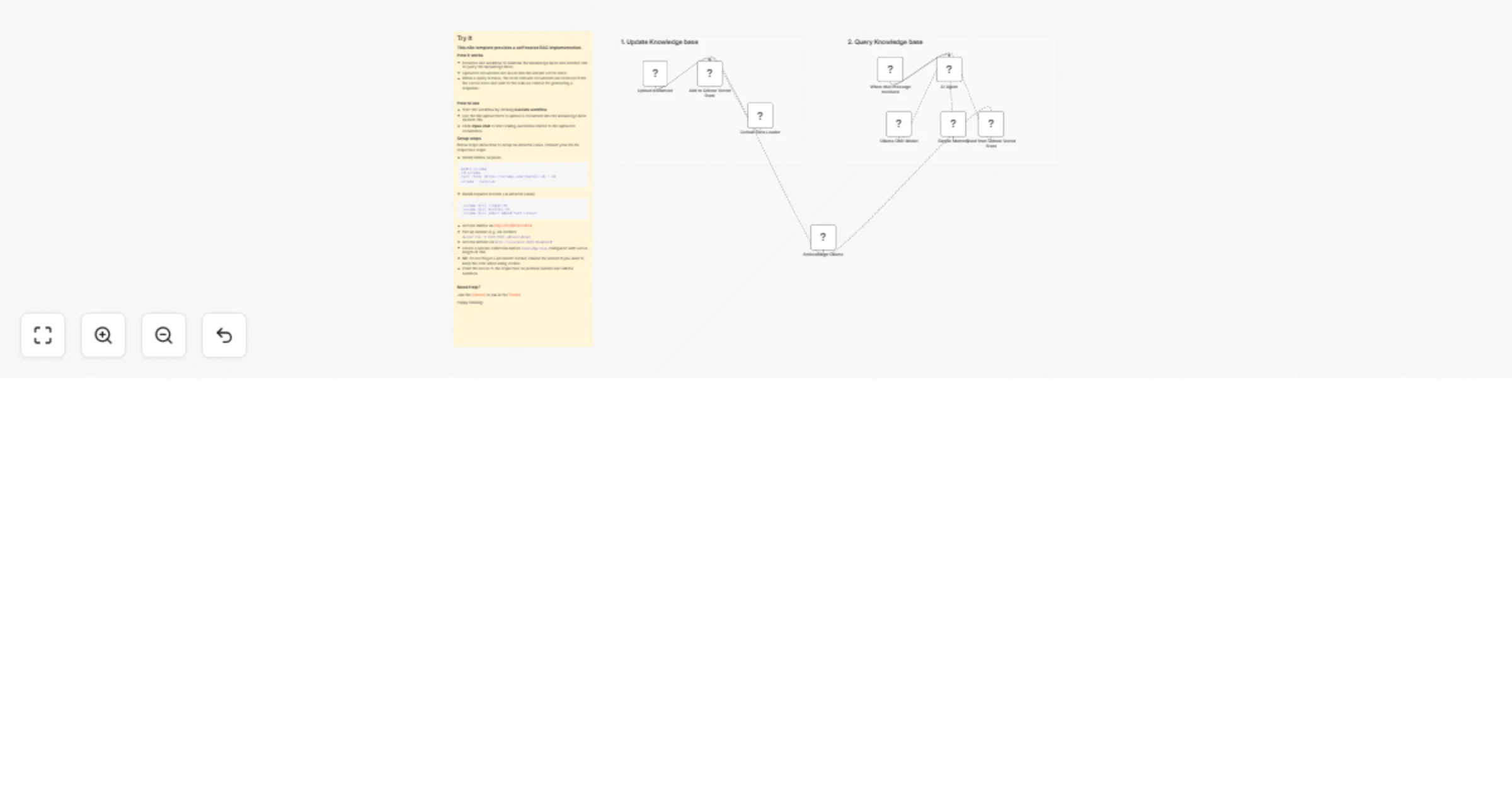
This n8n template provides a self hosted RAG implementation.

How it works

  • Provides one workflow to maintain the knowledge base and another one to query the knowledge base.
  • Uploaded documents are saved into the Qdrant vector store.
  • When a query is made, the most relevant documents are retrieved from the vector store and sent to the LLM as context for generating a response.

How to use

  • Start the workflow by clicking Execute workflow
  • Use the file upload form to upload a document into the knowledge base (Qdrant db).
  • Click Open chat to start asking questions related to the uploaded documents.

Setup steps

Below steps show how to setup on Amazon Linux. Consult your OS for respective steps

  • Install Ollama on prem
mkdir ollama
cd ollama
curl -fsSL https://ollama.com/install.sh | sh
ollama --version
  • Install required models ( in Amazon Linux)
 ollama pull llama3:8b
 ollama pull mistral:7b
 ollama pull nomic-embed-text:latest
  • Access ollama via http://localhost:11434
  • Fire up Qdrant (e.g. via docker) docker run -p 6333:6333 qdrant/qdrant.
  • Access Qdrant via http://localhost:6333/dashboard
  • Create a Qdrant collection named knowledge-base configured with vector length of 768.
  • NB: Do not forget a persistent docker volume for Qdrant if you want to keep the data when using docker.
  • Point the nodes to the respective on premise Qdrant and Ollama runtimes.

Need Help?

Join the Discord or ask in the Forum!

Happy RAGing!

1.2 Logical Blocks

This catalog entry is organized from the workflow JSON. The node-level section below shows the executable blocks available for review before importing the template.

2. Block-by-Block Analysis

Block 1 - Default Data Loader

Type / Role
@n8n/n8n-nodes-langchain.documentDefaultDataLoader - documentDefaultDataLoader
Config choices
Version 1.1

Block 2 - Embeddings Ollama

Type / Role
@n8n/n8n-nodes-langchain.embeddingsOllama - embeddingsOllama
Config choices
Version 1

Block 3 - Sticky Note

Type / Role
n8n-nodes-base.stickyNote - stickyNote
Config choices
Version 1

Block 4 - Sticky Note1

Type / Role
n8n-nodes-base.stickyNote - stickyNote
Config choices
Version 1

Block 5 - When chat message received

Type / Role
@n8n/n8n-nodes-langchain.chatTrigger - chatTrigger
Config choices
Version 1.4

Block 6 - AI Agent

Type / Role
@n8n/n8n-nodes-langchain.agent - agent
Config choices
Version 3.1

Block 7 - Ollama Chat Model

Type / Role
@n8n/n8n-nodes-langchain.lmChatOllama - lmChatOllama
Config choices
Version 1

Block 8 - Sticky Note2

Type / Role
n8n-nodes-base.stickyNote - stickyNote
Config choices
Version 1

Block 9 - Simple Memory

Type / Role
@n8n/n8n-nodes-langchain.memoryBufferWindow - memoryBufferWindow
Config choices
Version 1.3

Block 10 - Add to Qdrant Vector Store

Type / Role
@n8n/n8n-nodes-langchain.vectorStoreQdrant - vectorStoreQdrant
Config choices
Version 1.3

Block 11 - Read from Qdrant Vector Store

Type / Role
@n8n/n8n-nodes-langchain.vectorStoreQdrant - vectorStoreQdrant
Config choices
Version 1.3

Block 12 - Upload document

Type / Role
n8n-nodes-base.formTrigger - formTrigger
Config choices
Version 2.5

3. Summary Table

Workflow Implement on-prem RAG with Qdrant and Ollama for a self-hosted KB
Complexity intermediate
Nodes 12
Categories Internal Wiki, AI RAG
Author Mabura Ze Guru
Published 16 Feb 2026

4. Reproducing the Workflow from Scratch

  1. 1. Download the workflow JSON

    Use the JSON export at /data/workflows/13422/13422.json as the source template for this automation.

  2. 2. Import the template into n8n

    Open n8n, import the downloaded JSON, and review each node before activating the workflow.

  3. 3. Configure credentials and variables

    Replace placeholder credentials, API keys, webhook URLs, account IDs, and environment-specific values with your own settings.

  4. 4. Test with sample data

    Run the workflow manually or in a staging workspace, inspect node output, and confirm downstream systems receive the expected data.

  5. 5. Activate and monitor

    Enable the workflow only after testing, then monitor executions, errors, and rate limits during the first production runs.

5. General Notes & Resources

Review imported nodes carefully before activation. This catalog entry is intended to help you inspect the workflow structure, understand required services, and find related templates faster.

Node names, credentials, schedules, webhook paths, and external service limits may need adjustment for your workspace.

Frequently asked questions

What does Implement on-prem RAG with Qdrant and Ollama for a self-hosted KB do?

Try It This n8n template provides a self hosted RAG implementation. How it works Provides one workflow to maintain the knowledge base and another one to query the knowledge base. Uploaded documents...

What do I need before importing this workflow?

Review the workflow JSON, configure any required credentials in n8n, and test the automation in a safe workspace before using it in production.

Can I customize this workflow?

Yes. Use the block-by-block analysis and the downloadable JSON to inspect each node, then adjust credentials, prompts, schedules, filters, or destinations for your Internal Wiki, AI RAG use case.