Host your own AI deep research agent with n8n, Apify and OpenAI o3

Workflow preview

Workflow preview
100%
Host your own AI deep research agent with n8n, Apify and OpenAI o3 preview
Open on n8n.io

Important notice

This workflow is provided as-is. Please review and test before using in production.

1. Workflow Overview

This template attempts to replicate OpenAI's DeepResearch feature which, at time of writing, is only available to their pro subscribers. An agent that uses reasoning to synthesize large amount...

Best for

  • Market Research automation workflows
  • AI Chatbot automation workflows
  • advanced n8n builders looking for reusable templates

Tools used

@n8n/n8n-nodes-langchain.outputparserstructured, n8n-nodes-base.set, @n8n/n8n-nodes-langchain.lmchatopenai, n8n-nodes-base.formtrigger, @n8n/n8n-nodes-langchain.chainllm, n8n-nodes-base.splitout, n8n-nodes-base.noop, n8n-nodes-base.splitinbatches

Source and attribution

This workflow is cataloged by N8N Workflows and links back to its original n8n.io source page by Jimleuk.

Original n8n.io source

1.1 Workflow description

Title
Host your own AI deep research agent with n8n, Apify and OpenAI o3
Workflow name
Host your own AI deep research agent with n8n, Apify and OpenAI o3

This template attempts to replicate OpenAI's DeepResearch feature which, at time of writing, is only available to their pro subscribers.

> An agent that uses reasoning to synthesize large amount of online information and complete multi-step research tasks for you. Source

Though the inner workings of DeepResearch have not been made public, it is presumed the feature relies on the ability to deep search the web, scrape web content and invoking reasoning models to generate reports. All of which n8n is really good at!

Using this workflow, n8n users can enjoy a variation of the Deep Research experience for themselves and their teams at a fraction of the cost. Better yet, learn and customise this Deep Research template for their businesses and/or organisations.

Check out the generated reports here: https://jimleuk.notion.site/19486dd60c0c80da9cb7eb1468ea9afd?v=19486dd60c0c805c8e0c000ce8c87acf

How it works

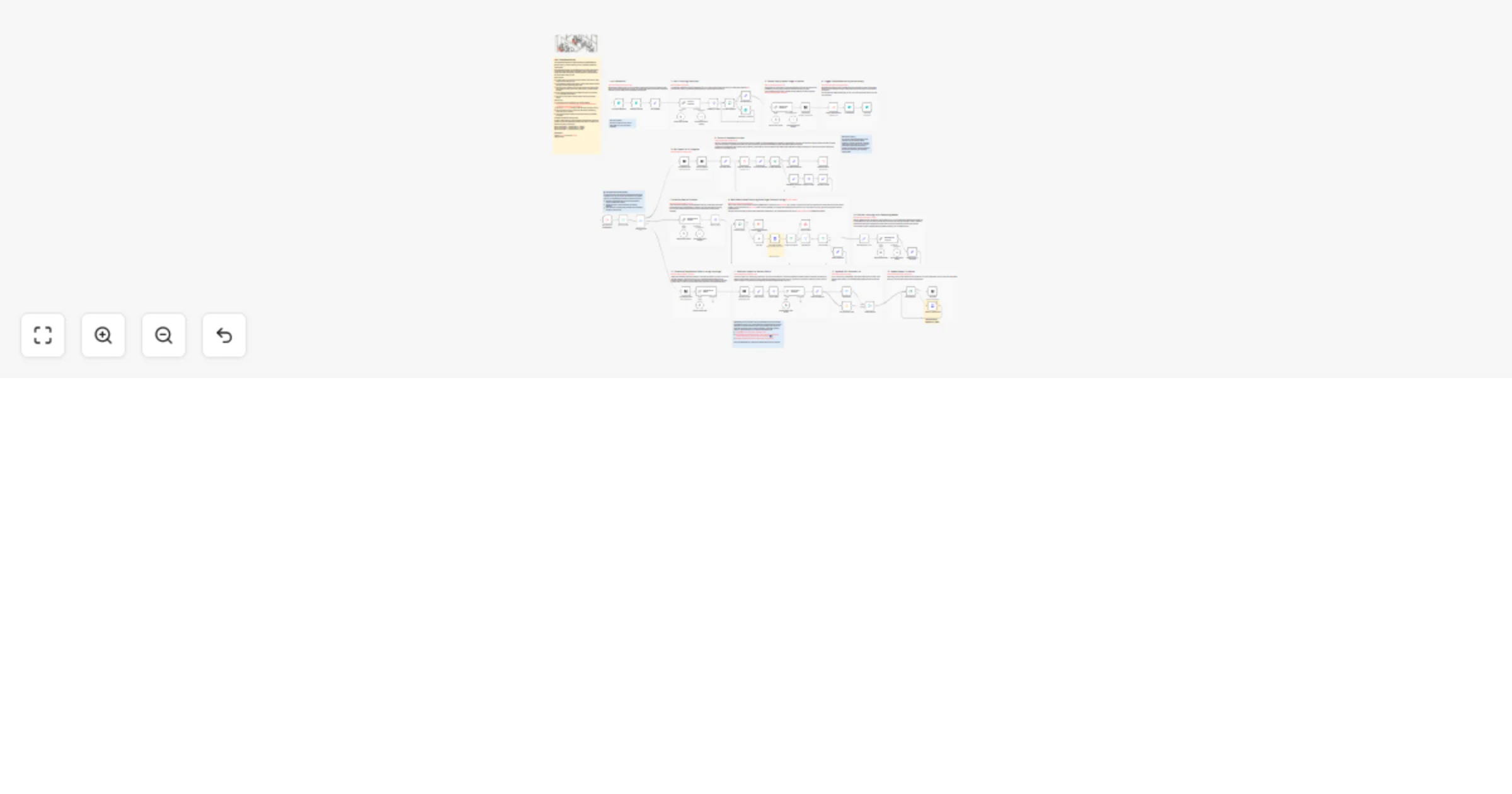
  • A form is used to first capture the user's research query and how deep they'd like the researcher to go.
  • Once submitted, a blank Notion page is created which will later hold the final report and the researcher gets to work.
  • The user's query goes through a recursive series of web serches and web scraping to collect data on the research topic to generate partial learnings.
  • Once complete, all learnings are combined and given to a reasoning LLM to generate the final report.
  • The report is then written to the placeholder Notion page created earlier.

How to use

  • Duplicate this Notion database template and make sure all Notion related nodes point to it.
  • Sign-up for APIFY.com API Key for web search and scraping services.
  • Ensure you have access to OpenAI's o3-mini model. Alternatively, switch this out for o1 series.
  • You must publish this workflow and ensure the form url is publically accessible.

On depth & breadth configuration

For more detailed reports, increase depth and breadth but be warned the workflow will take exponentially longer and cost more to complete. The recommended defaults are usually good enough.

Depth=1 & Breadth=2 - will take about 5 - 10mins. Depth=1 & Breadth=3 - will take about 15 - 20mins. Dpeth=3 & Breadth=5 - will take about 2+ hours!

Customising this workflow

  • I deliberately chose not to use AI-powered scrapers like Firecrawl as I felt these were quite costly and quotas would be quickly exhausted. However, feel free to switch web search and scraping services which suit your environment.
  • Maybe you don't decide to source the web and instead, data collection comes from internal documents instead. This template gives you freedom to change this.
  • Experiment with different Reasoning/Thinking models such as Deepseek and Google's Gemini 2.0.
  • Finally, the LLM prompts could definitely be improved. Refine them to fit your use-case.

Credits

1.2 Logical Blocks

This catalog entry is organized from the workflow JSON. The node-level section below shows the executable blocks available for review before importing the template.

2. Block-by-Block Analysis

Block 1 - Structured Output Parser

Type / Role
@n8n/n8n-nodes-langchain.outputParserStructured - outputParserStructured
Config choices
Version 1.2

Block 2 - Set Variables

Type / Role
n8n-nodes-base.set - set
Config choices
Version 3.4

Block 3 - OpenAI Chat Model

Type / Role
@n8n/n8n-nodes-langchain.lmChatOpenAi - lmChatOpenAi
Config choices
Version 1.2

Block 4 - OpenAI Chat Model1

Type / Role
@n8n/n8n-nodes-langchain.lmChatOpenAi - lmChatOpenAi
Config choices
Version 1.2

Block 5 - OpenAI Chat Model2

Type / Role
@n8n/n8n-nodes-langchain.lmChatOpenAi - lmChatOpenAi
Config choices
Version 1.2

Block 6 - Structured Output Parser1

Type / Role
@n8n/n8n-nodes-langchain.outputParserStructured - outputParserStructured
Config choices
Version 1.2

Block 7 - On form submission

Type / Role
n8n-nodes-base.formTrigger - formTrigger
Config choices
Version 2.2

Block 8 - Generate SERP Queries

Type / Role
@n8n/n8n-nodes-langchain.chainLlm - chainLlm
Config choices
Version 1.5

Block 9 - Structured Output Parser2

Type / Role
@n8n/n8n-nodes-langchain.outputParserStructured - outputParserStructured
Config choices
Version 1.2

Block 10 - OpenAI Chat Model3

Type / Role
@n8n/n8n-nodes-langchain.lmChatOpenAi - lmChatOpenAi
Config choices
Version 1.2

Block 11 - Set Initial Query

Type / Role
n8n-nodes-base.set - set
Config choices
Version 3.4

Block 12 - SERP to Items

Type / Role
n8n-nodes-base.splitOut - splitOut
Config choices
Version 1

Block 13 - Item Ref

Type / Role
n8n-nodes-base.noOp - noOp
Config choices
Version 1

Block 14 - Research Goal + Learnings

Type / Role
n8n-nodes-base.set - set
Config choices
Version 3.4

Block 15 - Accumulate Results

Type / Role
n8n-nodes-base.set - set
Config choices
Version 3.4

Block 16 - DeepResearch Results

Type / Role
n8n-nodes-base.set - set
Config choices
Version 3.4

Block 17 - Results to Items

Type / Role
n8n-nodes-base.splitOut - splitOut
Config choices
Version 1

Block 18 - Set Next Queries

Type / Role
n8n-nodes-base.set - set
Config choices
Version 3.4

Block 19 - For Each Query...

Type / Role
n8n-nodes-base.splitInBatches - splitInBatches
Config choices
Version 3

Block 20 - Feedback to Items

Type / Role
n8n-nodes-base.splitOut - splitOut
Config choices
Version 1

Block 21 - Ask Clarity Questions

Type / Role
n8n-nodes-base.form - form
Config choices
Version 1

Block 22 - For Each Question...

Type / Role
n8n-nodes-base.splitInBatches - splitInBatches
Config choices
Version 3

Block 23 - DeepResearch Subworkflow

Type / Role
n8n-nodes-base.executeWorkflowTrigger - executeWorkflowTrigger
Config choices
Version 1.1

Block 24 - Sticky Note

Type / Role
n8n-nodes-base.stickyNote - stickyNote
Config choices
Version 1

Showing the first 24 of 85 workflow blocks. Download the JSON for the full node graph.

3. Summary Table

Workflow Host your own AI deep research agent with n8n, Apify and OpenAI o3
Complexity advanced
Nodes 85
Categories Market Research, AI Chatbot
Author Jimleuk
Published 11 Feb 2025

4. Reproducing the Workflow from Scratch

  1. 1. Download the workflow JSON

    Use the JSON export at /data/workflows/2878/2878.json as the source template for this automation.

  2. 2. Import the template into n8n

    Open n8n, import the downloaded JSON, and review each node before activating the workflow.

  3. 3. Configure credentials and variables

    Replace placeholder credentials, API keys, webhook URLs, account IDs, and environment-specific values with your own settings.

  4. 4. Test with sample data

    Run the workflow manually or in a staging workspace, inspect node output, and confirm downstream systems receive the expected data.

  5. 5. Activate and monitor

    Enable the workflow only after testing, then monitor executions, errors, and rate limits during the first production runs.

5. General Notes & Resources

Review imported nodes carefully before activation. This catalog entry is intended to help you inspect the workflow structure, understand required services, and find related templates faster.

Node names, credentials, schedules, webhook paths, and external service limits may need adjustment for your workspace.

Frequently asked questions

What does Host your own AI deep research agent with n8n, Apify and OpenAI o3 do?

This template attempts to replicate OpenAI's DeepResearch feature which, at time of writing, is only available to their pro subscribers. An agent that uses reasoning to synthesize large amount...

What do I need before importing this workflow?

Review the workflow JSON, configure any required credentials in n8n, and test the automation in a safe workspace before using it in production.

Can I customize this workflow?

Yes. Use the block-by-block analysis and the downloadable JSON to inspect each node, then adjust credentials, prompts, schedules, filters, or destinations for your Market Research, AI Chatbot use case.