Block 1 - When chat message received
- Type / Role
- @n8n/n8n-nodes-langchain.chatTrigger - chatTrigger
- Config choices
- Version 1.4


 Early Deal
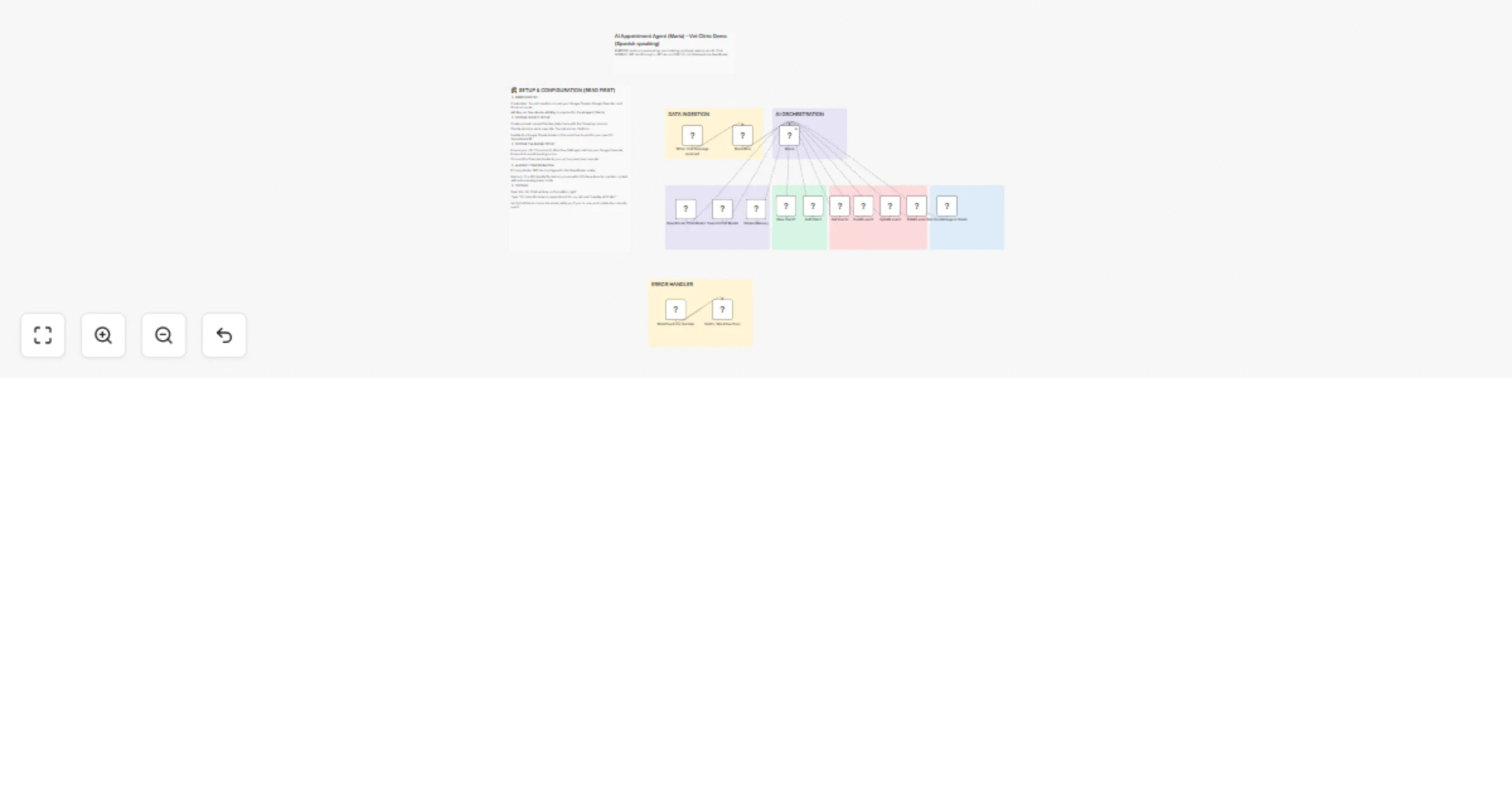
Overview Meet Maria, a sophisticated AI Booking Agent designed for Veterinary Clinics (but easily adaptable to any service business). This workflow transforms a simple chat interface into a full sc...
@n8n/n8n-nodes-langchain.chattrigger, n8n-nodes-base.set, n8n-nodes-base.googlecalendartool, @n8n/n8n-nodes-langchain.memorybufferwindow, @n8n/n8n-nodes-langchain.lmchatopenrouter, n8n-nodes-base.googlesheetstool, @n8n/n8n-nodes-langchain.agent, @n8n/n8n-nodes-langchain.lmchatopenai
This workflow is cataloged by N8N Workflows and links back to its original n8n.io source page by Ailin Werner.
Original n8n.io sourceOverview Meet Maria, a sophisticated AI Booking Agent designed for Veterinary Clinics (but easily adaptable to any service business). This workflow transforms a simple chat interface into a full-scale administrative assistant that handles client lookups, lead generation, and scheduling without human intervention.
Key Features Intelligent CRM Lookup: Automatically checks Google Sheets to see if a customer is a "New" or "Existing" client.
Automated Lead Capture: If the client doesn't exist, the agent collects their details and creates a new entry in real-time.
Full Calendar Management: Maria can Get, Create, Reschedule, and Delete appointments directly in Google Calendar.
Smart Escalation: Uses a "Human-in-the-loop" logic; if a query is medical or complex, Maria triggers a Gmail notification to alert the professional staff.
Dual-Model Reliability: Powered by OpenRouter, utilizing GPT-4o for complex reasoning with built-in fallback support.
How it works Normalization: Incoming phone numbers are cleaned to ensure database consistency.
The Brain: The AI Agent uses a Window Buffer Memory to maintain context throughout the conversation.
Tooling: Maria is equipped with custom tools for Google Sheets (Database), Google Calendar (Booking), and Gmail (Escalation).
Confirmation: No appointment is finalized until the agent confirms the date and time with the user in natural language.
Setup Instructions Credentials: Connect your Google Sheets, Calendar, and Gmail accounts.
API: Add your OpenRouter API key to the AI Agent node.
Sheet ID: Update the Google Sheets nodes to point to your specific Spreadsheet.
Timezone: Ensure your n8n Workflow settings match your local clinic's timezone.
This catalog entry is organized from the workflow JSON. The node-level section below shows the executable blocks available for review before importing the template.
| Workflow | Handle Spanish-speaking vet clinic bookings with GPT-4o, Sheets, Calendar and Gmail |
|---|---|
| Complexity | advanced |
| Nodes | 24 |
| Categories | Support Chatbot, AI Chatbot |
| Author | Ailin Werner |
| Published | 04 Mar 2026 |
Use the JSON export at /data/workflows/13864/13864.json as the source template for this automation.
Open n8n, import the downloaded JSON, and review each node before activating the workflow.
Replace placeholder credentials, API keys, webhook URLs, account IDs, and environment-specific values with your own settings.
Run the workflow manually or in a staging workspace, inspect node output, and confirm downstream systems receive the expected data.
Enable the workflow only after testing, then monitor executions, errors, and rate limits during the first production runs.
Review imported nodes carefully before activation. This catalog entry is intended to help you inspect the workflow structure, understand required services, and find related templates faster.
Node names, credentials, schedules, webhook paths, and external service limits may need adjustment for your workspace.
Overview Meet Maria, a sophisticated AI Booking Agent designed for Veterinary Clinics (but easily adaptable to any service business). This workflow transforms a simple chat interface into a full sc...
Review the workflow JSON, configure any required credentials in n8n, and test the automation in a safe workspace before using it in production.
Yes. Use the block-by-block analysis and the downloadable JSON to inspect each node, then adjust credentials, prompts, schedules, filters, or destinations for your Support Chatbot, AI Chatbot use case.