Handle guest inquiries for multiple rentals with Pinecone Assistant and GPT-4.1

Workflow preview

Workflow preview
100%
Handle guest inquiries for multiple rentals with Pinecone Assistant and GPT-4.1 preview
Open on n8n.io

1. Workflow Overview

Vacation rental property manager with multiple Assistants ️ Read about how multi domain RAG works and other use cases by working through this tutorial on the n8n Blog [here](https://blog.n8n.io/b...

Best for

  • Support Chatbot automation workflows
  • AI RAG automation workflows
  • advanced n8n builders looking for reusable templates

Tools used

@n8n/n8n-nodes-langchain.chattrigger, @n8n/n8n-nodes-langchain.agent, @n8n/n8n-nodes-langchain.lmchatopenai, n8n-nodes-base.googledrive, n8n-nodes-base.stickynote, n8n-nodes-base.googledrivetrigger, @pinecone-database/n8n-nodes-pinecone-assistant.pineconeassistant, @pinecone-database/n8n-nodes-pinecone-assistant.pineconeassistanttool

Source and attribution

This workflow is cataloged by N8N Workflows and links back to its original n8n.io source page by Pinecone.

Original n8n.io source

1.1 Workflow description

Title
Handle guest inquiries for multiple rentals with Pinecone Assistant and GPT-4.1
Workflow name
Handle guest inquiries for multiple rentals with Pinecone Assistant and GPT-4.1

Vacation rental property manager with multiple Assistants

🛠️ Read about how multi-domain RAG works and other use cases by working through this tutorial on the n8n Blog here.

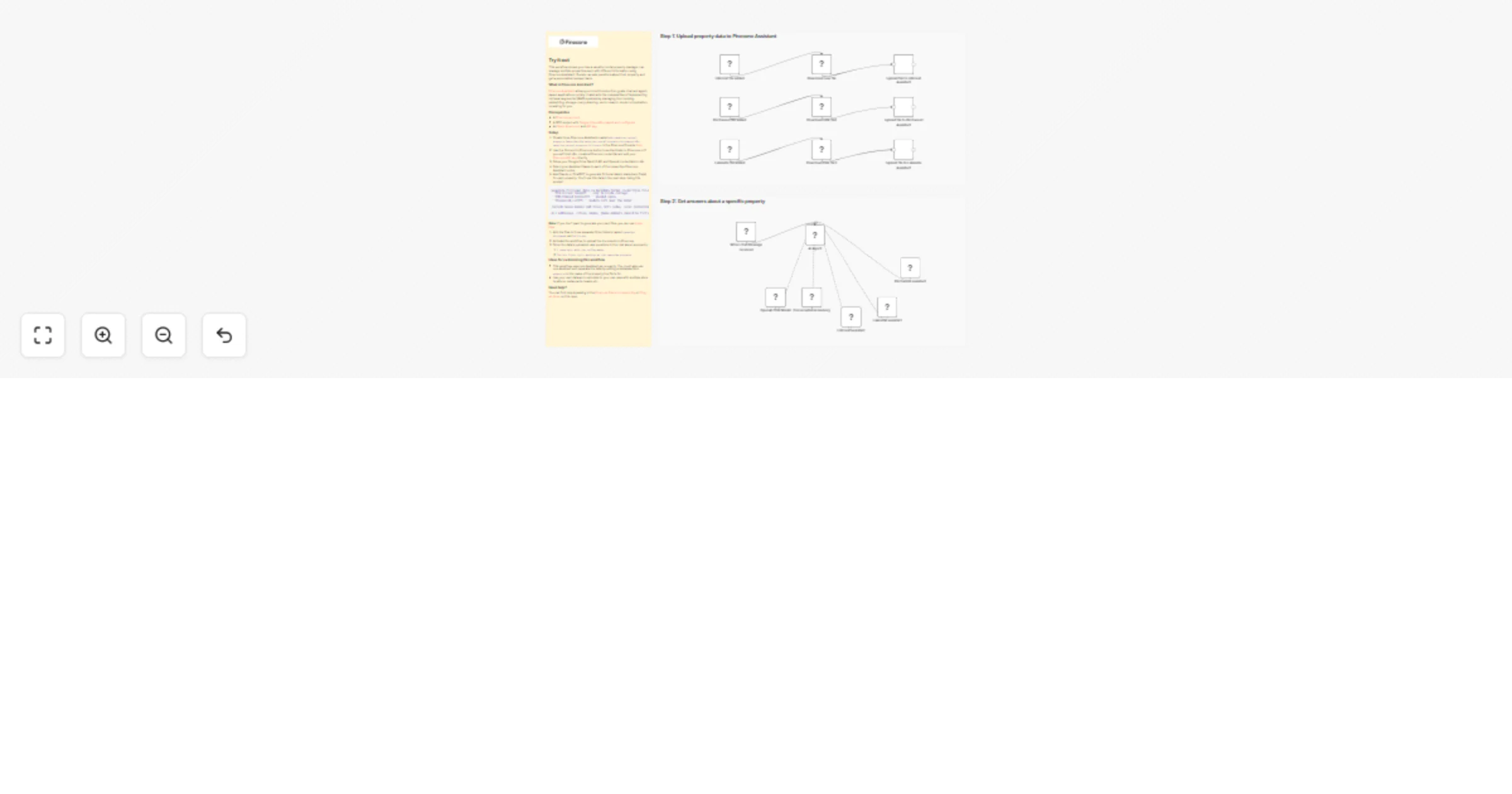
This workflow shows you how a vacation rental property manager can manage multiple properties each with different information using Pinecone Assistant. Guests can ask questions about their property and get a personalized answer back.

What is Pinecone Assistant?

Pinecone Assistant allows you to build production-grade chat and agent-based applications quickly. It abstracts the complexities of implementing retrieval-augmented (RAG) systems by managing the chunking, embedding, storage, query planning, vector search, model orchestration, reranking for you.

Try it out

Prerequisites

Setup

  1. Create three Pinecone Assistants in the Pinecone Console here
  2. Name your Assistants n8n-vacation-rental-property-lakeside, n8n-vacation-rental-property-birchwood, n8n-vacation-rental-property-hillcrest
  3. Use the Connect to Pinecone button to authenticate to Pinecone or if you self-host n8n, create a Pinecone credential and add your Pinecone API key directly
  4. Setup your Google Drive OAuth2 API and OpenAI credentials in n8n
  5. Select your Assistant Name in each of the respective Pinecone Assistant nodes
  6. Ask Claude or ChatGPT to generate fictional data in markdown file(s) for each property. You'll use this data in the next step. Using this prompt:
Generate fictional data in markdown format in multiple files for three fictional vacation rental properties in a fictional city. The rental property names are:
- **Hillcrest Haven** – cozy hillside cottage
- **Birchwood Retreat** – wooded cabin
- **Lakeside Loft** – modern loft near the water

Include house manual and rules, wifi codes, local restaurant, coffee shop, outdoor recreation, and entertainment recommendations, and fictional appliance manuals for the air fryer, coffee pot, tv, and washer and dryer.

All addresses, cities, names, phone numbers should be fictional. Each set of files should be named based on their property name like "hillcrest_haven_house_manual.md".

Note: If you don't want to generate your own files, you can use these files.

  1. Add the files to three separate Drive folders named lakeside, birchwood, and hillcrest
  2. Activate the workflow to upload the documents to Pinecone
  3. Once the data is uploaded, ask questions in the chat about a property:
  4. I need help with the coffee maker
  5. The air fryer isn't working at the Lakeside property

Ideas for customizing this workflow

  • This workflow uses one Assistant per property. You could also use one Assistant and separate the data by setting a metadata field, property, to the name of the property the file is for.
  • Use your own data and customize to your use case with multiple store locations, restaurants, teams, etc.

Need help?

You can find help by asking in the Pinecone Discord community or filing an issue on this repo.

1.2 Logical Blocks

This catalog entry is organized from the workflow JSON. The node-level section below shows the executable blocks available for review before importing the template.

2. Block-by-Block Analysis

Block 1 - When chat message received

Type / Role
@n8n/n8n-nodes-langchain.chatTrigger - chatTrigger
Config choices
Version 1.4

Block 2 - AI Agent

Type / Role
@n8n/n8n-nodes-langchain.agent - agent
Config choices
Version 3

Block 3 - OpenAI Chat Model

Type / Role
@n8n/n8n-nodes-langchain.lmChatOpenAi - lmChatOpenAi
Config choices
Version 1.3

Block 4 - Download new file

Type / Role
n8n-nodes-base.googleDrive - googleDrive
Config choices
Version 3

Block 5 - Sticky Note

Type / Role
n8n-nodes-base.stickyNote - stickyNote
Config choices
Version 1

Block 6 - Sticky Note1

Type / Role
n8n-nodes-base.stickyNote - stickyNote
Config choices
Version 1

Block 7 - Hillcrest file added

Type / Role
n8n-nodes-base.googleDriveTrigger - googleDriveTrigger
Config choices
Version 1

Block 8 - Birchwood file added

Type / Role
n8n-nodes-base.googleDriveTrigger - googleDriveTrigger
Config choices
Version 1

Block 9 - Lakeside file added

Type / Role
n8n-nodes-base.googleDriveTrigger - googleDriveTrigger
Config choices
Version 1

Block 10 - Upload file to Hillcrest Assistant

Type / Role
@pinecone-database/n8n-nodes-pinecone-assistant.pineconeAssistant - pineconeAssistant
Config choices
Version 1.2

Block 11 - Download new file1

Type / Role
n8n-nodes-base.googleDrive - googleDrive
Config choices
Version 3

Block 12 - Upload file to Birchwood Assistant

Type / Role
@pinecone-database/n8n-nodes-pinecone-assistant.pineconeAssistant - pineconeAssistant
Config choices
Version 1.2

Block 13 - Download new file2

Type / Role
n8n-nodes-base.googleDrive - googleDrive
Config choices
Version 3

Block 14 - Upload file to Lakeside Assistant

Type / Role
@pinecone-database/n8n-nodes-pinecone-assistant.pineconeAssistant - pineconeAssistant
Config choices
Version 1.2

Block 15 - Sticky Note2

Type / Role
n8n-nodes-base.stickyNote - stickyNote
Config choices
Version 1

Block 16 - Hillcrest assistant

Type / Role
@pinecone-database/n8n-nodes-pinecone-assistant.pineconeAssistantTool - pineconeAssistantTool
Config choices
Version 1.2

Block 17 - Conversational memory

Type / Role
@n8n/n8n-nodes-langchain.memoryBufferWindow - memoryBufferWindow
Config choices
Version 1.3

Block 18 - Lakeside assistant

Type / Role
@pinecone-database/n8n-nodes-pinecone-assistant.pineconeAssistantTool - pineconeAssistantTool
Config choices
Version 1.2

Block 19 - Birchwood assistant

Type / Role
@pinecone-database/n8n-nodes-pinecone-assistant.pineconeAssistantTool - pineconeAssistantTool
Config choices
Version 1.2

3. Summary Table

Workflow Handle guest inquiries for multiple rentals with Pinecone Assistant and GPT-4.1
Complexity advanced
Nodes 19
Categories Support Chatbot, AI RAG
Author Pinecone
Published 17 Feb 2026

4. Reproducing the Workflow from Scratch

  1. 1. Download the workflow JSON

    Use the JSON export at /data/workflows/13467/13467.json as the source template for this automation.

  2. 2. Import the template into n8n

    Open n8n, import the downloaded JSON, and review each node before activating the workflow.

  3. 3. Configure credentials and variables

    Replace placeholder credentials, API keys, webhook URLs, account IDs, and environment-specific values with your own settings.

  4. 4. Test with sample data

    Run the workflow manually or in a staging workspace, inspect node output, and confirm downstream systems receive the expected data.

  5. 5. Activate and monitor

    Enable the workflow only after testing, then monitor executions, errors, and rate limits during the first production runs.

5. General Notes & Resources

Review imported nodes carefully before activation. This catalog entry is intended to help you inspect the workflow structure, understand required services, and find related templates faster.

Node names, credentials, schedules, webhook paths, and external service limits may need adjustment for your workspace.

Frequently asked questions

What does Handle guest inquiries for multiple rentals with Pinecone Assistant and GPT-4.1 do?

Vacation rental property manager with multiple Assistants ️ Read about how multi domain RAG works and other use cases by working through this tutorial on the n8n Blog [here](https://blog.n8n.io/b...

What do I need before importing this workflow?

Review the workflow JSON, configure any required credentials in n8n, and test the automation in a safe workspace before using it in production.

Can I customize this workflow?

Yes. Use the block-by-block analysis and the downloadable JSON to inspect each node, then adjust credentials, prompts, schedules, filters, or destinations for your Support Chatbot, AI RAG use case.