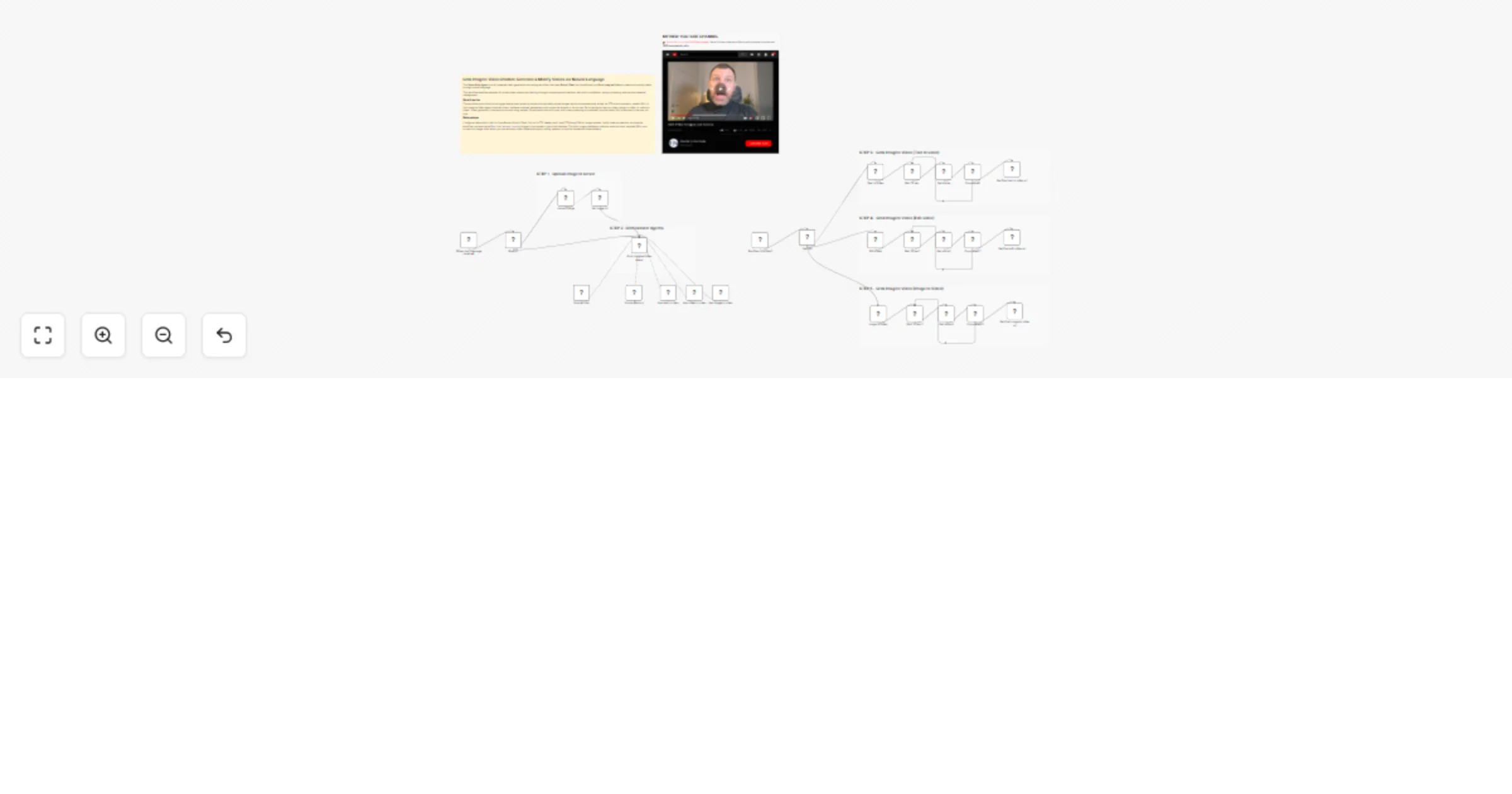
Grok Imagine Video Chatbot ๐Ÿค–๐Ÿ“บ: Generate & Modify Videos via Natural Language

Workflow preview

Workflow preview
100%
Grok Imagine Video Chatbot ๐Ÿค–๐Ÿ“บ: Generate & Modify Videos via Natural Language preview
Open on n8n.io

1. Workflow Overview

The Video Grok Agent is an AI powered video generation and editing workflow that uses Grok 4.1 Fast (via OpenRouter) and Grok Imagine Video to create and modify videos through natural language. Thi...

Best for

  • Content Creation automation workflows
  • AI Chatbot automation workflows
  • advanced n8n builders looking for reusable templates

Tools used

@n8n/n8n-nodes-langchain.toolworkflow, n8n-nodes-base.executeworkflowtrigger, @n8n/n8n-nodes-langchain.chattrigger, @n8n/n8n-nodes-langchain.memorybufferwindow, n8n-nodes-base.httprequest, n8n-nodes-base.if, n8n-nodes-base.switch, @n8n/n8n-nodes-langchain.lmchatopenrouter

Source and attribution

This workflow is cataloged by N8N Workflows and links back to its original n8n.io source page by Davide Boizza.

Original n8n.io source

1.1 Workflow description

Title
Grok Imagine Video Chatbot ๐Ÿค–๐Ÿ“บ: Generate & Modify Videos via Natural Language
Workflow name
Grok Imagine Video Chatbot ๐Ÿค–๐Ÿ“บ: Generate & Modify Videos via Natural Language

The Video Grok Agent is an AI-powered video generation and editing workflow that uses Grok 4.1 Fast (via OpenRouter) and Grok Imagine Video to create and modify videos through natural language.

This workflow enables seamless AI-driven video creation and editing through a conversational interface, with built-in validation, async processing, and secure credential management.


Key Advantages

1. โœ… Unified Video Creation Pipeline

A single workflow supports text-to-video, image-to-video, and video editing, reducing complexity and avoiding duplicated logic across multiple automations.

2. โœ… AI-Guided User Interaction

The conversational agent ensures:

  • the correct tool is selected,
  • all mandatory parameters are provided,
  • errors due to missing inputs are minimized.

This makes the workflow usable even by non-technical users.

3. โœ… Asynchronous & Scalable Execution

The workflow is designed around queued, non-blocking requests:

  • wait nodes + status polling
  • no execution timeouts
  • scalable for multiple concurrent video jobs
4. โœ… Automatic Media Handling

Uploaded images are:

  • detected automatically,
  • uploaded to external storage,
  • converted into usable URLs without manual steps.

This enables smooth image-to-video generation directly from chat uploads.

5. โœ… Clear Separation of Responsibilities

Each step is modular:

  • orchestration (agent),
  • decision routing (switch),
  • media processing (Fal.run APIs),
  • status monitoring (HTTP + wait loops).

This makes the workflow easy to maintain, extend, or debug.

6. โœ… Strong Guardrails & Validation

The agent enforces:

  • correct tool usage (e.g. video-to-video only for editing),
  • duration limits (1โ€“15 seconds),
  • mandatory URLs before execution.

This prevents incorrect API calls and wasted compute.

7. โœ… Extensible Architecture

New tools (e.g. different models, resolutions, aspect ratios, or providers) can be added without redesigning the whole systemโ€”just plug them into the existing agent + switch logic.


How it works

  1. User Interaction
  • The workflow starts with a chat trigger (When chat message received), where users can upload images and submit text prompts.
  • If an image is uploaded, it is automatically stored via FTP (BunnyCDN) and its URL is passed to the AI agent.
  1. AI Agent Orchestration
  • The Grok Imagine Video Agent processes the userโ€™s request and determines which action to perform:
  • Text-to-Video: Create a new video from a text prompt. See test result
  • Image-to-Video: Animate an existing image. See test result
  • Video-to-Video: Edit an existing video. See test result
  • The agent follows strict rules to ensure all required parameters (e.g., duration, URLs, prompts) are collected before proceeding.
  1. Video Processing via Fal.run API
  • Depending on the selected tool, the workflow calls the corresponding Fal.run endpoint:
  • text-to-video
  • image-to-video
  • edit-video
  • Each request returns a request_id used to poll for completion.
  1. Asynchronous Processing & Polling
  • After submission, the workflow enters a polling loop:
  • Waits 10โ€“30 seconds.
  • Checks the request status via Fal.runโ€™s status endpoint.
  • Once the status is COMPLETED, it retrieves the final video URL.
  1. Result Delivery
  • The final video URL is returned to the user via the chat interface.
  • The agent does not proceed further once the video is ready.

Set Up Steps

To deploy and use this workflow in n8n:

  1. Credentials Configuration
  • Set up the following credentials in n8n:
  • OpenRouter API (for Grok 4.1 Fast)
  • Fal.run API (HTTP Header Auth)
  • FTP/BunnyCDN (for image uploads)
  1. Workflow Activation
  • Ensure all nodes are correctly connected as per the connections mapping.
  • Activate the workflow via the Execute Workflow Trigger (Run Text-to-Video1).
  1. Chat Interface Setup
  • The workflow is designed to be triggered via a chat message.
  • Configure the When chat message received node to connect to your frontend or chat platform.
  1. Parameter Validation
  • The AI agent includes validation rules to ensure:
  • Duration is between 1โ€“15 seconds.
  • Required URLs (image/video) are provided where needed.
  • The correct tool is invoked based on user intent.
  1. Testing & Monitoring
  • Test each tool separately (text, image, video) to ensure Fal.run API responses are handled correctly.
  • Monitor the polling loops to avoid timeouts and ensure video URLs are retrieved successfully.

๐Ÿ‘‰ Subscribe to my new YouTube channel. Here Iโ€™ll share videos and Shorts with practical tutorials and FREE templates for n8n.


Need help customizing?

Contact me for consulting and support or add me on Linkedin.

1.2 Logical Blocks

This catalog entry is organized from the workflow JSON. The node-level section below shows the executable blocks available for review before importing the template.

2. Block-by-Block Analysis

Block 1 - Run text to video

Type / Role
@n8n/n8n-nodes-langchain.toolWorkflow - toolWorkflow
Config choices
Version 2.2

Block 2 - Run Text-to-Video1

Type / Role
n8n-nodes-base.executeWorkflowTrigger - executeWorkflowTrigger
Config choices
Version 1.1

Block 3 - When chat message received

Type / Role
@n8n/n8n-nodes-langchain.chatTrigger - chatTrigger
Config choices
Version 1.4

Block 4 - Simple Memory

Type / Role
@n8n/n8n-nodes-langchain.memoryBufferWindow - memoryBufferWindow
Config choices
Version 1.3

Block 5 - Get status

Type / Role
n8n-nodes-base.httpRequest - httpRequest
Config choices
Version 4.2

Block 6 - Completed?

Type / Role
n8n-nodes-base.if - if
Config choices
Version 2.2

Block 7 - Switch1

Type / Role
n8n-nodes-base.switch - switch
Config choices
Version 3.4

Block 8 - Get status1

Type / Role
n8n-nodes-base.httpRequest - httpRequest
Config choices
Version 4.2

Block 9 - Completed?1

Type / Role
n8n-nodes-base.if - if
Config choices
Version 2.2

Block 10 - Run image to video

Type / Role
@n8n/n8n-nodes-langchain.toolWorkflow - toolWorkflow
Config choices
Version 2.2

Block 11 - Get status2

Type / Role
n8n-nodes-base.httpRequest - httpRequest
Config choices
Version 4.2

Block 12 - Completed?2

Type / Role
n8n-nodes-base.if - if
Config choices
Version 2.2

Block 13 - Run video to video

Type / Role
@n8n/n8n-nodes-langchain.toolWorkflow - toolWorkflow
Config choices
Version 2.2

Block 14 - Grok 4.1 Fast

Type / Role
@n8n/n8n-nodes-langchain.lmChatOpenRouter - lmChatOpenRouter
Config choices
Version 1

Block 15 - Binary?

Type / Role
n8n-nodes-base.if - if
Config choices
Version 2.3

Block 16 - Set Image Url

Type / Role
n8n-nodes-base.set - set
Config choices
Version 3.4

Block 17 - Grok Imagine Video Agent

Type / Role
@n8n/n8n-nodes-langchain.agent - agent
Config choices
Version 3.1

Block 18 - Edit Video

Type / Role
n8n-nodes-base.httpRequest - httpRequest
Config choices
Version 4.3

Block 19 - Text to Video

Type / Role
n8n-nodes-base.httpRequest - httpRequest
Config choices
Version 4.3

Block 20 - Image to Video

Type / Role
n8n-nodes-base.httpRequest - httpRequest
Config choices
Version 4.3

Block 21 - Get final text to video url

Type / Role
n8n-nodes-base.httpRequest - httpRequest
Config choices
Version 4.2

Block 22 - Get final edit video url

Type / Role
n8n-nodes-base.httpRequest - httpRequest
Config choices
Version 4.2

Block 23 - Get final image to video url

Type / Role
n8n-nodes-base.httpRequest - httpRequest
Config choices
Version 4.2

Block 24 - Wait 10 sec.

Type / Role
n8n-nodes-base.wait - wait
Config choices
Version 1.1

Showing the first 24 of 34 workflow blocks. Download the JSON for the full node graph.

3. Summary Table

Workflow Grok Imagine Video Chatbot ๐Ÿค–๐Ÿ“บ: Generate & Modify Videos via Natural Language
Complexity advanced
Nodes 34
Categories Content Creation, AI Chatbot
Author Davide Boizza
Published 03 Feb 2026

4. Reproducing the Workflow from Scratch

  1. 1. Download the workflow JSON

    Use the JSON export at /data/workflows/13182/13182.json as the source template for this automation.

  2. 2. Import the template into n8n

    Open n8n, import the downloaded JSON, and review each node before activating the workflow.

  3. 3. Configure credentials and variables

    Replace placeholder credentials, API keys, webhook URLs, account IDs, and environment-specific values with your own settings.

  4. 4. Test with sample data

    Run the workflow manually or in a staging workspace, inspect node output, and confirm downstream systems receive the expected data.

  5. 5. Activate and monitor

    Enable the workflow only after testing, then monitor executions, errors, and rate limits during the first production runs.

5. General Notes & Resources

Review imported nodes carefully before activation. This catalog entry is intended to help you inspect the workflow structure, understand required services, and find related templates faster.

Node names, credentials, schedules, webhook paths, and external service limits may need adjustment for your workspace.

Frequently asked questions

What does Grok Imagine Video Chatbot ๐Ÿค–๐Ÿ“บ: Generate & Modify Videos via Natural Language do?

The Video Grok Agent is an AI powered video generation and editing workflow that uses Grok 4.1 Fast (via OpenRouter) and Grok Imagine Video to create and modify videos through natural language. Thi...

What do I need before importing this workflow?

Review the workflow JSON, configure any required credentials in n8n, and test the automation in a safe workspace before using it in production.

Can I customize this workflow?

Yes. Use the block-by-block analysis and the downloadable JSON to inspect each node, then adjust credentials, prompts, schedules, filters, or destinations for your Content Creation, AI Chatbot use case.