Google Sheets MCP - AI-powered spreadsheet management
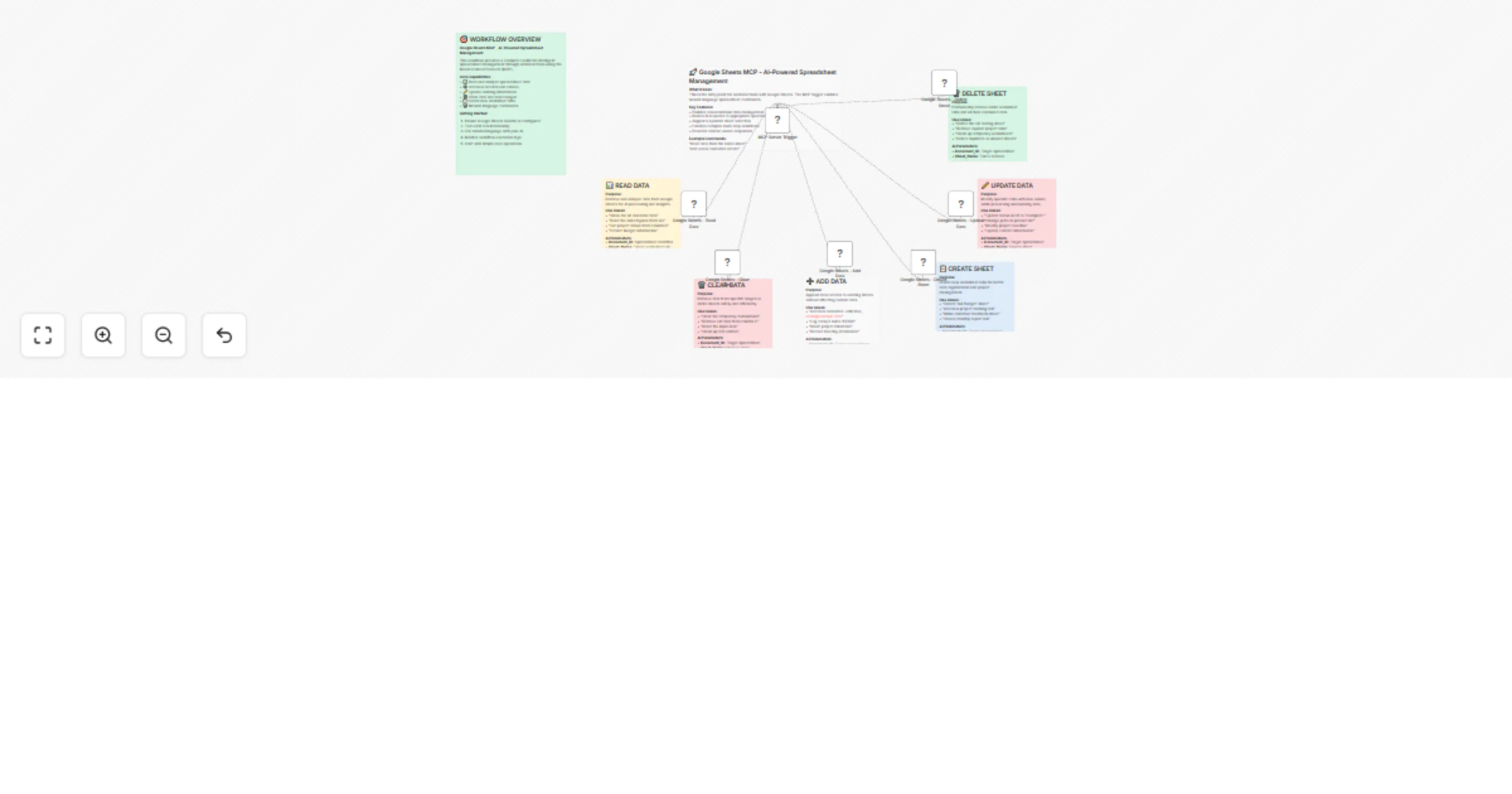
Workflow preview


 Early Deal
DISCOUNT 20%

Important notice
This workflow is provided as-is. Please review and test before using in production.
Overview
📊 Google Sheets MCP Workflow – AI Meets Spreadsheets! 😄
✨ What It Does
This n8n workflow lets you chat with your spreadsheets using AI + MCP! From reading and updating data to creating sheets, it’s your smart assistant for Google Sheets 📈🤖
🚀 Cool Features
💬 Natural language commands (e.g. "Add a new lead: John Doe") ✏️ Full CRUD (Create, Read, Update, Delete) 🧠 AI-powered analysis & smart workflows 🗂️ Multi-sheet support 🔗 Works with ChatGPT, Claude, and more (via MCP)
💡 Use Cases
Data Tasks: “Update status to 'Done' in row 3” Sheet Ops: “Create a ‘Marketing 2024’ sheet” Business Flows: “Summarize top sales from Q2”
🛠️ Quick Setup
Import Workflow into n8n Copy the JSON In n8n → Import JSON → Paste & Save ✅ Connect Google Sheets Create a project in Google Cloud Enable Sheets & Drive APIs Create OAuth2 credentials In n8n → Add Google Sheets OAuth2 credential → Connect 🔐 Add Your Credentials Get your credential ID Open each Google Sheets node → Update with your new credential ID Link to AI (Optional 😊) MCP webhook is pre-set Plug it into your AI tool (like ChatGPT) Send test command → Watch the magic happen ✨
✅ Test It Out
Try these fun commands:
🆕 "Add entry: Jane Doe, [email protected]" 🔍 "Read data from Sales 2024" 🧹 "Clear data from A1:C5" ➕ "Create sheet 'Budget 2025'" ❌ "Delete sheet 'Test'"
🧠 MCP Command List (AI-Callable Functions)
These are the tasks the AI can perform via MCP:
Add a new entry to a sheet Read data from a sheet Update a row in a sheet Delete a row from a sheet Create a new sheet Delete an existing sheet Clear data from a specific range Summarize data from a sheet using AI ⚙️ Tips & Fixes
OAuth2 Errors?
Re-authenticate and check scopes Confirm redirect URI is exact Permissions?
Spreadsheet must be shared with edit access Use service accounts for production Webhook Not Firing?
Double-check the URL Trigger it manually to test