Block 1 - Create File
- Type / Role
- n8n-nodes-base.githubTool - githubTool
- Config choices
- Version 1.1


 Early Deal
This workflow is provided as-is. Please review and test before using in production.
Need help? Want access to this workflow + many more paid workflows + live Q&A sessions with a top verified n8n creator? [Join the community](https://www.skool.com/beyond nodes automation lab 2006/a...
n8n-nodes-base.githubtool, n8n-nodes-base.stickynote, @n8n/n8n-nodes-langchain.mcptrigger, n8n-nodes-base.httprequesttool
This workflow is cataloged by N8N Workflows and links back to its original n8n.io source page by David Ashby.
Original n8n.io sourceNeed help? Want access to this workflow + many more paid workflows + live Q&A sessions with a top verified n8n creator?
1️⃣ Import this template into your n8n instance.
2️⃣ Configure GitHub credentials for the nodes.
3️⃣ Connect your MCP client
tl;dr Supercharge your GitHub project management and development by integrating powerful AI capabilities directly into your n8n workflows!
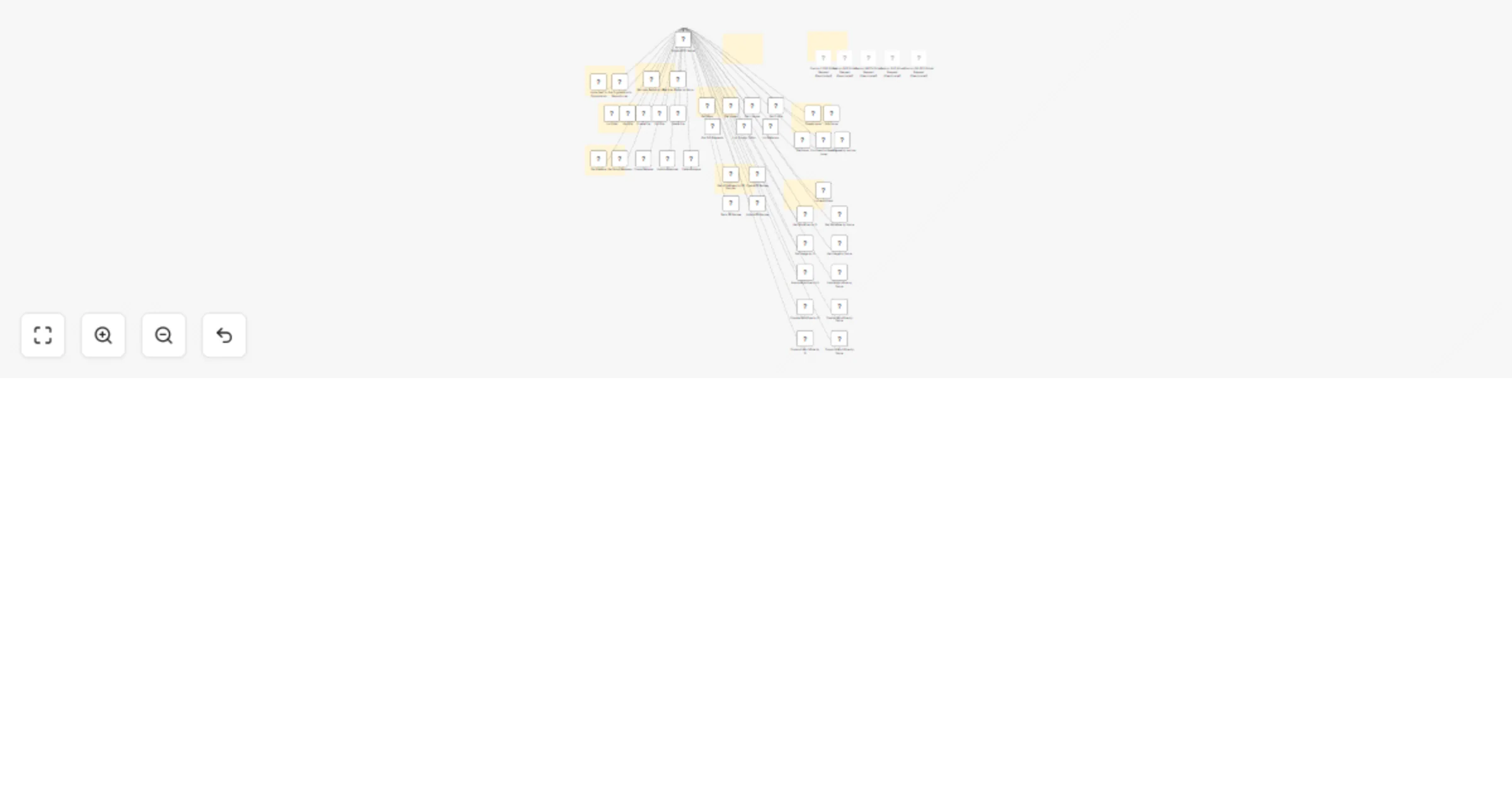
This template deploys a robust SSE endpoint specifically designed for n8n's MCP client (or any MCP tool - like cursor). It unlocks a comprehensive suite of pre-configured GitHub tools, enabling your AI to act as an intelligent, automated team member.
Empower your AI to Autonomously Handle GitHub Tasks:
🧠 Triage Issues: Automatically categorize, label, and assign new issues.
🧹 Combat Spam: Instantly remove unwanted issues or comments.
📄 Summarize Content: Condense complex Pull Requests or lengthy issue discussions for quick insights, especially for non-technical team members.
📧 Automate Reporting: Draft and send natural language email updates to management about critical, triaged issues.
And much more!
Core Capabilities at Your AI's Fingertips:
This workflow equips your AI agent with extensive GitHub control:
✅ File Operations: Create, Edit, Delete, Get, and List files.
✅ Issue Management: Create, Edit, Get, Comment on, and Lock/Unlock issues.
✅ PR Review Oversight: Create, Get, Update, and List all reviews for a Pull Request.
✅ Release Orchestration: Create, Get, Update, Delete, and List repository releases.
✅ Repository Insights: Access details, issues, licenses, profiles, PRs, popular paths, and referrers.
✅ User & Org Management: Get user/organization repositories; invite users to organizations.
✅ GitHub Actions Control: Get, List, analyze usage, Enable/Disable, and Dispatch workflows.
Setup Guide:
1️⃣ Import this template into your n8n instance. 2️⃣ Configure GitHub credentials for the nodes. Best Practice: Use a dedicated GitHub account or a Personal Access Token (PAT) with minimal necessary permissions. 3️⃣ Connect your MCP client or AI system to the exposed SSE webhook URL (e.g., http://localhost:5678/mcp/v3805-fhrs-4afc-o5c2-389hfasfwj/sse).
⚠️ (Disabled by Default) Advanced API Access: Raw HTTP Request tools (GET, POST, PATCH, PUT, DELETE). Enable with extreme caution and tightly scoped credentials.
Ideal For:
Developers: Automating routine coding tasks, PR checks.
Project Managers: Streamlining issue tracking, progress reporting.
Contributors: Simplifying project interactions.
Maintainers: Reducing manual effort in triage, spam filtering, releases.
Innovators: Seeking deep AI integration with GitHub.
Drastic Time & Cost Savings ⏳💰:
Combine this template with other AI-powered n8n workflows like the Discord Message Proxy or the AI-Powered GitHub Bot to achieve significant automation of complex GitHub tasks—often for less than the cost of a single hour of manual work!
Important Security Note on Custom API Calls: The Custom <METHOD> Github Request nodes are disabled by default. Their power to make any API call requires careful consideration. If you enable them, ensure the associated GitHub credentials have the absolute minimum necessary scope to prevent unintended consequences. You are responsible for their safe use.
This template is your key to unlocking intelligent automation within your GitHub ecosystem. Streamline your development processes and save valuable time today!
This catalog entry is organized from the workflow JSON. The node-level section below shows the executable blocks available for review before importing the template.
Showing the first 24 of 57 workflow blocks. Download the JSON for the full node graph.
| Workflow | GitHub automation hub: complete API controls for AI agents |
|---|---|
| Complexity | advanced |
| Nodes | 57 |
| Categories | AI Chatbot |
| Author | David Ashby |
| Published | 03 Jun 2025 |
Use the JSON export at /data/workflows/4629/4629.json as the source template for this automation.
Open n8n, import the downloaded JSON, and review each node before activating the workflow.
Replace placeholder credentials, API keys, webhook URLs, account IDs, and environment-specific values with your own settings.
Run the workflow manually or in a staging workspace, inspect node output, and confirm downstream systems receive the expected data.
Enable the workflow only after testing, then monitor executions, errors, and rate limits during the first production runs.
Review imported nodes carefully before activation. This catalog entry is intended to help you inspect the workflow structure, understand required services, and find related templates faster.
Node names, credentials, schedules, webhook paths, and external service limits may need adjustment for your workspace.
Need help? Want access to this workflow + many more paid workflows + live Q&A sessions with a top verified n8n creator? [Join the community](https://www.skool.com/beyond nodes automation lab 2006/a...
Review the workflow JSON, configure any required credentials in n8n, and test the automation in a safe workspace before using it in production.
Yes. Use the block-by-block analysis and the downloadable JSON to inspect each node, then adjust credentials, prompts, schedules, filters, or destinations for your AI Chatbot use case.