Get enriched location, weather, and timezone data using free APIs

Workflow preview

Workflow preview
100%
Get enriched location, weather, and timezone data using free APIs preview
Open on n8n.io

1. Workflow Overview

Get location insights using free APIs Transform GPS coordinates into rich location data using 100% free APIs. This webhook aggregates address, timezone, weather, and sun data into a single response...

Best for

  • Market Research automation workflows
  • intermediate n8n builders looking for reusable templates

Tools used

n8n-nodes-base.merge, n8n-nodes-base.openweathermap, n8n-nodes-base.httprequest, n8n-nodes-base.webhook, n8n-nodes-base.set, n8n-nodes-base.respondtowebhook, n8n-nodes-base.stickynote

Source and attribution

This workflow is cataloged by N8N Workflows and links back to its original n8n.io source page by Srinivasan KB.

Original n8n.io source

1.1 Workflow description

Title
Get enriched location, weather, and timezone data using free APIs
Workflow name
Get enriched location, weather, and timezone data using free APIs

Get location insights using free APIs

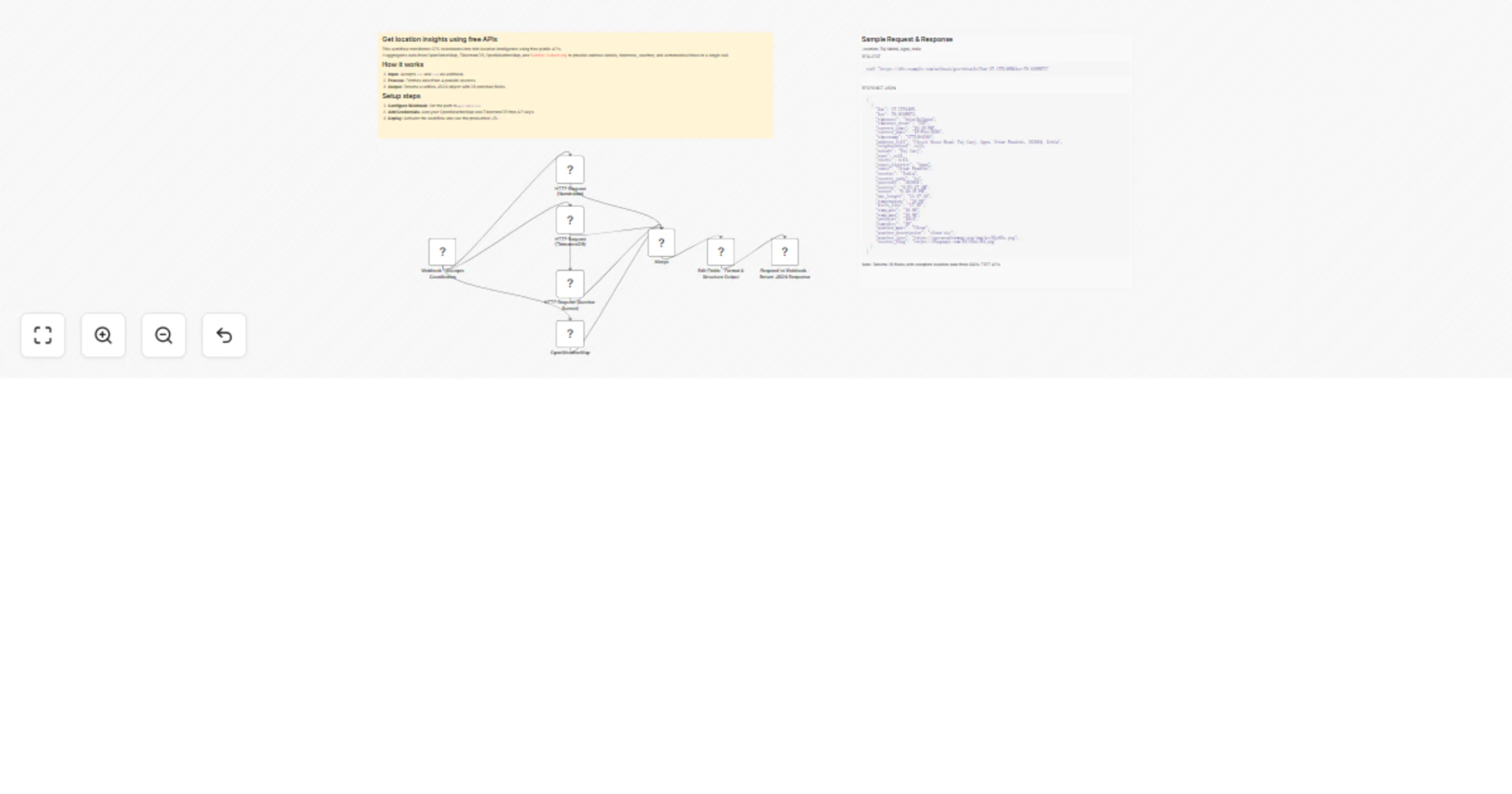
Transform GPS coordinates into rich location data using 100% free APIs. This webhook aggregates address, timezone, weather, and sun data into a single response. Perfect for location tracking apps, travel platforms, and IoT projects.

What You'll Get

A single API endpoint returning 28 enriched data fields:

  • Detailed address with components (suburb, city, state, country, postcode)
  • Timezone data (name, abbreviation, current local time and date)
  • Live weather (temperature, humidity, pressure, conditions with icon)
  • Sun times (sunrise, sunset, day length)
  • Visual assets (weather icons and country flag URLs)

How It Works

  1. Webhook receives coordinates via GET request (lat and lon parameters)
  2. Parallel API calls to 4 free services (OpenStreetMap, TimezoneDB, Sunrise-Sunset, OpenWeatherMap)
  3. Data merging combines all responses
  4. Format and structure transforms data into 28 clean fields
  5. JSON response returns enriched location data

Response time: 1 to 3 seconds

Set Up Steps

1. Get Free API Keys

  • OpenWeatherMap: Sign up at openweathermap.org (free tier: 60 calls/min)
  • TimezoneDB: Register at timezonedb.com (free tier available)
  • Note: OpenStreetMap and Sunrise-Sunset require no keys

2. Configure Credentials

  • Add OpenWeatherMap credentials to the OpenWeatherMap node
  • Replace TimezoneDB API key in HTTP Request node with your key

3. Activate and Test

  • Activate workflow to generate webhook URL
  • Test with sample: ?lat=27.1751495&lon=78.0395673

Example Usage

Request:

curl "https://your-n8n.com/webhook/geo-details?lat=27.1751495&lon=78.0395673"

Response: JSON array with 28 fields including address, timezone, weather, and sun data.

Use Cases

  • Location tracking applications
  • Travel and tourism platforms
  • Weather dashboards
  • Fleet management systems
  • Geographic analytics tools
  • Smart home automation
  • Educational projects

Why This Template?

  • Zero cost (all APIs are free)
  • Production ready with error handling
  • Fast response via parallel processing
  • Well documented with sticky notes
  • Easy to customize and extend
  • No vendor lock-in

Perfect for startups, indie developers, students, and budget-conscious projects.

Rate Limits (Free Tiers)

  • OpenStreetMap: 1 req/sec
  • TimezoneDB: 1 req/sec
  • OpenWeatherMap: 60 calls/min, 1M calls/month
  • Sunrise-Sunset: No documented limits

Tip: Implement caching to stay within limits.

Tags: location, geocoding, weather, timezone, free-api, webhook, rest-api, gps

1.2 Logical Blocks

This catalog entry is organized from the workflow JSON. The node-level section below shows the executable blocks available for review before importing the template.

2. Block-by-Block Analysis

Block 1 - Merge

Type / Role
n8n-nodes-base.merge - merge
Config choices
Version 3.2

Block 2 - OpenWeatherMap

Type / Role
n8n-nodes-base.openWeatherMap - openWeatherMap
Config choices
Version 1

Block 3 - HTTP Request (Nominatim)

Type / Role
n8n-nodes-base.httpRequest - httpRequest
Config choices
Version 4.2

Block 4 - Webhook - Accepts Coordinates

Type / Role
n8n-nodes-base.webhook - webhook
Config choices
Version 2.1

Block 5 - HTTP Request (TimezoneDB)

Type / Role
n8n-nodes-base.httpRequest - httpRequest
Config choices
Version 4.2

Block 6 - HTTP Request (Sunrise-Sunset)

Type / Role
n8n-nodes-base.httpRequest - httpRequest
Config choices
Version 4.2

Block 7 - Edit Fields - Format & Structure Output

Type / Role
n8n-nodes-base.set - set
Config choices
Version 3.4

Block 8 - Respond to Webhook - Return JSON Response

Type / Role
n8n-nodes-base.respondToWebhook - respondToWebhook
Config choices
Version 1.4

Block 9 - Sticky Note

Type / Role
n8n-nodes-base.stickyNote - stickyNote
Config choices
Version 1

Block 10 - Sticky Note1

Type / Role
n8n-nodes-base.stickyNote - stickyNote
Config choices
Version 1

3. Summary Table

Workflow Get enriched location, weather, and timezone data using free APIs
Complexity intermediate
Nodes 10
Categories Market Research
Author Srinivasan KB
Published 15 Feb 2026

4. Reproducing the Workflow from Scratch

  1. 1. Download the workflow JSON

    Use the JSON export at /data/workflows/13411/13411.json as the source template for this automation.

  2. 2. Import the template into n8n

    Open n8n, import the downloaded JSON, and review each node before activating the workflow.

  3. 3. Configure credentials and variables

    Replace placeholder credentials, API keys, webhook URLs, account IDs, and environment-specific values with your own settings.

  4. 4. Test with sample data

    Run the workflow manually or in a staging workspace, inspect node output, and confirm downstream systems receive the expected data.

  5. 5. Activate and monitor

    Enable the workflow only after testing, then monitor executions, errors, and rate limits during the first production runs.

5. General Notes & Resources

Review imported nodes carefully before activation. This catalog entry is intended to help you inspect the workflow structure, understand required services, and find related templates faster.

Node names, credentials, schedules, webhook paths, and external service limits may need adjustment for your workspace.

Frequently asked questions

What does Get enriched location, weather, and timezone data using free APIs do?

Get location insights using free APIs Transform GPS coordinates into rich location data using 100% free APIs. This webhook aggregates address, timezone, weather, and sun data into a single response...

What do I need before importing this workflow?

Review the workflow JSON, configure any required credentials in n8n, and test the automation in a safe workspace before using it in production.

Can I customize this workflow?

Yes. Use the block-by-block analysis and the downloadable JSON to inspect each node, then adjust credentials, prompts, schedules, filters, or destinations for your Market Research use case.