Block 1 - Sticky Note
- Type / Role
- n8n-nodes-base.stickyNote - stickyNote
- Config choices
- Version 1


 Early Deal
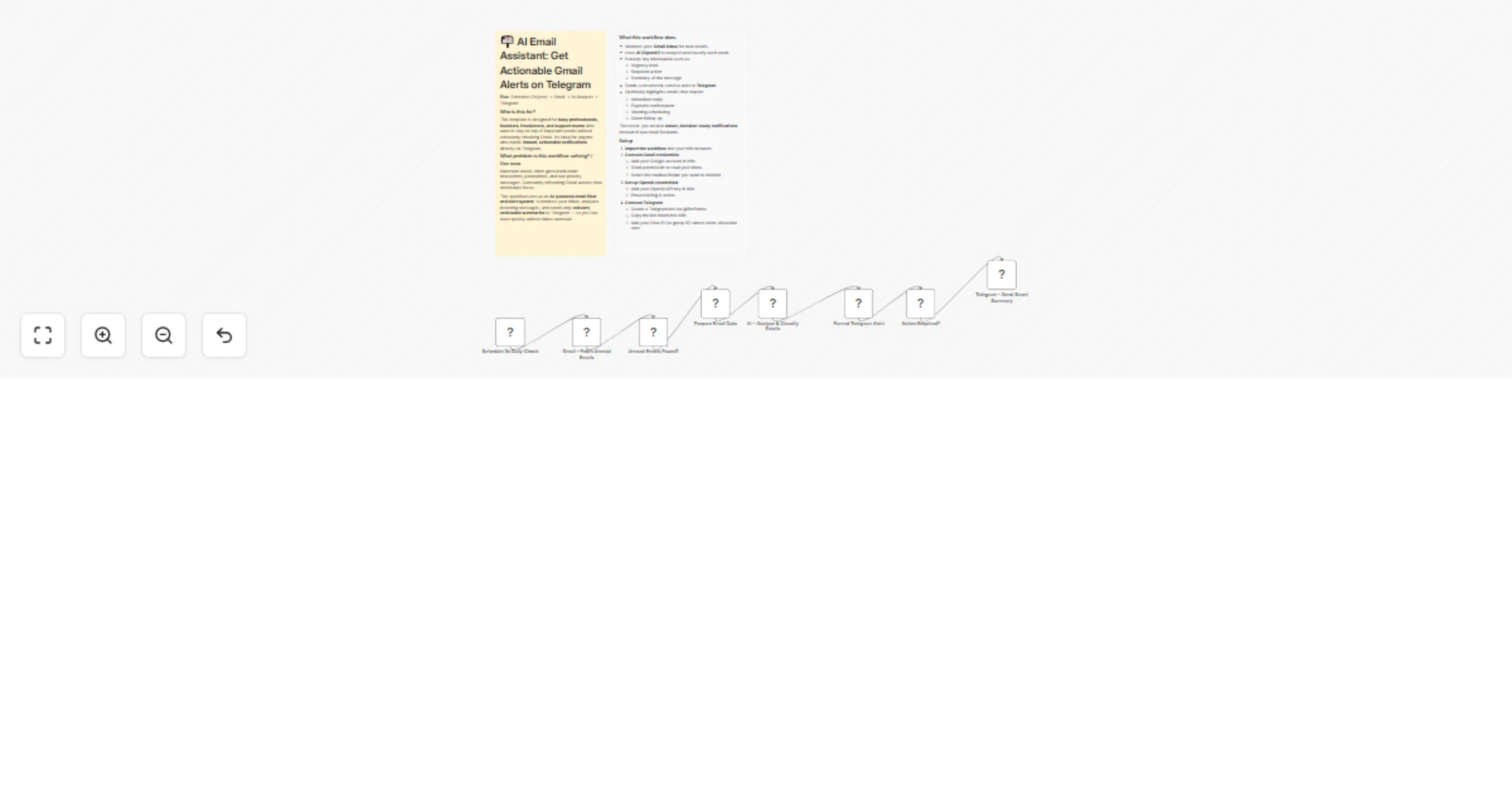
AI Email Assistant: Get Actionable Gmail Alerts on Telegram Who is this for? This template is designed for busy professionals, founders, fre...
n8n-nodes-base.stickynote, n8n-nodes-base.scheduletrigger, n8n-nodes-base.gmail, n8n-nodes-base.if, n8n-nodes-base.code, @n8n/n8n-nodes-langchain.openai, n8n-nodes-base.telegram
This workflow is cataloged by N8N Workflows and links back to its original n8n.io source page by Dr. Firas.
Original n8n.io sourceThis template is designed for busy professionals, founders, freelancers, and support teams who want to stay on top of important emails without constantly checking Gmail. It’s ideal for anyone who needs instant, actionable notifications directly on Telegram.
Important emails often get buried under newsletters, promotions, and low-priority messages. Constantly refreshing Gmail wastes time and breaks focus.
This workflow acts as an AI-powered email filter and alert system. It monitors your inbox, analyzes incoming messages, and sends only relevant, actionable summaries to Telegram — so you can react quickly without inbox overload.
The result: you receive smart, decision-ready notifications instead of raw email forwards.
Import the workflow into your n8n instance.
Connect Gmail credentials
Filter specific senders Modify the Gmail trigger to monitor only emails from clients, payment platforms, or specific domains.
Adjust AI instructions Edit the system prompt to:
Classify emails by priority (High / Medium / Low)
Detect invoices, contracts, or support requests
Automatically draft suggested replies
Change alert format Customize the Telegram message structure (add emojis, urgency labels, or action buttons).
Add automation branches Extend the workflow to:
Create tasks in Notion or Trello
Add calendar events automatically
Label emails in Gmail based on AI classification
With this template, your inbox becomes an AI-powered assistant that filters noise and delivers only what truly matters — directly to Telegram in real time.
📩 Contact: LinkedIn 📺 YouTube: @DRFIRASS 🚀 Workshops: Mes Ateliers n8n
Contact me for consulting and support : Linkedin / Youtube / 🚀 Mes Ateliers n8n
This catalog entry is organized from the workflow JSON. The node-level section below shows the executable blocks available for review before importing the template.
| Workflow | Get actionable Gmail alerts on Telegram with OpenAI |
|---|---|
| Complexity | intermediate |
| Nodes | 10 |
| Categories | AI Chatbot |
| Author | Dr. Firas |
| Published | 28 Feb 2026 |
Use the JSON export at /data/workflows/13766/13766.json as the source template for this automation.
Open n8n, import the downloaded JSON, and review each node before activating the workflow.
Replace placeholder credentials, API keys, webhook URLs, account IDs, and environment-specific values with your own settings.
Run the workflow manually or in a staging workspace, inspect node output, and confirm downstream systems receive the expected data.
Enable the workflow only after testing, then monitor executions, errors, and rate limits during the first production runs.
Review imported nodes carefully before activation. This catalog entry is intended to help you inspect the workflow structure, understand required services, and find related templates faster.
Node names, credentials, schedules, webhook paths, and external service limits may need adjustment for your workspace.
AI Email Assistant: Get Actionable Gmail Alerts on Telegram Who is this for? This template is designed for busy professionals, founders, fre...
Review the workflow JSON, configure any required credentials in n8n, and test the automation in a safe workspace before using it in production.
Yes. Use the block-by-block analysis and the downloadable JSON to inspect each node, then adjust credentials, prompts, schedules, filters, or destinations for your AI Chatbot use case.