Generate YouTube thumbnails via Telegram using BrowserAct and Gemini (Nano Banana Pro)

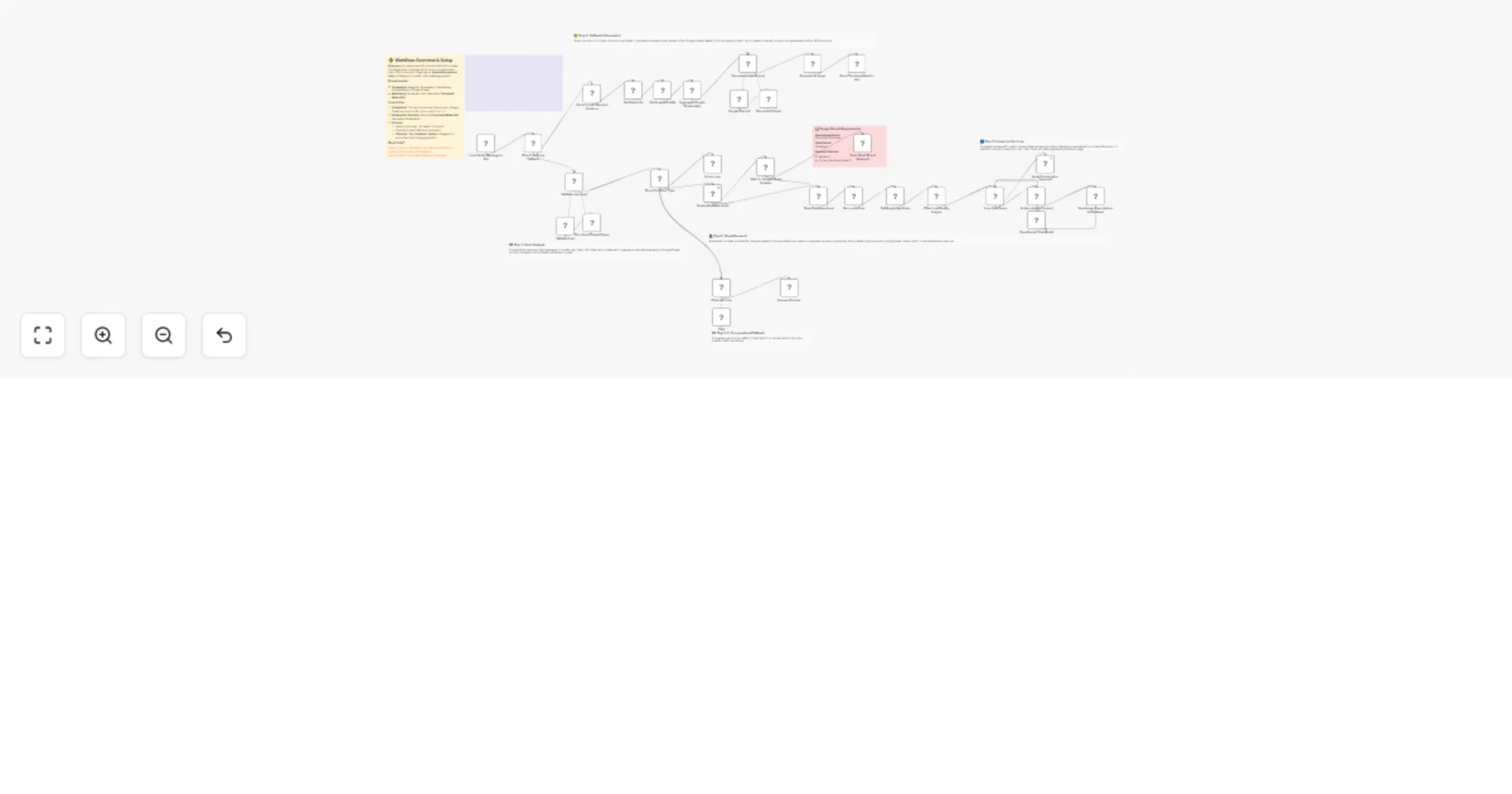
Workflow preview

Workflow preview
100%
Generate YouTube thumbnails via Telegram using BrowserAct and Gemini (Nano Banana Pro) preview
Open on n8n.io

1. Workflow Overview

Generate YouTube thumbnails via Telegram using BrowserAct & Nano banana Pro This workflow acts as an AI powered "Viral Architect" for YouTube creators. Simply send a video topic (e.g., "Kling 2.6")...

Best for

  • Content Creation automation workflows
  • Multimodal AI automation workflows
  • advanced n8n builders looking for reusable templates

Tools used

@n8n/n8n-nodes-langchain.outputparserstructured, n8n-nodes-browseract.browseract, @n8n/n8n-nodes-langchain.lmchatopenrouter, n8n-nodes-base.splitinbatches, @n8n/n8n-nodes-langchain.googlegemini, @n8n/n8n-nodes-langchain.agent, n8n-nodes-base.telegram, n8n-nodes-base.googlesheets

Source and attribution

This workflow is cataloged by N8N Workflows and links back to its original n8n.io source page by Madame AI Team | Kai.

Original n8n.io source

1.1 Workflow description

Title
Generate YouTube thumbnails via Telegram using BrowserAct and Gemini (Nano Banana Pro)
Workflow name
Generate YouTube thumbnails via Telegram using BrowserAct and Gemini (Nano Banana Pro)

Generate YouTube thumbnails via Telegram using BrowserAct & Nano banana Pro

This workflow acts as an AI-powered "Viral Architect" for YouTube creators. Simply send a video topic (e.g., "Kling 2.6") to your Telegram bot, and it will scrape top-performing competitor thumbnails, analyze their visual strategies using AI vision, and generate a new, scientifically optimized thumbnail concept and image for you.

Target Audience

YouTubers, content creators, and social media managers looking to increase their Click-Through Rate (CTR) with AI-designed thumbnails.

How it works

  1. Analyze Intent: The workflow receives a message via Telegram. An AI Agent classifies the input: is it a casual chat or a request for a thumbnail?
  2. Research Competitors: If a topic is detected, BrowserAct scrapes YouTube for the top-ranking videos on that subject.
  3. Visual Forensics: An AI Vision Agent (using OpenRouter/GPT-4o) analyzes the scraped thumbnails to understand why they work (colors, composition, text).
  4. User Approval: The bot sends a confirmation button to Telegram to ensure you want to proceed with image generation (saving credits).
  5. Creative Synthesis: Upon approval, a specialized Gemini Agent aggregates the research and crafts a high-fidelity prompt using psychological hooks and pop-culture references.
  6. Generate & Deliver: Google Gemini renders the final 4K thumbnail image, which is sent back to your Telegram chat.

How to set up

  1. Configure Credentials: Connect your Telegram, BrowserAct, Google Sheets, OpenRouter, and Google Gemini accounts in n8n.
  2. Prepare BrowserAct: Ensure the Thumbnail Maker Bot template (or a YouTube search scraper) is saved in your BrowserAct account.
  3. Setup Google Sheet: Create a Google Sheet to store analysis data. The workflow will dynamically create tabs, but you need a master sheet ID.
  4. Configure Telegram: Ensure your bot is created via BotFather and the API token is added to the Telegram credentials.
  5. Activate: Turn on the workflow.

Requirements

  • BrowserAct account with the Thumbnail Maker Bot template.
  • Telegram account (Bot Token).
  • Google Sheets account.
  • OpenRouter account (for Vision capabilities).
  • Google Gemini account.

Google Sheets Requirements

  • Spreadsheet Name: Thumbnail Data base
  • Sheet Name: Database
  • Required Columns:
  1. Keyword
  2. Current Workflow Sheet ID

How to customize the workflow

  1. Change Art Style: Modify the system prompt in the Generate Image Prompt agent to enforce a specific aesthetic (e.g., "3D Render," "Anime," "Minimalist").
  2. Adjust Research Depth: Change the number of videos scraped by BrowserAct to analyze more or fewer competitors.
  3. Add Text Overlay: Add an image processing node (like Cloudinary or Bannerbear) to automatically overlay the generated text onto the image for a final polish.

Need Help?


Workflow Guidance and Showcase Video

1.2 Logical Blocks

This catalog entry is organized from the workflow JSON. The node-level section below shows the executable blocks available for review before importing the template.

2. Block-by-Block Analysis

Block 1 - Structured Output Parser

Type / Role
@n8n/n8n-nodes-langchain.outputParserStructured - outputParserStructured
Config choices
Version 1.3

Block 2 - Run a workflow

Type / Role
n8n-nodes-browseract.browserAct - browserAct
Config choices
Version 1

Block 3 - OpenRouter Chat Model

Type / Role
@n8n/n8n-nodes-langchain.lmChatOpenRouter - lmChatOpenRouter
Config choices
Version 1

Block 4 - Loop Over Items

Type / Role
n8n-nodes-base.splitInBatches - splitInBatches
Config choices
Version 3

Block 5 - Generate an image

Type / Role
@n8n/n8n-nodes-langchain.googleGemini - googleGemini
Config choices
Version 1

Block 6 - Validate user input

Type / Role
@n8n/n8n-nodes-langchain.agent - agent
Config choices
Version 3

Block 7 - Inform user

Type / Role
n8n-nodes-base.telegram - telegram
Config choices
Version 1.2

Block 8 - Generate Image Prompt

Type / Role
@n8n/n8n-nodes-langchain.agent - agent
Config choices
Version 3

Block 9 - Get Keywords

Type / Role
n8n-nodes-base.googleSheets - googleSheets
Config choices
Version 4.7

Block 10 - Get Images Details

Type / Role
n8n-nodes-base.googleSheets - googleSheets
Config choices
Version 4.7

Block 11 - Structured Output

Type / Role
@n8n/n8n-nodes-langchain.outputParserStructured - outputParserStructured
Config choices
Version 1.3

Block 12 - Google Gemini1

Type / Role
@n8n/n8n-nodes-langchain.lmChatGoogleGemini - lmChatGoogleGemini
Config choices
Version 1

Block 13 - User Sends Message to Bot

Type / Role
n8n-nodes-base.telegramTrigger - telegramTrigger
Config choices
Version 1.2

Block 14 - Check for Query Callback

Type / Role
n8n-nodes-base.switch - switch
Config choices
Version 3.4

Block 15 - Check For Input Type

Type / Role
n8n-nodes-base.switch - switch
Config choices
Version 3.4

Block 16 - Save Sheet ID and Keyword

Type / Role
n8n-nodes-base.googleSheets - googleSheets
Config choices
Version 4.7

Block 17 - Save Image Descriptions to Database

Type / Role
n8n-nodes-base.googleSheets - googleSheets
Config choices
Version 4.7

Block 18 - Await Continuation Approval

Type / Role
n8n-nodes-base.telegram - telegram
Config choices
Version 1.2

Block 19 - Splitting Image Items

Type / Role
n8n-nodes-base.code - code
Config choices
Version 2

Block 20 - Filter Low-Quality Images

Type / Role
n8n-nodes-base.code - code
Config choices
Version 2

Block 21 - Analyze Image Content

Type / Role
@n8n/n8n-nodes-langchain.agent - agent
Config choices
Version 3

Block 22 - Answer the User

Type / Role
n8n-nodes-base.telegram - telegram
Config choices
Version 1.2

Block 23 - Chat with User

Type / Role
@n8n/n8n-nodes-langchain.agent - agent
Config choices
Version 3

Block 24 - Validate input

Type / Role
@n8n/n8n-nodes-langchain.lmChatGoogleGemini - lmChatGoogleGemini
Config choices
Version 1

Showing the first 24 of 39 workflow blocks. Download the JSON for the full node graph.

3. Summary Table

Workflow Generate YouTube thumbnails via Telegram using BrowserAct and Gemini (Nano Banana Pro)
Complexity advanced
Nodes 39
Categories Content Creation, Multimodal AI
Author Madame AI Team | Kai
Published 01 Jan 2026

4. Reproducing the Workflow from Scratch

  1. 1. Download the workflow JSON

    Use the JSON export at /data/workflows/12363/12363.json as the source template for this automation.

  2. 2. Import the template into n8n

    Open n8n, import the downloaded JSON, and review each node before activating the workflow.

  3. 3. Configure credentials and variables

    Replace placeholder credentials, API keys, webhook URLs, account IDs, and environment-specific values with your own settings.

  4. 4. Test with sample data

    Run the workflow manually or in a staging workspace, inspect node output, and confirm downstream systems receive the expected data.

  5. 5. Activate and monitor

    Enable the workflow only after testing, then monitor executions, errors, and rate limits during the first production runs.

5. General Notes & Resources

Review imported nodes carefully before activation. This catalog entry is intended to help you inspect the workflow structure, understand required services, and find related templates faster.

Node names, credentials, schedules, webhook paths, and external service limits may need adjustment for your workspace.

Frequently asked questions

What does Generate YouTube thumbnails via Telegram using BrowserAct and Gemini (Nano Banana Pro) do?

Generate YouTube thumbnails via Telegram using BrowserAct & Nano banana Pro This workflow acts as an AI powered "Viral Architect" for YouTube creators. Simply send a video topic (e.g., "Kling 2.6")...

What do I need before importing this workflow?

Review the workflow JSON, configure any required credentials in n8n, and test the automation in a safe workspace before using it in production.

Can I customize this workflow?

Yes. Use the block-by-block analysis and the downloadable JSON to inspect each node, then adjust credentials, prompts, schedules, filters, or destinations for your Content Creation, Multimodal AI use case.