Generate Viral AI Motion Video 🤣🤖 using Kling 2.6 Kie AI & Auto-Post to TikTok

Workflow preview

Workflow preview
100%
Generate Viral AI Motion Video 🤣🤖 using Kling 2.6 Kie AI & Auto-Post to TikTok preview
Open on n8n.io

1. Workflow Overview

This workflow automates the creation and publishing of AI generated motion videos for TikTok . The process starts with an image and a reference motion video. Using the Kling v2.6 Motion Control AI ...

Best for

  • Content Creation automation workflows
  • Multimodal AI automation workflows
  • advanced n8n builders looking for reusable templates

Tools used

n8n-nodes-base.manualtrigger, n8n-nodes-base.httprequest, n8n-nodes-postiz.postiz, n8n-nodes-base.set, n8n-nodes-base.wait, n8n-nodes-base.code, n8n-nodes-base.stickynote, n8n-nodes-base.googledrive

Source and attribution

This workflow is cataloged by N8N Workflows and links back to its original n8n.io source page by Davide Boizza.

Original n8n.io source

1.1 Workflow description

Title
Generate Viral AI Motion Video 🤣🤖 using Kling 2.6 Kie AI & Auto-Post to TikTok
Workflow name
Generate Viral AI Motion Video 🤣🤖 using Kling 2.6 Kie AI & Auto-Post to TikTok

This workflow automates the creation and publishing of AI-generated motion videos for TikTok. The process starts with an image and a reference motion video.

Using the Kling v2.6 Motion Control AI model, the workflow generates a new animated video where the character from the image replicates the movements from the reference video.

Once the AI-generated video is produced, the workflow automatically retrieves the result, uploads it to Postiz, and publishes it directly to TikTok with a predefined caption.

Start: Watch the starting video Result: Watch the final video


Key Advantages

1. ✅ Full Automation

The workflow automates the entire pipeline from AI video generation to social media publishing, eliminating manual steps.

2. ✅ AI-Powered Content Creation

By leveraging Kling Motion Control, the system creates dynamic animated content from a static image and motion reference video.

3. ✅ Scalable Content Production

This setup enables rapid production of multiple AI-generated videos, making it ideal for automated social media content strategies.

4. ✅ Efficient Asynchronous Processing

The workflow uses webhooks and wait nodes to handle long-running AI jobs efficiently without blocking the workflow.

5. ✅ Seamless Social Media Integration

Direct integration with Postiz and TikTok allows automatic publishing, streamlining the content distribution process.

6. ✅ Modular and Customizable

Each step (AI generation, parsing, upload, publishing) is modular, allowing easy modification for:

  • different AI models
  • other social platforms
  • different prompts or media inputs
7. ✅ Reduced Manual Work

Content creators can generate and publish AI-based videos with a single workflow execution.


How it works

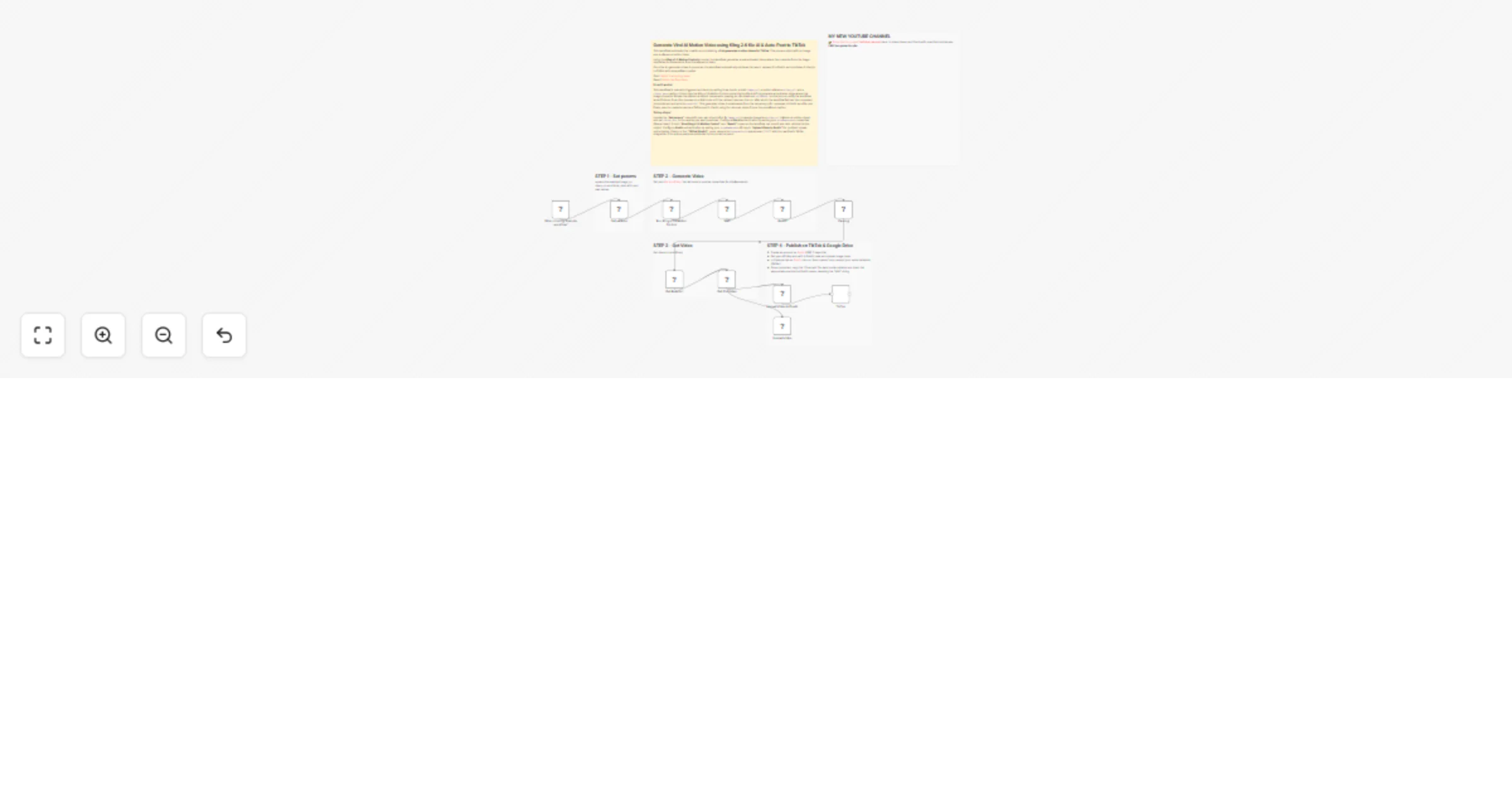
  1. Trigger & Input: The workflow is started manually. The initial "Set params" node defines the key inputs: an image_url, a video_url, and a tiktok_desc (caption).
  2. AI Video Generation:
  • The "Run Kling v2.6 Motion Control" node sends a request to the Kie.ai API. It instructs the AI to make the character in the static image follow the movements from the reference video. Crucially, it includes a callBackUrl (the n8n webhook URL from the Wait node) so the API can notify the workflow when the video is ready.
  • The workflow then pauses at the "Wait" node, holding its execution until it receives the callback from Kie.ai.
  1. Retrieve Result: Once the AI finishes processing, it sends a request to the "Wait" node's webhook, which resumes the workflow. The "Result" node then fetches the details of the completed job, including a link to the newly generated video (resultUrl).
  2. Process for Posting:
  • The "Parsing" node extracts the resultUrl from the API's JSON response.
  • A "Get ResulUrl" Code node formats this data to be passed to the next step.
  • The "Get File Video" node uses the resultUrl to download the actual video file from the temporary URL.
  1. Upload & Schedule:
  • The "Upload Video to Postiz" node takes the downloaded video file and uploads it to the Postiz platform using a multipart/form-data request.
  • The final "TikTok" (Postiz) node creates a new post. It uses the video ID returned from the upload and the tiktok_desc from the initial parameters to schedule the post to the specified TikTok integration.

Setup steps

To make this workflow work for you, you need to configure the following:

  1. Set Input Parameters: In the "Set params" node, replace the example image_url, video_url, and tiktok_desc with your own values.
  • image_url: Direct URL to the static character image.
  • video_url: Direct URL to the reference movement video.
  • tiktok_desc: The caption you want for the final TikTok post.
  1. Kie.ai API Credentials:
  • Locate the "Run Kling v2.6 Motion Control" and "Result" nodes.
  • You will need to provide credentials for httpBearerAuth.
  • Replace the existing credential ID with your own Kie.ai API credentials. Ensure the credential is configured with a valid API Bearer Token.
  1. Postiz API Credentials:
  • Locate the "Upload Video to Postiz" node.
  • Provide credentials for httpHeaderAuth.
  • Replace the existing credential ID with your own Postiz API key. This key must be set as a header for authentication.
  1. Postiz Integration ID:
  • In the final "TikTok" (Postiz) node, look for the field integrationId inside the posts.post.value object.
  • Replace the placeholder "XXX" with the actual Integration ID for your TikTok account from Postiz.

👉 Subscribe to my new YouTube channel. Here I’ll share videos and Shorts with practical tutorials and FREE templates for n8n.


Need help customizing?

Contact me for consulting and support or add me on Linkedin.

1.2 Logical Blocks

This catalog entry is organized from the workflow JSON. The node-level section below shows the executable blocks available for review before importing the template.

2. Block-by-Block Analysis

Block 1 - When clicking ‘Execute workflow’

Type / Role
n8n-nodes-base.manualTrigger - manualTrigger
Config choices
Version 1

Block 2 - Get File Video

Type / Role
n8n-nodes-base.httpRequest - httpRequest
Config choices
Version 4.2

Block 3 - TikTok

Type / Role
n8n-nodes-postiz.postiz - postiz
Config choices
Version 1

Block 4 - Upload Video to Postiz

Type / Role
n8n-nodes-base.httpRequest - httpRequest
Config choices
Version 4.2

Block 5 - Set params

Type / Role
n8n-nodes-base.set - set
Config choices
Version 3.4

Block 6 - Run Kling v2.6 Motion Control

Type / Role
n8n-nodes-base.httpRequest - httpRequest
Config choices
Version 4.4

Block 7 - Wait

Type / Role
n8n-nodes-base.wait - wait
Config choices
Version 1.1

Block 8 - Result

Type / Role
n8n-nodes-base.httpRequest - httpRequest
Config choices
Version 4.4

Block 9 - Parsing

Type / Role
n8n-nodes-base.set - set
Config choices
Version 3.4

Block 10 - Get ResulUrl

Type / Role
n8n-nodes-base.code - code
Config choices
Version 2

Block 11 - Sticky Note

Type / Role
n8n-nodes-base.stickyNote - stickyNote
Config choices
Version 1

Block 12 - Sticky Note1

Type / Role
n8n-nodes-base.stickyNote - stickyNote
Config choices
Version 1

Block 13 - Sticky Note2

Type / Role
n8n-nodes-base.stickyNote - stickyNote
Config choices
Version 1

Block 14 - Sticky Note3

Type / Role
n8n-nodes-base.stickyNote - stickyNote
Config choices
Version 1

Block 15 - Upload video

Type / Role
n8n-nodes-base.googleDrive - googleDrive
Config choices
Version 3

Block 16 - Sticky Note4

Type / Role
n8n-nodes-base.stickyNote - stickyNote
Config choices
Version 1

Block 17 - Sticky Note9

Type / Role
n8n-nodes-base.stickyNote - stickyNote
Config choices
Version 1

3. Summary Table

Workflow Generate Viral AI Motion Video 🤣🤖 using Kling 2.6 Kie AI & Auto-Post to TikTok
Complexity advanced
Nodes 17
Categories Content Creation, Multimodal AI
Author Davide Boizza
Published 05 Mar 2026

4. Reproducing the Workflow from Scratch

  1. 1. Download the workflow JSON

    Use the JSON export at /data/workflows/13888/13888.json as the source template for this automation.

  2. 2. Import the template into n8n

    Open n8n, import the downloaded JSON, and review each node before activating the workflow.

  3. 3. Configure credentials and variables

    Replace placeholder credentials, API keys, webhook URLs, account IDs, and environment-specific values with your own settings.

  4. 4. Test with sample data

    Run the workflow manually or in a staging workspace, inspect node output, and confirm downstream systems receive the expected data.

  5. 5. Activate and monitor

    Enable the workflow only after testing, then monitor executions, errors, and rate limits during the first production runs.

5. General Notes & Resources

Review imported nodes carefully before activation. This catalog entry is intended to help you inspect the workflow structure, understand required services, and find related templates faster.

Node names, credentials, schedules, webhook paths, and external service limits may need adjustment for your workspace.

Frequently asked questions

What does Generate Viral AI Motion Video 🤣🤖 using Kling 2.6 Kie AI & Auto-Post to TikTok do?

This workflow automates the creation and publishing of AI generated motion videos for TikTok . The process starts with an image and a reference motion video. Using the Kling v2.6 Motion Control AI ...

What do I need before importing this workflow?

Review the workflow JSON, configure any required credentials in n8n, and test the automation in a safe workspace before using it in production.

Can I customize this workflow?

Yes. Use the block-by-block analysis and the downloadable JSON to inspect each node, then adjust credentials, prompts, schedules, filters, or destinations for your Content Creation, Multimodal AI use case.