Block 1 - Main Description Note
- Type / Role
- n8n-nodes-base.stickyNote - stickyNote
- Config choices
- Version 1


 Early Deal
Description Automatically analyze Upwork SEO job posts, detect hidden screening questions, generate personalized cover letters with portfolio examples using GPT 4 Turbo, DeepSeek & Claude AI — all ...
n8n-nodes-base.stickynote, n8n-nodes-base.formtrigger, @n8n/n8n-nodes-langchain.agent, @n8n/n8n-nodes-langchain.lmchatopenai, @n8n/n8n-nodes-langchain.lmchatdeepseek, n8n-nodes-base.googledocs, n8n-nodes-base.merge, n8n-nodes-base.aggregate
This workflow is cataloged by N8N Workflows and links back to its original n8n.io source page by Incrementors.
Original n8n.io sourceDescription
Automatically analyze Upwork SEO job posts, detect hidden screening questions, generate personalized cover letters with portfolio examples using GPT-4 Turbo, DeepSeek & Claude AI — all saved to Google Docs instantly.
Automate the entire Upwork proposal process — from analyzing a job post and detecting hidden screening questions, to generating a personalized cover letter backed by your real portfolio data, running it through a 10-point quality check, and saving the final polished version to Google Docs — all without writing a single word manually.
Perfect for SEO freelancers, agencies, and Upwork consultants who want to send high-quality, personalized proposals at scale without spending 45–60 minutes on each one.
This automation handles five key tasks:
Analyzes job posts — GPT-4 Turbo extracts structured job data including title, industry, client history, budget, required skills, and client's SEO pain points from raw Upwork job text
Detects hidden screening questions — Automatically identifies and highlights any hidden verification tests clients embed in job descriptions (e.g., "Start your proposal with the word Avocado"), which most freelancers miss
Generates cover letters with portfolio proof — DeepSeek writes a 150–250 word personalized cover letter, then pulls relevant ranking keyword examples and industry case studies from your Pinecone vector database to add real proof
Runs a 10-point quality check — Another DeepSeek agent evaluates the cover against a strict checklist and flags only the missing or weak elements for improvement
Polishes and saves to Google Docs — Claude 3.7 Sonnet applies QC feedback with minimal changes and saves both the final cover letter and screening Q&A answers to your Google Doc, ready to copy-paste
The workflow begins when you submit a job through a simple form — paste the Upwork job URL, copy-paste the raw job post text, and select the job type (SEO, Agency, or Automation).
GPT-4 Turbo analyzes the job post and outputs a fully structured breakdown: job title, industry focus, primary SEO problems, client's current SEO status, required skills, client history patterns, and strategic notes. It also detects any hidden screening questions and marks them prominently with ⚠️ ATTENTION markers.
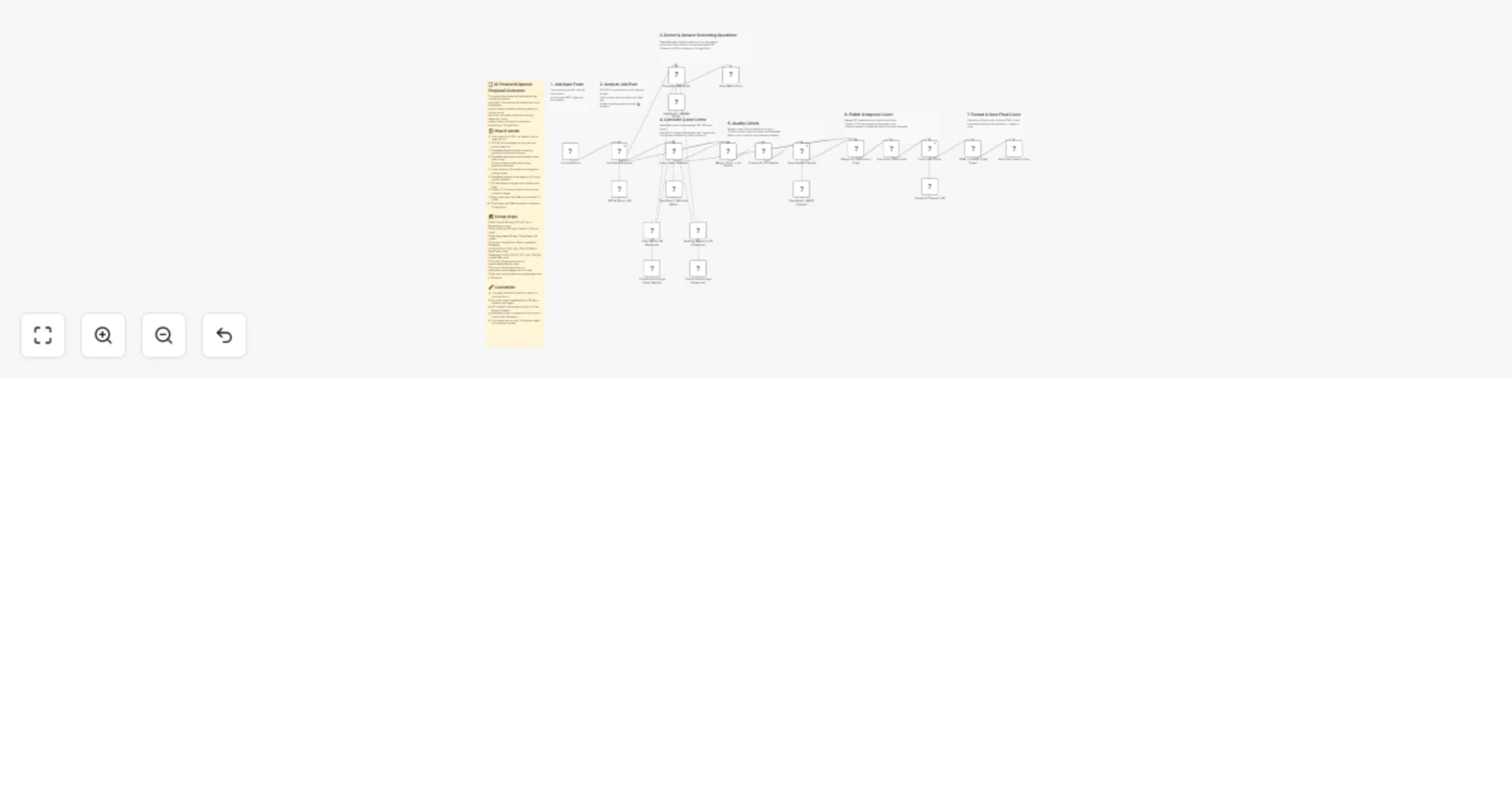
Once analysis is complete, the workflow splits into three parallel branches that run simultaneously:
Branch A — Screening Q&A Writer: DeepSeek reads the detected screening questions and writes direct, concise answers (under 200 words each). It pulls up to 3 relevant examples from your Pinecone databases when helpful. The answers are formatted in clean HTML and saved immediately to your Google Doc.
Branch B — Cover Letter Generator: DeepSeek generates a personalized 150–250 word cover letter that mirrors the client's exact language, tone, and terminology. It searches your Pinecone vector databases — one holding case studies with Google Doc URLs, one holding portfolio websites with their ranking keywords — and adds 2 portfolio examples plus 1 industry-matched case study in a structured format. All URLs are validated to ensure no angle brackets or broken formatting.
Both the job analysis output and the generated cover then flow into the Quality Control pipeline. A Merge node combines them, an Aggregate node bundles everything into a single input, and DeepSeek's Cover Quality Checker evaluates the proposal against a 10-point checklist covering client name, job terminology, opening strength, keyword usage, industry relevance, skills match, process outline, and call to action. It outputs only the specific changes needed.
Finally, the QC feedback and original cover are merged again and passed to Claude 3.7 Sonnet for the final polish. Claude applies the suggestions with minimal edits — preserving the client's vocabulary and tone — formats the output in clean HTML, and the workflow saves it to your Google Doc. A 1-minute read-ready cover letter, complete with real portfolio proof, is waiting for you.
Accounts needed:
casestudiesdatabase and websitewithrankingkeywords-v2Estimated setup time: 15–20 minutes
Copy the workflow JSON Open n8n → Workflows → Import from JSON Paste and import Verify all nodes are properly connected across the three parallel branches
Add OpenAI API credential in n8n Enter your API key Credential is used by three nodes: GPT-4 Turbo LLM (Job Analyzer), OpenAI Embeddings (Case Studies), and OpenAI Embeddings (Keywords) Test the connection before proceeding
Add DeepSeek API credential in n8n Enter your DeepSeek API key Credential is used by three nodes: DeepSeek LLM (Cover Writer), DeepSeek LLM (Q&A Writer), and DeepSeek LLM (QC Checker) Test the connection
Add Anthropic API credential in n8n
Enter your Anthropic API key
Model is set to claude-3-7-sonnet-20250219
Credential is used by: Claude 3.7 Sonnet LLM (Final Cover Polish node)
Test the connection
Create two Pinecone indexes: casestudiesdatabase and websitewithrankingkeywords-v2
Add your Pinecone API credential in n8n
Case Studies DB: Upload your industry case studies with Google Doc URLs — do NOT modify these URLs or the links will break
Ranking Keywords DB: Upload your portfolio websites with their ranking keywords (the workflow retrieves top 20 results per query)
Verify both indexes appear in the Case Studies DB (Pinecone) and Ranking Keywords DB (Pinecone) nodes
Create two Google Docs — one for cover letters, one for Q&A answers Add Google Docs OAuth2 credential in n8n and complete the OAuth flow Paste your Cover Letter Google Doc URL in the Save Final Cover to Docs node Paste your Q&A Google Doc URL in the Save Q&A to Docs node Test by triggering the workflow and verifying content appears in both documents
Open the Job Input Form webhook URL in your browser Paste a real Upwork SEO job post text and submit Check execution logs for all three parallel branches Verify your Google Doc shows both the final cover letter and the Q&A answers Activate the workflow once output is confirmed correct
From the Upwork job post:
AI-generated outputs:
High-volume Upwork freelancers: Send 5–10 personalized, data-backed proposals daily without manual writing — each one tailored to the client's exact industry and pain points
SEO agencies on Upwork: Scale proposal output across multiple team members using a shared workflow — everyone gets consistent, on-brand proposals
New Upwork SEO freelancers: Never miss a hidden screening question again and always include relevant portfolio proof that matches the client's industry
Freelance business automation: Eliminate the most time-consuming part of freelancing — proposal writing — and redirect that time to client work
Replace all placeholder API keys and credential IDs before activating the workflow Ensure all five credential types are tested successfully: OpenAI, DeepSeek, Anthropic, Pinecone, and Google Docs Case study Google Doc URLs in Pinecone must never be modified — the workflow uses them as-is The Pinecone databases must be populated with your own portfolio data before the workflow produces accurate examples DeepSeek handles the majority of AI tasks for cost efficiency; Claude 3.7 Sonnet is used only for the final polish step Each job submission generates one complete proposal set (cover letter + Q&A) in your Google Doc Processing time is typically 60–120 seconds depending on Pinecone retrieval speed and AI response time
Access the workflow via the built-in n8n form at:
https://your-n8n-instance.com/webhook/upwork-proposal-generator
Paste any Upwork job post text and submit to start the automation instantly.
For questions or assistance:
Email: [email protected] Contact: https://www.incrementors.com/contact-us/
This catalog entry is organized from the workflow JSON. The node-level section below shows the executable blocks available for review before importing the template.
Showing the first 24 of 30 workflow blocks. Download the JSON for the full node graph.
| Workflow | Generate Upwork SEO proposals with GPT-4, DeepSeek, Claude and Google Docs |
|---|---|
| Complexity | advanced |
| Nodes | 30 |
| Categories | Content Creation, AI RAG |
| Author | Incrementors |
| Published | 21 Mar 2026 |
Use the JSON export at /data/workflows/14215/14215.json as the source template for this automation.
Open n8n, import the downloaded JSON, and review each node before activating the workflow.
Replace placeholder credentials, API keys, webhook URLs, account IDs, and environment-specific values with your own settings.
Run the workflow manually or in a staging workspace, inspect node output, and confirm downstream systems receive the expected data.
Enable the workflow only after testing, then monitor executions, errors, and rate limits during the first production runs.
Review imported nodes carefully before activation. This catalog entry is intended to help you inspect the workflow structure, understand required services, and find related templates faster.
Node names, credentials, schedules, webhook paths, and external service limits may need adjustment for your workspace.
Description Automatically analyze Upwork SEO job posts, detect hidden screening questions, generate personalized cover letters with portfolio examples using GPT 4 Turbo, DeepSeek & Claude AI — all ...
Review the workflow JSON, configure any required credentials in n8n, and test the automation in a safe workspace before using it in production.
Yes. Use the block-by-block analysis and the downloadable JSON to inspect each node, then adjust credentials, prompts, schedules, filters, or destinations for your Content Creation, AI RAG use case.