Block 1 - Idea Gen Agent (research)
- Type / Role
- @n8n/n8n-nodes-langchain.openAi - openAi
- Config choices
- Version 1.8


 Early Deal
This workflow is provided as-is. Please review and test before using in production.
This workflow contains community nodes that are only compatible with the self hosted version of n8n. Automate your entire video content creation pipeline with this AI powered, no code workflow buil...
@n8n/n8n-nodes-langchain.openai, @tavily/n8n-nodes-tavily.tavilytool, n8n-nodes-base.httprequest, n8n-nodes-base.wait, n8n-nodes-base.if, n8n-nodes-base.gmail, n8n-nodes-base.scheduletrigger, n8n-nodes-base.stickynote
This workflow is cataloged by N8N Workflows and links back to its original n8n.io source page by Automate With Marc.
Original n8n.io sourceThis workflow contains community nodes that are only compatible with the self-hosted version of n8n.
Automate your entire video content creation pipeline with this AI-powered, no-code workflow built in n8n. Watch Step-by-step video guide here: https://www.youtube.com/watch?v=x7nHpcggpX8&t=5s
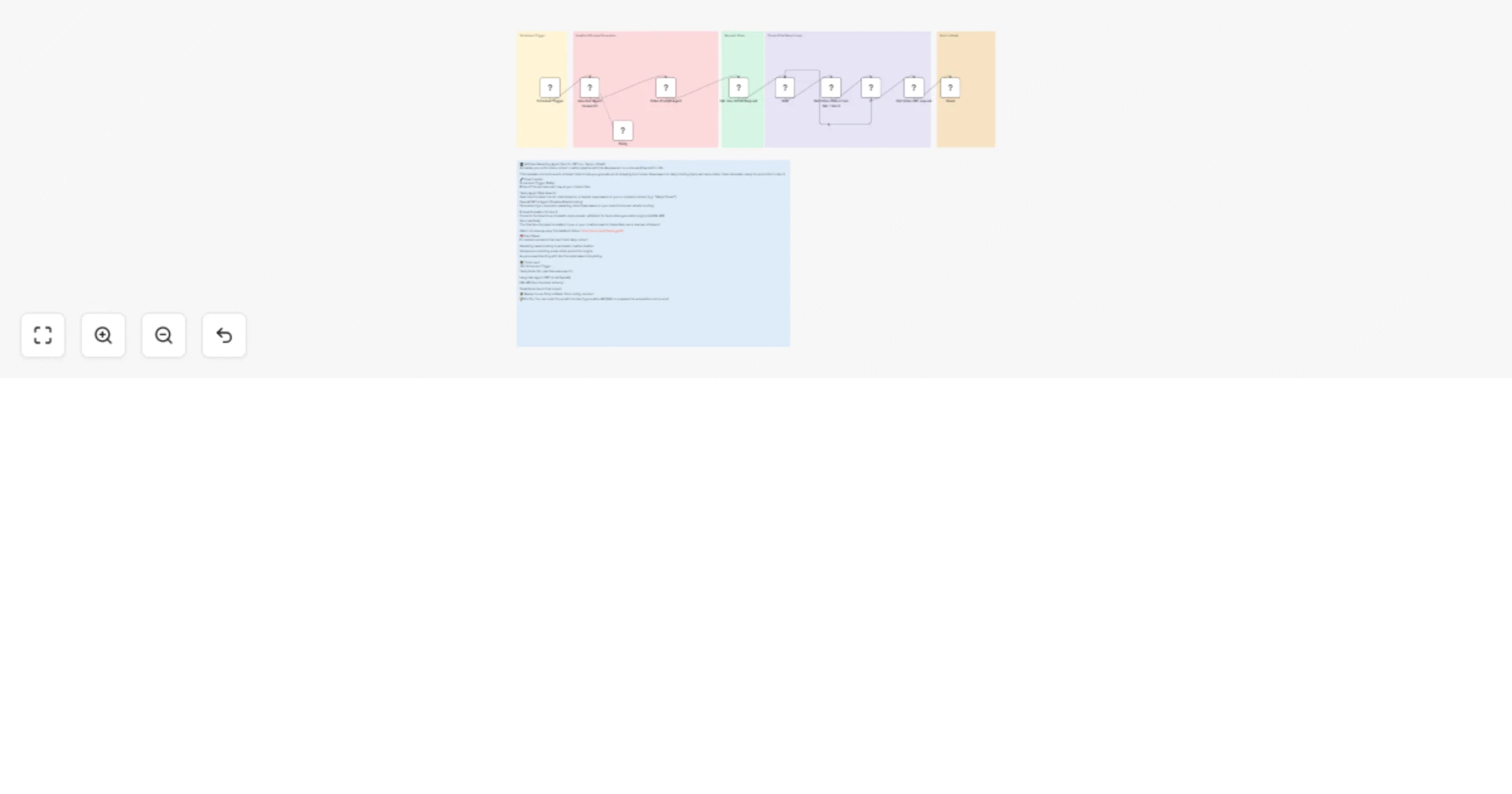
This template connects a suite of smart tools to help you generate scroll-stopping short video ideas based on daily trending topics and auto-deliver them via email—ready for production in Veo 3.
🔧 How it works: Scheduled Trigger (Daily) Kicks off the process each day at your chosen time.
Tavily Agent (Web Search) Searches the latest trends, viral moments, or market news based on your e-commerce brand (e.g. “Sally’s Closet”).
OpenAI GPT-4 Agent (Creative Brainstorming) Generates high-conversion marketing video ideas based on your brand’s tone and what’s trending.
Prompt Formatter for Veo 3 Converts the idea into a cinematic-style prompt, optimized for Veo’s video generation engine (via FAL API).
Send via Gmail The final Veo 3 prompt is emailed to you or your creative team for immediate use or manual refinement.
Watch full step-by-step Tutorial Build Video: https://youtu.be/x7nHpcggpX8
🧠 Use Cases: E-commerce brands that need fresh daily content
Marketing teams looking to automate creative ideation
Solopreneurs building a lean video production engine
Anyone experimenting with Veo 3 prompt-based storytelling
🛠️ Tools used: n8n Scheduled Trigger
Tavily Node (for real-time web search)
Langchain Agent (GPT-4 via OpenAI)
FAL API (Veo 3 prompt delivery)
Gmail Node (send final output)
⚡️ Ready-to-use. Fully editable. Zero coding required.
💡 Pro Tip: You can hook this up with the Veo 3 generation API (FAL) to complete the automation end-to-end!
This catalog entry is organized from the workflow JSON. The node-level section below shows the executable blocks available for review before importing the template.
| Workflow | Generate trend-based video marketing ideas with GPT-4, Tavily and Veo 3 |
|---|---|
| Complexity | advanced |
| Nodes | 16 |
| Categories | Content Creation, Multimodal AI |
| Author | Automate With Marc |
| Published | 13 Jun 2025 |
Use the JSON export at /data/workflows/4921/4921.json as the source template for this automation.
Open n8n, import the downloaded JSON, and review each node before activating the workflow.
Replace placeholder credentials, API keys, webhook URLs, account IDs, and environment-specific values with your own settings.
Run the workflow manually or in a staging workspace, inspect node output, and confirm downstream systems receive the expected data.
Enable the workflow only after testing, then monitor executions, errors, and rate limits during the first production runs.
Review imported nodes carefully before activation. This catalog entry is intended to help you inspect the workflow structure, understand required services, and find related templates faster.
Node names, credentials, schedules, webhook paths, and external service limits may need adjustment for your workspace.
This workflow contains community nodes that are only compatible with the self hosted version of n8n. Automate your entire video content creation pipeline with this AI powered, no code workflow buil...
Review the workflow JSON, configure any required credentials in n8n, and test the automation in a safe workspace before using it in production.
Yes. Use the block-by-block analysis and the downloadable JSON to inspect each node, then adjust credentials, prompts, schedules, filters, or destinations for your Content Creation, Multimodal AI use case.