Generate technical n8n workflow reports with GPT-4.1 and Google Docs

Workflow preview

Workflow preview
100%
Generate technical n8n workflow reports with GPT-4.1 and Google Docs preview
Open on n8n.io

1. Workflow Overview

Who is this workflow for? This workflow is designed for technical teams, automation owners, process auditors, and anyone who needs to document n8n workflows in a consistent, fast, and professional ...

Best for

  • Document Extraction automation workflows
  • AI Summarization automation workflows
  • advanced n8n builders looking for reusable templates

Tools used

n8n-nodes-base.stickynote, n8n-nodes-base.n8n, n8n-nodes-base.manualtrigger, n8n-nodes-base.code, @n8n/n8n-nodes-langchain.openai, n8n-nodes-base.if, n8n-nodes-base.set, n8n-nodes-base.httprequest

Source and attribution

This workflow is cataloged by N8N Workflows and links back to its original n8n.io source page by José Ramón Villaverde.

Original n8n.io source

1.1 Workflow description

Title
Generate technical n8n workflow reports with GPT-4.1 and Google Docs
Workflow name
Generate technical n8n workflow reports with GPT-4.1 and Google Docs

Who is this workflow for?

This workflow is designed for technical teams, automation owners, process auditors, and anyone who needs to document n8n workflows in a consistent, fast, and professional way—without manual work.

What problem does it solve? / Use case

Documenting n8n workflows is often slow and error-prone: you need to review nodes, configurations, connections, internal logic, and embedded code.

This workflow automates that process by generating a complete technical report, structured and ready to share, ensuring documentation is:

  • consistent
  • easy to update
  • easy to review
  • accessible in Google Drive

What this workflow does

  • Lets you select an n8n workflow to document
  • Extracts its structure, nodes, connections, and settings
  • Normalizes the JSON to remove noise and keep what matters
  • Generates a HTML technical report using an LLM (OpenAI GPT-4.1)
  • Detects whether Code nodes exist
  • If Code nodes exist, analyzes their logic and adds an extra technical section
  • Creates a final Google Docs document inside a Google Drive folder

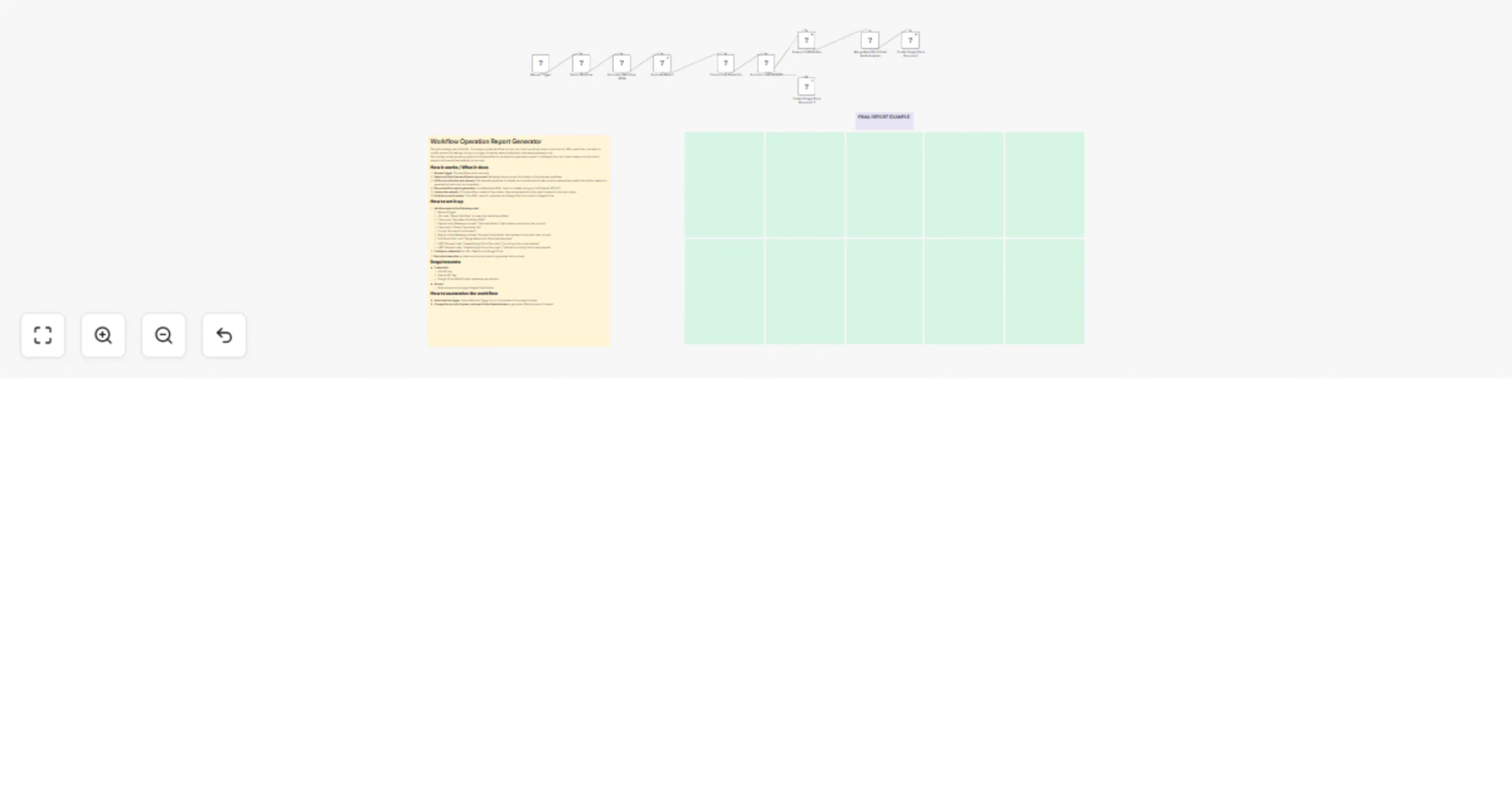
High-level flow

  1. Manual workflow start
  2. Target workflow selection
  3. Workflow normalization (cleanup + structure)
  4. Main report generation with OpenAI
  5. Code node extraction
  6. Condition: Code nodes exist or not
  7. (Optional) technical analysis of Code nodes with OpenAI
  8. Merge main report + code analysis
  9. Create the final document in Google Docs

Setup

OpenAI

Configure OpenAI credentials (API Key).

The workflow uses OpenAI nodes to:

  • generate the main report
  • analyze Code nodes (if any)

Google Drive

  • Configure Google Drive OAuth2 credentials with write permissions
  • Define a destination folder using a folder ID (e.g., YOUR_FOLDER_ID)
  • The workflow uploads the final HTML as a Google Docs document

n8n (access to the target workflow)

If your instance requires it, configure access to read internal workflows.

The workflow fetches the selected workflow using an n8n Get Workflow node.

How to customize this workflow

  • Report format: adjust the prompt in the Generate Report node to change sections, style, or level of detail
  • Output folder: replace YOUR_FOLDER_ID with the real Drive folder ID
  • Documentation strategy:
  • generate shorter reports for small workflows
  • split large reports if the workflow is very big
  • Automated triggering: replace the manual start with a webhook trigger if you want to use an external application

Final outcome

A system that automatically generates a professional technical Google Docs document containing:

  • workflow description
  • global configuration
  • node-by-node breakdown
  • routing logic (conditions and branches)
  • required credentials
  • operational requirements
  • risks and observations
  • additional Code node analysis (if applicable)

Do you want this workflow in Spanish?

📧 [email protected] 🔗 https://www.linkedin.com/in/ramonvillaverde

1.2 Logical Blocks

This catalog entry is organized from the workflow JSON. The node-level section below shows the executable blocks available for review before importing the template.

2. Block-by-Block Analysis

Block 1 - Sticky Note

Type / Role
n8n-nodes-base.stickyNote - stickyNote
Config choices
Version 1

Block 2 - Select Workflow

Type / Role
n8n-nodes-base.n8n - n8n
Config choices
Version 1

Block 3 - Manual Trigger

Type / Role
n8n-nodes-base.manualTrigger - manualTrigger
Config choices
Version 1

Block 4 - Normalize Workflow JSON

Type / Role
n8n-nodes-base.code - code
Config choices
Version 2

Block 5 - Generate Report

Type / Role
@n8n/n8n-nodes-langchain.openAi - openAi
Config choices
Version 2.1

Block 6 - Collect Code Node Info

Type / Role
n8n-nodes-base.code - code
Config choices
Version 2

Block 7 - Are there Code Nodes?

Type / Role
n8n-nodes-base.if - if
Config choices
Version 2.3

Block 8 - Analyze Code Nodes

Type / Role
@n8n/n8n-nodes-langchain.openAi - openAi
Config choices
Version 2.1

Block 9 - Merge Report and Code Node Analysis

Type / Role
n8n-nodes-base.set - set
Config choices
Version 3.4

Block 10 - Create Google Docs Document

Type / Role
n8n-nodes-base.httpRequest - httpRequest
Config choices
Version 4.2

Block 11 - Create Google Docs Document_1

Type / Role
n8n-nodes-base.httpRequest - httpRequest
Config choices
Version 4.2

Block 12 - Sticky Note1

Type / Role
n8n-nodes-base.stickyNote - stickyNote
Config choices
Version 1

Block 13 - Sticky Note2

Type / Role
n8n-nodes-base.stickyNote - stickyNote
Config choices
Version 1

Block 14 - Sticky Note3

Type / Role
n8n-nodes-base.stickyNote - stickyNote
Config choices
Version 1

Block 15 - Sticky Note4

Type / Role
n8n-nodes-base.stickyNote - stickyNote
Config choices
Version 1

Block 16 - Sticky Note5

Type / Role
n8n-nodes-base.stickyNote - stickyNote
Config choices
Version 1

Block 17 - Sticky Note6

Type / Role
n8n-nodes-base.stickyNote - stickyNote
Config choices
Version 1

Block 18 - Sticky Note7

Type / Role
n8n-nodes-base.stickyNote - stickyNote
Config choices
Version 1

Block 19 - Sticky Note8

Type / Role
n8n-nodes-base.stickyNote - stickyNote
Config choices
Version 1

Block 20 - Sticky Note9

Type / Role
n8n-nodes-base.stickyNote - stickyNote
Config choices
Version 1

Block 21 - Sticky Note10

Type / Role
n8n-nodes-base.stickyNote - stickyNote
Config choices
Version 1

Block 22 - Sticky Note11

Type / Role
n8n-nodes-base.stickyNote - stickyNote
Config choices
Version 1

3. Summary Table

Workflow Generate technical n8n workflow reports with GPT-4.1 and Google Docs
Complexity advanced
Nodes 22
Categories Document Extraction, AI Summarization
Author José Ramón Villaverde
Published 22 Jan 2026

4. Reproducing the Workflow from Scratch

  1. 1. Download the workflow JSON

    Use the JSON export at /data/workflows/12908/12908.json as the source template for this automation.

  2. 2. Import the template into n8n

    Open n8n, import the downloaded JSON, and review each node before activating the workflow.

  3. 3. Configure credentials and variables

    Replace placeholder credentials, API keys, webhook URLs, account IDs, and environment-specific values with your own settings.

  4. 4. Test with sample data

    Run the workflow manually or in a staging workspace, inspect node output, and confirm downstream systems receive the expected data.

  5. 5. Activate and monitor

    Enable the workflow only after testing, then monitor executions, errors, and rate limits during the first production runs.

5. General Notes & Resources

Review imported nodes carefully before activation. This catalog entry is intended to help you inspect the workflow structure, understand required services, and find related templates faster.

Node names, credentials, schedules, webhook paths, and external service limits may need adjustment for your workspace.

Frequently asked questions

What does Generate technical n8n workflow reports with GPT-4.1 and Google Docs do?

Who is this workflow for? This workflow is designed for technical teams, automation owners, process auditors, and anyone who needs to document n8n workflows in a consistent, fast, and professional ...

What do I need before importing this workflow?

Review the workflow JSON, configure any required credentials in n8n, and test the automation in a safe workspace before using it in production.

Can I customize this workflow?

Yes. Use the block-by-block analysis and the downloadable JSON to inspect each node, then adjust credentials, prompts, schedules, filters, or destinations for your Document Extraction, AI Summarization use case.