Block 1 - Run Workflow
- Type / Role
- n8n-nodes-base.manualTrigger - manualTrigger
- Config choices
- Version 1


 Early Deal
️ Important: This workflow uses the Autype community node and requires a self hosted n8n instance. This workflow demonstra...
n8n-nodes-base.manualtrigger, n8n-nodes-base.set, n8n-nodes-base.httprequest, n8n-nodes-autype.autype, n8n-nodes-base.stickynote
This workflow is cataloged by N8N Workflows and links back to its original n8n.io source page by 8Automator.
Original n8n.io source⚠️ Important: This workflow uses the Autype community node and requires a self-hosted n8n instance.
This workflow demonstrates Autype's Extended Markdown engine — the foundation for creating production-ready documents from Markdown. It supports full document layouts with headers, footers, page numbering, cross-references, indices, custom layouts, and advanced diagrams (TikZ, Mermaid, ...). You can generate complete PDF, DOCX, or ODT documents with professional typography, tables, charts, and embedded images.
This workflow is for developers, operations teams, and business analysts who want to turn structured Markdown into branded documents with a consistent design system. It's ideal if you want to separate content from styling and include uploaded visuals in your final PDF or DOCX output.
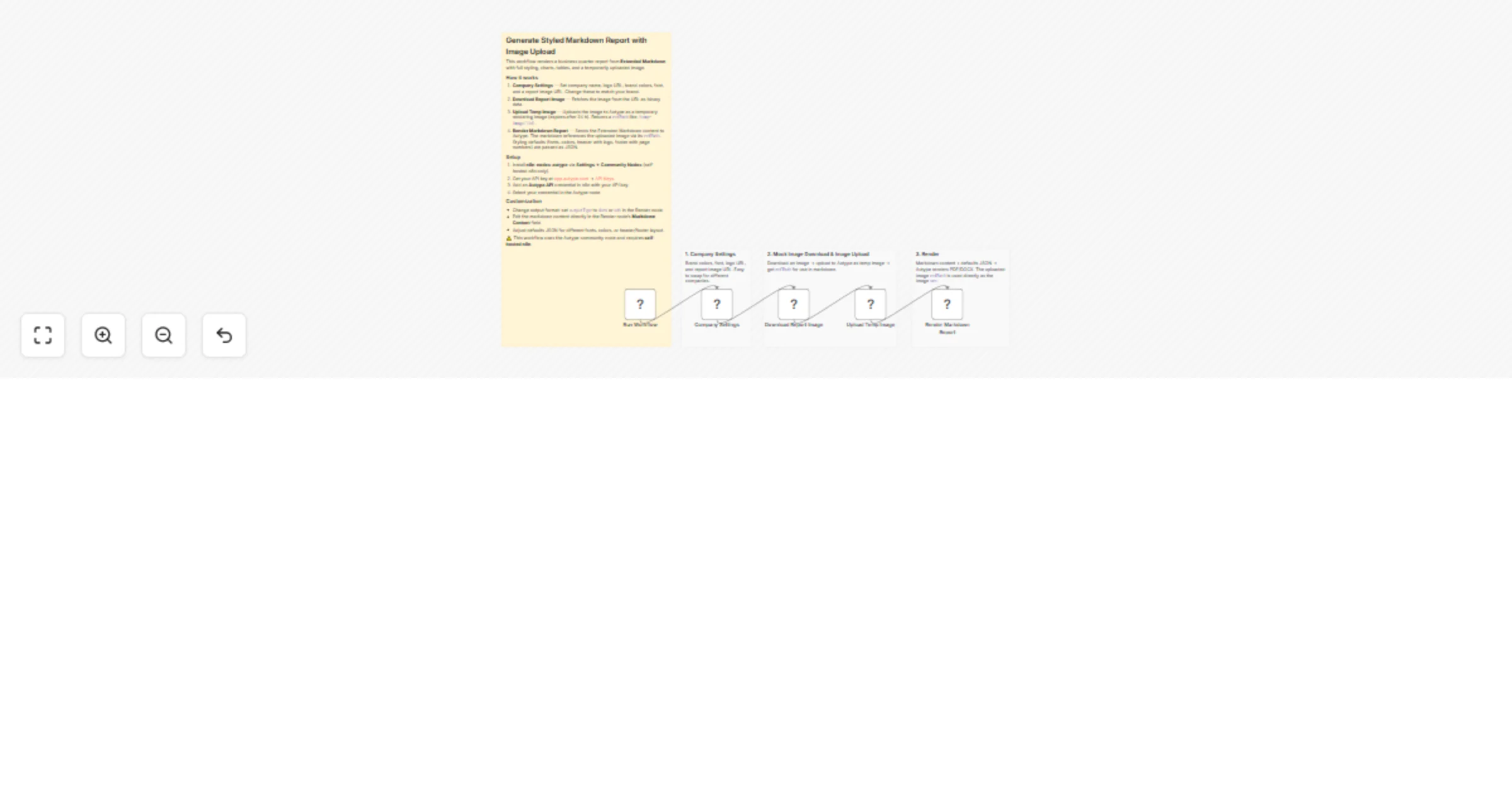
This workflow builds a business quarter report from Markdown and applies a separate style JSON (defaults) to control typography, chart colors, table styling, and header/footer layout. It also downloads a report image via HTTP, uploads it as a temporary Autype image, and injects the returned refPath into the title page before rendering.
The included example report uses:
document and defaults (font, color, table style, chart colors, header/footer) plus a company logo URL (placehold.co).uploadImage and returns a temporary refPath.For images that aren't publicly accessible (e.g., internal dashboards, screenshots), Autype provides a temporary image upload mechanism:
uploadImage operation → returns a refPath (e.g., /temp-image/{id})refPath directly: {width=520}Autype uses an Extended Markdown syntax that transforms standard Markdown into a full-featured document markup system for professional document creation. This goes far beyond basic Markdown with specialized elements for document structure, layout, and advanced content.
Key extended elements include:
:::toc — Table of contents with automatic heading extraction:::chart — Interactive charts and data visualizations:::table — Enhanced tables with styling and formatting options---page{align=center}--- directives — Page layout, orientation, and section breaksFor the complete markup reference and all available elements, see the Autype Markup Reference.
n8n-nodes-autype) via Settings → Community Nodes.Download Report Image, replace the sample URL with your own dashboard/chart image if needed.Set Document Style JSON, adjust typography/colors/header/footer as required.n8n-nodes-autype community node installedSet Document Style JSON (defaults).companyLogoUrl) and the downloaded content image source URL.document.type from pdf to docx for Word-compatible output.:::chart), page directives, and text2 blocks for richer reports.This catalog entry is organized from the workflow JSON. The node-level section below shows the executable blocks available for review before importing the template.
| Workflow | Generate styled PDF or DOCX business reports from Markdown with Autype |
|---|---|
| Complexity | intermediate |
| Nodes | 9 |
| Categories | Document Extraction, Multimodal AI |
| Author | 8Automator |
| Published | 28 Feb 2026 |
Use the JSON export at /data/workflows/13777/13777.json as the source template for this automation.
Open n8n, import the downloaded JSON, and review each node before activating the workflow.
Replace placeholder credentials, API keys, webhook URLs, account IDs, and environment-specific values with your own settings.
Run the workflow manually or in a staging workspace, inspect node output, and confirm downstream systems receive the expected data.
Enable the workflow only after testing, then monitor executions, errors, and rate limits during the first production runs.
Review imported nodes carefully before activation. This catalog entry is intended to help you inspect the workflow structure, understand required services, and find related templates faster.
Node names, credentials, schedules, webhook paths, and external service limits may need adjustment for your workspace.
️ Important: This workflow uses the Autype community node and requires a self hosted n8n instance. This workflow demonstra...
Review the workflow JSON, configure any required credentials in n8n, and test the automation in a safe workspace before using it in production.
Yes. Use the block-by-block analysis and the downloadable JSON to inspect each node, then adjust credentials, prompts, schedules, filters, or destinations for your Document Extraction, Multimodal AI use case.