Block 1 - Chat: Receive Crowd Brief
- Type / Role
- @n8n/n8n-nodes-langchain.chatTrigger - chatTrigger
- Config choices
- Version 1.4


 Early Deal
Description This workflow is an AI driven crowd previs generation pipeline designed for VFX and layout teams. It converts a natural language crowd brief into structured cinematic crowd simulatio...
@n8n/n8n-nodes-langchain.chattrigger, n8n-nodes-base.code, n8n-nodes-base.httprequest, n8n-nodes-base.if, n8n-nodes-base.slack, n8n-nodes-base.gmail, n8n-nodes-base.wait, @n8n/n8n-nodes-langchain.agent
This workflow is cataloged by N8N Workflows and links back to its original n8n.io source page by Rahul Joshi.
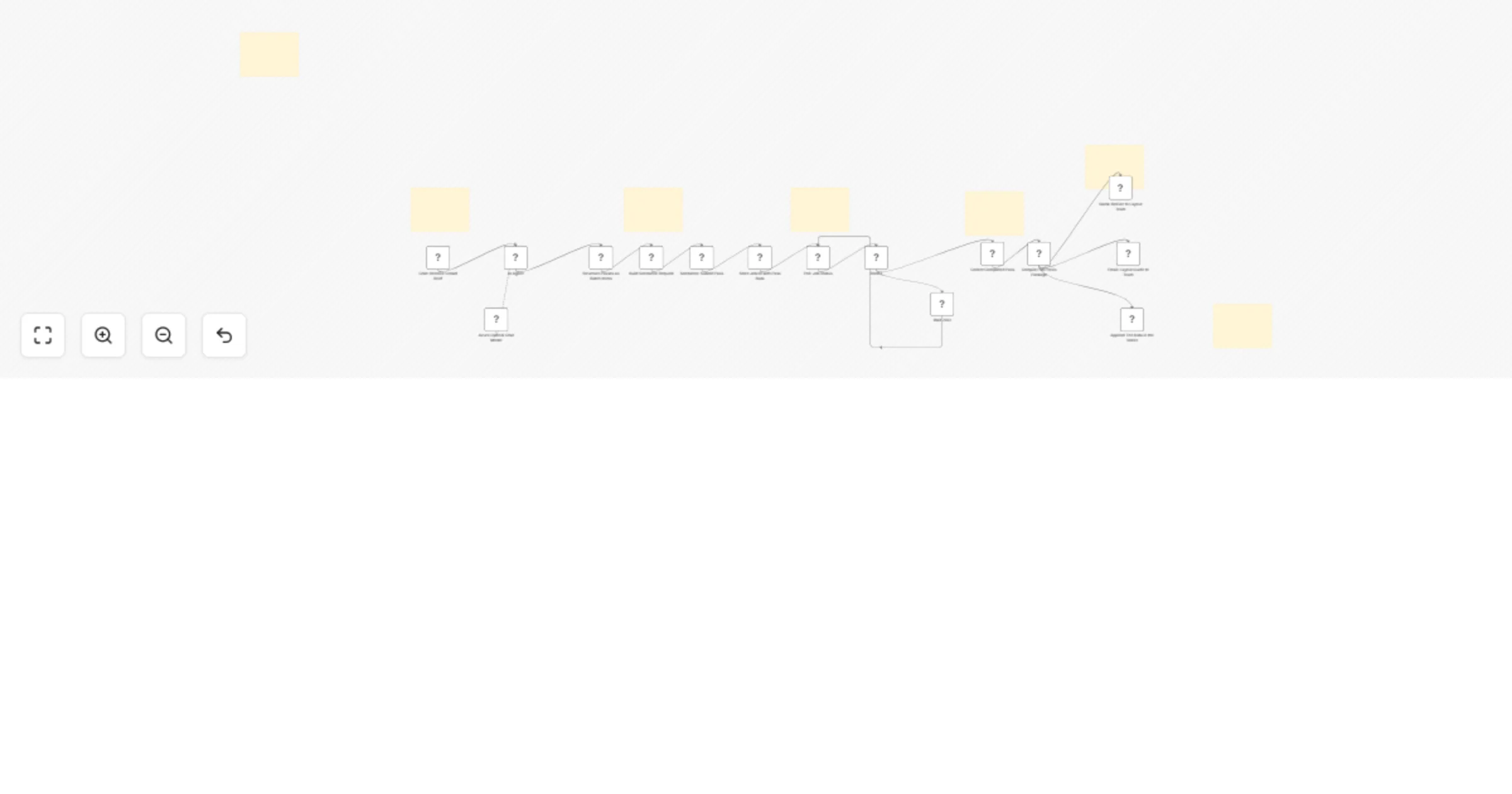
Original n8n.io sourceThis workflow is an AI-driven crowd previs generation pipeline designed for VFX and layout teams. It converts a natural language crowd brief into structured cinematic crowd simulations, generates multiple AI-driven video passes, builds a crowd zone map for layout planning, and delivers a complete previs package to the team—bridging the gap between creative intent and large-scale crowd simulation execution. ⚙️ Step-by-Step Flow The workflow begins with a chat-based trigger that acts as the crowd brief intake layer, allowing users to submit a natural language description of a scene, including details such as shot code, environment, crowd behavior, lighting conditions, and camera perspective. This input is processed by an AI agent that extracts structured data from the unstructured text, converting it into standardized fields such as scene description, crowd style, motion intensity, time of day, camera angle, and optional layout team contact details. The system then performs prompt engineering and expands the parsed brief into multiple simulation passes, including an establishing shot that captures full scene scale and environment context, and a crowd density pass that visualizes distribution gradients across foreground, midground, and background layers. Each pass is enriched with cinematic instructions, motion characteristics, and camera behavior to ensure realistic and production-relevant outputs.
At the core of the pipeline, an image-to-video generation layer constructs structured API requests and submits each pass as an independent job to the Seedance AI model, using a reference plate image when available to maintain scene consistency. A polling mechanism continuously monitors each job at fixed intervals, ensuring that processing proceeds only after successful completion. Once rendering is complete, a metadata layer extracts video outputs, associates them with pass-specific attributes, and structures all relevant details such as shot context, motion parameters, and generation timestamps.
An aggregation layer then compiles all generated passes into a unified previs package, combining video references with a dynamically generated crowd zone map that defines spatial distribution zones (foreground, midground, background, and traffic layers), along with keyframe-based behavioral notes for simulation planning. Finally, a multi-channel delivery system distributes the complete package to the layout team via Slack and email, presenting all passes with preview links, scene details, and the crowd zone map for direct implementation, while also logging key data into Google Sheets for production tracking and auditability—ensuring seamless collaboration between AI-generated previs and downstream layout and simulation workflows.
• Robust parsing validation for AI-generated JSON • Prevents malformed or missing data from entering the pipeline • Ensures reliable job tracking and delivery without silent failures
• Seedance API (AI video generation) • OpenAI / Azure OpenAI (AI parsing agent) • Slack OAuth2 (team delivery) • Gmail OAuth2 (email notifications) • Google Sheets OAuth2 (logging & tracking) • Chat trigger / webhook integration
✔ Converts natural language briefs into structured crowd simulations ✔ Automated generation of multiple cinematic previs passes ✔ Built-in crowd zone mapping for layout and simulation teams ✔ Seamless integration between AI previs and production workflows ✔ Multi-channel delivery (Slack, Email, Sheets) ✔ Scalable pipeline for large-scale crowd-heavy scenes
This catalog entry is organized from the workflow JSON. The node-level section below shows the executable blocks available for review before importing the template.
| Workflow | Generate Seedance crowd previs passes from chat using Azure OpenAI |
|---|---|
| Complexity | advanced |
| Nodes | 22 |
| Categories | Content Creation, AI Chatbot |
| Author | Rahul Joshi |
| Published | 08 Apr 2026 |
Use the JSON export at /data/workflows/14884/14884.json as the source template for this automation.
Open n8n, import the downloaded JSON, and review each node before activating the workflow.
Replace placeholder credentials, API keys, webhook URLs, account IDs, and environment-specific values with your own settings.
Run the workflow manually or in a staging workspace, inspect node output, and confirm downstream systems receive the expected data.
Enable the workflow only after testing, then monitor executions, errors, and rate limits during the first production runs.
Review imported nodes carefully before activation. This catalog entry is intended to help you inspect the workflow structure, understand required services, and find related templates faster.
Node names, credentials, schedules, webhook paths, and external service limits may need adjustment for your workspace.
Description This workflow is an AI driven crowd previs generation pipeline designed for VFX and layout teams. It converts a natural language crowd brief into structured cinematic crowd simulatio...
Review the workflow JSON, configure any required credentials in n8n, and test the automation in a safe workspace before using it in production.
Yes. Use the block-by-block analysis and the downloadable JSON to inspect each node, then adjust credentials, prompts, schedules, filters, or destinations for your Content Creation, AI Chatbot use case.