Block 1 - Webhook: FX Brief Input
- Type / Role
- n8n-nodes-base.webhook - webhook
- Config choices
- Version 2


 Early Deal
Description This workflow is an AI driven FX concept generation pipeline that transforms a single VFX brief into multiple high quality simulation ready video concepts. It automates ideation, ren...
n8n-nodes-base.webhook, n8n-nodes-base.code, n8n-nodes-base.httprequest, n8n-nodes-base.wait, n8n-nodes-base.if, n8n-nodes-base.googledrive, n8n-nodes-base.notion, n8n-nodes-base.slack
This workflow is cataloged by N8N Workflows and links back to its original n8n.io source page by Rahul Joshi.
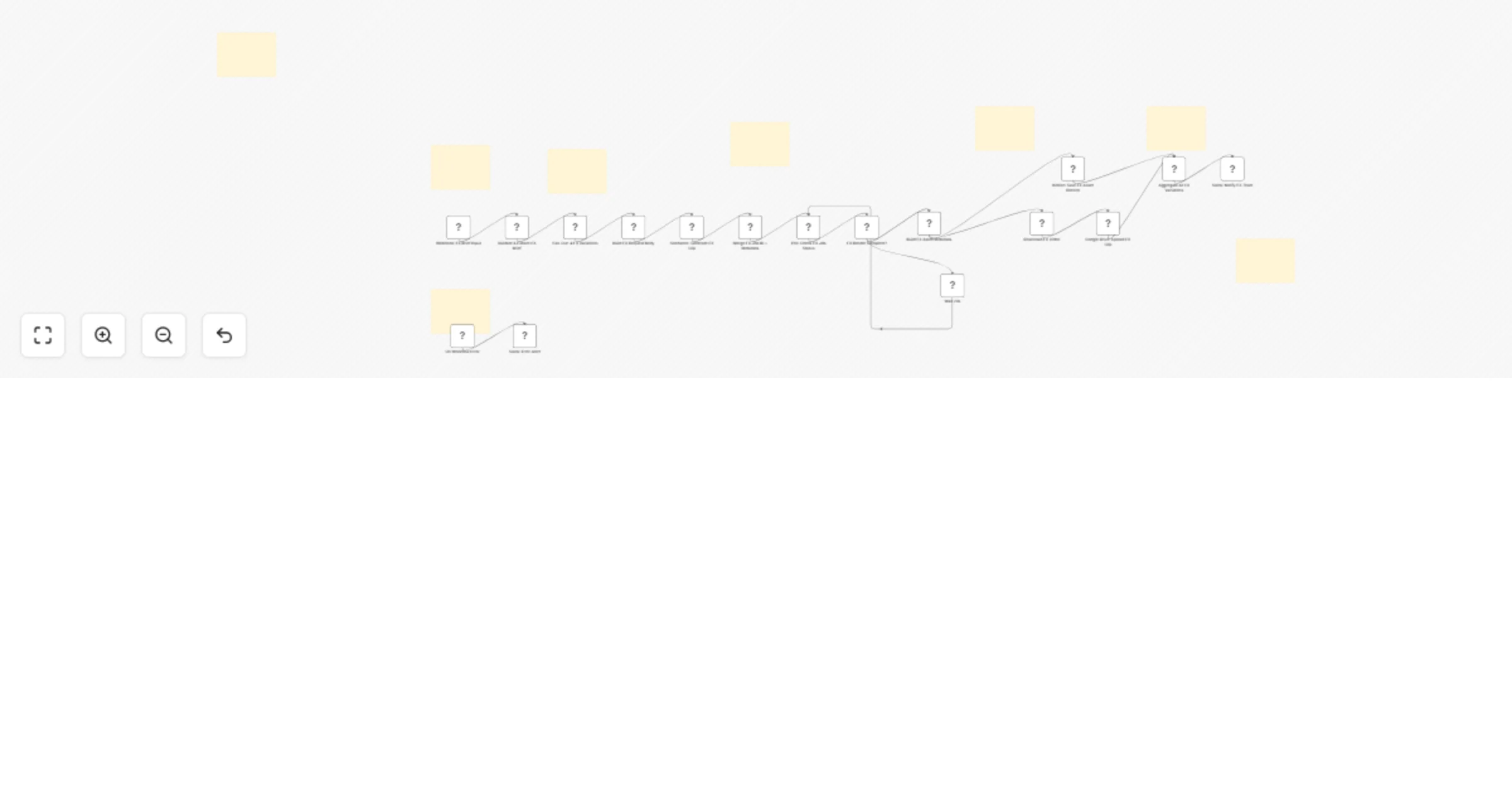
Original n8n.io sourceThis workflow is an AI-driven FX concept generation pipeline that transforms a single VFX brief into multiple high-quality simulation-ready video concepts. It automates ideation, rendering, storage, and team review—bridging the gap between creative direction and simulation execution.
The process begins with a webhook trigger that serves as the FX brief intake layer, receiving a POST request containing the core FX brief, shot code, and optional parameters such as FX type, scale, intensity, and camera details. This input then moves through a validation and normalization stage, where required fields are verified and key attributes—such as FX type (fire, smoke, explosion), camera movement, frame range, FPS, scale, intensity, and speed—are standardized for consistency. Following this, the system performs prompt engineering and fans out the single brief into four creative variations: a primary reference (balanced), a high-intensity version (extreme simulation), a subtle version (controlled low-intensity FX), and an alternate camera variation offering a different perspective. Each variation is enriched with detailed cinematic instructions, including camera behavior, speed dynamics, and frame timing. At the core of the workflow, a dynamic generation mode determines whether to use image-to-video (if a reference image is provided) or text-to-video (if not), ensuring flexibility across both concepting and plate-matching use cases. Each variation is then submitted as an independent job to the Seedance API for AI rendering, returning unique job IDs for asynchronous tracking. A polling system manages execution by checking the job status every 20 seconds and continues until rendering is complete, handling each variation independently.
Once completed, the system structures detailed metadata for each asset, including the video URL, FX type, scale, intensity, camera movement, frame specifications, and relevant tags for tracking and review. The asset storage pipeline then downloads the generated videos, uploads them to Google Drive using a structured naming convention, and logs all associated metadata into a Notion database for organized tracking. An aggregation layer consolidates all variations into a single structured output, combining video links, Notion records, and technical metadata.
Finally, a Slack review dispatch sends a well-formatted message to the FX team, presenting all variations in one place with direct video previews, along with a technical breakdown covering scale, intensity, camera settings, and FPS, as well as Notion links for streamlined tracking and review.
• Global error trigger • Sends Slack alert with failure details • Ensures no lost jobs or silent failures
• Seedance API (AI video generation) • Google Drive OAuth2 • Notion API • Slack OAuth2 • Webhook integration
✔ Rapid FX concept iteration (4 variations instantly) ✔ Structured prompt engineering for consistent outputs ✔ Automatic handling of camera, timing, and simulation context ✔ Integrated storage (Drive + Notion) ✔ Centralized team review via Slack ✔ Supports both concept art and simulation previsualization
This catalog entry is organized from the workflow JSON. The node-level section below shows the executable blocks available for review before importing the template.
Showing the first 24 of 25 workflow blocks. Download the JSON for the full node graph.
| Workflow | Generate multi-variation FX concept clips with Seedance AI, Google Drive, Notion and Slack |
|---|---|
| Complexity | advanced |
| Nodes | 25 |
| Categories | Content Creation, Multimodal AI |
| Author | Rahul Joshi |
| Published | 27 Mar 2026 |
Use the JSON export at /data/workflows/14388/14388.json as the source template for this automation.
Open n8n, import the downloaded JSON, and review each node before activating the workflow.
Replace placeholder credentials, API keys, webhook URLs, account IDs, and environment-specific values with your own settings.
Run the workflow manually or in a staging workspace, inspect node output, and confirm downstream systems receive the expected data.
Enable the workflow only after testing, then monitor executions, errors, and rate limits during the first production runs.
Review imported nodes carefully before activation. This catalog entry is intended to help you inspect the workflow structure, understand required services, and find related templates faster.
Node names, credentials, schedules, webhook paths, and external service limits may need adjustment for your workspace.
Description This workflow is an AI driven FX concept generation pipeline that transforms a single VFX brief into multiple high quality simulation ready video concepts. It automates ideation, ren...
Review the workflow JSON, configure any required credentials in n8n, and test the automation in a safe workspace before using it in production.
Yes. Use the block-by-block analysis and the downloadable JSON to inspect each node, then adjust credentials, prompts, schedules, filters, or destinations for your Content Creation, Multimodal AI use case.