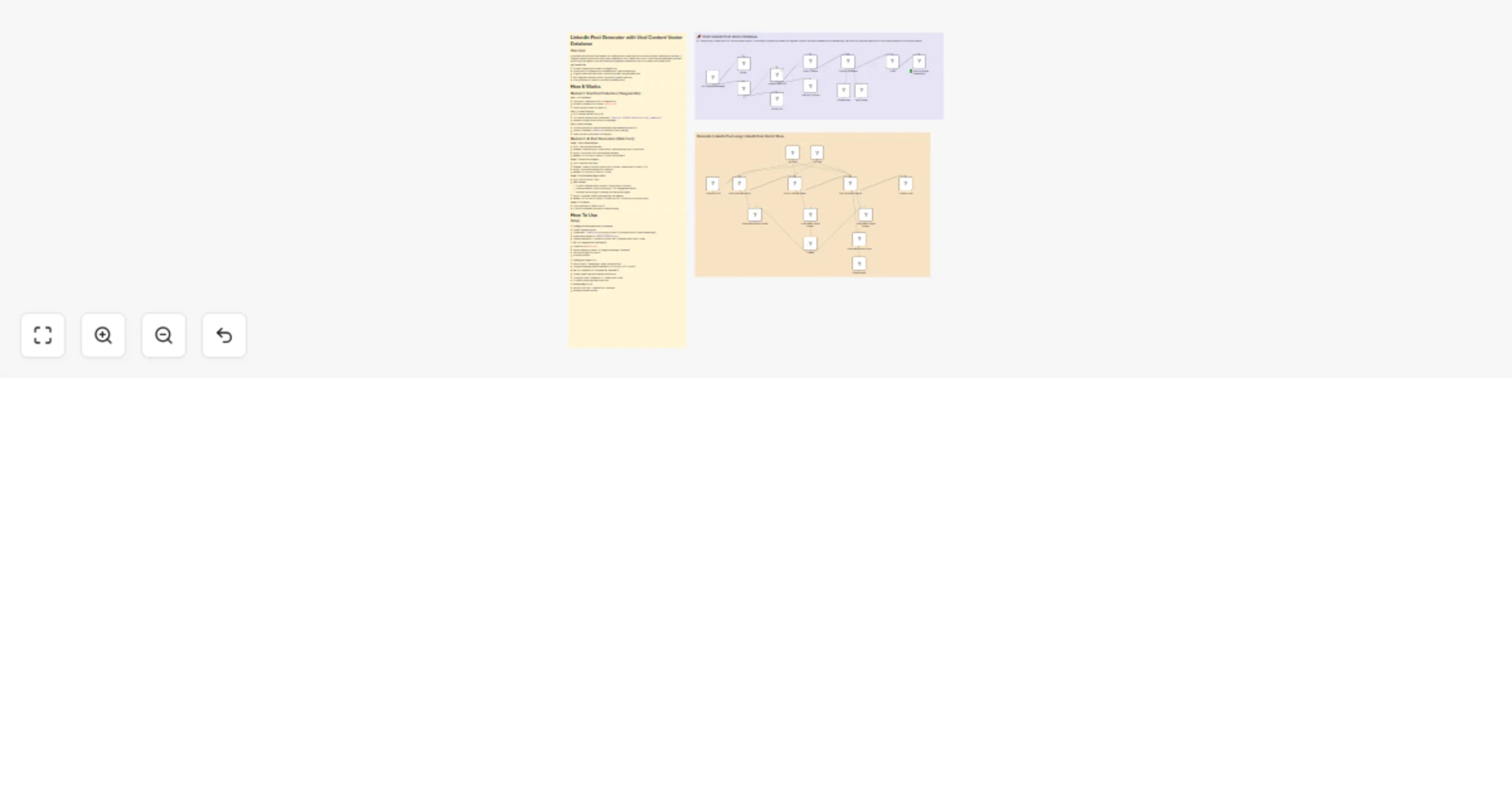
Generate LinkedIn posts using Telegram, Supabase vector DB and OpenAI RAG

Workflow preview

Workflow preview
100%
Generate LinkedIn posts using Telegram, Supabase vector DB and OpenAI RAG preview
Open on n8n.io

1. Workflow Overview

Overview AI powered n8n workflow that creates viral LinkedIn posts by learning from successful content. Features two modules: (1) Telegram based scraper that builds a vector database of viral Linke...

Best for

  • Content Creation automation workflows
  • AI RAG automation workflows
  • advanced n8n builders looking for reusable templates

Tools used

n8n-nodes-base.telegramtrigger, n8n-nodes-base.if, n8n-nodes-base.telegram, n8n-nodes-base.httprequest, n8n-nodes-base.html, @n8n/n8n-nodes-langchain.vectorstoresupabase, @n8n/n8n-nodes-langchain.documentdefaultdataloader, @n8n/n8n-nodes-langchain.embeddingsopenai

Source and attribution

This workflow is cataloged by N8N Workflows and links back to its original n8n.io source page by Bhavy Shekhaliya.

Original n8n.io source

1.1 Workflow description

Title
Generate LinkedIn posts using Telegram, Supabase vector DB and OpenAI RAG
Workflow name
Generate LinkedIn posts using Telegram, Supabase vector DB and OpenAI RAG

Overview

AI-powered n8n workflow that creates viral LinkedIn posts by learning from successful content. Features two modules: (1) Telegram-based scraper that builds a vector database of viral LinkedIn posts, and (2) Web form that generates optimized posts using multi-agent AI with RAG (Retrieval-Augmented Generation) from your curated viral content library.

Key Capabilities:

  • Scrapes LinkedIn post content via Telegram bot
  • Stores posts in Supabase vector database with OpenAI embeddings
  • 3-agent system analyzes hooks, structures outlines, and generates posts
  • RAG integration retrieves similar viral posts for pattern matching
  • Auto-publishes to LinkedIn or provides formatted output

How It Works

Module 1: Viral Post Collection (Telegram Bot)

Step 1: URL Validation

  • User sends LinkedIn post URL to Telegram bot
  • Workflow validates URL contains "linkedin.com"
  • Shows typing indicator for better UX

Step 2: Content Scraping

  • HTTP request fetches post HTML
  • CSS selector extracts main commentary: [data-test-id="main-feed-activity-card__commentary"]
  • Handles scraping failures with error messages

Step 3: Vector Storage

  • Converts post text to OpenAI embeddings (text-embedding-ada-002)
  • Stores in Supabase linkedin_post table with vector indexing
  • Sends success confirmation via Telegram

Module 2: AI Post Generation (Web Form)

Stage 1: Hook Analysis Agent

  • Input: User-provided hook text
  • Process: AI extracts topic, niche/industry, emotional tone, and 3-5 key points
  • Output: Structured JSON with analyzed elements
  • Models: GPT-4o-mini or Gemini 2.5-flash (dual fallback)

Stage 2: Post Structure Agent

  • Input: Analyzed hook data
  • Process: Creates 5-section outline (Hook, Problem, Value/Lesson, Solution, CTA)
  • Output: Structured framework for final post
  • Models: GPT-4o-mini or Gemini 2.5-flash

Stage 3: Post Generator Agent (RAG)

  • Input: Post structure + topic
  • RAG Process:
  • Queries Supabase vector store for 5 most similar viral posts
  • Analyzes patterns: hooks, storytelling, CTAs, engagement metrics
  • Identifies optimal length, formatting, and emotional triggers
  • Output: Complete LinkedIn post applying viral patterns
  • Models: GPT-4o-mini or Gemini 2.5-flash with GPT-5-NANO for structured output

Stage 4: Publication

  • Auto-publishes to LinkedIn via API
  • Or returns formatted post text for manual posting

How To Use

Setup

1. Configure Supabase Vector Database

  • Create Supabase project
  • Create table: linkedin_post with vector column (1536 dimensions for OpenAI embeddings)
  • Enable vector extension: CREATE EXTENSION vector;
  • Update credentials in "Upload Document" and "Supabase Vector Store" nodes

2. Set Up Telegram Bot (Module 1)

  • Create bot via @BotFather
  • Get bot token and update "On Telegram Message" credentials
  • Start bot and get your chat ID
  • Activate workflow

3. Configure OpenAI API

  • Add API key to "Embeddings" nodes (both modules)
  • Configure language model credentials (GPT-4o-mini, GPT-5-NANO)

4. Set Up LinkedIn API (Optional for Module 2)

  • Create LinkedIn app with member permissions
  • Configure OAuth2 credentials in "Create a post" node
  • Or remove node to get text output only

5. Access Web Form

  • Get form URL from "LinkedIn Form" webhook
  • Bookmark for easy access

1.2 Logical Blocks

This catalog entry is organized from the workflow JSON. The node-level section below shows the executable blocks available for review before importing the template.

2. Block-by-Block Analysis

Block 1 - On Telegram Message

Type / Role
n8n-nodes-base.telegramTrigger - telegramTrigger
Config choices
Version 1.2

Block 2 - If

Type / Role
n8n-nodes-base.if - if
Config choices
Version 2.2

Block 3 - Typing....

Type / Role
n8n-nodes-base.telegram - telegram
Config choices
Version 1.2

Block 4 - Wrong URL

Type / Role
n8n-nodes-base.telegram - telegram
Config choices
Version 1.2

Block 5 - LinkedIn Post URL

Type / Role
n8n-nodes-base.httpRequest - httpRequest
Config choices
Version 4.2

Block 6 - Scrap Content

Type / Role
n8n-nodes-base.html - html
Config choices
Version 1.2

Block 7 - Unable to Scrape

Type / Role
n8n-nodes-base.telegram - telegram
Config choices
Version 1.2

Block 8 - Upload Document

Type / Role
@n8n/n8n-nodes-langchain.vectorStoreSupabase - vectorStoreSupabase
Config choices
Version 1.3

Block 9 - Data Loader

Type / Role
@n8n/n8n-nodes-langchain.documentDefaultDataLoader - documentDefaultDataLoader
Config choices
Version 1.1

Block 10 - Embeddings

Type / Role
@n8n/n8n-nodes-langchain.embeddingsOpenAi - embeddingsOpenAi
Config choices
Version 1.2

Block 11 - ✅ Post Scrapped Sucessfully

Type / Role
n8n-nodes-base.telegram - telegram
Config choices
Version 1.2

Block 12 - Code

Type / Role
n8n-nodes-base.code - code
Config choices
Version 2

Block 13 - Sticky Note5

Type / Role
n8n-nodes-base.stickyNote - stickyNote
Config choices
Version 1

Block 14 - LinkedIn Form

Type / Role
n8n-nodes-base.formTrigger - formTrigger
Config choices
Version 2.3

Block 15 - Hook Analyse Agent

Type / Role
@n8n/n8n-nodes-langchain.agent - agent
Config choices
Version 2.2

Block 16 - Post Structure Agent

Type / Role
@n8n/n8n-nodes-langchain.agent - agent
Config choices
Version 2.2

Block 17 - Post Generator Agent

Type / Role
@n8n/n8n-nodes-langchain.agent - agent
Config choices
Version 2.2

Block 18 - 4o mini

Type / Role
@n8n/n8n-nodes-langchain.lmChatOpenAi - lmChatOpenAi
Config choices
Version 1.2

Block 19 - 2.5-flash

Type / Role
@n8n/n8n-nodes-langchain.lmChatGoogleGemini - lmChatGoogleGemini
Config choices
Version 1

Block 20 - Structured Output Parser

Type / Role
@n8n/n8n-nodes-langchain.outputParserStructured - outputParserStructured
Config choices
Version 1.3

Block 21 - 5 nano

Type / Role
@n8n/n8n-nodes-langchain.lmChatOpenAi - lmChatOpenAi
Config choices
Version 1.2

Block 22 - Structured Output Parser.

Type / Role
@n8n/n8n-nodes-langchain.outputParserStructured - outputParserStructured
Config choices
Version 1.3

Block 23 - Supabase Vector Store

Type / Role
@n8n/n8n-nodes-langchain.vectorStoreSupabase - vectorStoreSupabase
Config choices
Version 1.3

Block 24 - Embeddings.

Type / Role
@n8n/n8n-nodes-langchain.embeddingsOpenAi - embeddingsOpenAi
Config choices
Version 1.2

Showing the first 24 of 28 workflow blocks. Download the JSON for the full node graph.

3. Summary Table

Workflow Generate LinkedIn posts using Telegram, Supabase vector DB and OpenAI RAG
Complexity advanced
Nodes 28
Categories Content Creation, AI RAG
Author Bhavy Shekhaliya
Published 01 Dec 2025

4. Reproducing the Workflow from Scratch

  1. 1. Download the workflow JSON

    Use the JSON export at /data/workflows/11385/11385.json as the source template for this automation.

  2. 2. Import the template into n8n

    Open n8n, import the downloaded JSON, and review each node before activating the workflow.

  3. 3. Configure credentials and variables

    Replace placeholder credentials, API keys, webhook URLs, account IDs, and environment-specific values with your own settings.

  4. 4. Test with sample data

    Run the workflow manually or in a staging workspace, inspect node output, and confirm downstream systems receive the expected data.

  5. 5. Activate and monitor

    Enable the workflow only after testing, then monitor executions, errors, and rate limits during the first production runs.

5. General Notes & Resources

Review imported nodes carefully before activation. This catalog entry is intended to help you inspect the workflow structure, understand required services, and find related templates faster.

Node names, credentials, schedules, webhook paths, and external service limits may need adjustment for your workspace.

Frequently asked questions

What does Generate LinkedIn posts using Telegram, Supabase vector DB and OpenAI RAG do?

Overview AI powered n8n workflow that creates viral LinkedIn posts by learning from successful content. Features two modules: (1) Telegram based scraper that builds a vector database of viral Linke...

What do I need before importing this workflow?

Review the workflow JSON, configure any required credentials in n8n, and test the automation in a safe workspace before using it in production.

Can I customize this workflow?

Yes. Use the block-by-block analysis and the downloadable JSON to inspect each node, then adjust credentials, prompts, schedules, filters, or destinations for your Content Creation, AI RAG use case.