Block 1 - Grok 4.1 Fast
- Type / Role
- @n8n/n8n-nodes-langchain.lmChatOpenRouter - lmChatOpenRouter
- Config choices
- Version 1


 Early Deal
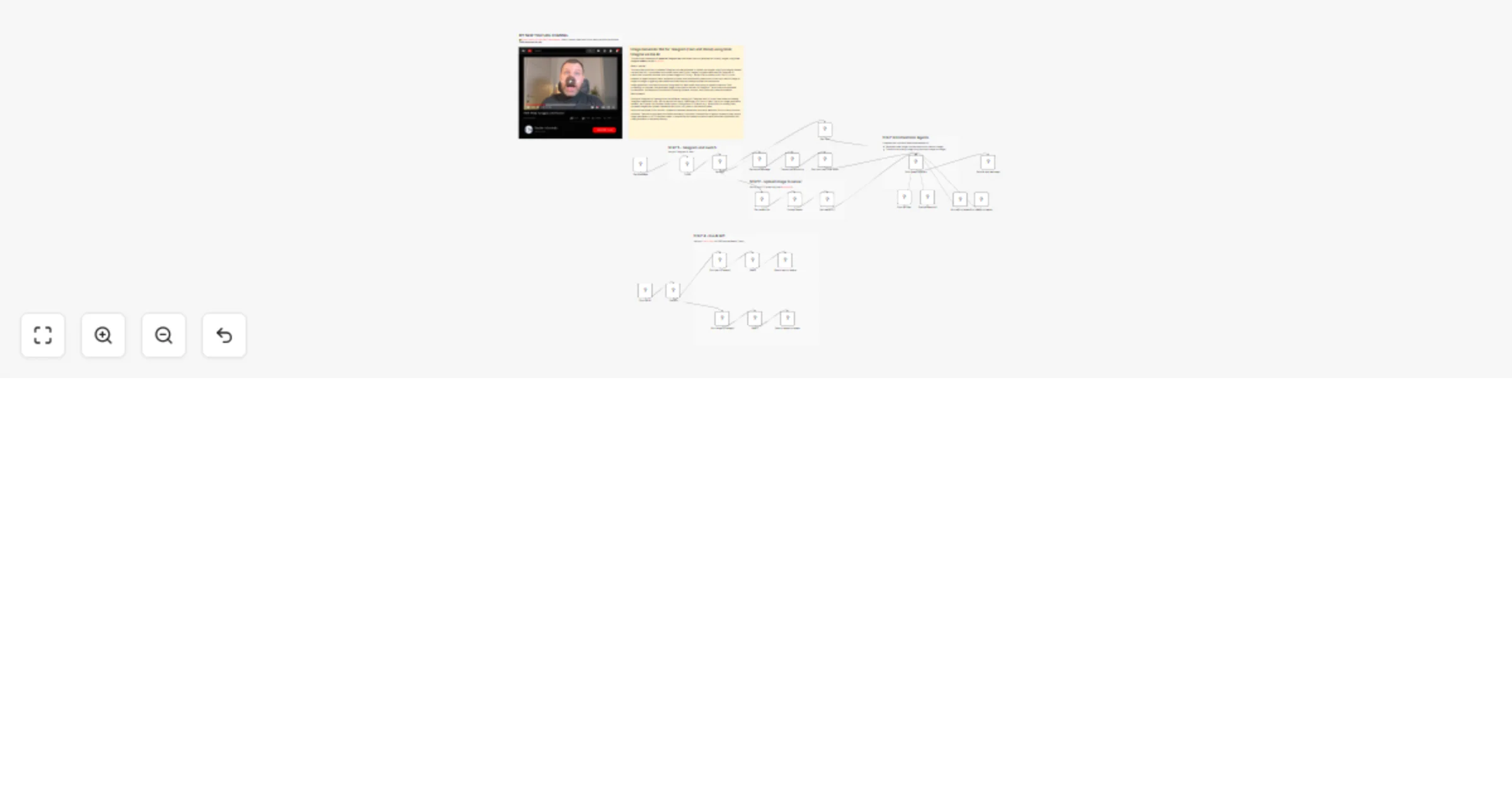
This workflow creates an AI powered Telegram bot that allows users to generate and modify images using Grok Imagine models via the Kie AI API....
@n8n/n8n-nodes-langchain.lmchatopenrouter, n8n-nodes-base.stickynote, n8n-nodes-base.code, n8n-nodes-base.telegramtrigger, n8n-nodes-base.telegram, n8n-nodes-base.set, n8n-nodes-base.switch, @n8n/n8n-nodes-langchain.toolworkflow
This workflow is cataloged by N8N Workflows and links back to its original n8n.io source page by Davide Boizza.
Original n8n.io sourceThis workflow creates an AI-powered Telegram bot that allows users to generate and modify images using Grok Imagine models via the Kie AI API.
Users can interact using:
This makes the bot highly flexible and user-friendly.
Instead of directly calling APIs, the workflow uses an AI agent that:
This dramatically improves output quality.
From user input to final image delivery:
Everything is automated end-to-end.
The use of:
Prevents timeouts and supports longer image generation tasks.
The Telegram ID validation ensures:
The workflow is built with:
This makes it easy to extend with:
The workflow includes:
This makes it suitable for:
This workflow creates a Telegram bot that uses AI to generate and transform images through Grok Imagine models, with support for text, voice, and image inputs.
Telegram Input Handling: Users interact with the bot by sending messages, voice notes, or images. The workflow authenticates users based on their Telegram ID.
Input Processing:
Async Processing: The workflow uses Wait nodes to handle asynchronous image generation, polling Kie.ai for results via task IDs.
Result Delivery: Once images are generated, they're sent back to the user through Telegram messages.
👉 Subscribe to my new YouTube channel. Here I’ll share videos and Shorts with practical tutorials and FREE templates for n8n.
Contact me for consulting and support or add me on Linkedin.
This catalog entry is organized from the workflow JSON. The node-level section below shows the executable blocks available for review before importing the template.
Showing the first 24 of 30 workflow blocks. Download the JSON for the full node graph.
| Workflow | Generate Images on Telegram 🤖🖼️ from Text and Voice using Grok Imagine & Kie AI |
|---|---|
| Complexity | advanced |
| Nodes | 30 |
| Categories | Content Creation, AI Chatbot |
| Author | Davide Boizza |
| Published | 13 Feb 2026 |
Use the JSON export at /data/workflows/13367/13367.json as the source template for this automation.
Open n8n, import the downloaded JSON, and review each node before activating the workflow.
Replace placeholder credentials, API keys, webhook URLs, account IDs, and environment-specific values with your own settings.
Run the workflow manually or in a staging workspace, inspect node output, and confirm downstream systems receive the expected data.
Enable the workflow only after testing, then monitor executions, errors, and rate limits during the first production runs.
Review imported nodes carefully before activation. This catalog entry is intended to help you inspect the workflow structure, understand required services, and find related templates faster.
Node names, credentials, schedules, webhook paths, and external service limits may need adjustment for your workspace.
This workflow creates an AI powered Telegram bot that allows users to generate and modify images using Grok Imagine models via the Kie AI API....
Review the workflow JSON, configure any required credentials in n8n, and test the automation in a safe workspace before using it in production.
Yes. Use the block-by-block analysis and the downloadable JSON to inspect each node, then adjust credentials, prompts, schedules, filters, or destinations for your Content Creation, AI Chatbot use case.