Block 1 - On clicking 'execute'
- Type / Role
- n8n-nodes-base.manualTrigger - manualTrigger
- Config choices
- Version 1


 Early Deal
This workflow is provided as-is. Please review and test before using in production.
Generate High Quality Audio with Voxtral Small 24B 2507 This workflow integrates the notdaniel/voxtral small 24b 2507 model from Replicate to generate audio content from provided inputs. It handles...
n8n-nodes-base.manualtrigger, n8n-nodes-base.set, n8n-nodes-base.httprequest, n8n-nodes-base.code, n8n-nodes-base.wait, n8n-nodes-base.if, n8n-nodes-base.stickynote
This workflow is cataloged by N8N Workflows and links back to its original n8n.io source page by Yaron Been.
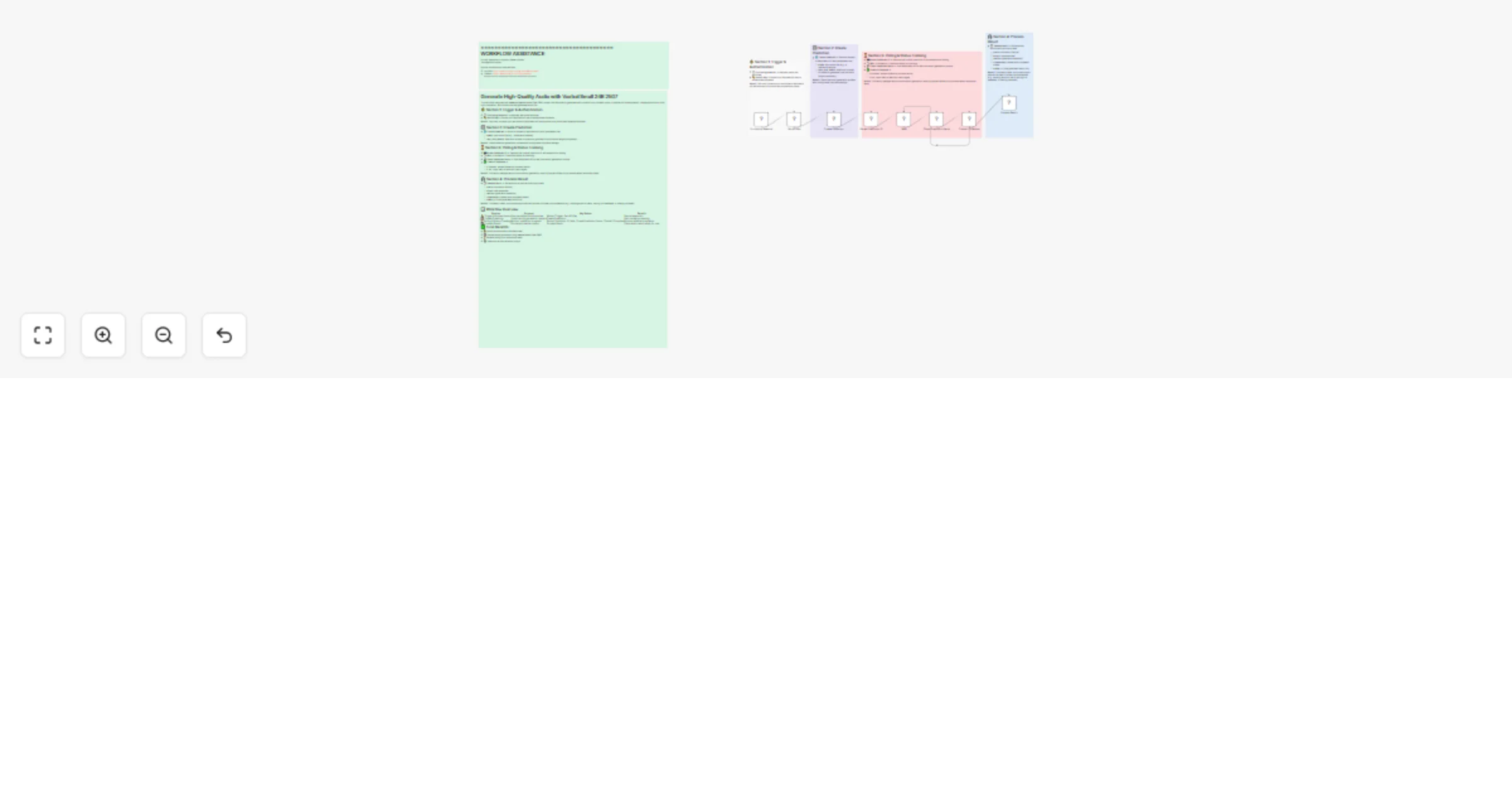
Original n8n.io sourceThis workflow integrates the notdaniel/voxtral-small-24b-2507 model from Replicate to generate audio content from provided inputs. It handles API authentication, creates predictions, polls until completion, and outputs the final generated audio file.
Benefit: Securely connects your workflow to Replicate’s API and ensures only authorized requests are made.
🌐 Create Prediction → Sends a request to Replicate’s API with parameters like:
Benefit: Starts the audio generation process with configurable input and settings.
🆔 Extract Prediction ID → Captures the unique prediction ID and endpoint for polling.
⏱️ Wait → Pauses for 2 seconds before re-checking.
📡 Check Prediction Status → Polls Replicate’s API to see if the audio generation is done.
✅ Check If Complete →
Benefit: Efficiently manages asynchronous audio generation, ensuring the workflow only proceeds when results are ready.
📝 Process Result → Extracts and structures final output data:
Benefit: Provides a clean, structured output that can be used in follow-up automations (e.g., sending audio to users, storing in a database, or sharing via email).
| Section | Purpose | Key Nodes | Benefit |
|---|---|---|---|
| ⚡ Trigger & Authentication | Start workflow & authenticate | Manual Trigger, Set API Key | Secure execution |
| 🎛️ Create Prediction | Submit audio generation request | Create Prediction | Start model processing |
| ⏳ Polling & Status Tracking | Monitor prediction progress | Extract Prediction ID, Wait, Check Prediction Status, Check If Complete | Ensures reliable completion |
| 🎧 Process Result | Format and deliver output | Process Result | Clean audio result ready for use |
This catalog entry is organized from the workflow JSON. The node-level section below shows the executable blocks available for review before importing the template.
| Workflow | Generate high-quality audio with Voxtral Small 24B 2507 |
|---|---|
| Complexity | intermediate |
| Nodes | 14 |
| Categories | Content Creation, Multimodal AI |
| Author | Yaron Been |
| Published | 02 Aug 2025 |
Use the JSON export at /data/workflows/6890/6890.json as the source template for this automation.
Open n8n, import the downloaded JSON, and review each node before activating the workflow.
Replace placeholder credentials, API keys, webhook URLs, account IDs, and environment-specific values with your own settings.
Run the workflow manually or in a staging workspace, inspect node output, and confirm downstream systems receive the expected data.
Enable the workflow only after testing, then monitor executions, errors, and rate limits during the first production runs.
Review imported nodes carefully before activation. This catalog entry is intended to help you inspect the workflow structure, understand required services, and find related templates faster.
Node names, credentials, schedules, webhook paths, and external service limits may need adjustment for your workspace.
Generate High Quality Audio with Voxtral Small 24B 2507 This workflow integrates the notdaniel/voxtral small 24b 2507 model from Replicate to generate audio content from provided inputs. It handles...
Review the workflow JSON, configure any required credentials in n8n, and test the automation in a safe workspace before using it in production.
Yes. Use the block-by-block analysis and the downloadable JSON to inspect each node, then adjust credentials, prompts, schedules, filters, or destinations for your Content Creation, Multimodal AI use case.