Generate Financial Risk Reports ๐Ÿ“ˆ from ElevenLabs interviews ๐ŸŽ™๏ธusing OpenAI

Workflow preview

Workflow preview
100%
Generate Financial Risk Reports ๐Ÿ“ˆ from ElevenLabs interviews ๐ŸŽ™๏ธusing OpenAI preview
Open on n8n.io

1. Workflow Overview

This workflow automates the process of receiving a post call audio file and transcription from ElevenLabs, processing them, and generating a financial risk...

Best for

  • Document Extraction automation workflows
  • AI Summarization automation workflows
  • advanced n8n builders looking for reusable templates

Tools used

n8n-nodes-base.webhook, n8n-nodes-base.switch, @n8n/n8n-nodes-langchain.lmchatopenai, n8n-nodes-base.googledrive, n8n-nodes-base.code, n8n-nodes-base.set, @n8n/n8n-nodes-langchain.chainllm, @n8n/n8n-nodes-langchain.outputparserstructured

Source and attribution

This workflow is cataloged by N8N Workflows and links back to its original n8n.io source page by Davide Boizza.

Original n8n.io source

1.1 Workflow description

Title
Generate Financial Risk Reports ๐Ÿ“ˆ from ElevenLabs interviews ๐ŸŽ™๏ธusing OpenAI
Workflow name
Generate Financial Risk Reports ๐Ÿ“ˆ from ElevenLabs interviews ๐ŸŽ™๏ธusing OpenAI

This workflow automates the process of receiving a post-call audio file and transcription from ElevenLabs, processing them, and generating a financial risk report.


Key Advantages

1. โœ… End-to-End Automation

The workflow fully automates the process from raw input (audio/transcript) to final delivery (email report), eliminating manual intervention.

2. โœ… AI-Powered Decision Making

It leverages language models to:

  • Analyze qualitative interview responses
  • Convert them into quantitative scores
  • Produce consistent and objective evaluations
3. โœ… Structured Data Extraction

Automatically extracts critical business information, reducing human error and ensuring standardized outputs.

4. โœ… Scalability

The webhook-based architecture allows the system to handle large volumes of interviews in parallel without additional effort.

5. โœ… Modular & Extensible Design

Each step (audio processing, extraction, scoring, reporting) is modular, making it easy to:

  • Replace models
  • Add new analysis layers
  • Integrate additional services
6. โœ… Professional Output Generation

Generates clean, ready-to-send HTML reports compatible with email clients, improving communication with stakeholders.

7. โœ… Data Traceability & Storage

Audio files are stored in Google Drive, ensuring:

  • Auditability
  • Easy retrieval of original data
8. โœ… Consistency & Standardization

The evaluation logic ensures that all interviews are assessed using the same criteria, reducing subjective bias.


How it works

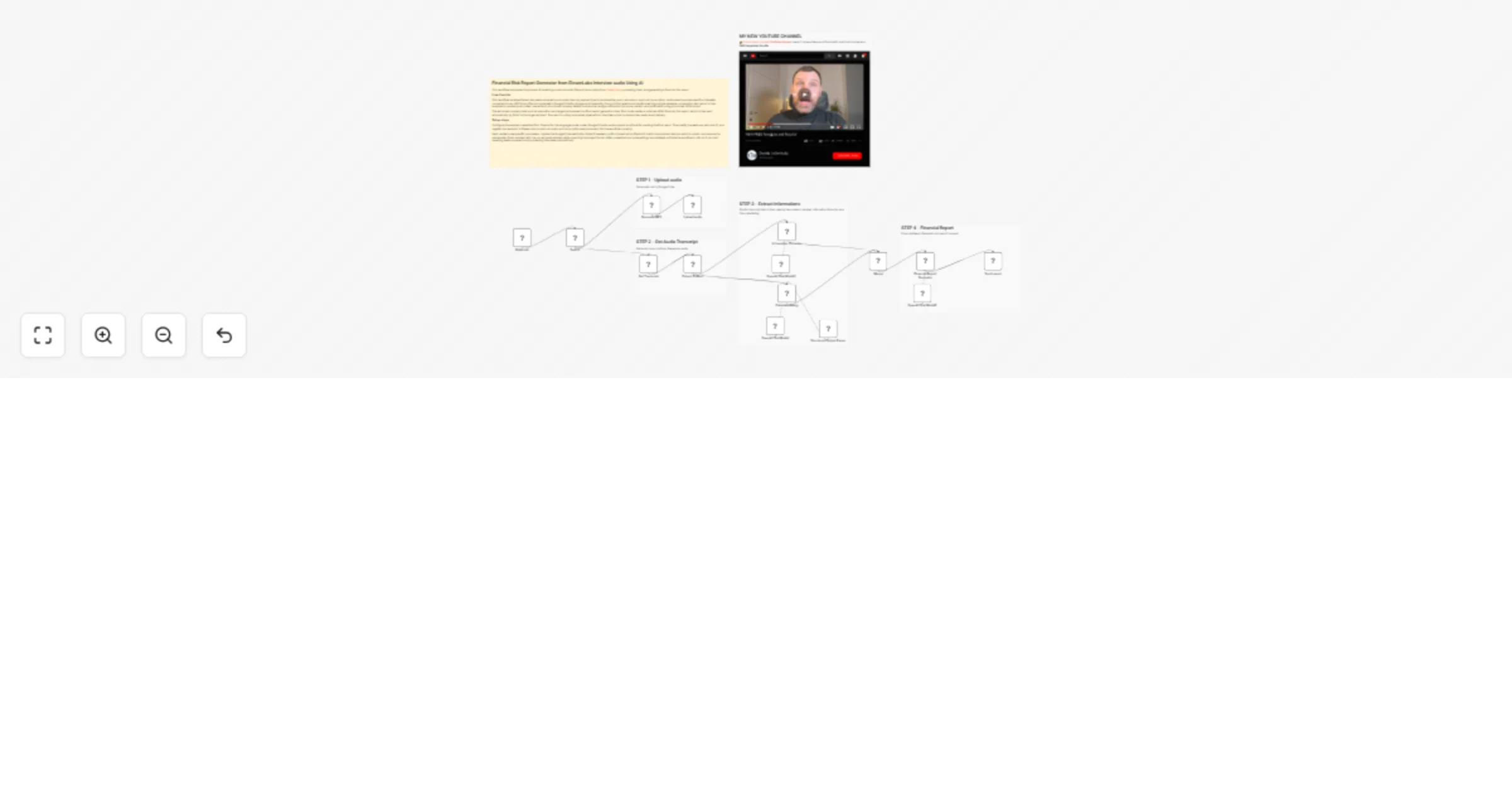
  1. Receiving and Routing Data: The workflow starts with a Webhook that listens for incoming data from ElevenLabs. A Switch node then routes the data based on the body.type field.
  • Post Call Audio: If the type is post_call_audio, the workflow processes the audio.
  • Post Call Transcription: If the type is post_call_transcription, the workflow processes the transcription.
  1. Audio Processing Path: For an audio file, a Code node extracts the Base64 audio data and the conversation_id from the webhook payload. It converts the Base64 string into a binary audio buffer (MP3). This binary data is then passed to a Google Drive node, which uploads the file to a specified folder (the user's root folder).

  2. Transcription Processing Path: For a transcription, a Set node extracts the transcript array from the payload. A subsequent Code node processes this array, combining all messages from the conversation into a single, readable full text string, prefixed by the speaker's role.

  3. Data Enrichment and Analysis: The full transcript text is then used by two nodes in parallel:

  • Information Extractor: This LangChain node uses an OpenAI model (gpt-5-mini) to extract structured data from the text, specifically the company_name, the CEO's name, the address, and the vat_number.
  • Calculate Rating: This LangChain node uses another OpenAI model to perform a quantitative evaluation. It follows a provided system prompt to assign a numerical score, a final verdict (POSITIVE/NEUTRAL/NEGATIVE), and a reason based on the interviewee's responses. Its output is parsed by a Structured Output Parser to ensure it is valid JSON.
  1. Report Generation and Delivery: The outputs from the Information Extractor and Calculate Rating nodes are merged into a single data object. This object is passed to the Financial Report Generator, a final LangChain node that acts as a professional analyst. Using the merged data (company details, score, verdict, etc.), it generates a polished, formatted HTML email body. Finally, a Gmail node sends this HTML report as an email to the specified recipient.

Set up steps

  1. Configure Credentials:
  • OpenAI: Set up an OpenAI API credential for the three language model nodes. Ensure it has access to the gpt-5-mini model.
  • Google Drive: Configure OAuth2 credentials for the "Upload audio" node to allow file uploads.
  • Gmail: Set up OAuth2 credentials for the "Send report" node.
  1. Configure Webhook:
  • Note the webhook ID and path. This URL must be configured in ElevenLabs to send post-call data to this n8n instance.
  1. Update Node Parameters:
  • Google Drive: Modify the "Upload audio" node if the target folder (folderId) is not the root.
  • Information Extractor: The extraction attributes (company, name, address, VAT) are pre-configured. No changes are needed unless the target data fields change.
  • Gmail: Update the Gmail node with the recipient email address ([email protected]) and verify the email subject line formatting.
  1. Activate Workflow: Once all credentials and parameters are set, toggle the workflow from active: false to active: true in the n8n editor to start listening for webhook calls.

๐Ÿ‘‰ Subscribe to my new YouTube channel. Here Iโ€™ll share videos and Shorts with practical tutorials and FREE templates for n8n.


Need help customizing?

Contact me for consulting and support or add me on Linkedin.

1.2 Logical Blocks

This catalog entry is organized from the workflow JSON. The node-level section below shows the executable blocks available for review before importing the template.

2. Block-by-Block Analysis

Block 1 - Webhook

Type / Role
n8n-nodes-base.webhook - webhook
Config choices
Version 2.1

Block 2 - Switch

Type / Role
n8n-nodes-base.switch - switch
Config choices
Version 3.4

Block 3 - OpenAI Chat Model

Type / Role
@n8n/n8n-nodes-langchain.lmChatOpenAi - lmChatOpenAi
Config choices
Version 1.3

Block 4 - Upload audio

Type / Role
n8n-nodes-base.googleDrive - googleDrive
Config choices
Version 3

Block 5 - Generate MP3

Type / Role
n8n-nodes-base.code - code
Config choices
Version 2

Block 6 - Get Transcript

Type / Role
n8n-nodes-base.set - set
Config choices
Version 3.4

Block 7 - Extract Fulltext

Type / Role
n8n-nodes-base.code - code
Config choices
Version 2

Block 8 - Calculate Rating

Type / Role
@n8n/n8n-nodes-langchain.chainLlm - chainLlm
Config choices
Version 1.9

Block 9 - Structured Output Parser

Type / Role
@n8n/n8n-nodes-langchain.outputParserStructured - outputParserStructured
Config choices
Version 1.3

Block 10 - Information Extractor

Type / Role
@n8n/n8n-nodes-langchain.informationExtractor - informationExtractor
Config choices
Version 1.2

Block 11 - OpenAI Chat Model1

Type / Role
@n8n/n8n-nodes-langchain.lmChatOpenAi - lmChatOpenAi
Config choices
Version 1.3

Block 12 - OpenAI Chat Model2

Type / Role
@n8n/n8n-nodes-langchain.lmChatOpenAi - lmChatOpenAi
Config choices
Version 1.3

Block 13 - Merge

Type / Role
n8n-nodes-base.merge - merge
Config choices
Version 3.2

Block 14 - Financial Report Generator

Type / Role
@n8n/n8n-nodes-langchain.chainLlm - chainLlm
Config choices
Version 1.9

Block 15 - Send report

Type / Role
n8n-nodes-base.gmail - gmail
Config choices
Version 2.2

Block 16 - Sticky Note

Type / Role
n8n-nodes-base.stickyNote - stickyNote
Config choices
Version 1

Block 17 - Sticky Note1

Type / Role
n8n-nodes-base.stickyNote - stickyNote
Config choices
Version 1

Block 18 - Sticky Note2

Type / Role
n8n-nodes-base.stickyNote - stickyNote
Config choices
Version 1

Block 19 - Sticky Note3

Type / Role
n8n-nodes-base.stickyNote - stickyNote
Config choices
Version 1

Block 20 - Sticky Note4

Type / Role
n8n-nodes-base.stickyNote - stickyNote
Config choices
Version 1

Block 21 - Sticky Note9

Type / Role
n8n-nodes-base.stickyNote - stickyNote
Config choices
Version 1

3. Summary Table

Workflow Generate Financial Risk Reports ๐Ÿ“ˆ from ElevenLabs interviews ๐ŸŽ™๏ธusing OpenAI
Complexity advanced
Nodes 21
Categories Document Extraction, AI Summarization
Author Davide Boizza
Published 01 Apr 2026

4. Reproducing the Workflow from Scratch

  1. 1. Download the workflow JSON

    Use the JSON export at /data/workflows/14546/14546.json as the source template for this automation.

  2. 2. Import the template into n8n

    Open n8n, import the downloaded JSON, and review each node before activating the workflow.

  3. 3. Configure credentials and variables

    Replace placeholder credentials, API keys, webhook URLs, account IDs, and environment-specific values with your own settings.

  4. 4. Test with sample data

    Run the workflow manually or in a staging workspace, inspect node output, and confirm downstream systems receive the expected data.

  5. 5. Activate and monitor

    Enable the workflow only after testing, then monitor executions, errors, and rate limits during the first production runs.

5. General Notes & Resources

Review imported nodes carefully before activation. This catalog entry is intended to help you inspect the workflow structure, understand required services, and find related templates faster.

Node names, credentials, schedules, webhook paths, and external service limits may need adjustment for your workspace.

Frequently asked questions

What does Generate Financial Risk Reports ๐Ÿ“ˆ from ElevenLabs interviews ๐ŸŽ™๏ธusing OpenAI do?

This workflow automates the process of receiving a post call audio file and transcription from ElevenLabs, processing them, and generating a financial risk...

What do I need before importing this workflow?

Review the workflow JSON, configure any required credentials in n8n, and test the automation in a safe workspace before using it in production.

Can I customize this workflow?

Yes. Use the block-by-block analysis and the downloadable JSON to inspect each node, then adjust credentials, prompts, schedules, filters, or destinations for your Document Extraction, AI Summarization use case.