Block 1 - Certificate Form
- Type / Role
- n8n-nodes-base.formTrigger - formTrigger
- Config choices
- Version 2.2


 Early Deal
️ Important: This workflow uses the Autype community node and requires a self hosted n8n insta...
n8n-nodes-base.formtrigger, n8n-nodes-base.set, n8n-nodes-autype.autype, n8n-nodes-base.stickynote, n8n-nodes-base.manualtrigger
This workflow is cataloged by N8N Workflows and links back to its original n8n.io source page by 8Automator.
Original n8n.io source⚠️ Important: This workflow uses the Autype community node and requires a self-hosted n8n instance.
This workflow shows how to turn a centrally managed Autype document template into a fully automated document generation pipeline: injecting dynamic data at render time to produce professional PDF, DOCX, or ODT files at scale. No manual editing of the template is ever required.
This workflow is for developers, operations teams, and HR or finance departments who need to generate professional documents at scale (certificates, offer letters, invoices, reports, or contracts) where the layout and branding stay fixed but the content changes per recipient or record. It covers the full document automation lifecycle: template creation, variable injection, and output delivery.
The example generates a personalized Employee of the Month certificate as a styled PDF including a company logo in the header, a profile photo, an achievements table, a current date, and a signature field. All content is injected dynamically via Autype's variable system without modifying the template itself.
The workflow demonstrates all major Autype variable types in one flow:
It also includes a one-time setup section that creates the Autype project and document template entirely via API, so that the full pipeline can be bootstrapped from n8n without ever touching the web editor.
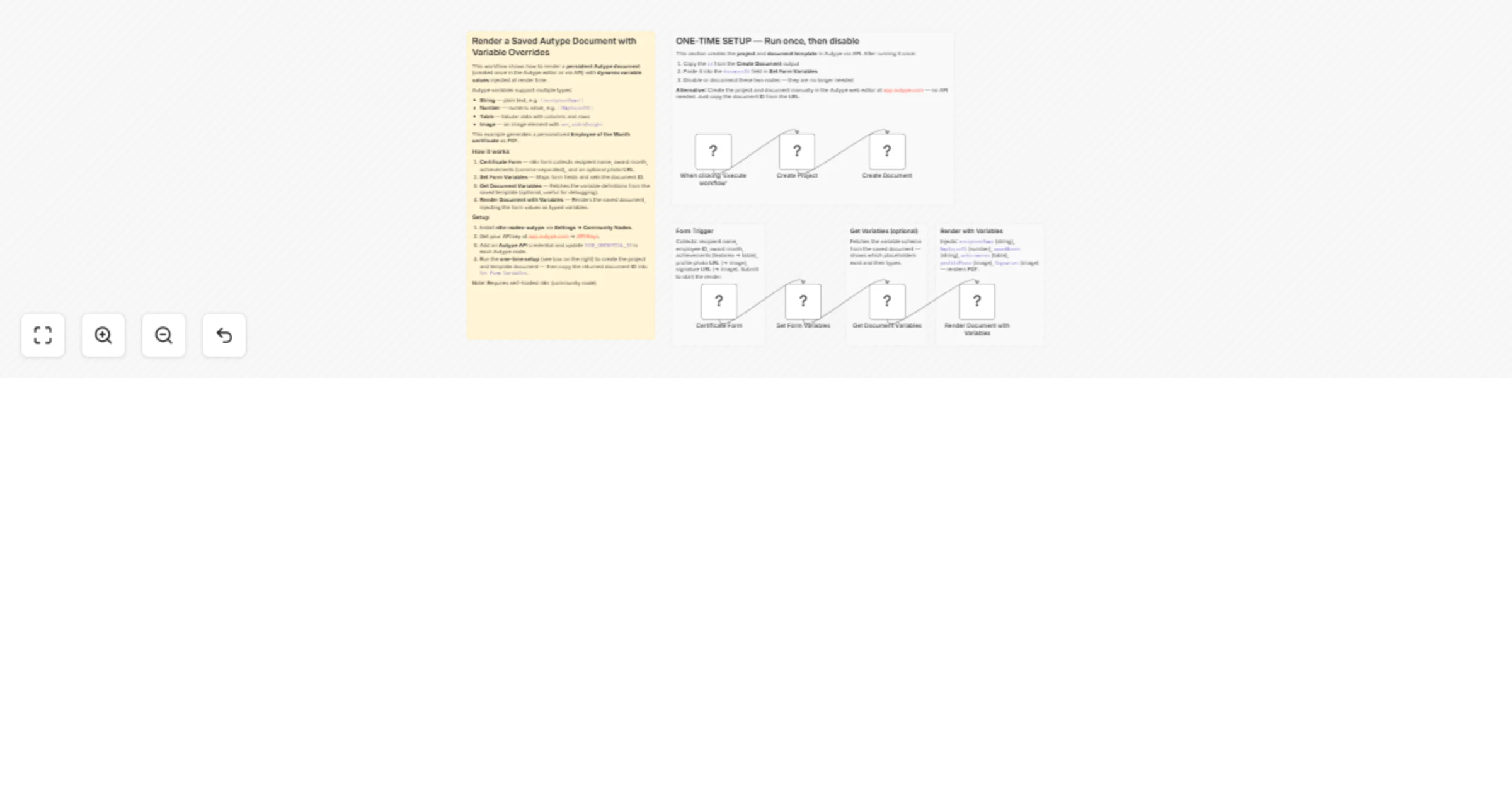
One-time setup (run once, then disable):
Main flow (runs every time): 3. Certificate Form: An n8n form collects: recipient name, employee ID, award month, achievements (textarea → parsed into a table variable), profile photo URL, and signature image URL. 4. Set Form Variables: Maps form fields, pre-computes the achievements data array, and stores the document ID. 5. Get Document Variables: Fetches the variable schema from the saved template (useful for debugging or dynamic form generation). 6. Render Document with Variables: Renders the saved template with all injected variable values and downloads the finished PDF.
YOUR_CREDENTIAL_ID in each Autype node.id from the Create Document output, and paste it into the documentId field in Set Form Variables. Then disable the setup nodes.Recommended: use the Autype web editor Instead of the One-Time Step: Creating and editing templates is much easier at app.autype.com. The AI agent in the editor can generate a complete document template from a single prompt with one click. Once saved, the document ID is visible directly in the URL, for example https://app.autype.com/document/a70a811d-a745-46f8-8eeb-bb9f2eb8cegb — where the last segment (a70a811d-a745-46f8-8eeb-bb9f2eb8cegb) is your document ID. Use the JSON/Markdown switch in the editor to view and copy the full document JSON, or open the Bulk tab to see exactly how the variable input structure should look.
Note: This is a community node and not maintained by the n8n team. Requires a self-hosted n8n instance.
This workflow is equally suited for bulk document generation : replace the Form Trigger with a database query, Google Sheets read, or webhook that returns multiple records, then loop over them using an n8n Split In Batches or Code node to render one document per record. Autype also provides a dedicated Bulk Render API that accepts a list of variable sets in one request for maximum throughput.
n8n-nodes-autype community node installeddocument.type in the template JSON to docx or odt for Word-compatible or OpenDocument output instead of PDF.This catalog entry is organized from the workflow JSON. The node-level section below shows the executable blocks available for review before importing the template.
| Workflow | Generate documents from saved templates and variables using Autype |
|---|---|
| Complexity | intermediate |
| Nodes | 12 |
| Categories | Document Extraction, Multimodal AI |
| Author | 8Automator |
| Published | 01 Mar 2026 |
Use the JSON export at /data/workflows/13784/13784.json as the source template for this automation.
Open n8n, import the downloaded JSON, and review each node before activating the workflow.
Replace placeholder credentials, API keys, webhook URLs, account IDs, and environment-specific values with your own settings.
Run the workflow manually or in a staging workspace, inspect node output, and confirm downstream systems receive the expected data.
Enable the workflow only after testing, then monitor executions, errors, and rate limits during the first production runs.
Review imported nodes carefully before activation. This catalog entry is intended to help you inspect the workflow structure, understand required services, and find related templates faster.
Node names, credentials, schedules, webhook paths, and external service limits may need adjustment for your workspace.
️ Important: This workflow uses the Autype community node and requires a self hosted n8n insta...
Review the workflow JSON, configure any required credentials in n8n, and test the automation in a safe workspace before using it in production.
Yes. Use the block-by-block analysis and the downloadable JSON to inspect each node, then adjust credentials, prompts, schedules, filters, or destinations for your Document Extraction, Multimodal AI use case.