Block 1 - Receive Document Upload via Webhook
- Type / Role
- n8n-nodes-base.webhook - webhook
- Config choices
- Version 2.1


 Early Deal
This workflow is provided as-is. Please review and test before using in production.
Description This workflow automates document understanding by accepting uploaded PDF or TXT files, extracting their text, generating a structured summary and question–answer set using GPT 4o, va...
n8n-nodes-base.webhook, n8n-nodes-base.if, n8n-nodes-base.extractfromfile, @n8n/n8n-nodes-langchain.agent, @n8n/n8n-nodes-langchain.outputparserstructured, @n8n/n8n-nodes-langchain.lmchatazureopenai, @n8n/n8n-nodes-langchain.memorybufferwindow, n8n-nodes-base.googlesheets
This workflow is cataloged by N8N Workflows and links back to its original n8n.io source page by Rahul Joshi.
Original n8n.io sourceThis workflow automates document understanding by accepting uploaded PDF or TXT files, extracting their text, generating a structured summary and question–answer set using GPT-4o, validating the AI output, and returning a clean JSON response to the requester. It also sends an internal Slack preview and logs malformed outputs for debugging. It performs intelligent file-type detection, handles binary text extraction, enforces strict JSON formatting from the AI model, and ensures that the final response is clean, structured, and ready for use in downstream systems. All errors—missing text, invalid JSON, or malformed AI output—are captured automatically in Google Sheets. The workflow is designed as a plug-and-play document-analysis engine that converts any uploaded document into meaningful insights instantly.
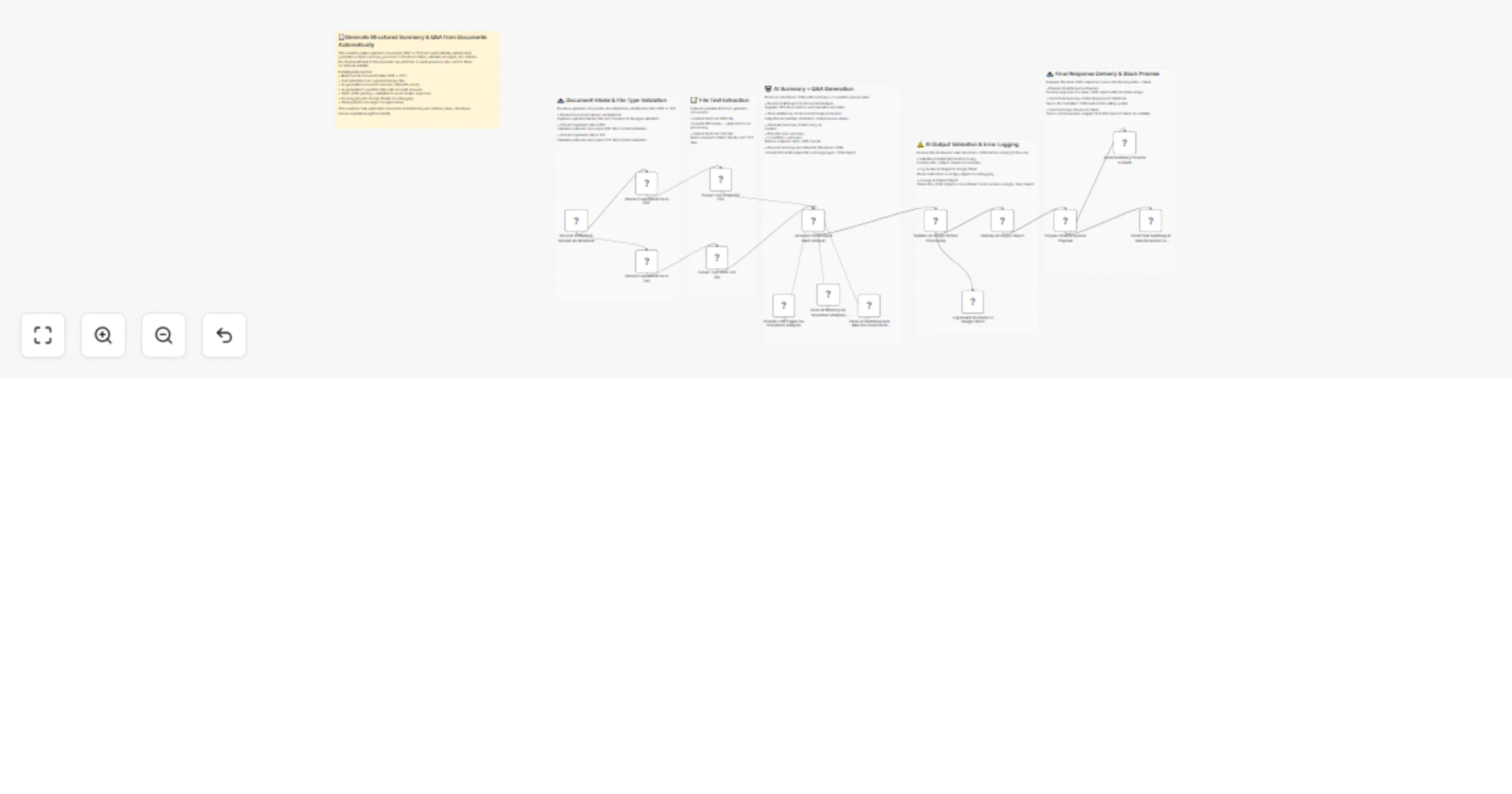
📥 Receive Document Upload via Webhook Captures incoming files (PDF or TXT) posted to the webhook endpoint.
🔍 Check If Uploaded File Is PDF / TXT Detects file extension and routes it correctly for extraction: PDF → PDF extractor TXT → text extractor Other file types are ignored.
📝 Extract Text from Document Extracts readable text from PDF binaries Reads raw plain text from TXT files The extracted text becomes input for the AI analysis.
🤖 Generate Summary & Q&A Using AI Uses GPT-4o to produce: A 150–200 word summary Five structured Q&A pairs Output must strictly follow the specified JSON schema.
🧠 LLM Engine + Memory Context GPT-4o provides the reasoning engine Memory buffer maintains short context for stability Output parser ensures schema compliance
⚠️ Validate AI Output Before Processing Checks whether output is non-empty and correctly structured. Invalid → logged to Google Sheets.
📊 Log Invalid AI Output to Google Sheet Records failures for audit, debugging, and retraining.
🧹 Unwrap AI Output Object Removes unnecessary array wrappers and normalizes the result.
📤 Prepare Final Response Payload Ensures the workflow responds with a single clean JSON object.
🔁 Send Final Summary & Q&A Response to Webhook Returns the final structured JSON to the requesting system.
💬 Send Summary Preview to Slack Shares a short preview (first 300 characters) for internal visibility.
Webhook endpoint configured for uploads Azure OpenAI GPT-4o credentials Google Sheets OAuth connection Slack bot token
✔ Fully automated PDF/TXT understanding ✔ AI-powered summary + structured Q&A ✔ Strict JSON compliance for downstream systems ✔ Error-proof: logs all failures for investigation ✔ Slack visibility for quick internal review ✔ Works with minimal human involvement
This catalog entry is organized from the workflow JSON. The node-level section below shows the executable blocks available for review before importing the template.
| Workflow | Generate document summaries & Q&As from PDF/TXT using GPT-4o with Slack alerts |
|---|---|
| Complexity | advanced |
| Nodes | 21 |
| Categories | Document Extraction, AI Summarization |
| Author | Rahul Joshi |
| Published | 12 Dec 2025 |
Use the JSON export at /data/workflows/11736/11736.json as the source template for this automation.
Open n8n, import the downloaded JSON, and review each node before activating the workflow.
Replace placeholder credentials, API keys, webhook URLs, account IDs, and environment-specific values with your own settings.
Run the workflow manually or in a staging workspace, inspect node output, and confirm downstream systems receive the expected data.
Enable the workflow only after testing, then monitor executions, errors, and rate limits during the first production runs.
Review imported nodes carefully before activation. This catalog entry is intended to help you inspect the workflow structure, understand required services, and find related templates faster.
Node names, credentials, schedules, webhook paths, and external service limits may need adjustment for your workspace.
Description This workflow automates document understanding by accepting uploaded PDF or TXT files, extracting their text, generating a structured summary and question–answer set using GPT 4o, va...
Review the workflow JSON, configure any required credentials in n8n, and test the automation in a safe workspace before using it in production.
Yes. Use the block-by-block analysis and the downloadable JSON to inspect each node, then adjust credentials, prompts, schedules, filters, or destinations for your Document Extraction, AI Summarization use case.