Block 1 - Read Google Sheet
- Type / Role
- n8n-nodes-base.googleSheets - googleSheets
- Config choices
- Version 4.4


 Early Deal
This workflow is provided as-is. Please review and test before using in production.
Description: Automate your daily sales reporting process with this powerful n8n workflow that reads data from Google Sheets, summarizes key metrics, and sends a beautifully formatted email report. ...
n8n-nodes-base.googlesheets, n8n-nodes-base.if, n8n-nodes-base.code, n8n-nodes-base.manualtrigger, n8n-nodes-base.emailsend, n8n-nodes-base.stickynote
This workflow is cataloged by N8N Workflows and links back to its original n8n.io source page by Rahul Joshi.
Original n8n.io sourceDescription:
Automate your daily sales reporting process with this powerful n8n workflow that reads data from Google Sheets, summarizes key metrics, and sends a beautifully formatted email report. Perfect for sales teams, operations managers, founders, or marketing leads who want a hands-free update on team performance every day.
This template intelligently parses sales activity, validates if meaningful data is present (like calls or prospecting counts), and dynamically generates both HTML and plain-text reports. Whether you're logging outbound efforts or tracking pipeline-building activities, this automation ensures you never miss a beat.
What This Template Does (Step-by-Step)
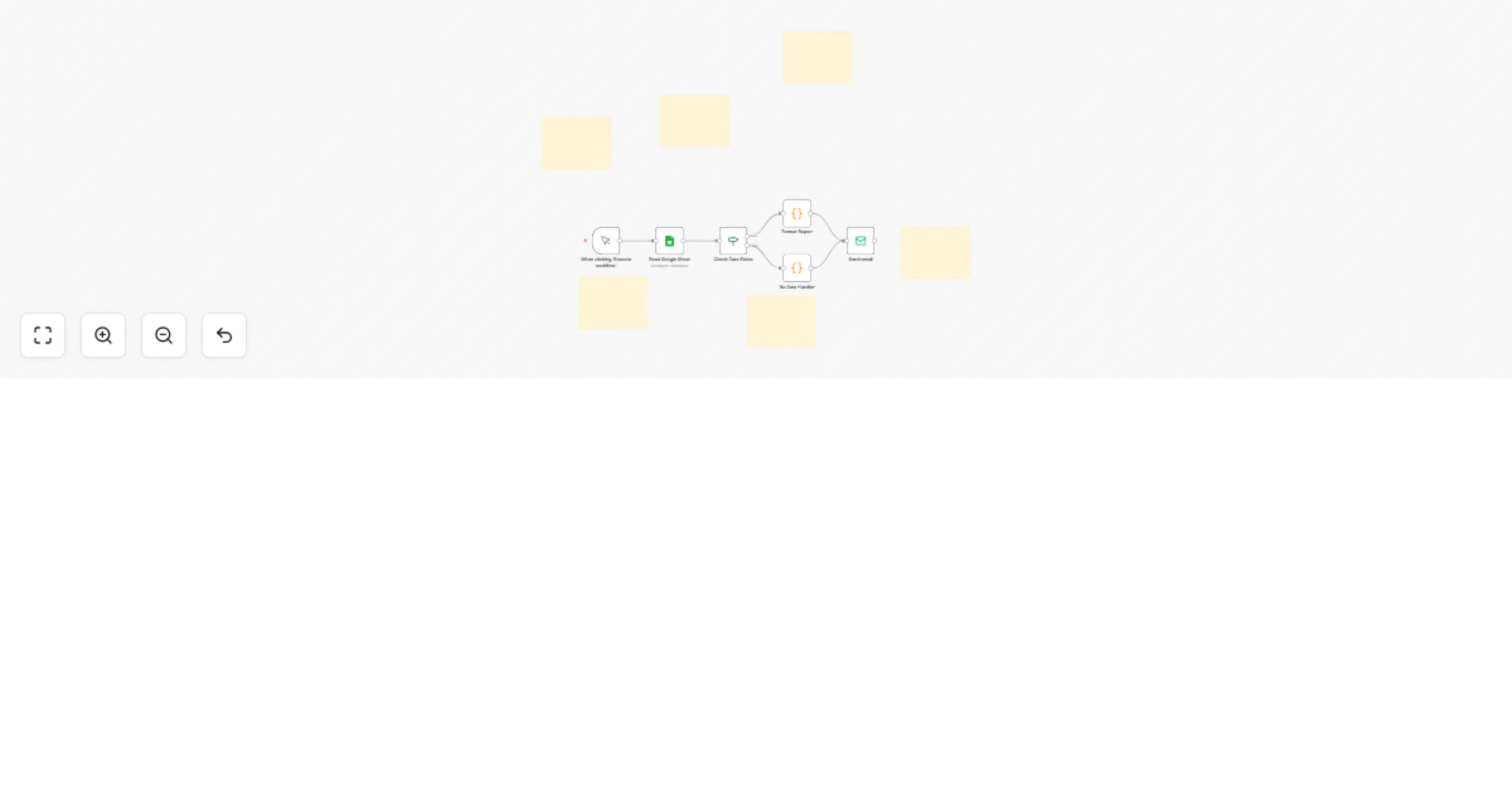
🚀 Trigger: Manually triggered (can be scheduled with Cron) to kickstart the report generation process.
📊 Read Google Sheet:
🔍 Check for Valid Records: Filters to ensure at least some records contain meaningful activity (non-empty calls or prospecting fields).
🧠 Generate Report (Conditional Logic) If data exists:
➤ Creates a detailed and styled HTML table + summary ➤ Prepares a plain-text version for fallback or archival ➤ Computes total calls, total prospecting, and record count If no data exists: ➤ Sends a default “No data available” message with a timestamp
📧 Send Email
Use Cases
🏢 Daily reporting for sales or inside sales teams 📈 Prospecting activity summaries for managers 🧾 Recordkeeping for outreach performance 📬 Auto-notification of zero-activity days 📊 Daily visibility into team or campaign-level performance
Required Integrations
Why Use This Template?
✅ Save time with no-code daily reporting ✅ Great for remote teams, async check-ins, or performance reviews ✅ Mobile-friendly, styled HTML reports ✅ Smart fallback when no data is present ✅ Plug-and-play Google Sheet integration
This catalog entry is organized from the workflow JSON. The node-level section below shows the executable blocks available for review before importing the template.
| Workflow | Generate daily sales reports from Google Sheets with formatted email summaries |
|---|---|
| Complexity | intermediate |
| Nodes | 12 |
| Categories | CRM |
| Author | Rahul Joshi |
| Published | 24 Jul 2025 |
Use the JSON export at /data/workflows/6370/6370.json as the source template for this automation.
Open n8n, import the downloaded JSON, and review each node before activating the workflow.
Replace placeholder credentials, API keys, webhook URLs, account IDs, and environment-specific values with your own settings.
Run the workflow manually or in a staging workspace, inspect node output, and confirm downstream systems receive the expected data.
Enable the workflow only after testing, then monitor executions, errors, and rate limits during the first production runs.
Review imported nodes carefully before activation. This catalog entry is intended to help you inspect the workflow structure, understand required services, and find related templates faster.
Node names, credentials, schedules, webhook paths, and external service limits may need adjustment for your workspace.
Description: Automate your daily sales reporting process with this powerful n8n workflow that reads data from Google Sheets, summarizes key metrics, and sends a beautifully formatted email report. ...
Review the workflow JSON, configure any required credentials in n8n, and test the automation in a safe workspace before using it in production.
Yes. Use the block-by-block analysis and the downloadable JSON to inspect each node, then adjust credentials, prompts, schedules, filters, or destinations for your CRM use case.