Block 1 - Schedule Trigger
- Type / Role
- n8n-nodes-base.scheduleTrigger - scheduleTrigger
- Config choices
- Version 1.3


 Early Deal
Image to Video Social Media Reel Generator + Autopost Without AI Slop Google Drive → AI Video Generation → Captions → Approval → Instagram & TikTok Watch Step By Step Video: https://www.youtube.com...
n8n-nodes-base.scheduletrigger, n8n-nodes-base.googledrive, n8n-nodes-base.code, @blotato/n8n-nodes-blotato.blotato, @n8n/n8n-nodes-langchain.openai, n8n-nodes-base.httprequest, n8n-nodes-base.wait, n8n-nodes-base.if
This workflow is cataloged by N8N Workflows and links back to its original n8n.io source page by Automate With Marc.
Original n8n.io sourceGoogle Drive → AI Video Generation → Captions → Approval → Instagram & TikTok
Watch Step-By-Step Video: https://www.youtube.com/watch?v=jPOYxQF25ws
Turn a folder of images into fully-produced short-form social media reels—automatically. This workflow picks a random image, generates a cinematic AI video from it, adds text overlays and captions, waits for your approval, and then posts to Instagram and TikTok.
On a scheduled basis (default: daily at 9:00 AM), this workflow: Selects a random image from a Google Drive folder Uploads the image for processing Generates a cinematic image-to-video prompt using AI Creates an 8-second vertical video using an image-to-video model (via Wavespeed) Applies captions and text overlays using Submagic Waits for human approval via email Automatically posts the approved reel to: Instagram TikTok If the video is not approved, the workflow loops and tries again on the next run.
Converts static images into high-engagement video content Removes repetitive manual work in short-form content creation Keeps a human-in-the-loop before anything is published
Perfect for: Creators & solopreneurs Social media managers Small businesses & local brands AI-first content pipelines High-level flow Schedule → Pick Image → Generate Video → Add Captions → Approve → Post
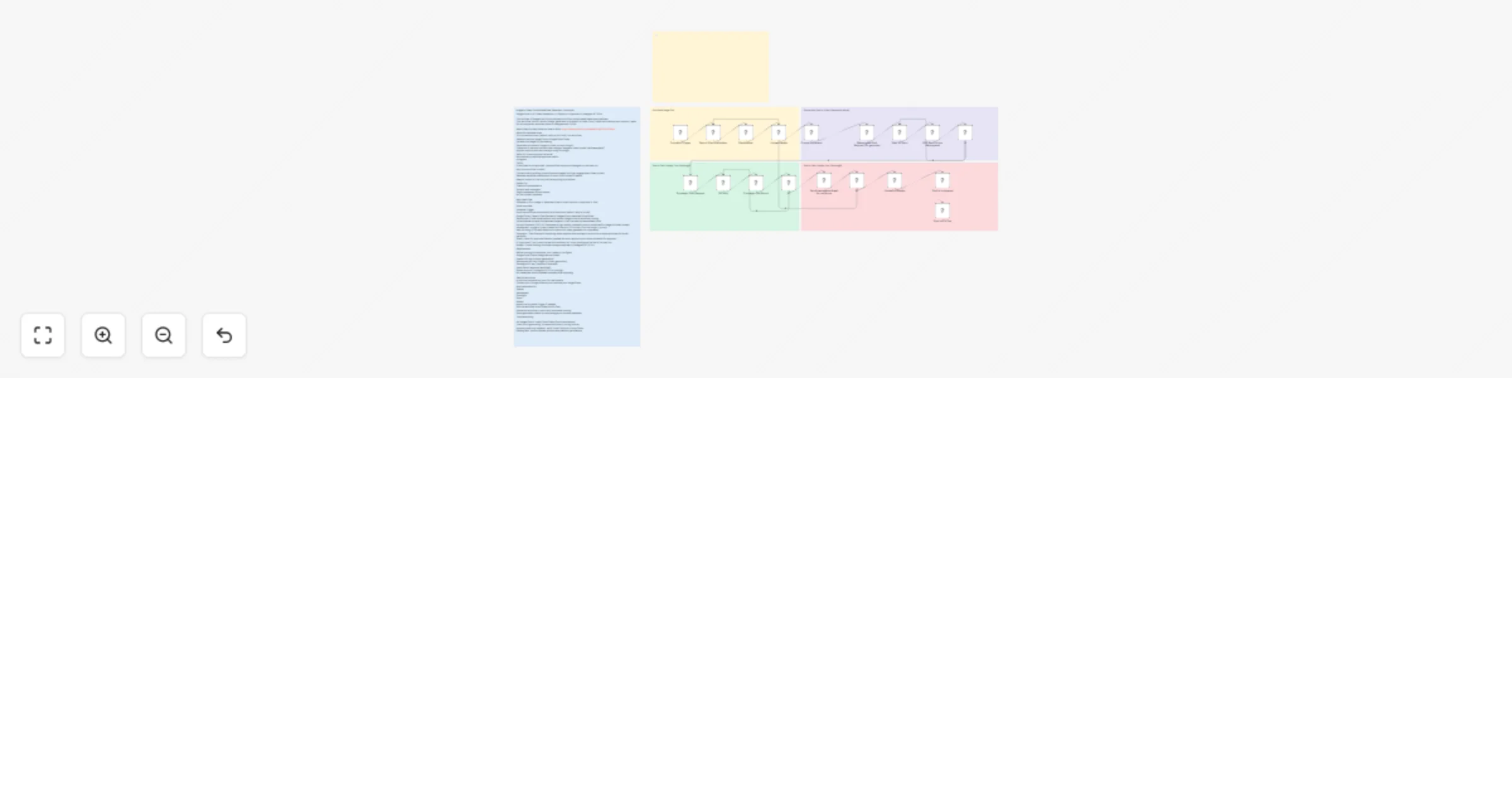
Schedule Trigger Runs the workflow automatically at a fixed time (default: daily at 9 AM). Google Drive – Search Files Fetches all images from a selected Drive folder. Randomizer (Code Node) Selects one random image to avoid repetitive posting. Upload Media Uploads the selected image so it can be used by downstream tools. Prompt Generator (AI) Generates a high-quality cinematic prompt optimized for image-to-video models Wavespeed – Image to Video Creates an 8-second, 9:16 video from the image + prompt. Wait & Polling (IF Nodes) Waits and checks until video generation is completed. Submagic – Text Overlay & Captioning Adds captions and overlays in a short-form style optimized for social platforms. Gmail – Send for Approval Sends a preview link and caption to your inbox and waits for approval. IF (Approved?) Yes: posts the reel automatically No: skips posting and retries in the next run Blotato – Social Posting Publishes the approved reel to: Instagram TikTok
Before running this template, you’ll need to configure: Google Drive OAuth (image source folder) OpenAI API key (prompt generation) Wavespeed API key (image-to-video generation) Submagic API key (captions & overlays) Gmail OAuth (approval workflow) Blotato account (Instagram & TikTok posting) All credentials must be added manually after importing.
Import the template into your n8n workspace Connect your Google Drive account and set your image folder
OpenAI Wavespeed Submagic Gmail Blotato
Adjust the Schedule Trigger if needed Run the workflow once to test the full flow Enable the workflow to start daily automated posting
Change video duration, aspect ratio, or style Modify the AI prompt to match your brand voice Post only after manual approval (already built-in) Add a Slack or Telegram approval step Duplicate posting logic for YouTube Shorts or Facebook Reels Store generated videos in cloud storage or a content database
No images found: check Drive folder ID and permissions Video stuck generating: increase wait time or polling interval Approval email not received: verify Gmail OAuth and inbox filters Posting fails: confirm Blotato account and platform permissions
This catalog entry is organized from the workflow JSON. The node-level section below shows the executable blocks available for review before importing the template.
| Workflow | Generate daily AI reels from Google Drive images with GPT‐5.1, Wavespeed and Submagic |
|---|---|
| Complexity | advanced |
| Nodes | 24 |
| Categories | Content Creation, Multimodal AI |
| Author | Automate With Marc |
| Published | 30 Jan 2026 |
Use the JSON export at /data/workflows/13110/13110.json as the source template for this automation.
Open n8n, import the downloaded JSON, and review each node before activating the workflow.
Replace placeholder credentials, API keys, webhook URLs, account IDs, and environment-specific values with your own settings.
Run the workflow manually or in a staging workspace, inspect node output, and confirm downstream systems receive the expected data.
Enable the workflow only after testing, then monitor executions, errors, and rate limits during the first production runs.
Review imported nodes carefully before activation. This catalog entry is intended to help you inspect the workflow structure, understand required services, and find related templates faster.
Node names, credentials, schedules, webhook paths, and external service limits may need adjustment for your workspace.
Image to Video Social Media Reel Generator + Autopost Without AI Slop Google Drive → AI Video Generation → Captions → Approval → Instagram & TikTok Watch Step By Step Video: https://www.youtube.com...
Review the workflow JSON, configure any required credentials in n8n, and test the automation in a safe workspace before using it in production.
Yes. Use the block-by-block analysis and the downloadable JSON to inspect each node, then adjust credentials, prompts, schedules, filters, or destinations for your Content Creation, Multimodal AI use case.