Block 1 - When clicking 'Test workflow'
- Type / Role
- n8n-nodes-base.manualTrigger - manualTrigger
- Config choices
- Version 1


 Early Deal
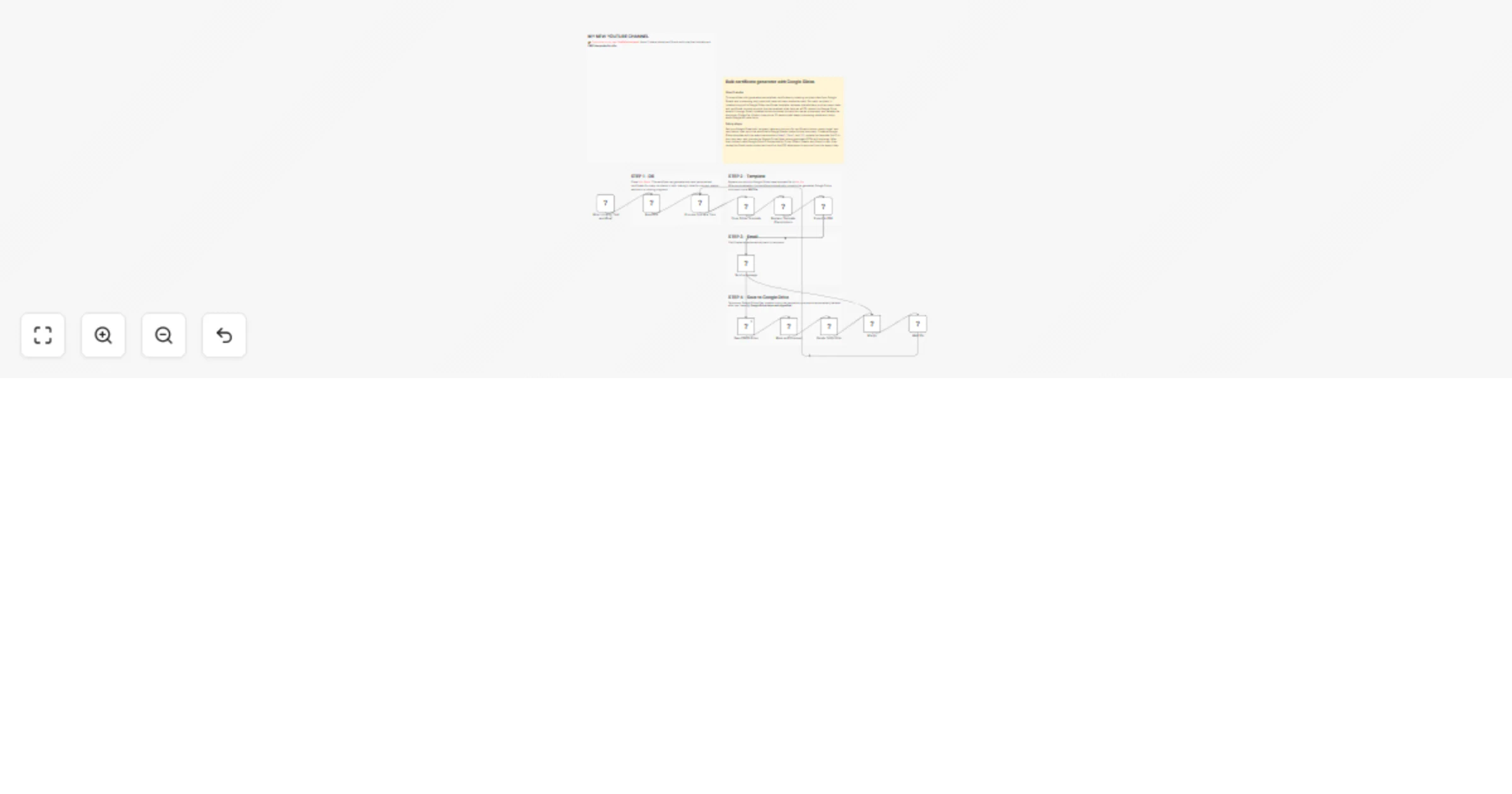
This workflow automates the bulk generation and delivery of personalized certificates using Google Sheets, Google Slides, Google Drive, and Gmail. Key Advantages 1. Full Automation The workflow f...
n8n-nodes-base.manualtrigger, n8n-nodes-base.splitinbatches, n8n-nodes-base.httprequest, n8n-nodes-base.googledrive, n8n-nodes-base.googlesheets, n8n-nodes-base.gmail, n8n-nodes-base.merge, n8n-nodes-base.wait
This workflow is cataloged by N8N Workflows and links back to its original n8n.io source page by Davide Boizza.
Original n8n.io sourceThis workflow automates the bulk generation and delivery of personalized certificates using Google Sheets, Google Slides, Google Drive, and Gmail.
The workflow fully automates the certificate generation and distribution process, from reading participant data to delivering the final PDF certificates via email, eliminating repetitive manual tasks.
By reading data directly from Google Sheets, the workflow can generate and send personalized certificates for many recipients in bulk, making it ideal for courses, events, webinars, or training programs.
Each certificate is automatically customized using placeholders in a Google Slides template, allowing the workflow to dynamically insert details such as the recipient’s name, certificate ID, or date.
After personalization, the workflow automatically converts the generated Google Slides document into a PDF file, ensuring a professional and standardized certificate format.
Certificates are automatically sent to recipients via Gmail, with the generated PDF attached, ensuring fast and reliable delivery without manual intervention.
The workflow updates the corresponding row in Google Sheets after sending the certificate, marking it as processed. This prevents duplicate sends and provides clear visibility into which certificates have already been delivered.
Temporary Google Slides files created during the generation process are automatically deleted after use, keeping Google Drive clean and organized.
A built-in wait step helps control the processing speed, reducing the risk of hitting Google API limits and ensuring stable execution when handling large batches of certificates.
The workflow is modular and can be easily adapted to generate other types of documents such as invoices, reports, badges, diplomas, or event confirmations by simply modifying the Google Slides template and sheet structure.
This workflow automates the process of generating personalized certificates in bulk from a Google Slides template and emailing them to recipients.
Trigger & Data Source: The workflow is started manually ("Test workflow"). It first reads data from a Google Sheet (named "Certifications") that contains the recipient list, including their name, email, and a unique ID number ("N."). It filters this sheet to only process rows where the "Sent" column is empty.
Batch Processing: The data is passed to a "Split In Batches" node, which processes the recipients one at a time to ensure each certificate is handled individually and to prevent API rate limits.
Certificate Generation (Per Recipient):
Certificate_1).[Name], [Date], and [N] with the recipient's actual data.certificate_1.pdf).To make this workflow work for you, you need to configure the following elements:
N., First Name, Last Name, Email, Sent.Sent column blank for new entries.documentId in the Read File and Mark as Processed nodes to point to your specific Google Sheet.[Name], [Date], and [N]. These are the strings that will be replaced.xxx in the URL with the file ID of your Google Slides template. (The template ID is the long string in the middle of the presentation's URL).folderId property to the ID of your target folder.googleDriveOAuth2ApigoogleSlidesOAuth2ApigoogleSheetsOAuth2ApigmailOAuth2👉 Subscribe to my new YouTube channel. Here I’ll share videos and Shorts with practical tutorials and FREE templates for n8n.
Contact me for consulting and support or add me on Linkedin.
This catalog entry is organized from the workflow JSON. The node-level section below shows the executable blocks available for review before importing the template.
| Workflow | Generate bulk Google Slides certificates 📜 as PDFs and email them with Gmail |
|---|---|
| Complexity | advanced |
| Nodes | 18 |
| Categories | Document Extraction |
| Author | Davide Boizza |
| Published | 16 Mar 2026 |
Use the JSON export at /data/workflows/14081/14081.json as the source template for this automation.
Open n8n, import the downloaded JSON, and review each node before activating the workflow.
Replace placeholder credentials, API keys, webhook URLs, account IDs, and environment-specific values with your own settings.
Run the workflow manually or in a staging workspace, inspect node output, and confirm downstream systems receive the expected data.
Enable the workflow only after testing, then monitor executions, errors, and rate limits during the first production runs.
Review imported nodes carefully before activation. This catalog entry is intended to help you inspect the workflow structure, understand required services, and find related templates faster.
Node names, credentials, schedules, webhook paths, and external service limits may need adjustment for your workspace.
This workflow automates the bulk generation and delivery of personalized certificates using Google Sheets, Google Slides, Google Drive, and Gmail. Key Advantages 1. Full Automation The workflow f...
Review the workflow JSON, configure any required credentials in n8n, and test the automation in a safe workspace before using it in production.
Yes. Use the block-by-block analysis and the downloadable JSON to inspect each node, then adjust credentials, prompts, schedules, filters, or destinations for your Document Extraction use case.