Block 1 - On clicking 'execute'
- Type / Role
- n8n-nodes-base.manualTrigger - manualTrigger
- Config choices
- Version 1


 Early Deal
This workflow is provided as-is. Please review and test before using in production.
Generate Animated Human Videos from Images & Audio with Bytedance Omni Human Built with n8n + Replicate This workflow takes an image + audio , sends them to Bytedance’s omni human model , waits for...
n8n-nodes-base.manualtrigger, n8n-nodes-base.set, n8n-nodes-base.httprequest, n8n-nodes-base.code, n8n-nodes-base.wait, n8n-nodes-base.if, n8n-nodes-base.stickynote
This workflow is cataloged by N8N Workflows and links back to its original n8n.io source page by Yaron Been.
Original n8n.io sourceBuilt with n8n + Replicate
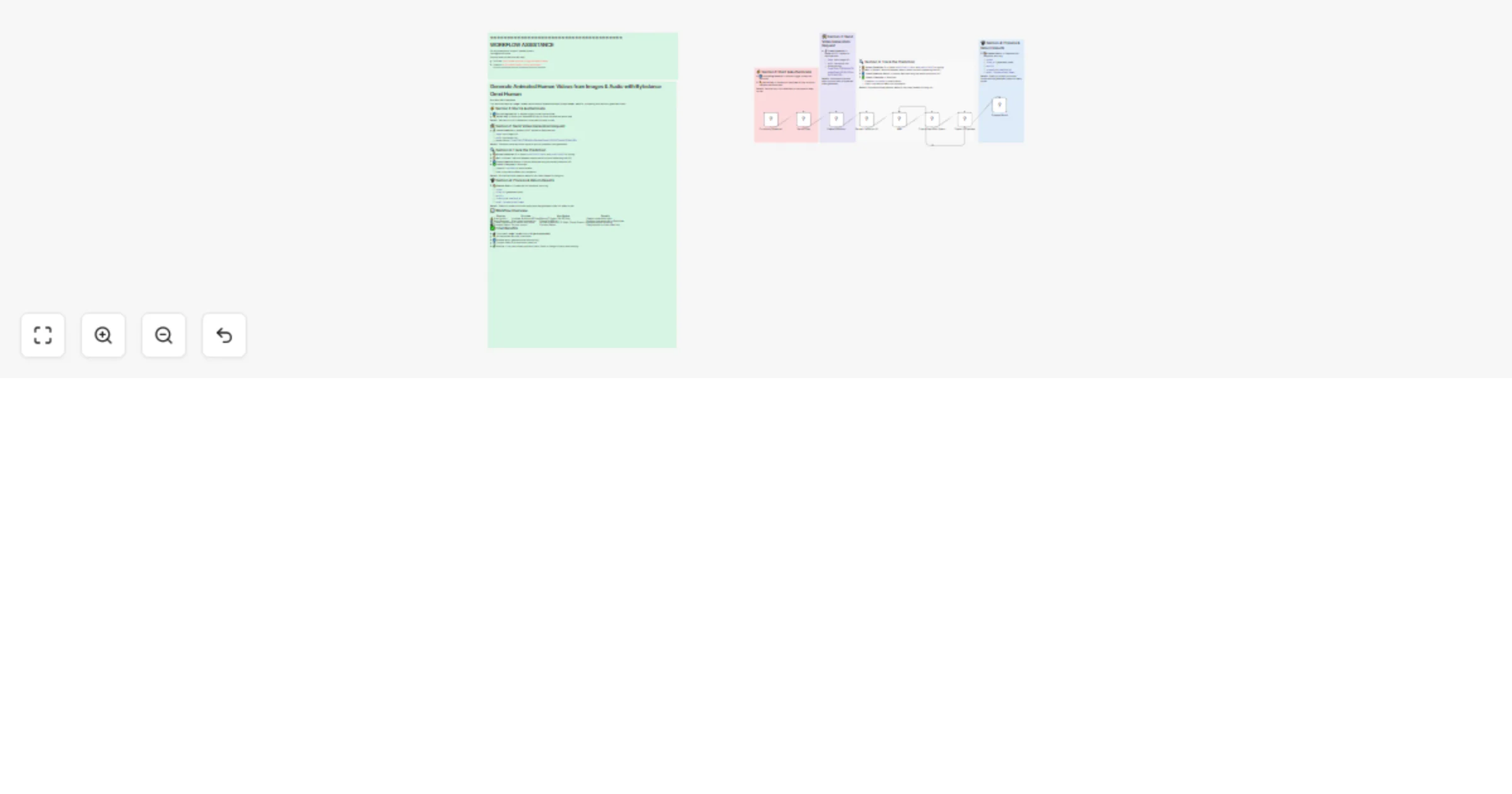
This workflow takes an image + audio, sends them to Bytedance’s omni-human model, waits for processing, and returns a generated video.
Benefit: Secures your API credentials in one place for easy re-use.
📡 Create Prediction → Makes a POST request to Replicate with:
image: input image URLaudio: input audio URL7ec44f5140c7338b3496cbf99ee8ea391a4bc18ff5d1677a146dfc936a91f65bBenefit: Combines visual and audio inputs to start AI-powered video generation.
📦 Extract Prediction ID → Saves predictionId, status, and predictionUrl for polling.
⏳ Wait → Pauses 2 seconds between status checks (to avoid spamming the API).
🔁 Check Prediction Status → Queries Replicate using the stored prediction URL.
✅ Check If Complete → Branches:
succeeded → move forward.Benefit: Ensures workflow patiently waits for the video instead of timing out.
📦 Process Result → Cleans the API response, returning:
statusvideo_url (generated video)metricscreated_at & completed_atmodel: bytedance/omni-humanBenefit: Gives you a neat, structured output with the generated video link ready to use.
| Section | Purpose | Key Nodes | Benefit |
|---|---|---|---|
| ⚡ Start & Auth | Initialize & secure API key | Manual Trigger, Set API Key | Keeps credentials safe |
| 🛠️ Send Request | Start video generation | Create Prediction | Submits image+audio to Replicate |
| 🔍 Track Prediction | Poll status until done | Extract Prediction ID, Wait, Check Status, If | Reliable async handling |
| 📽️ Process Result | Format output | Process Result | Easy access to final video link |
This catalog entry is organized from the workflow JSON. The node-level section below shows the executable blocks available for review before importing the template.
| Workflow | Generate animated human videos from images & audio with Bytedance Omni Human |
|---|---|
| Complexity | intermediate |
| Nodes | 14 |
| Categories | Content Creation, Multimodal AI |
| Author | Yaron Been |
| Published | 02 Aug 2025 |
Use the JSON export at /data/workflows/6876/6876.json as the source template for this automation.
Open n8n, import the downloaded JSON, and review each node before activating the workflow.
Replace placeholder credentials, API keys, webhook URLs, account IDs, and environment-specific values with your own settings.
Run the workflow manually or in a staging workspace, inspect node output, and confirm downstream systems receive the expected data.
Enable the workflow only after testing, then monitor executions, errors, and rate limits during the first production runs.
Review imported nodes carefully before activation. This catalog entry is intended to help you inspect the workflow structure, understand required services, and find related templates faster.
Node names, credentials, schedules, webhook paths, and external service limits may need adjustment for your workspace.
Generate Animated Human Videos from Images & Audio with Bytedance Omni Human Built with n8n + Replicate This workflow takes an image + audio , sends them to Bytedance’s omni human model , waits for...
Review the workflow JSON, configure any required credentials in n8n, and test the automation in a safe workspace before using it in production.
Yes. Use the block-by-block analysis and the downloadable JSON to inspect each node, then adjust credentials, prompts, schedules, filters, or destinations for your Content Creation, Multimodal AI use case.