Block 1 - 🎯 HubSpot - Deal Trigger
- Type / Role
- n8n-nodes-base.hubspotTrigger - hubspotTrigger
- Config choices
- Version 1


 Early Deal
How it works This workflow triggers when a HubSpot deal stage changes to Closed Won and automatically generates an invoice. It collects deal and contact data, builds a styled invoice, converts it i...
n8n-nodes-base.hubspottrigger, n8n-nodes-base.if, n8n-nodes-base.httprequest, n8n-nodes-base.code, n8n-nodes-base.googlesheets, n8n-nodes-base.notion, n8n-nodes-base.gmail, n8n-nodes-base.slack
This workflow is cataloged by N8N Workflows and links back to its original n8n.io source page by Avkash Kakdiya.
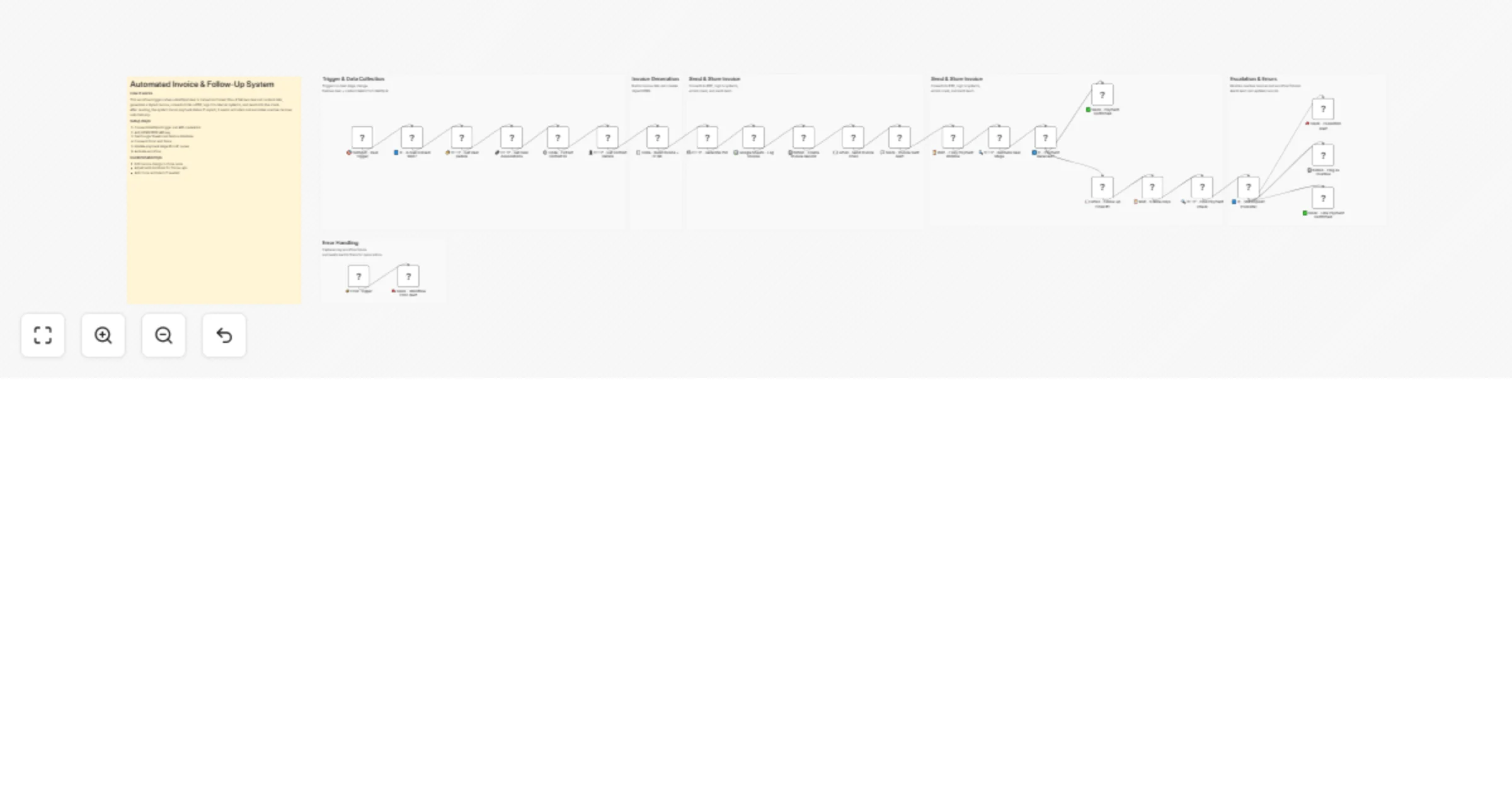
Original n8n.io sourceThis workflow triggers when a HubSpot deal stage changes to Closed Won and automatically generates an invoice. It collects deal and contact data, builds a styled invoice, converts it into a PDF, and sends it to the client. The system logs all invoices and alerts the team, then monitors payment status with automated reminders. If payment is delayed, it escalates the issue and handles errors separately.
Trigger and data collection
HubSpot - Deal Trigger – Starts workflow on deal stage change.
IF - Is Deal Closed Won? – Filters only Closed Won deals.
HTTP - Get Deal Details – Fetches deal information.
HTTP - Get Deal Associations – Retrieves linked contacts.
Code - Extract Contact ID – Extracts and formats data.
HTTP - Get Contact Details – Gets customer details.
Invoice generation
Code - Build Invoice + HTML – Creates invoice data and HTML layout.
Send and store invoice
HTTP - Generate PDF – Converts HTML into PDF.
Google Sheets - Log Invoice – Stores invoice records.
Notion - Create Invoice Record – Tracks invoice internally.
Gmail - Send Invoice Email – Sends invoice to client.
Slack - Invoice Sent Alert – Notifies team.
Payment tracking and follow-up
Wait - 7 Day Payment Window – Waits before checking payment.
HTTP - Recheck Deal Stage – Checks payment status.
IF - Payment Received? – Branches based on payment.
Gmail - Follow-up Email #1 – Sends reminder if unpaid.
Wait - 5 More Days – Adds extra delay.
HTTP - Final Payment Check – Verifies final status.
Slack - Payment Confirmed – Confirms successful payment.
Escalation handling
IF - Still Unpaid? (Escalate) – Detects overdue invoices.
Slack - Escalation Alert – Alerts team for action.
Notion - Flag as Overdue – Updates record status.
Slack - Late Payment Confirmed – Handles delayed payments.
Error handling (separate flow)
Error Trigger – Captures workflow failures.
Slack - Workflow Error Alert – Sends error notification.
This catalog entry is organized from the workflow JSON. The node-level section below shows the executable blocks available for review before importing the template.
Showing the first 24 of 32 workflow blocks. Download the JSON for the full node graph.
| Workflow | Generate and track invoices with HubSpot, Gmail, Slack, Sheets, and Notion |
|---|---|
| Complexity | advanced |
| Nodes | 32 |
| Categories | Invoice Processing |
| Author | Avkash Kakdiya |
| Published | 24 Mar 2026 |
Use the JSON export at /data/workflows/14289/14289.json as the source template for this automation.
Open n8n, import the downloaded JSON, and review each node before activating the workflow.
Replace placeholder credentials, API keys, webhook URLs, account IDs, and environment-specific values with your own settings.
Run the workflow manually or in a staging workspace, inspect node output, and confirm downstream systems receive the expected data.
Enable the workflow only after testing, then monitor executions, errors, and rate limits during the first production runs.
Review imported nodes carefully before activation. This catalog entry is intended to help you inspect the workflow structure, understand required services, and find related templates faster.
Node names, credentials, schedules, webhook paths, and external service limits may need adjustment for your workspace.
How it works This workflow triggers when a HubSpot deal stage changes to Closed Won and automatically generates an invoice. It collects deal and contact data, builds a styled invoice, converts it i...
Review the workflow JSON, configure any required credentials in n8n, and test the automation in a safe workspace before using it in production.
Yes. Use the block-by-block analysis and the downloadable JSON to inspect each node, then adjust credentials, prompts, schedules, filters, or destinations for your Invoice Processing use case.