Block 1 - Slack: Error Alert
- Type / Role
- n8n-nodes-base.slack - slack
- Config choices
- Version 2.3


 Early Deal
Description This workflow is an end to end AI video generation, review, and delivery pipeline. It takes a plain text creative prompt via webhook, generates a video using an AI model, continuousl...
n8n-nodes-base.slack, n8n-nodes-base.errortrigger, n8n-nodes-base.httprequest, n8n-nodes-base.set, n8n-nodes-base.code, n8n-nodes-base.wait, n8n-nodes-base.if, n8n-nodes-base.jira
This workflow is cataloged by N8N Workflows and links back to its original n8n.io source page by Rahul Joshi.
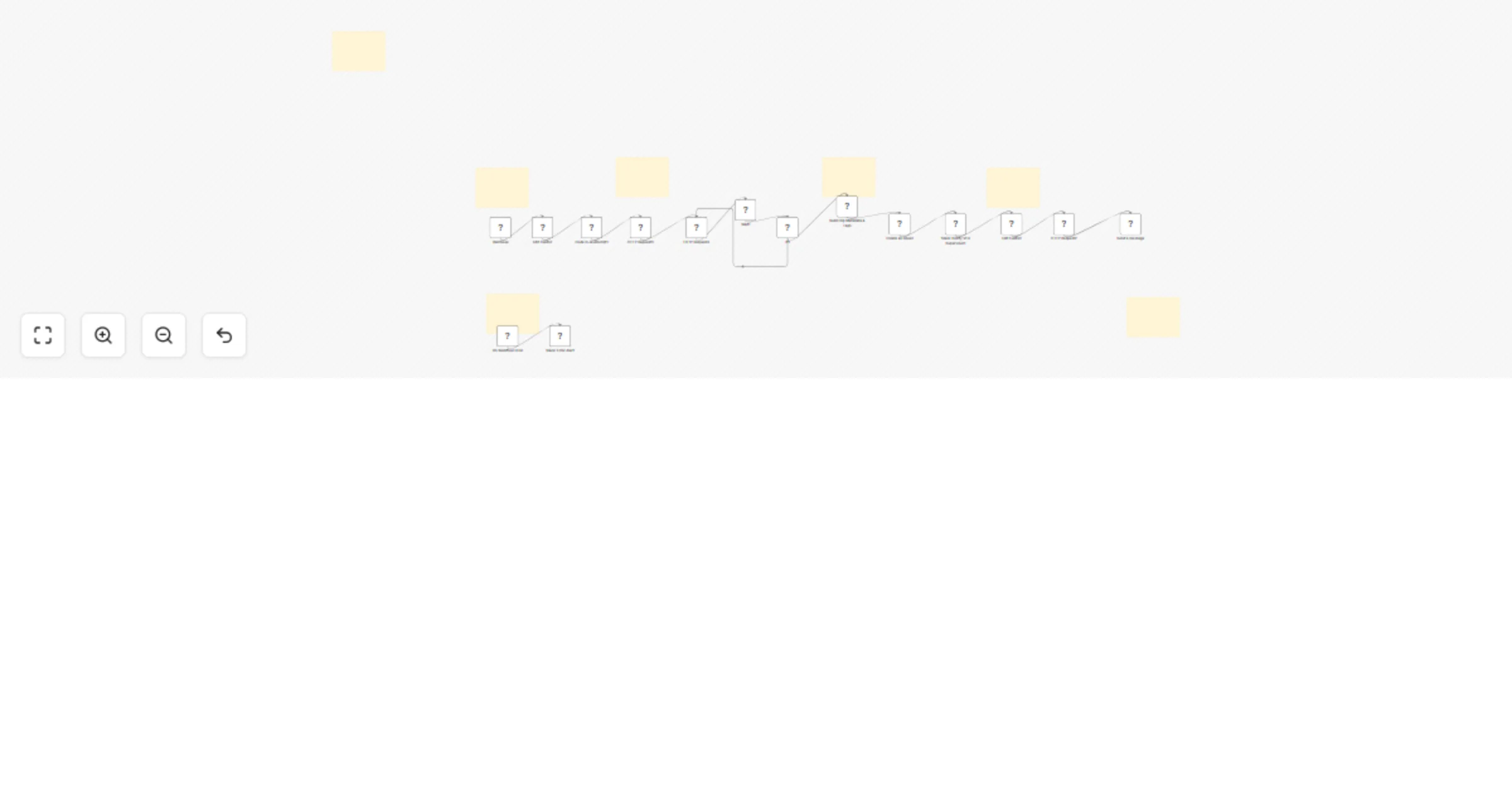
Original n8n.io sourceThis workflow is an end-to-end AI video generation, review, and delivery pipeline. It takes a plain-text creative prompt via webhook, generates a video using an AI model, continuously checks job status until completion, and then automates the entire post-production workflow—metadata creation, Jira ticketing, Slack notifications, and final email delivery with the video attached. It ensures zero manual coordination between creative, ops, and delivery teams.
The process begins with a webhook trigger that acts as the input layer, receiving a request containing the prompt text, record ID, and user email. This input is then passed through a prompt sanitisation step using a code node, where the text is cleaned and escaped to prevent API errors or malformed payloads. Once sanitised, the system submits a video generation request via an HTTP call to the AI video model (Seedance API). A polling loop is then initiated, which waits for 20 seconds between each cycle and repeatedly checks the job status using HTTP requests until the status is marked as “succeeded.” After completion, the system extracts the video output through a metadata builder, parsing the response to structure key details such as the video URL, job ID, resolution, duration, timestamp, and AI-generated tags including review status. Following this, a Jira review ticket is automatically created to log the generated video within the review workflow. Simultaneously, a Slack notification is sent to the VFX supervisor, containing the Jira ticket reference, video URL, status, and associated metadata. The system then downloads the final video file from the generated URL and completes the process by sending a professional email via Gmail to the requester, including the video as an attachment along with job details and the Jira reference.
• Global error trigger catches failures • Sends Slack alert instantly • Prevents silent pipeline breakdown
• AI video API (Seedance or similar) • Jira Cloud credentials • Slack OAuth2 • Gmail OAuth2 • Webhook endpoint integration
✔ Fully automated creative pipeline (idea → video → delivery) ✔ Async job handling with polling loop ✔ Built-in review workflow (Jira + Slack) ✔ Zero manual coordination required ✔ Production-ready structure with metadata tracking ✔ Fault-tolerant with global error alerts
This catalog entry is organized from the workflow JSON. The node-level section below shows the executable blocks available for review before importing the template.
| Workflow | Generate AI videos from prompts with Seedance, Jira, Slack, and Gmail |
|---|---|
| Complexity | advanced |
| Nodes | 22 |
| Categories | Content Creation, Multimodal AI |
| Author | Rahul Joshi |
| Published | 27 Mar 2026 |
Use the JSON export at /data/workflows/14391/14391.json as the source template for this automation.
Open n8n, import the downloaded JSON, and review each node before activating the workflow.
Replace placeholder credentials, API keys, webhook URLs, account IDs, and environment-specific values with your own settings.
Run the workflow manually or in a staging workspace, inspect node output, and confirm downstream systems receive the expected data.
Enable the workflow only after testing, then monitor executions, errors, and rate limits during the first production runs.
Review imported nodes carefully before activation. This catalog entry is intended to help you inspect the workflow structure, understand required services, and find related templates faster.
Node names, credentials, schedules, webhook paths, and external service limits may need adjustment for your workspace.
Description This workflow is an end to end AI video generation, review, and delivery pipeline. It takes a plain text creative prompt via webhook, generates a video using an AI model, continuousl...
Review the workflow JSON, configure any required credentials in n8n, and test the automation in a safe workspace before using it in production.
Yes. Use the block-by-block analysis and the downloadable JSON to inspect each node, then adjust credentials, prompts, schedules, filters, or destinations for your Content Creation, Multimodal AI use case.