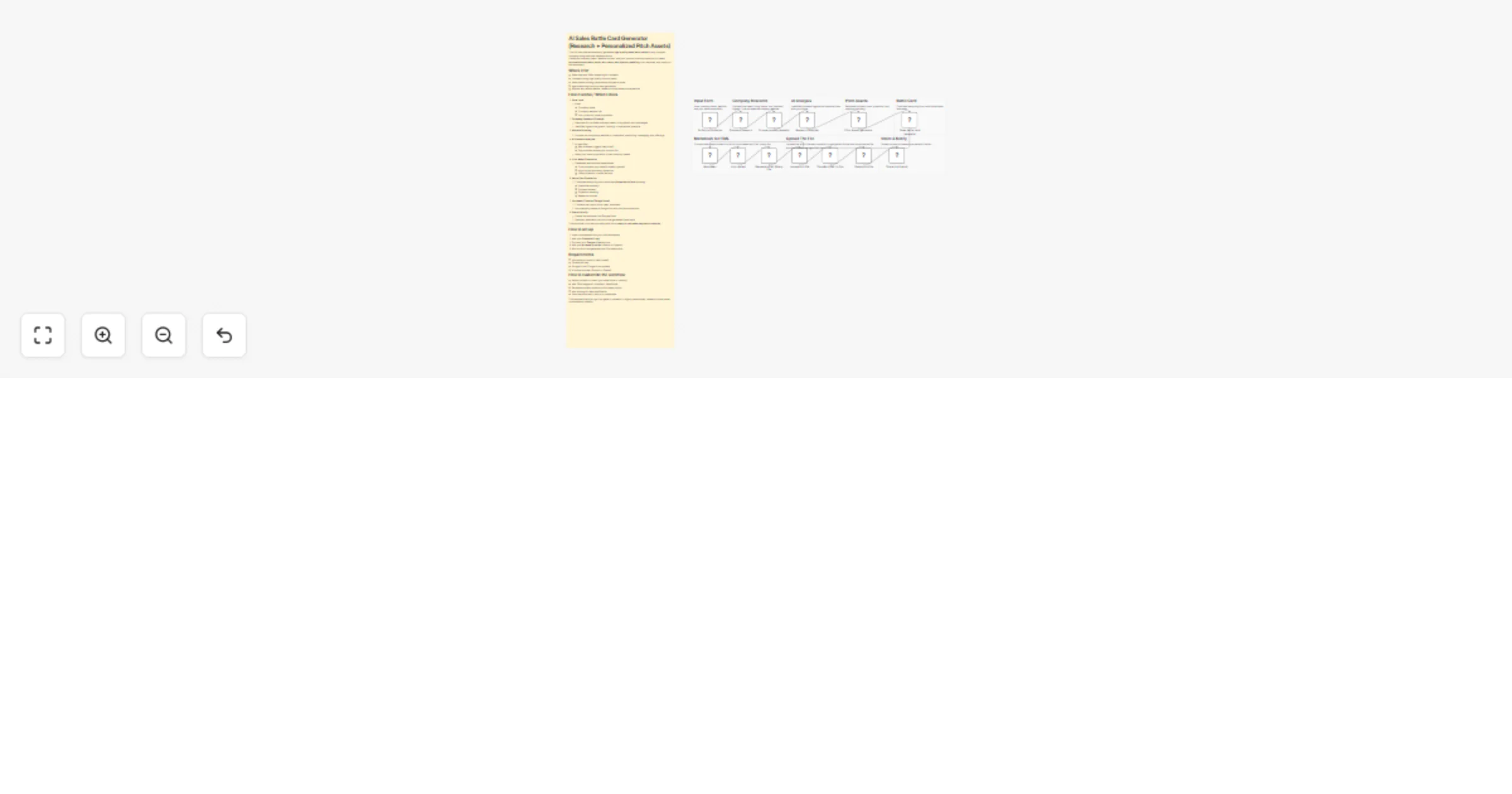
Generate AI sales battle cards with Olostep, Gemini, and Google Docs

Workflow preview

Workflow preview
100%
Generate AI sales battle cards with Olostep, Gemini, and Google Docs preview
Open on n8n.io

1. Workflow Overview

AI Sales Battle Card Generator (Research + Personalized Pitch Assets) This n8n template automatically generates high quality sales battle cards for any prospect company using real time research and...

Best for

  • CRM automation workflows
  • AI Summarization automation workflows
  • advanced n8n builders looking for reusable templates

Tools used

n8n-nodes-olostep.olostepscrape, @n8n/n8n-nodes-langchain.googlegemini, n8n-nodes-base.markdown, n8n-nodes-base.formtrigger, n8n-nodes-base.httprequest, n8n-nodes-base.code, n8n-nodes-base.set, n8n-nodes-base.googledrive

Source and attribution

This workflow is cataloged by N8N Workflows and links back to its original n8n.io source page by Yasser Sami.

Original n8n.io source

1.1 Workflow description

Title
Generate AI sales battle cards with Olostep, Gemini, and Google Docs
Workflow name
Generate AI sales battle cards with Olostep, Gemini, and Google Docs

AI Sales Battle Card Generator (Research + Personalized Pitch Assets)

This n8n template automatically generates high-quality sales battle cards for any prospect company using real-time research and AI. It analyzes company news, website content, and your product’s value proposition to create personalized outreach hooks, talk tracks, and objection handling — all delivered as a ready-to-use document.

Who’s it for

  • Sales reps and SDRs preparing for outreach
  • Founders doing high-quality cold outreach
  • Sales teams building personalized pitches at scale
  • Agencies doing outbound lead generation
  • Anyone who wants deeper, research-driven sales conversations

How it works / What it does

  1. Form Input
  • Enter:
  • Company name
  • Company website URL
  • Your product’s value proposition
  1. Company Research (Olostep)
  • Searches for the latest company news, hiring trends, and challenges.
  • Identifies signals like growth, funding, or operational pressure.
  1. Website Scraping
  • Scrapes the company’s website to understand positioning, messaging, and offerings.
  1. AI Research Analysis
  • AI identifies:
  • Key business triggers (why now?)
  • Opportunities where your product fits
  • Maps your value proposition to real company needs.
  1. Pitch Asset Generation
  • Generates personalized sales assets:
  • Cold outreach hook (email/LinkedIn opener)
  • High-impact discovery questions
  • Likely objection + smart rebuttal
  1. Battle Card Generation
  • Combines everything into a structured Sales Battle Card including:
  • Executive summary
  • Outreach assets
  • Objection handling
  • Research sources
  1. Document Creation (Google Docs)
  • Converts the output into a clean document.
  • Automatically creates a Google Doc with the final battle card.
  1. Share & Notify
  • Shares the document via Google Drive.
  • Sends an email with the link to the generated battle card.

This workflow turns raw company data into a ready-to-use sales playbook in minutes.

How to set up

  1. Import the template into your n8n workspace.
  2. Add your Olostep API key.
  3. Connect your Google Drive account.
  4. Add your AI model provider (Gemini or OpenAI).
  5. Run the form and generate your first battle card.

Requirements

  • n8n account (cloud or self-hosted)
  • Olostep API key
  • Google Drive / Google Docs access
  • AI model provider (Gemini or OpenAI)

How to customize the workflow

  • Adjust prompts to match your sales style or industry.
  • Add CRM integration (HubSpot, Salesforce).
  • Generate multiple variations of outreach hooks.
  • Add scoring for lead qualification.
  • Store battle cards in Notion or a database.

This template helps you go from generic outreach to highly personalized, research-driven sales conversations instantly.

1.2 Logical Blocks

This catalog entry is organized from the workflow JSON. The node-level section below shows the executable blocks available for review before importing the template.

2. Block-by-Block Analysis

Block 1 - Company research

Type / Role
n8n-nodes-olostep.olostepScrape - olostepScrape
Config choices
Version 1

Block 2 - Research Analyzer

Type / Role
@n8n/n8n-nodes-langchain.googleGemini - googleGemini
Config choices
Version 1.1

Block 3 - Pitch Assets generator

Type / Role
@n8n/n8n-nodes-langchain.googleGemini - googleGemini
Config choices
Version 1.1

Block 4 - Sales battle card generator

Type / Role
@n8n/n8n-nodes-langchain.googleGemini - googleGemini
Config choices
Version 1.1

Block 5 - Markdown

Type / Role
n8n-nodes-base.markdown - markdown
Config choices
Version 1

Block 6 - On form submission

Type / Role
n8n-nodes-base.formTrigger - formTrigger
Config choices
Version 2.5

Block 7 - Transfer HTML to Doc

Type / Role
n8n-nodes-base.httpRequest - httpRequest
Config choices
Version 4.2

Block 8 - Generate HTML Binary File

Type / Role
n8n-nodes-base.code - code
Config choices
Version 2

Block 9 - html content

Type / Role
n8n-nodes-base.set - set
Config choices
Version 3.4

Block 10 - Share link & email

Type / Role
n8n-nodes-base.googleDrive - googleDrive
Config choices
Version 3

Block 11 - Delete html file

Type / Role
n8n-nodes-base.googleDrive - googleDrive
Config choices
Version 3

Block 12 - Upload html file

Type / Role
n8n-nodes-base.googleDrive - googleDrive
Config choices
Version 3

Block 13 - Sticky Note

Type / Role
n8n-nodes-base.stickyNote - stickyNote
Config choices
Version 1

Block 14 - Sticky Note1

Type / Role
n8n-nodes-base.stickyNote - stickyNote
Config choices
Version 1

Block 15 - Sticky Note2

Type / Role
n8n-nodes-base.stickyNote - stickyNote
Config choices
Version 1

Block 16 - Scrape company website

Type / Role
n8n-nodes-olostep.olostepScrape - olostepScrape
Config choices
Version 1

Block 17 - Sticky Note3

Type / Role
n8n-nodes-base.stickyNote - stickyNote
Config choices
Version 1

Block 18 - Sticky Note4

Type / Role
n8n-nodes-base.stickyNote - stickyNote
Config choices
Version 1

Block 19 - Sticky Note5

Type / Role
n8n-nodes-base.stickyNote - stickyNote
Config choices
Version 1

Block 20 - Sticky Note6

Type / Role
n8n-nodes-base.stickyNote - stickyNote
Config choices
Version 1

Block 21 - Sticky Note7

Type / Role
n8n-nodes-base.stickyNote - stickyNote
Config choices
Version 1

Block 22 - Sticky Note8

Type / Role
n8n-nodes-base.stickyNote - stickyNote
Config choices
Version 1

3. Summary Table

Workflow Generate AI sales battle cards with Olostep, Gemini, and Google Docs
Complexity advanced
Nodes 22
Categories CRM, AI Summarization
Author Yasser Sami
Published 02 Apr 2026

4. Reproducing the Workflow from Scratch

  1. 1. Download the workflow JSON

    Use the JSON export at /data/workflows/14661/14661.json as the source template for this automation.

  2. 2. Import the template into n8n

    Open n8n, import the downloaded JSON, and review each node before activating the workflow.

  3. 3. Configure credentials and variables

    Replace placeholder credentials, API keys, webhook URLs, account IDs, and environment-specific values with your own settings.

  4. 4. Test with sample data

    Run the workflow manually or in a staging workspace, inspect node output, and confirm downstream systems receive the expected data.

  5. 5. Activate and monitor

    Enable the workflow only after testing, then monitor executions, errors, and rate limits during the first production runs.

5. General Notes & Resources

Review imported nodes carefully before activation. This catalog entry is intended to help you inspect the workflow structure, understand required services, and find related templates faster.

Node names, credentials, schedules, webhook paths, and external service limits may need adjustment for your workspace.

Frequently asked questions

What does Generate AI sales battle cards with Olostep, Gemini, and Google Docs do?

AI Sales Battle Card Generator (Research + Personalized Pitch Assets) This n8n template automatically generates high quality sales battle cards for any prospect company using real time research and...

What do I need before importing this workflow?

Review the workflow JSON, configure any required credentials in n8n, and test the automation in a safe workspace before using it in production.

Can I customize this workflow?

Yes. Use the block-by-block analysis and the downloadable JSON to inspect each node, then adjust credentials, prompts, schedules, filters, or destinations for your CRM, AI Summarization use case.