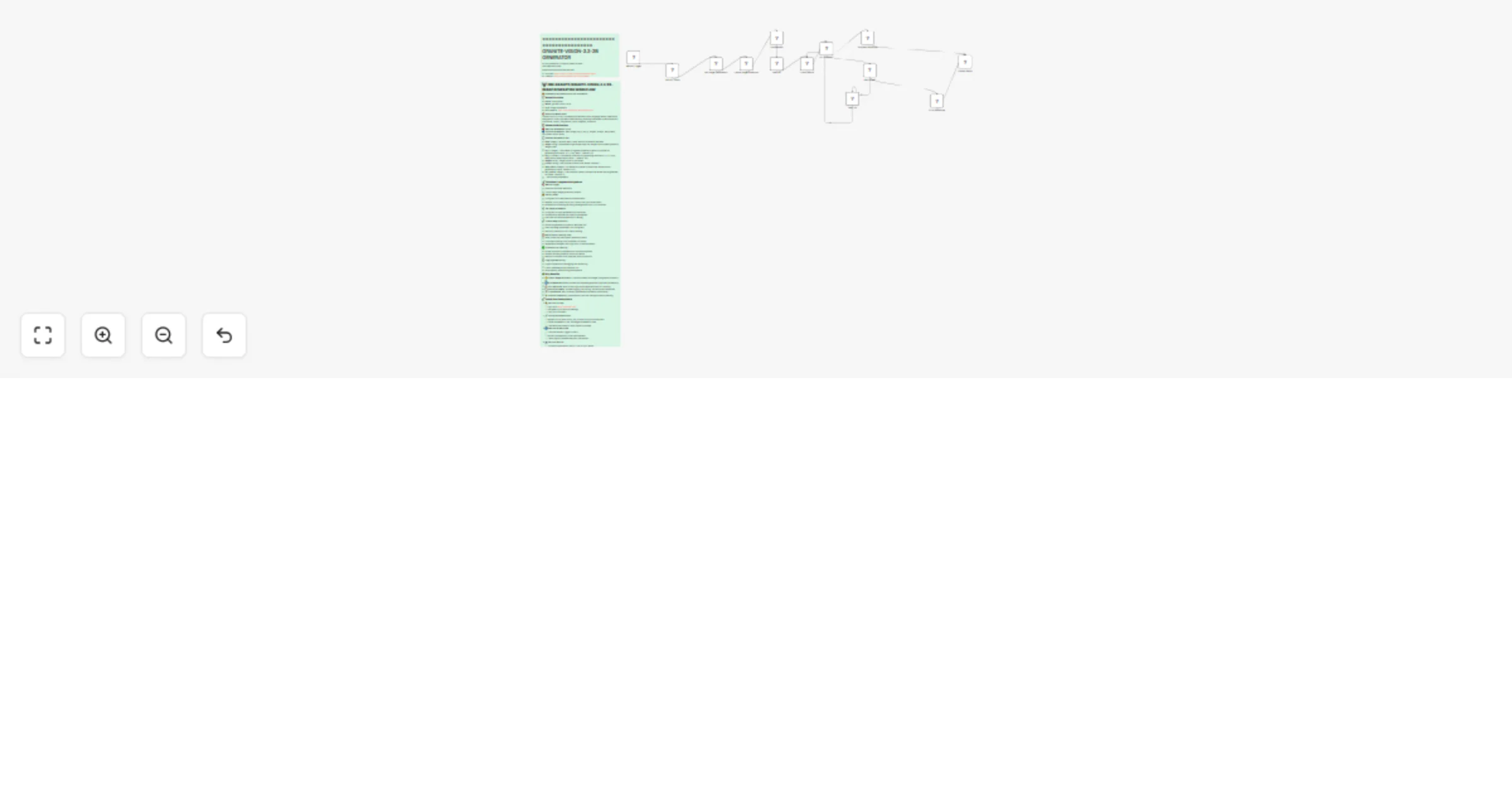
Generate AI-powered images using IBM Granite Vision 3.3 2B with Replicate

Workflow preview

Workflow preview
100%
Generate AI-powered images using IBM Granite Vision 3.3 2B with Replicate preview
Open on n8n.io

Important notice

This workflow is provided as-is. Please review and test before using in production.

1. Workflow Overview

This workflow provides automated access to the Ibm Granite Granite Vision 3.3 2B AI model through the Replicate API. It saves you time by eliminating the need to manually interact with AI models an...

Best for

  • Content Creation automation workflows
  • Multimodal AI automation workflows
  • advanced n8n builders looking for reusable templates

Tools used

n8n-nodes-base.manualtrigger, n8n-nodes-base.set, n8n-nodes-base.httprequest, n8n-nodes-base.wait, n8n-nodes-base.if, n8n-nodes-base.code, n8n-nodes-base.stickynote

Source and attribution

This workflow is cataloged by N8N Workflows and links back to its original n8n.io source page by Yaron Been.

Original n8n.io source

1.1 Workflow description

Title
Generate AI-powered images using IBM Granite Vision 3.3 2B with Replicate
Workflow name
Generate AI-powered images using IBM Granite Vision 3.3 2B with Replicate

This workflow provides automated access to the Ibm Granite Granite Vision 3.3 2B AI model through the Replicate API. It saves you time by eliminating the need to manually interact with AI models and provides a seamless integration for image generation tasks within your n8n automation workflows.

Overview

This workflow automatically handles the complete image generation process using the Ibm Granite Granite Vision 3.3 2B model. It manages API authentication, parameter configuration, request processing, and result retrieval with built-in error handling and retry logic for reliable automation.

Model Description: Granite-vision-3.3-2b is a compact and efficient vision-language model, specifically designed for visual document understanding, enabling automated content extraction from tables, charts, infograph...

Key Capabilities

  • High-quality image generation from text prompts
  • Advanced AI-powered visual content creation
  • Customizable image parameters and styles

Tools Used

  • n8n: The automation platform that orchestrates the workflow
  • Replicate API: Access to the Ibm Granite/granite-vision-3.3-2b AI model
  • Ibm Granite Granite Vision 3.3 2B: The core AI model for image generation
  • Built-in Error Handling: Automatic retry logic and comprehensive error management

How to Install

  1. Import the Workflow: Download the .json file and import it into your n8n instance
  2. Configure Replicate API: Add your Replicate API token to the 'Set API Token' node
  3. Customize Parameters: Adjust the model parameters in the 'Set Image Parameters' node
  4. Test the Workflow: Run the workflow with your desired inputs
  5. Integrate: Connect this workflow to your existing automation pipelines

Use Cases

  • Content Creation: Generate unique images for blogs, social media, and marketing materials
  • Design Prototyping: Create visual concepts and mockups for design projects
  • Art & Creativity: Produce artistic images for personal or commercial use
  • Marketing Materials: Generate eye-catching visuals for campaigns and advertisements

Connect with Me

#n8n #automation #ai #replicate #aiautomation #workflow #nocode #imagegeneration #aiart #texttoimage #visualcontent #aiimages #generativeart #machinelearning #artificialintelligence #aitools #automation #digitalart #contentcreation #productivity #innovation

1.2 Logical Blocks

This catalog entry is organized from the workflow JSON. The node-level section below shows the executable blocks available for review before importing the template.

2. Block-by-Block Analysis

Block 1 - Manual Trigger

Type / Role
n8n-nodes-base.manualTrigger - manualTrigger
Config choices
Version 1

Block 2 - Set API Token

Type / Role
n8n-nodes-base.set - set
Config choices
Version 3.3

Block 3 - Set Image Parameters

Type / Role
n8n-nodes-base.set - set
Config choices
Version 3.3

Block 4 - Create Image Prediction

Type / Role
n8n-nodes-base.httpRequest - httpRequest
Config choices
Version 4.1

Block 5 - Wait 5s

Type / Role
n8n-nodes-base.wait - wait
Config choices
Version 1

Block 6 - Check Status

Type / Role
n8n-nodes-base.httpRequest - httpRequest
Config choices
Version 4.1

Block 7 - Is Complete?

Type / Role
n8n-nodes-base.if - if
Config choices
Version 2

Block 8 - Has Failed?

Type / Role
n8n-nodes-base.if - if
Config choices
Version 2

Block 9 - Wait 10s

Type / Role
n8n-nodes-base.wait - wait
Config choices
Version 1

Block 10 - Success Response

Type / Role
n8n-nodes-base.set - set
Config choices
Version 3.3

Block 11 - Error Response

Type / Role
n8n-nodes-base.set - set
Config choices
Version 3.3

Block 12 - Display Result

Type / Role
n8n-nodes-base.set - set
Config choices
Version 3.3

Block 13 - Log Request

Type / Role
n8n-nodes-base.code - code
Config choices
Version 2

Block 14 - Sticky Note9

Type / Role
n8n-nodes-base.stickyNote - stickyNote
Config choices
Version 1

Block 15 - Sticky Note4

Type / Role
n8n-nodes-base.stickyNote - stickyNote
Config choices
Version 1

3. Summary Table

Workflow Generate AI-powered images using IBM Granite Vision 3.3 2B with Replicate
Complexity advanced
Nodes 15
Categories Content Creation, Multimodal AI
Author Yaron Been
Published 02 Aug 2025

4. Reproducing the Workflow from Scratch

  1. 1. Download the workflow JSON

    Use the JSON export at /data/workflows/6847/6847.json as the source template for this automation.

  2. 2. Import the template into n8n

    Open n8n, import the downloaded JSON, and review each node before activating the workflow.

  3. 3. Configure credentials and variables

    Replace placeholder credentials, API keys, webhook URLs, account IDs, and environment-specific values with your own settings.

  4. 4. Test with sample data

    Run the workflow manually or in a staging workspace, inspect node output, and confirm downstream systems receive the expected data.

  5. 5. Activate and monitor

    Enable the workflow only after testing, then monitor executions, errors, and rate limits during the first production runs.

5. General Notes & Resources

Review imported nodes carefully before activation. This catalog entry is intended to help you inspect the workflow structure, understand required services, and find related templates faster.

Node names, credentials, schedules, webhook paths, and external service limits may need adjustment for your workspace.

Frequently asked questions

What does Generate AI-powered images using IBM Granite Vision 3.3 2B with Replicate do?

This workflow provides automated access to the Ibm Granite Granite Vision 3.3 2B AI model through the Replicate API. It saves you time by eliminating the need to manually interact with AI models an...

What do I need before importing this workflow?

Review the workflow JSON, configure any required credentials in n8n, and test the automation in a safe workspace before using it in production.

Can I customize this workflow?

Yes. Use the block-by-block analysis and the downloadable JSON to inspect each node, then adjust credentials, prompts, schedules, filters, or destinations for your Content Creation, Multimodal AI use case.