Block 1 - Build Request Body
- Type / Role
- n8n-nodes-base.code - code
- Config choices
- Version 2


 Early Deal
Description This workflow is a fully automated AI matte painting generation system for VFX pipelines, designed to convert a single environment prompt into multiple cinematic background variation...
n8n-nodes-base.code, n8n-nodes-base.webhook, n8n-nodes-base.httprequest, n8n-nodes-base.wait, n8n-nodes-base.if, n8n-nodes-base.jira, n8n-nodes-base.slack, n8n-nodes-base.gmail
This workflow is cataloged by N8N Workflows and links back to its original n8n.io source page by Rahul Joshi.
Original n8n.io sourceThis workflow is a fully automated AI matte painting generation system for VFX pipelines, designed to convert a single environment prompt into multiple cinematic background variations. It handles generation, validation, multi-variant rendering, compositing preparation, review workflows, and final delivery—eliminating manual coordination between artists, supervisors, and production systems.
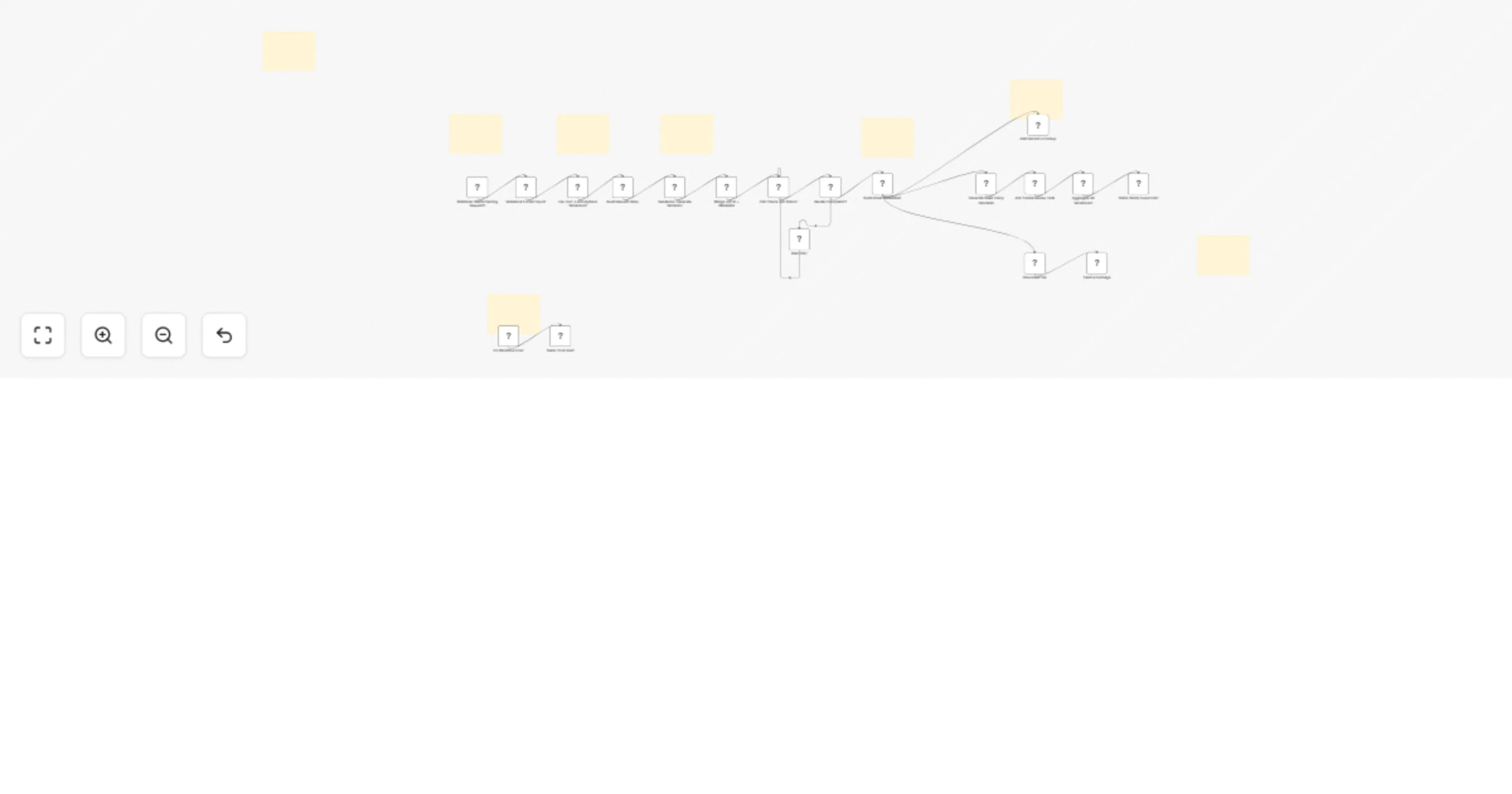
The process begins with a webhook trigger that serves as the shot request intake layer, receiving a POST request containing the environment prompt, shot code, optional plate image URL, and metadata such as project, sequence, and supervisor details. This input is then passed through a validation and normalization stage, ensuring all required fields are present while standardizing elements like sequence codes, project IDs, Slack channels, and timestamps. Once validated, the system fans out the request into four distinct cinematic variations—day (overcast realism), dusk (golden hour lighting), night (moonlit cinematic), and fog (atmospheric depth)—with each variant assigned a custom-engineered prompt. At the core of the workflow, a dynamic mode selection logic determines whether to use image-to-video generation (if a plate image is provided) or text-to-video generation (if no reference is available), while also configuring parameters such as audio generation, aspect ratio, and duration. Each variation is then submitted as an independent job to the Seedance API for AI video generation, returning unique job IDs for tracking. A polling loop handles asynchronous processing by checking the status of each job every 20 seconds until all reach a “succeeded” state, operating independently per variation. Once completed, the system constructs detailed metadata for each asset, including video URL, atmosphere type, variant ID, resolution, duration, and tags such as AI-generated and review status. In parallel, it generates an auto-configured Nuke compositing template with pre-built nodes for plate input, AI background, merge setup, color grading placeholders, and output writing. For production tracking, a Jira review task is created for each variation, while all assets are logged within the ClickUp system. An aggregation layer then consolidates all four variations into a single structured summary, formatted for seamless Slack delivery. A Slack notification is sent to the supervisor with the complete review package, including links to all variations, Jira tickets, inline Nuke scripts, and associated metadata. Finally, the system downloads the generated video assets and completes the workflow by sending an email to the requester with the video attachments and full production context, ensuring a smooth end-to-end delivery pipeline.
• Global error trigger • Instant Slack alert • Prevents silent failures across pipeline
• Seedance API (video generation) • Slack OAuth2 • Gmail OAuth2 • Jira Cloud • ClickUp API • Webhook integration (input system)
✔ Parallel generation of multiple cinematic variations ✔ Automatic decision between image-to-video vs text-to-video ✔ Built-in compositing (Nuke script auto-generation) ✔ Full production pipeline (generation → review → delivery) ✔ Async-safe with polling loop ✔ Centralized asset tracking (Jira + ClickUp) ✔ Zero manual VFX coordination
This catalog entry is organized from the workflow JSON. The node-level section below shows the executable blocks available for review before importing the template.
Showing the first 24 of 27 workflow blocks. Download the JSON for the full node graph.
| Workflow | Generate AI matte painting video variations with Seedance for VFX review |
|---|---|
| Complexity | advanced |
| Nodes | 27 |
| Categories | Content Creation, Multimodal AI |
| Author | Rahul Joshi |
| Published | 27 Mar 2026 |
Use the JSON export at /data/workflows/14389/14389.json as the source template for this automation.
Open n8n, import the downloaded JSON, and review each node before activating the workflow.
Replace placeholder credentials, API keys, webhook URLs, account IDs, and environment-specific values with your own settings.
Run the workflow manually or in a staging workspace, inspect node output, and confirm downstream systems receive the expected data.
Enable the workflow only after testing, then monitor executions, errors, and rate limits during the first production runs.
Review imported nodes carefully before activation. This catalog entry is intended to help you inspect the workflow structure, understand required services, and find related templates faster.
Node names, credentials, schedules, webhook paths, and external service limits may need adjustment for your workspace.
Description This workflow is a fully automated AI matte painting generation system for VFX pipelines, designed to convert a single environment prompt into multiple cinematic background variation...
Review the workflow JSON, configure any required credentials in n8n, and test the automation in a safe workspace before using it in production.
Yes. Use the block-by-block analysis and the downloadable JSON to inspect each node, then adjust credentials, prompts, schedules, filters, or destinations for your Content Creation, Multimodal AI use case.