Block 1 - Overview: AI Previs Pipeline
- Type / Role
- n8n-nodes-base.stickyNote - stickyNote
- Config choices
- Version 1


 Early Deal
Description This workflow is an AI powered virtual cinematography and previs generation pipeline designed for film and VFX production. It transforms a director’s shot description into multiple c...
n8n-nodes-base.stickynote, n8n-nodes-base.code, @n8n/n8n-nodes-langchain.agent, @n8n/n8n-nodes-langchain.lmchatazureopenai, n8n-nodes-base.httprequest, n8n-nodes-base.if, n8n-nodes-base.wait, n8n-nodes-base.googledrive
This workflow is cataloged by N8N Workflows and links back to its original n8n.io source page by Rahul Joshi.
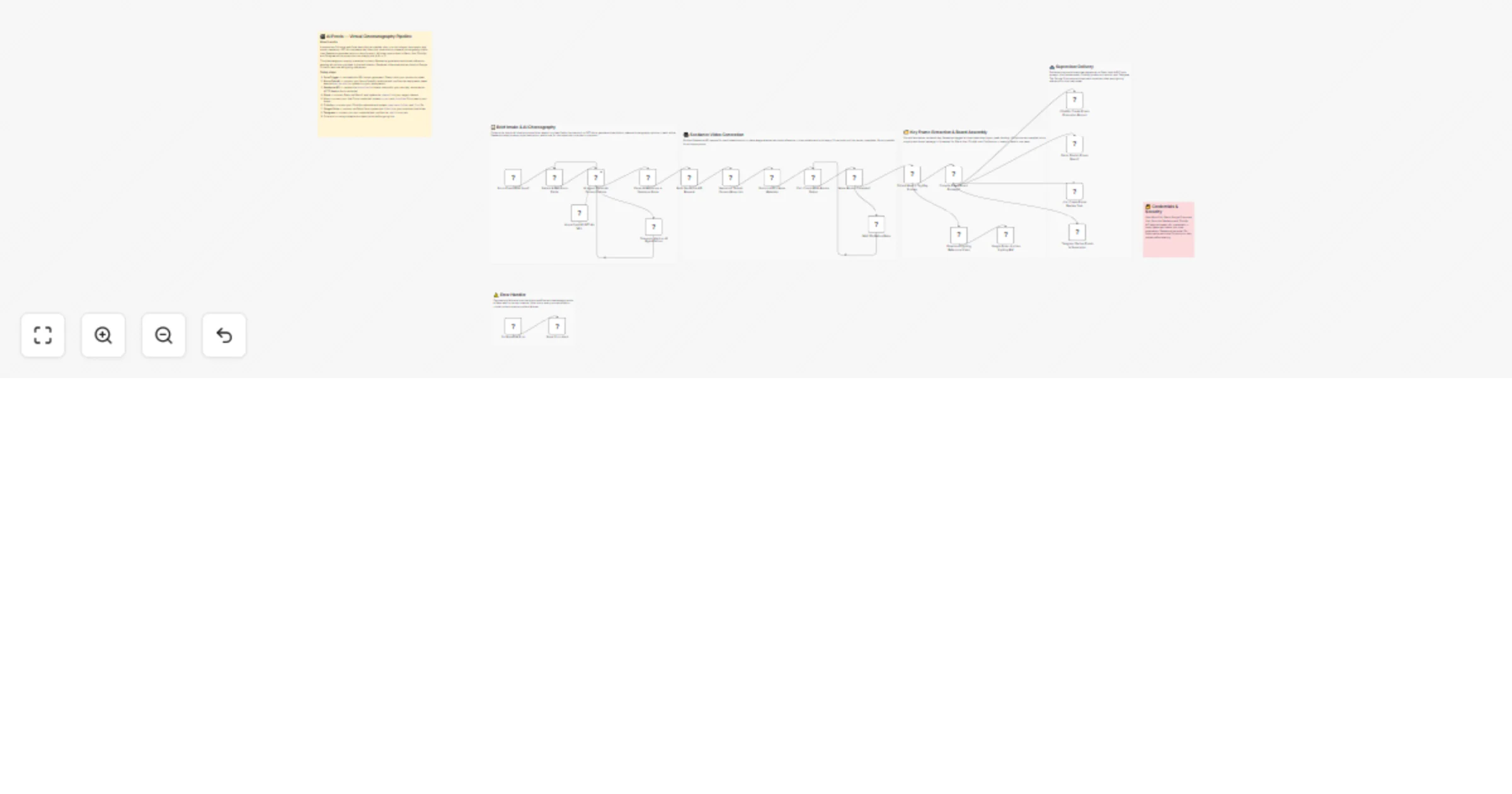
Original n8n.io sourceThis workflow is an AI-powered virtual cinematography and previs generation pipeline designed for film and VFX production. It transforms a director’s shot description into multiple camera choreography options, generates AI-driven previs videos, extracts key frames, and delivers a complete previs board package for supervisor review—enabling faster creative decision-making with zero manual setup. ⚙️ Step-by-Step Flow The workflow begins with a form-based trigger that captures a structured shot brief from the production team, including shot code, script snippet, camera and lens specifications, plate image reference, and movement complexity. This input is validated and normalized into a clean data structure, ensuring consistency across the pipeline. The processed brief is then sent to an AI agent powered by GPT-4o, which interprets the creative intent and generates three distinct camera choreography options. Each option includes a cinematic description, technical movement style, supervisor guidance, and a fully structured Seedance-ready prompt—effectively translating creative direction into executable camera logic.
These AI-generated options are parsed and expanded into individual processing units, where each one is converted into a structured API request for video generation. The pipeline attaches the provided plate image as a visual reference to ensure all outputs remain grounded in the real environment. Each request is then submitted to the Seedance AI model as an asynchronous job, enabling parallel generation of all camera variations. A polling system continuously checks the status of each render at fixed intervals, ensuring that the workflow proceeds only after successful completion of all outputs.
Once rendering is complete, the system collects each generated video and enriches it with production-ready metadata, including resolution, duration, and predefined key frames representing the opening, peak motion, and final composition. In parallel, the workflow downloads each video and archives it to Google Drive, creating a structured library of lighting references for downstream teams such as compositing and look development. An aggregation layer then compiles all camera options into a unified previs board package, formatting them into structured outputs for different platforms, including visual option cards, Jira descriptions, and a complete HTML lookbook.
Finally, the delivery system distributes the previs package across multiple production tools simultaneously. A Slack message presents all options in an easy A/B/C selection format for supervisors, a Jira task is created for tracking and approval, a ClickUp record is logged for production management, and a Telegram message is sent for quick mobile access. This ensures that all stakeholders receive synchronized, actionable outputs, enabling fast and informed decision-making in the previs stage.
• AI parsing fallback to handle invalid JSON outputs • Retry loop for incomplete Seedance jobs (polling system) • Dedicated error trigger with instant Slack alerts • Telegram alert if AI agent fails to generate valid output • Prevents pipeline breaks and ensures reliability
• Azure OpenAI (GPT-4o or similar model) • Seedance API (AI video generation) • Google Drive OAuth2 (asset storage) • Slack OAuth2 (team communication) • Jira API (task tracking) • ClickUp API (production management) • Telegram Bot (optional notifications) • Form/Webhook trigger (input layer)
✔ Converts creative intent into technical camera choreography automatically ✔ Generates multiple previs options for faster decision-making ✔ Maintains visual consistency using plate image reference ✔ Auto-extracts key frames for editorial and layout guidance ✔ Centralized previs board generation (ready for review) ✔ Multi-platform delivery (Slack, Jira, ClickUp, Telegram) ✔ Builds a reusable lighting reference archive
This catalog entry is organized from the workflow JSON. The node-level section below shows the executable blocks available for review before importing the template.
Showing the first 24 of 29 workflow blocks. Download the JSON for the full node graph.
| Workflow | Generate AI camera moves with Seedance and build a previs review board |
|---|---|
| Complexity | advanced |
| Nodes | 29 |
| Categories | Content Creation, Multimodal AI |
| Author | Rahul Joshi |
| Published | 08 Apr 2026 |
Use the JSON export at /data/workflows/14891/14891.json as the source template for this automation.
Open n8n, import the downloaded JSON, and review each node before activating the workflow.
Replace placeholder credentials, API keys, webhook URLs, account IDs, and environment-specific values with your own settings.
Run the workflow manually or in a staging workspace, inspect node output, and confirm downstream systems receive the expected data.
Enable the workflow only after testing, then monitor executions, errors, and rate limits during the first production runs.
Review imported nodes carefully before activation. This catalog entry is intended to help you inspect the workflow structure, understand required services, and find related templates faster.
Node names, credentials, schedules, webhook paths, and external service limits may need adjustment for your workspace.
Description This workflow is an AI powered virtual cinematography and previs generation pipeline designed for film and VFX production. It transforms a director’s shot description into multiple c...
Review the workflow JSON, configure any required credentials in n8n, and test the automation in a safe workspace before using it in production.
Yes. Use the block-by-block analysis and the downloadable JSON to inspect each node, then adjust credentials, prompts, schedules, filters, or destinations for your Content Creation, Multimodal AI use case.