Find AliExpress affiliate products via Telegram with OpenAI and Decodo

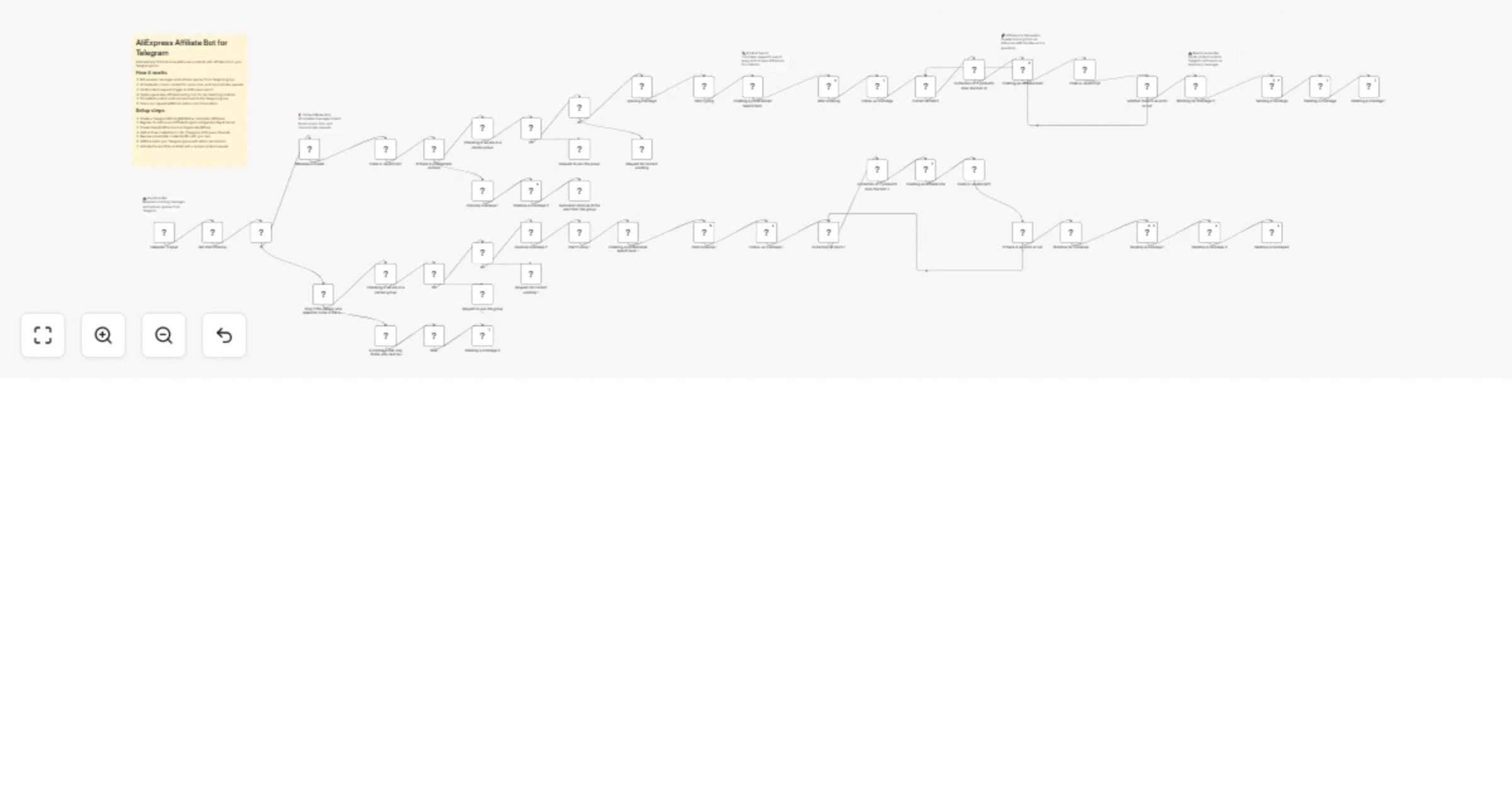
Workflow preview

Workflow preview
100%
Find AliExpress affiliate products via Telegram with OpenAI and Decodo preview
Open on n8n.io

1. Workflow Overview

Find and share AliExpress affiliate products through Telegram Build a Telegram bot that helps users find AliExpress products using natural language requests. The bot uses OpenAI to optimize search ...

Best for

  • Social Media automation workflows
  • AI Chatbot automation workflows
  • advanced n8n builders looking for reusable templates

Tools used

n8n-nodes-base.telegramtrigger, n8n-nodes-base.if, n8n-nodes-base.code, @n8n/n8n-nodes-langchain.openai, n8n-nodes-base.wait, n8n-nodes-base.filter, n8n-nodes-base.telegram, @decodo/n8n-nodes-decodo.decodo

Source and attribution

This workflow is cataloged by N8N Workflows and links back to its original n8n.io source page by achiya.

Original n8n.io source

1.1 Workflow description

Title
Find AliExpress affiliate products via Telegram with OpenAI and Decodo
Workflow name
Find AliExpress affiliate products via Telegram with OpenAI and Decodo

Find and share AliExpress affiliate products through Telegram

Build a Telegram bot that helps users find AliExpress products using natural language requests. The bot uses OpenAI to optimize search queries, Decodo to scrape product listings, and AI analysis to select the best options based on ratings, reviews, and price—then automatically generates affiliate tracking links for each recommendation.

What it does

When users send "Find me wireless keyboard":

  1. Bot checks user is member of your Telegram channel (optional)
  2. Validates command starts with accepted phrases
  3. OpenAI generates optimized English search query
  4. Decodo scrapes products from AliExpress
  5. AI analyzes the top 10 products and selects best 2 based on reviews, ratings, and price
  6. AliExpress Affiliate API creates tracking links
  7. Bot sends formatted recommendations with images, prices, ratings, and links

Who this is for

  • Affiliate marketers monetizing Telegram channels
  • E-commerce entrepreneurs automating recommendations
  • Channel owners adding value while earning commissions
  • Anyone building AliExpress affiliate systems

Setup requirements

Credentials needed

Telegram Bot API

  • Create bot via @BotFather
  • Add token to n8n
  • Make bot admin in your channel

AliExpress Affiliate API

  • Sign up for affiliate program
  • Get: App Key, App Secret, Tracking ID
  • Add to n8n

OpenAI API

  • Get API key
  • Add to n8n
  • Used for search and analysis

Configuration required

Before activation:

  1. Channel username - Replace @YOUR_CHANNEL in 2 nodes:
  • Check Channel Membership
  • Verify Channel Member
  1. Tracking ID - Set YOUR_AFFILIATE_TRACKING_ID in:
  • Generate Affiliate Links
  • Create Affiliate Link
  1. Channel URL - Update button in Request Channel Join

  2. Bot admin - Make bot admin in your channel

How to use

User commands

Users send messages starting with:

  • Find me [product]
  • Search for [product]
  • Look for [product]
  • Get me [product]
  • Send me [product]
  • Show me [product]

Examples:

  • Find me wireless mouse
  • Search for phone case
  • Look for bluetooth speaker

Bot responses

Non-member: Asks to join channel

Invalid format: Shows usage examples

Valid request:

  1. Sends "searching..." status
  2. Processes with AI
  3. Returns 2 recommendations
  4. Each includes: image, title, price, rating, orders, link
  5. "More Results" button available

Customization options

Product count: Edit "Select Top 2 Products" node

Selection criteria: Modify AI prompts in "AI Product Search"

Commands: Add/remove in "Validate Command Format"

Channel gate: Delete verification nodes to remove

Language: Translate Telegram message nodes

AI model: Switch to GPT-3.5-turbo for lower costs

Technical details

Workflow components:

  • Entry: Telegram webhook
  • Verification: Channel membership
  • Validation: Command format
  • Processing: AI query → Decodo scrape → AI analysis
  • Output: Affiliate links → Message format → Send

APIs used:

  • Telegram Bot API - User interaction
  • OpenAI API - Search optimization, product analysis
  • Decodo - AliExpress scraping
  • AliExpress Affiliate API - Link generation

Error handling:

  • Invalid commands → Usage guide
  • Non-members → Join request
  • No results → Error message
  • Spam → Auto-removal

Best practices

Cost management:

  • OpenAI: $0.01-0.05 per search
  • Cache popular searches
  • Use GPT-3.5 for lower costs

Security:

  • Store credentials in n8n
  • Rotate API keys regularly
  • Monitor activity

Performance:

  • Use webhook mode
  • Set up error notifications
  • Implement rate limiting

Troubleshooting

Bot not responding

  • Verify workflow activated
  • Check credentials valid
  • Review error logs

Channel verification fails

  • Confirm bot is admin
  • Check @username correct
  • Ensure user joined

No products found

  • Validate credentials
  • Check tracking ID
  • Try different terms

Links broken

  • Confirm account active
  • Verify tracking ID
  • Check permissions

Version

Version: 1.0 Updated: January 2026 Compatible: n8n v1.0+ Setup: 10-15 minutes

1.2 Logical Blocks

This catalog entry is organized from the workflow JSON. The node-level section below shows the executable blocks available for review before importing the template.

2. Block-by-Block Analysis

Block 1 - Telegram Trigger

Type / Role
n8n-nodes-base.telegramTrigger - telegramTrigger
Config choices
Version 1.2

Block 2 - If2

Type / Role
n8n-nodes-base.if - if
Config choices
Version 2.2

Block 3 - If4

Type / Role
n8n-nodes-base.if - if
Config choices
Version 2.2

Block 4 - Code in JavaScript

Type / Role
n8n-nodes-base.code - code
Config choices
Version 2

Block 5 - Message a model

Type / Role
@n8n/n8n-nodes-langchain.openAi - openAi
Config choices
Version 2

Block 6 - Code in JavaScript1

Type / Role
n8n-nodes-base.code - code
Config choices
Version 2

Block 7 - If

Type / Role
n8n-nodes-base.if - if
Config choices
Version 2.3

Block 8 - If3

Type / Role
n8n-nodes-base.if - if
Config choices
Version 2.2

Block 9 - If5

Type / Role
n8n-nodes-base.if - if
Config choices
Version 2.2

Block 10 - Code in JavaScript2

Type / Role
n8n-nodes-base.code - code
Config choices
Version 2

Block 11 - Wait

Type / Role
n8n-nodes-base.wait - wait
Config choices
Version 1.1

Block 12 - Bot start filtering

Type / Role
n8n-nodes-base.filter - filter
Config choices
Version 2.3

Block 13 - Only if the person who asked for more is the one who sent the original message

Type / Role
n8n-nodes-base.if - if
Config choices
Version 2.3

Block 14 - Checking if we are in a certain group

Type / Role
n8n-nodes-base.telegram - telegram
Config choices
Version 1.2

Block 15 - A message that only those who sent an original message can request more

Type / Role
n8n-nodes-base.telegram - telegram
Config choices
Version 1.2

Block 16 - Deleting a message 5

Type / Role
n8n-nodes-base.telegram - telegram
Config choices
Version 1.2

Block 17 - Request to join the group 1

Type / Role
n8n-nodes-base.telegram - telegram
Config choices
Version 1.2

Block 18 - Opening message 2

Type / Role
n8n-nodes-base.telegram - telegram
Config choices
Version 1.2

Block 19 - Request for correct wording 1

Type / Role
n8n-nodes-base.telegram - telegram
Config choices
Version 1.2

Block 20 - Start typing 1

Type / Role
n8n-nodes-base.telegram - telegram
Config choices
Version 1.2

Block 21 - Creating a professional search term 1

Type / Role
@n8n/n8n-nodes-langchain.openAi - openAi
Config choices
Version 2

Block 22 - Data scraping1

Type / Role
@decodo/n8n-nodes-decodo.decodo - decodo
Config choices
Version 1

Block 23 - Follow-up message 1

Type / Role
n8n-nodes-base.telegram - telegram
Config choices
Version 1.2

Block 24 - Extracting all items 1

Type / Role
n8n-nodes-base.code - code
Config choices
Version 2

Showing the first 24 of 57 workflow blocks. Download the JSON for the full node graph.

3. Summary Table

Workflow Find AliExpress affiliate products via Telegram with OpenAI and Decodo
Complexity advanced
Nodes 57
Categories Social Media, AI Chatbot
Author achiya
Published 03 Jan 2026

4. Reproducing the Workflow from Scratch

  1. 1. Download the workflow JSON

    Use the JSON export at /data/workflows/12437/12437.json as the source template for this automation.

  2. 2. Import the template into n8n

    Open n8n, import the downloaded JSON, and review each node before activating the workflow.

  3. 3. Configure credentials and variables

    Replace placeholder credentials, API keys, webhook URLs, account IDs, and environment-specific values with your own settings.

  4. 4. Test with sample data

    Run the workflow manually or in a staging workspace, inspect node output, and confirm downstream systems receive the expected data.

  5. 5. Activate and monitor

    Enable the workflow only after testing, then monitor executions, errors, and rate limits during the first production runs.

5. General Notes & Resources

Review imported nodes carefully before activation. This catalog entry is intended to help you inspect the workflow structure, understand required services, and find related templates faster.

Node names, credentials, schedules, webhook paths, and external service limits may need adjustment for your workspace.

Frequently asked questions

What does Find AliExpress affiliate products via Telegram with OpenAI and Decodo do?

Find and share AliExpress affiliate products through Telegram Build a Telegram bot that helps users find AliExpress products using natural language requests. The bot uses OpenAI to optimize search ...

What do I need before importing this workflow?

Review the workflow JSON, configure any required credentials in n8n, and test the automation in a safe workspace before using it in production.

Can I customize this workflow?

Yes. Use the block-by-block analysis and the downloadable JSON to inspect each node, then adjust credentials, prompts, schedules, filters, or destinations for your Social Media, AI Chatbot use case.