Block 1 - Sticky Note1
- Type / Role
- n8n-nodes-base.stickyNote - stickyNote
- Config choices
- Version 1


 Early Deal
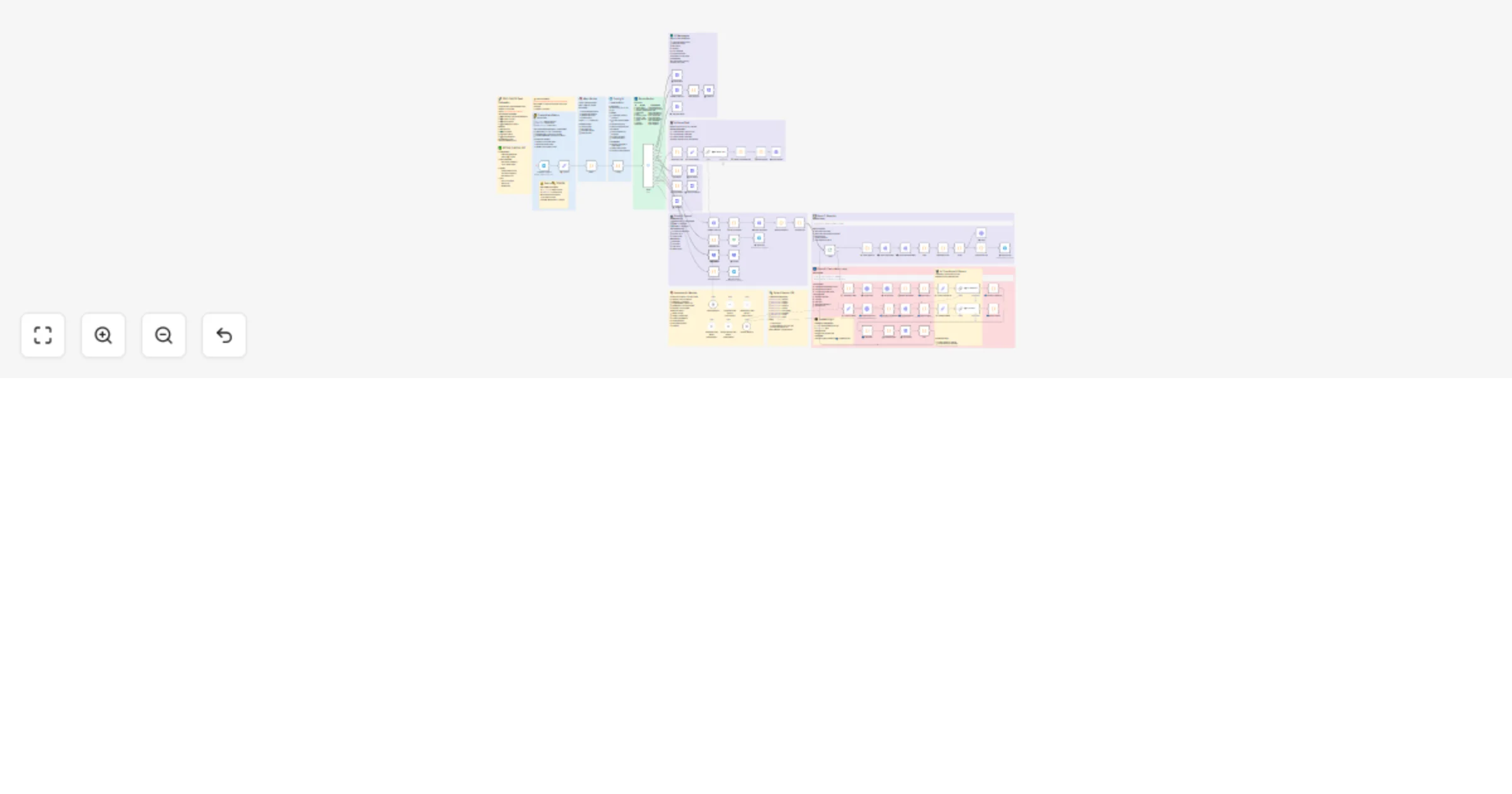
A Telegram bot that converts natural language work descriptions into detailed cost estimates using AI parsing, vector search, and the open source DDC CWICR database with 55,000+ construction work i...
n8n-nodes-base.stickynote, n8n-nodes-base.set, n8n-nodes-base.code, n8n-nodes-base.httprequest, n8n-nodes-base.splitinbatches, n8n-nodes-base.telegram, n8n-nodes-base.if, n8n-nodes-base.switch
This workflow is cataloged by N8N Workflows and links back to its original n8n.io source page by Artem Boiko.
Original n8n.io sourceA Telegram bot that converts natural-language work descriptions into detailed cost estimates using AI parsing, vector search, and the open-source DDC CWICR database with 55,000+ construction work items.
Supports 9 languages: 🇩🇪 DE · 🇬🇧 EN · 🇷🇺 RU · 🇪🇸 ES · 🇫🇷 FR · 🇧🇷 PT · 🇨🇳 ZH · 🇦🇪 AR · 🇮🇳 HI
┌─────────────┐ ┌──────────────┐ ┌─────────────┐ ┌──────────────┐
│ Telegram │ → │ AI Parse │ → │ Embeddings │ → │ Qdrant │
│ Text Input │ │ (GPT/Claude)│ │ (OpenAI) │ │ Search │
└─────────────┘ └──────────────┘ └─────────────┘ └──────────────┘
 ↓
┌─────────────┐ ┌──────────────┐ ┌─────────────┐ ┌──────────────┐
│ Export │ ← │ Aggregate │ ← │ Calculate │ ← │ AI Rerank │
│ HTML/XLS/PDF│ │ Results │ │ Costs │ │ Results │
└─────────────┘ └──────────────┘ └─────────────┘ └──────────────┘
Step-by-step:
/start → selects language → enters work descriptiontext-embedding-3-small)| Component | Requirement |
|---|---|
| n8n | v1.30+ (AI nodes support) |
| Telegram Bot | Token from @BotFather |
| OpenAI API | For embeddings + LLM parsing |
| Qdrant | Vector DB with DDC CWICR collections loaded |
| DDC CWICR Data | github.com/datadrivenconstruction/DDC-CWICR |
bot_token = YOUR_TELEGRAM_BOT_TOKEN
QDRANT_URL = http://localhost:6333
QDRANT_API_KEY = (if using Qdrant Cloud)
Load DDC CWICR collections for your target languages:
DE_construction_rates — German (STLB-Bau based)EN_construction_rates — EnglishRU_construction_rates — Russian (GESN/FER based)/start in your bot| Feature | Description |
|---|---|
| 🤖 Multi-LLM | Swap between OpenAI, Claude, Gemini |
| 🌍 9 Languages | Full UI + database localization |
| 📝 Smart Parsing | Handles lists, tables, free-form text |
| 🔍 Semantic Search | Vector similarity + AI reranking |
| 📊 Cost Breakdown | Labor, materials, machines, hours |
| ✏️ Inline Edit | Modify quantities, delete items |
| 📤 Export | HTML report, Excel, PDF |
| 💾 Session State | Multi-turn conversation support |
Input (Telegram message):
Living room renovation:
- Laminate flooring 25 m2
- Wall painting 60 m2
- Ceiling plasterboard 25 m2
- 3 electrical outlets
Output:
✅ Estimate Ready — 4 items found

1. Laminate flooring ✓
 25 m2 × €18.50 = €462.50
 └ Labor: €125 · Materials: €337.50

2. Wall painting ✓
 60 m2 × €8.20 = €492.00
 └ Labor: €312 · Materials: €180

3. Ceiling plasterboard ✓
 25 m2 × €32.00 = €800.00
 └ Labor: €425 · Materials: €375

4. Electrical outlets ✓
 3 pcs × €45.00 = €135.00
 └ Labor: €95 · Materials: €40

─────────────────────
Total: €1,889.50

[↓ Excel] [↓ PDF] [↻ Restart]
Config node for UI text, currencies, database mappingAI · Data Extraction · Communication · Files & Storage
telegram-bot, construction, cost-estimation, qdrant, vector-search, openai, multilingual, bim, cad
DataDrivenConstruction.io https://DataDrivenConstruction.io [email protected]
We help construction, engineering, and technology firms implement:
Contact us to test with your data or adapt to your project requirements.
⭐ Star us on GitHub! github.com/datadrivenconstruction/DDC-CWICR
This catalog entry is organized from the workflow JSON. The node-level section below shows the executable blocks available for review before importing the template.
Showing the first 24 of 88 workflow blocks. Download the JSON for the full node graph.
| Workflow | Estimate construction costs from text with Telegram, OpenAI and DDC CWICR |
|---|---|
| Complexity | advanced |
| Nodes | 88 |
| Categories | Document Extraction, AI RAG |
| Author | Artem Boiko |
| Published | 26 Dec 2025 |
Use the JSON export at /data/workflows/12174/12174.json as the source template for this automation.
Open n8n, import the downloaded JSON, and review each node before activating the workflow.
Replace placeholder credentials, API keys, webhook URLs, account IDs, and environment-specific values with your own settings.
Run the workflow manually or in a staging workspace, inspect node output, and confirm downstream systems receive the expected data.
Enable the workflow only after testing, then monitor executions, errors, and rate limits during the first production runs.
Review imported nodes carefully before activation. This catalog entry is intended to help you inspect the workflow structure, understand required services, and find related templates faster.
Node names, credentials, schedules, webhook paths, and external service limits may need adjustment for your workspace.
A Telegram bot that converts natural language work descriptions into detailed cost estimates using AI parsing, vector search, and the open source DDC CWICR database with 55,000+ construction work i...
Review the workflow JSON, configure any required credentials in n8n, and test the automation in a safe workspace before using it in production.
Yes. Use the block-by-block analysis and the downloadable JSON to inspect each node, then adjust credentials, prompts, schedules, filters, or destinations for your Document Extraction, AI RAG use case.