Block 1 - Sticky Note1
- Type / Role
- n8n-nodes-base.stickyNote - stickyNote
- Config choices
- Version 1


 Early Deal
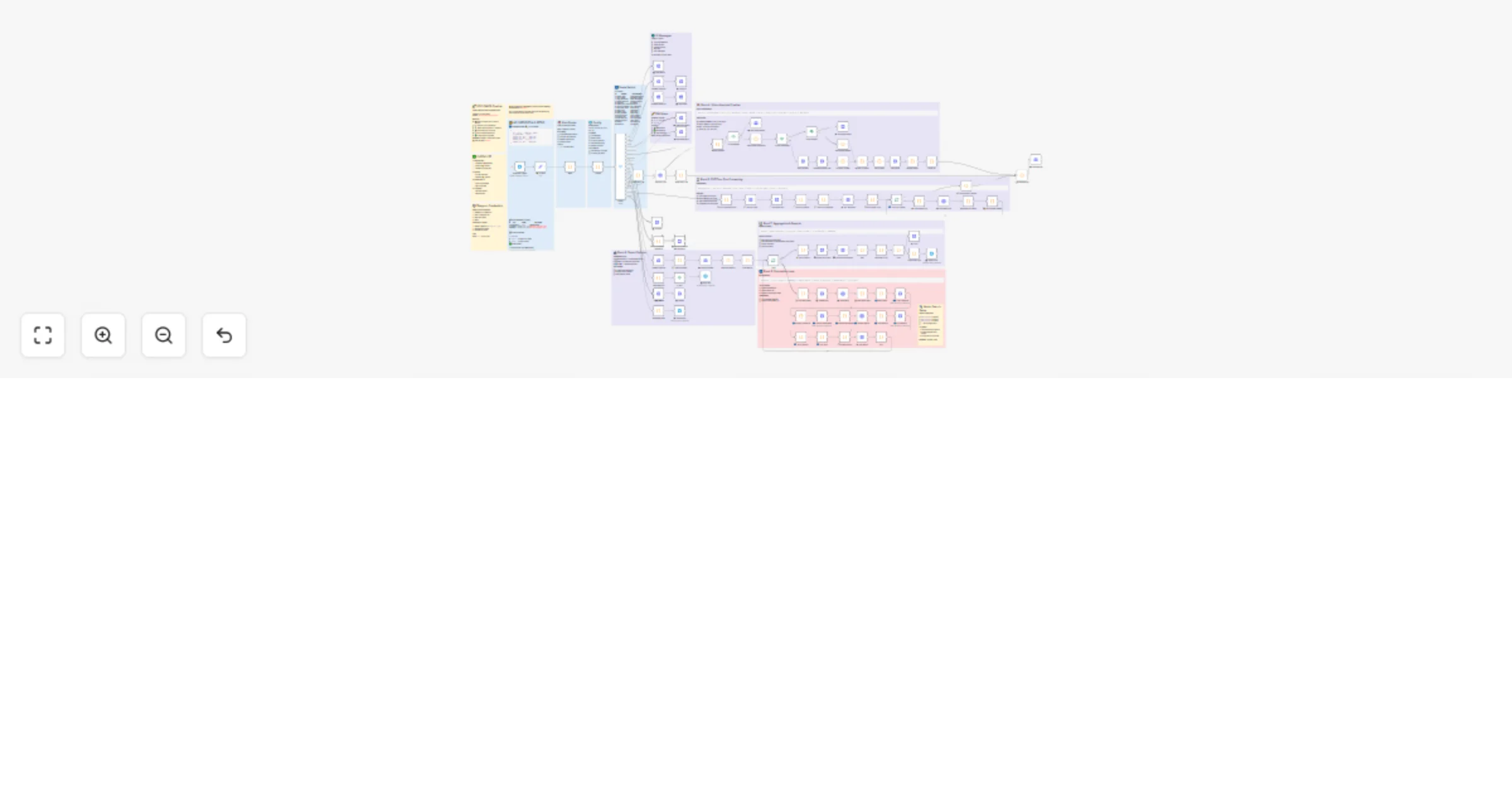
A full featured Telegram bot that accepts text descriptions , photos , or PDF floor plans and returns detailed cost estimates with work breakdown. Powered by GPT 4 Vision / Gemini 2.0 , vector sear...
n8n-nodes-base.stickynote, n8n-nodes-base.code, n8n-nodes-base.httprequest, n8n-nodes-base.splitinbatches, n8n-nodes-base.if, n8n-nodes-base.telegram, n8n-nodes-base.switch, n8n-nodes-base.set
This workflow is cataloged by N8N Workflows and links back to its original n8n.io source page by Artem Boiko.
Original n8n.io sourceA full-featured Telegram bot that accepts text descriptions, photos, or PDF floor plans and returns detailed cost estimates with work breakdown. Powered by GPT-4 Vision / Gemini 2.0, vector search, and the open-source DDC CWICR database (55,000+ construction rates).
Supports 9 languages: 🇩🇪 DE · 🇬🇧 EN · 🇷🇺 RU · 🇪🇸 ES · 🇫🇷 FR · 🇮🇹 IT · 🇵🇱 PL · 🇧🇷 PT · 🇺🇦 UK
┌─────────────────────────────────────────────────────────────────────┐
│ TELEGRAM INPUT │
│ 📝 Text Description │ 📷 Construction Photo │ 📄 PDF Floor Plan │
└─────────────────────────────────────────────────────────────────────┘
 ↓
┌─────────────────────────────────────────────────────────────────────┐
│ MAIN ROUTER │
│ Parse message → Detect content type → Route to handler (17 actions) │
└─────────────────────────────────────────────────────────────────────┘
 ↓
 ┌──────────────────────────┼──────────────────────────┐
 ↓ ↓ ↓
┌─────────────────┐ ┌─────────────────┐ ┌─────────────────┐
│ Text LLM │ │ Vision API │ │ Vision PDF │
│ Parse works │ │ Analyze photo │ │ Read floor plan│
│ from text │ │ GPT-4/Gemini │ │ Gemini 2.0 │
└─────────────────┘ └─────────────────┘ └─────────────────┘
 └──────────────────────────┼──────────────────────────┘
 ↓
┌─────────────────────────────────────────────────────────────────────┐
│ CALCULATION LOOP │
│ For each work item: │
│ 1️⃣ Transform query → 2️⃣ Optimize search → 3️⃣ Get embedding │
│ 4️⃣ Qdrant search → 5️⃣ Score results → 6️⃣ AI rerank → 7️⃣ Calculate │
└─────────────────────────────────────────────────────────────────────┘
 ↓
┌─────────────────────────────────────────────────────────────────────┐
│ OUTPUT │
│ 📊 Telegram message │ 🌐 HTML Report │ 📑 Excel │ 📄 PDF │
└─────────────────────────────────────────────────────────────────────┘
| Type | Description | AI Used |
|---|---|---|
| 📝 Text | Work lists, specifications, notes | OpenAI GPT-4 |
| 📷 Photo | Construction site photos (up to 4) | GPT-4 Vision / Gemini |
| Floor plans, architectural drawings | Gemini 2.0 Flash |
| # | Action | Description |
|---|---|---|
| 0 | show_lang | Language selection menu |
| 1 | ask_photo | Request photo upload |
| 2 | lang_selected | Save language preference |
| 3 | show_analyze | Photo analysis options |
| 4 | analyze | Run AI vision analysis |
| 5 | show_edit_menu | Edit work quantities |
| 6 | works_updated | After quantity change |
| 7 | ask_new_work | Add manual work item |
| 8 | start_calc | Start cost calculation |
| 9 | show_help | Display help message |
| 10 | view_details | Show resource details |
| 11 | export_excel | Generate CSV export |
| 12 | export_pdf | Generate PDF export |
| 13 | process_pdf | Analyze PDF floor plan |
| 14 | analyze_text | Parse text description |
| 15 | refine | Re-analyze with context |
| 16 | fallback | Handle unknown input |
| Component | Requirement |
|---|---|
| n8n | v1.30+ with Telegram Trigger |
| Telegram Bot | Token from @BotFather |
| OpenAI API | For embeddings + text parsing |
| Gemini API | For Vision (photos/PDF) — or use GPT-4 Vision |
| Qdrant | Vector DB with DDC CWICR collections |
| DDC CWICR Data | github.com/datadrivenconstruction/DDC-CWICR |
{
 "bot_token": "YOUR_TELEGRAM_BOT_TOKEN",
 "AI_PROVIDER": "gemini",
 "GEMINI_API_KEY": "YOUR_GEMINI_KEY",
 "OPENAI_API_KEY": "YOUR_OPENAI_KEY",
 "QDRANT_URL": "http://localhost:6333",
 "QDRANT_API_KEY": "YOUR_QDRANT_KEY"
}
AI_PROVIDER: "gemini" → Gemini 2.0 Flash (recommended for photos + PDF)AI_PROVIDER: "openai" → GPT-4 Vision (photos only)Load DDC CWICR embeddings for target languages (example for Russian):
RU_STPETERSBURG_workitems_costs_resources_EMBEDDINGS_3072_DDC_CWICR
/start to your bot| Feature | Description |
|---|---|
| 📷 Photo Analysis | GPT-4 Vision or Gemini 2.0 for site photos |
| 📄 PDF Processing | Floor plan analysis with room extraction |
| 📝 Text Parsing | Natural language work lists |
| 🔍 Vector Search | Semantic matching via Qdrant + OpenAI embeddings |
| 🤖 AI Reranking | LLM-based result scoring for accuracy |
| ✏️ Inline Editing | Modify quantities via Telegram buttons |
| 📊 HTML Report | Professional expandable report with KPIs |
| 📑 Excel Export | CSV with full work breakdown |
| 📄 PDF Export | HTML-based PDF document |
| 🌍 9 Languages | Full UI + database localization |
| 💾 Session State | Multi-turn conversation support |
| 🔧 Refine Mode | Re-analyze with additional context |
User: /start
Bot: Language selection menu (9 options)
User: Selects 🇷🇺 Russian Bot: "Отправьте фото, PDF или текстовое описание работ"
User: Sends bathroom photo Bot: "📷 Анализ фото... ⏳"
Bot: Shows detected works:
🏠 Ванная комната — 4.5 m2

Найдено 12 работ:
1. Демонтаж плитки стен — 18 m2
2. Демонтаж плитки пола — 4.5 m2
3. Гидроизоляция пола — 4.5 m2
4. Гидроизоляция стен — 8 m2
5. Стяжка пола — 4.5 m2
6. Укладка плитки стены — 18 m2
7. Укладка плитки пол — 4.5 m2
8. Установка унитаза — 1 шт
9. Установка раковины — 1 шт
10. Установка смесителя — 2 шт
...

[✏️ Редактировать] [📊 Рассчитать]
User: Taps 📊 Calculate Bot: Shows progress per item, then final result:
✅ Смета готова — 12 позиций

💰 Итого: ₽ 89,450

Работа: ₽ 35,200 (39%)
Материалы: ₽ 48,750 (55%)
Механизмы: ₽ 5,500 (6%)

[📋 Детали] [↓ Excel] [↓ PDF] [↻ Заново]
AI · Communication · Data Extraction · Document Ops
telegram-bot, construction, cost-estimation, gpt-4-vision, gemini, pdf-analysis, qdrant, vector-search, multilingual, html-report
DataDrivenConstruction.io https://DataDrivenConstruction.io [email protected]
We help construction, engineering, and technology firms implement:
Contact us to test with your data or adapt to your project requirements.
⭐ Star us on GitHub! github.com/datadrivenconstruction/DDC-CWICR
This catalog entry is organized from the workflow JSON. The node-level section below shows the executable blocks available for review before importing the template.
Showing the first 24 of 107 workflow blocks. Download the JSON for the full node graph.
| Workflow | Estimate construction costs from text, photos and PDFs with Telegram, GPT‐4/Gemini and DDC CWICR |
|---|---|
| Complexity | advanced |
| Nodes | 107 |
| Categories | Document Extraction, AI RAG |
| Author | Artem Boiko |
| Published | 26 Dec 2025 |
Use the JSON export at /data/workflows/12176/12176.json as the source template for this automation.
Open n8n, import the downloaded JSON, and review each node before activating the workflow.
Replace placeholder credentials, API keys, webhook URLs, account IDs, and environment-specific values with your own settings.
Run the workflow manually or in a staging workspace, inspect node output, and confirm downstream systems receive the expected data.
Enable the workflow only after testing, then monitor executions, errors, and rate limits during the first production runs.
Review imported nodes carefully before activation. This catalog entry is intended to help you inspect the workflow structure, understand required services, and find related templates faster.
Node names, credentials, schedules, webhook paths, and external service limits may need adjustment for your workspace.
A full featured Telegram bot that accepts text descriptions , photos , or PDF floor plans and returns detailed cost estimates with work breakdown. Powered by GPT 4 Vision / Gemini 2.0 , vector sear...
Review the workflow JSON, configure any required credentials in n8n, and test the automation in a safe workspace before using it in production.
Yes. Use the block-by-block analysis and the downloadable JSON to inspect each node, then adjust credentials, prompts, schedules, filters, or destinations for your Document Extraction, AI RAG use case.