Block 1 - When chat message received
- Type / Role
- @n8n/n8n-nodes-langchain.chatTrigger - chatTrigger
- Config choices
- Version 1.1


 Early Deal
This workflow is provided as-is. Please review and test before using in production.
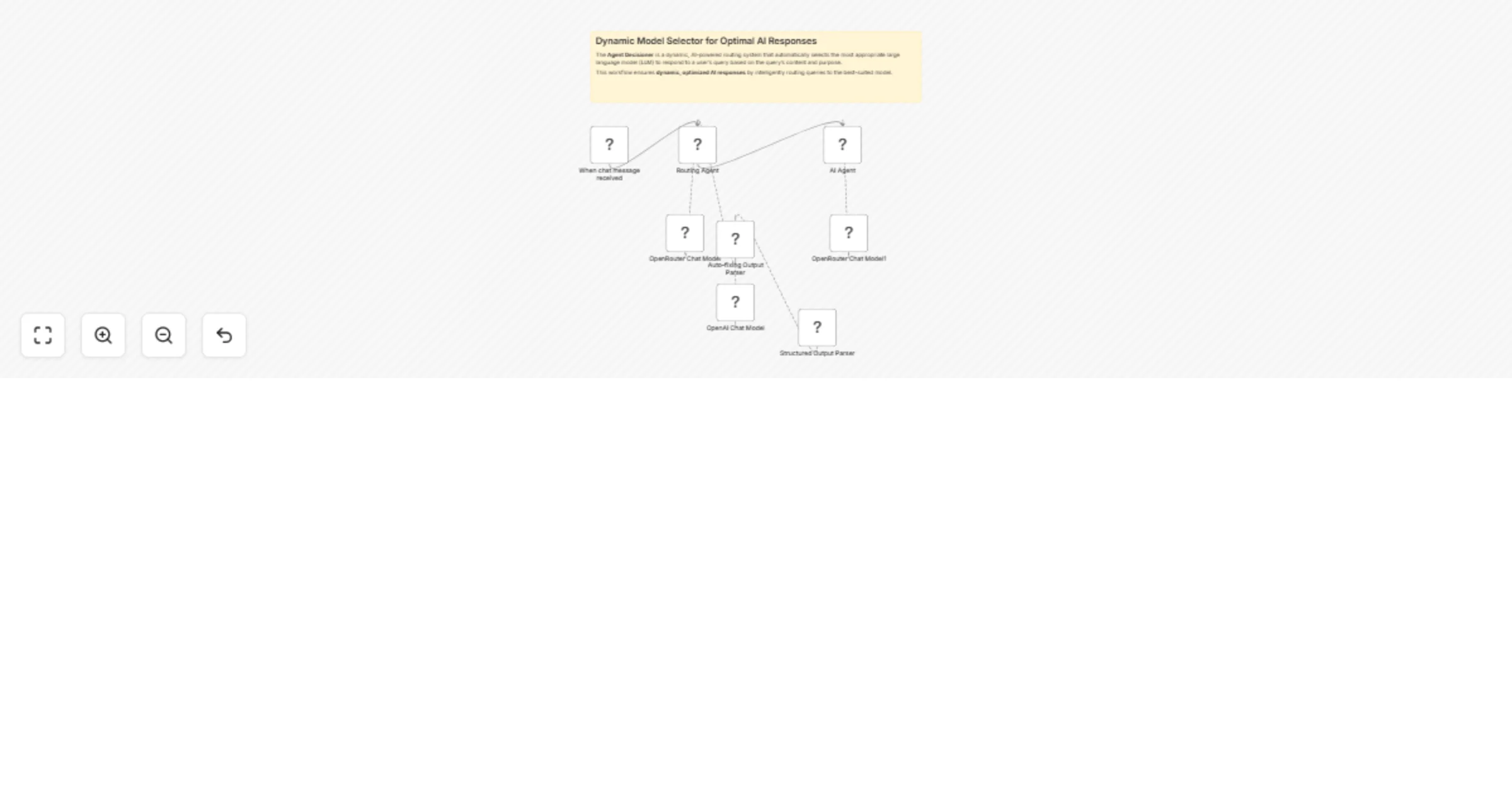
The Agent Decisioner is a dynamic, AI powered routing system that automatically selects the most appropriate large language model (LLM) to respond to a user's query based on the query’s content and...
@n8n/n8n-nodes-langchain.chattrigger, @n8n/n8n-nodes-langchain.lmchatopenrouter, @n8n/n8n-nodes-langchain.outputparserstructured, n8n-nodes-base.stickynote, @n8n/n8n-nodes-langchain.agent, @n8n/n8n-nodes-langchain.outputparserautofixing, @n8n/n8n-nodes-langchain.lmchatopenai
This workflow is cataloged by N8N Workflows and links back to its original n8n.io source page by Davide.
Original n8n.io sourceThe Agent Decisioner is a dynamic, AI-powered routing system that automatically selects the most appropriate large language model (LLM) to respond to a user's query based on the query’s content and purpose.
This workflow ensures dynamic, optimized AI responses by intelligently routing queries to the best-suited model.
🔁 Automatic Model Routing: Automatically selects the best model for the job, improving efficiency and relevance of responses.
🎯 Optimized Use of Resources: Avoids overuse of expensive models like GPT-4 by routing simpler queries to lightweight models.
📚 Model-Aware Reasoning: Uses detailed metadata about model capabilities (e.g., reasoning, coding, web search) for intelligent selection.
📥 Modular and Extendable: Easy to integrate with other tools or expand by adding more models or custom decision logic.
👨💻 Ideal for RAG and Multi-Agent Systems: Can serve as the brain behind more complex agent frameworks or Retrieval-Augmented Generation pipelines.
Configure Nodes:
prompt + model). Connect Nodes:
Credentials:
Test & Deploy:
Contact me for consulting and support or add me on Linkedin.
This catalog entry is organized from the workflow JSON. The node-level section below shows the executable blocks available for review before importing the template.
| Workflow | Dynamic AI model router for query optimization with OpenRouter |
|---|---|
| Complexity | intermediate |
| Nodes | 9 |
| Categories | Engineering, AI Chatbot |
| Author | Davide |
| Published | 20 May 2025 |
Use the JSON export at /data/workflows/4237/4237.json as the source template for this automation.
Open n8n, import the downloaded JSON, and review each node before activating the workflow.
Replace placeholder credentials, API keys, webhook URLs, account IDs, and environment-specific values with your own settings.
Run the workflow manually or in a staging workspace, inspect node output, and confirm downstream systems receive the expected data.
Enable the workflow only after testing, then monitor executions, errors, and rate limits during the first production runs.
Review imported nodes carefully before activation. This catalog entry is intended to help you inspect the workflow structure, understand required services, and find related templates faster.
Node names, credentials, schedules, webhook paths, and external service limits may need adjustment for your workspace.
The Agent Decisioner is a dynamic, AI powered routing system that automatically selects the most appropriate large language model (LLM) to respond to a user's query based on the query’s content and...
Review the workflow JSON, configure any required credentials in n8n, and test the automation in a safe workspace before using it in production.
Yes. Use the block-by-block analysis and the downloadable JSON to inspect each node, then adjust credentials, prompts, schedules, filters, or destinations for your Engineering, AI Chatbot use case.