Detect and isolate ransomware with Claude (Anthropic), EDR, SIEM and Slack

Workflow preview

Workflow preview
100%
Detect and isolate ransomware with Claude (Anthropic), EDR, SIEM and Slack preview
Open on n8n.io

1. Workflow Overview

This workflow provides real time detection of ransomware encryption patterns using Claude AI, with automated system isolation and incident response. How it works 1. File System Monitoring Continuou...

Best for

  • SecOps automation workflows
  • AI Summarization automation workflows
  • advanced n8n builders looking for reusable templates

Tools used

n8n-nodes-base.stickynote, n8n-nodes-base.webhook, n8n-nodes-base.code, n8n-nodes-base.wait, @n8n/n8n-nodes-langchain.agent, @n8n/n8n-nodes-langchain.lmchatanthropic, n8n-nodes-base.if, n8n-nodes-base.httprequest

Source and attribution

This workflow is cataloged by N8N Workflows and links back to its original n8n.io source page by Oneclick AI Squad.

Original n8n.io source

1.1 Workflow description

Title
Detect and isolate ransomware with Claude (Anthropic), EDR, SIEM and Slack
Workflow name
Detect and isolate ransomware with Claude (Anthropic), EDR, SIEM and Slack

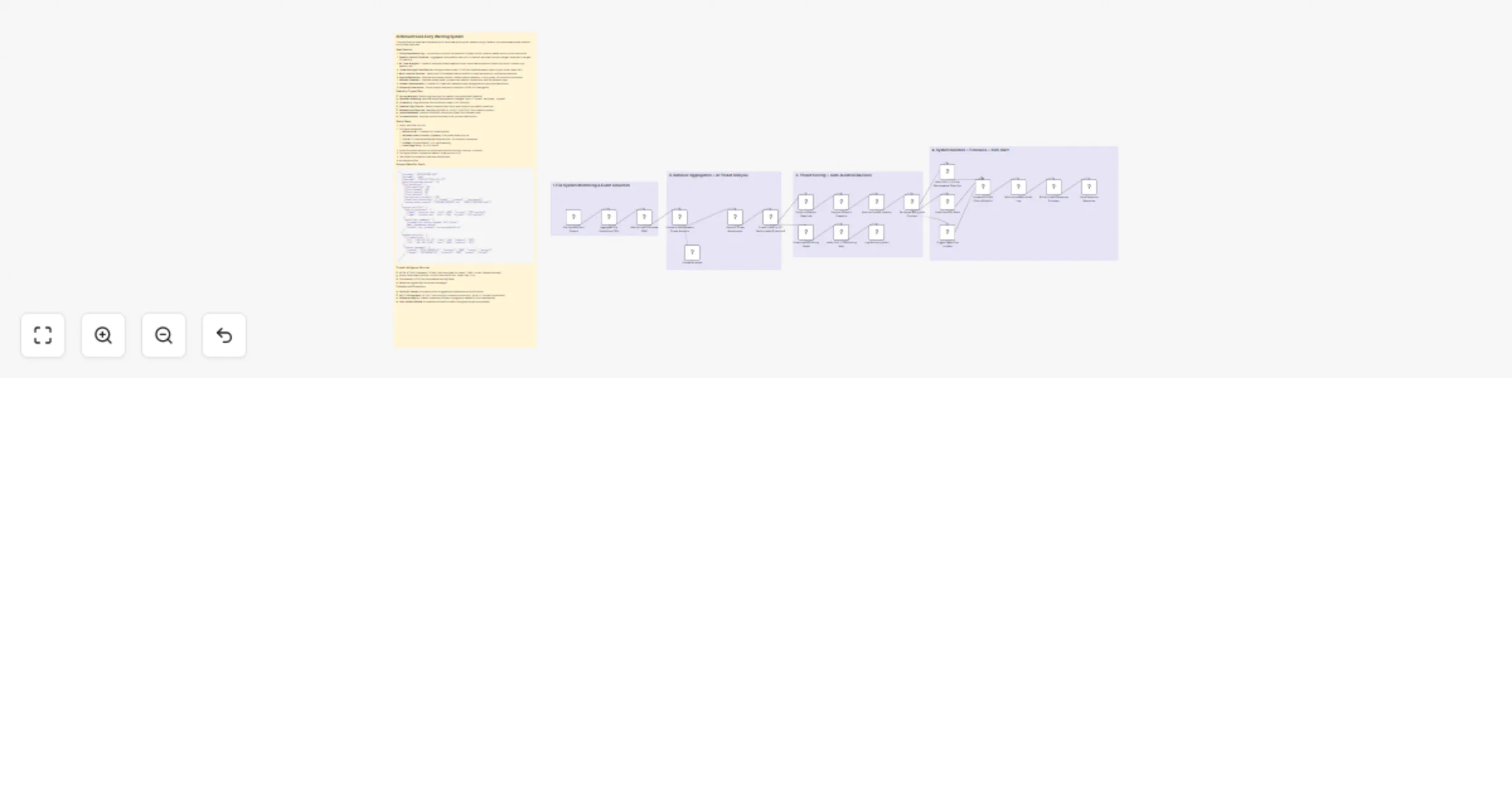
This workflow provides real-time detection of ransomware encryption patterns using Claude AI, with automated system isolation and incident response.

How it works

  1. File System Monitoring - Continuously monitors file operations (create, modify, rename, delete) across critical directories
  2. Behavior Pattern Collection - Aggregates file operation metrics in 30-second windows (entropy changes, extension changes, I/O velocity)
  3. AI Threat Analysis - Claude AI analyzes patterns against known ransomware behaviors (mass encryption, shadow copy deletion, etc.)
  4. Threat Scoring & Classification - Assigns threat scores (0-100) and classifies attack types (crypto-locker, wiper, etc.)
  5. Auto-Isolation Decision - Determines if immediate network isolation is required based on confidence thresholds
  6. System Quarantine - Executes automated isolation: disable network adapters, block shares, kill suspicious processes
  7. Forensic Snapshot - Captures system state, process tree, network connections, and file operation logs
  8. Incident Response Alert - Notifies SOC team with detailed threat intelligence and recommended actions
  9. Evidence Preservation - Stores forensic data and AI analysis in SIEM for investigation

Detection Capabilities

  • Entropy Analysis: Detects high-entropy file creation (encrypted data signature)
  • Extension Scanning: Identifies suspicious extension changes (.docx → .locked, .encrypted, .crypted)
  • I/O Velocity: Flags abnormal file modification rates (>100 files/min)
  • Shadow Copy Deletion: Detects vssadmin.exe / wmic.exe shadow copy deletion attempts
  • Ransom Note Detection: Identifies README.txt, HOW_TO_DECRYPT.html creation patterns
  • Lateral Movement: Monitors SMB/RDP connection spikes from infected hosts
  • Process Behavior: Analyzes suspicious parent-child process relationships

Setup Steps

  1. Import workflow into n8n
  2. Configure credentials:
  • Anthropic API - Claude AI for threat analysis
  • Windows Event Collector / Sysmon - File system event source
  • EDR API (CrowdStrike/Defender/SentinelOne) - For isolation commands
  • SIEM API (Splunk/Elastic) - For log forwarding
  • Slack/PagerDuty - For SOC alerts
  1. Install file system watcher on monitored endpoints (sysmon, osquery, or auditd)
  2. Configure isolation thresholds (default: threat_score >= 75)
  3. Test isolation procedure in sandbox environment
  4. Activate workflow

Sample Detection Event

{
 "hostname": "DESKTOP-WKS-042",
 "username": "jdoe",
 "timestamp": "2025-02-25T14:23:17Z",
 "detection_window_seconds": 30,
 "file_operations": {
 "files_modified": 247,
 "files_renamed": 189,
 "files_created": 58,
 "files_deleted": 31,
 "avg_entropy_increase": 7.89,
 "suspicious_extensions": [".locked", ".crypted", ".encrypted"],
 "ransom_notes_created": ["README_DECRYPT.txt", "HOW_TO_RECOVER.html"]
 },
 "process_activity": {
 "high_io_processes": [
 {"name": "explorer.exe", "pid": 4782, "io_rate": "523 ops/sec"},
 {"name": "svchost.exe", "pid": 2194, "io_rate": "412 ops/sec"}
 ],
 "suspicious_commands": [
 "vssadmin.exe delete shadows /all /quiet",
 "wmic shadowcopy delete",
 "bcdedit /set {default} recoveryenabled no"
 ]
 },
 "network_activity": {
 "c2_connections": [
 {"ip": "185.220.101.32", "port": 443, "country": "RU"},
 {"ip": "194.165.16.85", "port": 8443, "country": "NL"}
 ],
 "lateral_movement": [
 {"target": "FILE-SERVER-01", "protocol": "SMB", "status": "success"},
 {"target": "DB-SERVER-03", "protocol": "RDP", "status": "failed"}
 ]
 }
}

Threat Intelligence Sources

  • MITRE ATT&CK Framework (T1486 - Data Encrypted for Impact, T1490 - Inhibit System Recovery)
  • Known ransomware families: LockBit, BlackCat/ALPHV, Royal, Play, Cl0p
  • File extension IOCs from ransomware tracking feeds
  • Behavioral signatures from recent campaigns

Compliance & Forensics

  • Chain of Custody: All isolation actions logged with timestamps and justifications
  • NIST CSF Alignment: DE.CM-7 (Monitoring for unauthorized activity), RS.MI-3 (Incident containment)
  • Evidence Integrity: Forensic snapshots include cryptographic hashes for court admissibility
  • Post-Incident Review: AI analysis archived for threat hunting and pattern improvement

1.2 Logical Blocks

This catalog entry is organized from the workflow JSON. The node-level section below shows the executable blocks available for review before importing the template.

2. Block-by-Block Analysis

Block 1 - Sticky Note

Type / Role
n8n-nodes-base.stickyNote - stickyNote
Config choices
Version 1

Block 2 - Sticky Note 1

Type / Role
n8n-nodes-base.stickyNote - stickyNote
Config choices
Version 1

Block 3 - Sticky Note 2

Type / Role
n8n-nodes-base.stickyNote - stickyNote
Config choices
Version 1

Block 4 - Sticky Note 3

Type / Role
n8n-nodes-base.stickyNote - stickyNote
Config choices
Version 1

Block 5 - Sticky Note 4

Type / Role
n8n-nodes-base.stickyNote - stickyNote
Config choices
Version 1

Block 6 - File System Event Stream

Type / Role
n8n-nodes-base.webhook - webhook
Config choices
Version 2

Block 7 - Aggregate File Operations (30s Window)

Type / Role
n8n-nodes-base.code - code
Config choices
Version 2

Block 8 - Wait for Batch Window (30s)

Type / Role
n8n-nodes-base.wait - wait
Config choices
Version 1.1

Block 9 - Claude AI Ransomware Threat Analysis

Type / Role
@n8n/n8n-nodes-langchain.agent - agent
Config choices
Version 1.6

Block 10 - Claude AI Model

Type / Role
@n8n/n8n-nodes-langchain.lmChatAnthropic - lmChatAnthropic
Config choices
Version 1

Block 11 - Parse AI Threat Assessment

Type / Role
n8n-nodes-base.code - code
Config choices
Version 2

Block 12 - Threat Score >= 75? (Auto-Isolate Threshold)

Type / Role
n8n-nodes-base.if - if
Config choices
Version 2

Block 13 - Confirm Isolation Required

Type / Role
n8n-nodes-base.if - if
Config choices
Version 2

Block 14 - Capture Forensic Snapshot

Type / Role
n8n-nodes-base.httpRequest - httpRequest
Config choices
Version 4.2

Block 15 - Execute System Isolation

Type / Role
n8n-nodes-base.httpRequest - httpRequest
Config choices
Version 4.2

Block 16 - Terminate Encryption Process

Type / Role
n8n-nodes-base.httpRequest - httpRequest
Config choices
Version 4.2

Block 17 - Alert SOC — Critical Ransomware Detection

Type / Role
n8n-nodes-base.slack - slack
Config choices
Version 2.2

Block 18 - Email Security Team

Type / Role
n8n-nodes-base.emailSend - emailSend
Config choices
Version 2.1

Block 19 - Trigger PagerDuty Incident

Type / Role
n8n-nodes-base.httpRequest - httpRequest
Config choices
Version 4.2

Block 20 - Forward to SIEM (Splunk/Elastic)

Type / Role
n8n-nodes-base.httpRequest - httpRequest
Config choices
Version 4.2

Block 21 - Write to Isolation Audit Log

Type / Role
n8n-nodes-base.googleSheets - googleSheets
Config choices
Version 4.5

Block 22 - Build Incident Response Summary

Type / Role
n8n-nodes-base.code - code
Config choices
Version 2

Block 23 - Send Detection Response

Type / Role
n8n-nodes-base.respondToWebhook - respondToWebhook
Config choices
Version 1

Block 24 - Enhanced Monitoring Mode

Type / Role
n8n-nodes-base.code - code
Config choices
Version 2

Showing the first 24 of 26 workflow blocks. Download the JSON for the full node graph.

3. Summary Table

Workflow Detect and isolate ransomware with Claude (Anthropic), EDR, SIEM and Slack
Complexity advanced
Nodes 26
Categories SecOps, AI Summarization
Author Oneclick AI Squad
Published 25 Feb 2026

4. Reproducing the Workflow from Scratch

  1. 1. Download the workflow JSON

    Use the JSON export at /data/workflows/13706/13706.json as the source template for this automation.

  2. 2. Import the template into n8n

    Open n8n, import the downloaded JSON, and review each node before activating the workflow.

  3. 3. Configure credentials and variables

    Replace placeholder credentials, API keys, webhook URLs, account IDs, and environment-specific values with your own settings.

  4. 4. Test with sample data

    Run the workflow manually or in a staging workspace, inspect node output, and confirm downstream systems receive the expected data.

  5. 5. Activate and monitor

    Enable the workflow only after testing, then monitor executions, errors, and rate limits during the first production runs.

5. General Notes & Resources

Review imported nodes carefully before activation. This catalog entry is intended to help you inspect the workflow structure, understand required services, and find related templates faster.

Node names, credentials, schedules, webhook paths, and external service limits may need adjustment for your workspace.

Frequently asked questions

What does Detect and isolate ransomware with Claude (Anthropic), EDR, SIEM and Slack do?

This workflow provides real time detection of ransomware encryption patterns using Claude AI, with automated system isolation and incident response. How it works 1. File System Monitoring Continuou...

What do I need before importing this workflow?

Review the workflow JSON, configure any required credentials in n8n, and test the automation in a safe workspace before using it in production.

Can I customize this workflow?

Yes. Use the block-by-block analysis and the downloadable JSON to inspect each node, then adjust credentials, prompts, schedules, filters, or destinations for your SecOps, AI Summarization use case.