Block 1 - Extract
- Type / Role
- n8n-nodes-base.httpRequest - httpRequest
- Config choices
- Version 4.2


 Early Deal
This workflow is provided as-is. Please review and test before using in production.
What This Workflow Does This workflow automatically scrapes recent high value congressional stock trades from Quiver Quantitative, summarizes the key transactions, and delivers a neatly formatte...
n8n-nodes-base.httprequest, n8n-nodes-base.set, n8n-nodes-base.scheduletrigger, n8n-nodes-base.gmail, n8n-nodes-base.if, n8n-nodes-base.wait, n8n-nodes-base.code, n8n-nodes-base.stickynote
This workflow is cataloged by N8N Workflows and links back to its original n8n.io source page by Automate With Marc.
Original n8n.io source📬 What This Workflow Does This workflow automatically scrapes recent high-value congressional stock trades from Quiver Quantitative, summarizes the key transactions, and delivers a neatly formatted report to your inbox — every single day.
It combines Firecrawl's powerful content extraction, OpenAI's GPT formatting, and n8n's automation engine to turn raw HTML data into a digestible, human-readable email.
Watch Full Tutorial on how to build this workflow here: https://www.youtube.com/watch?v=HChQSYsWbGo&t=947s&pp=0gcJCb4JAYcqIYzv
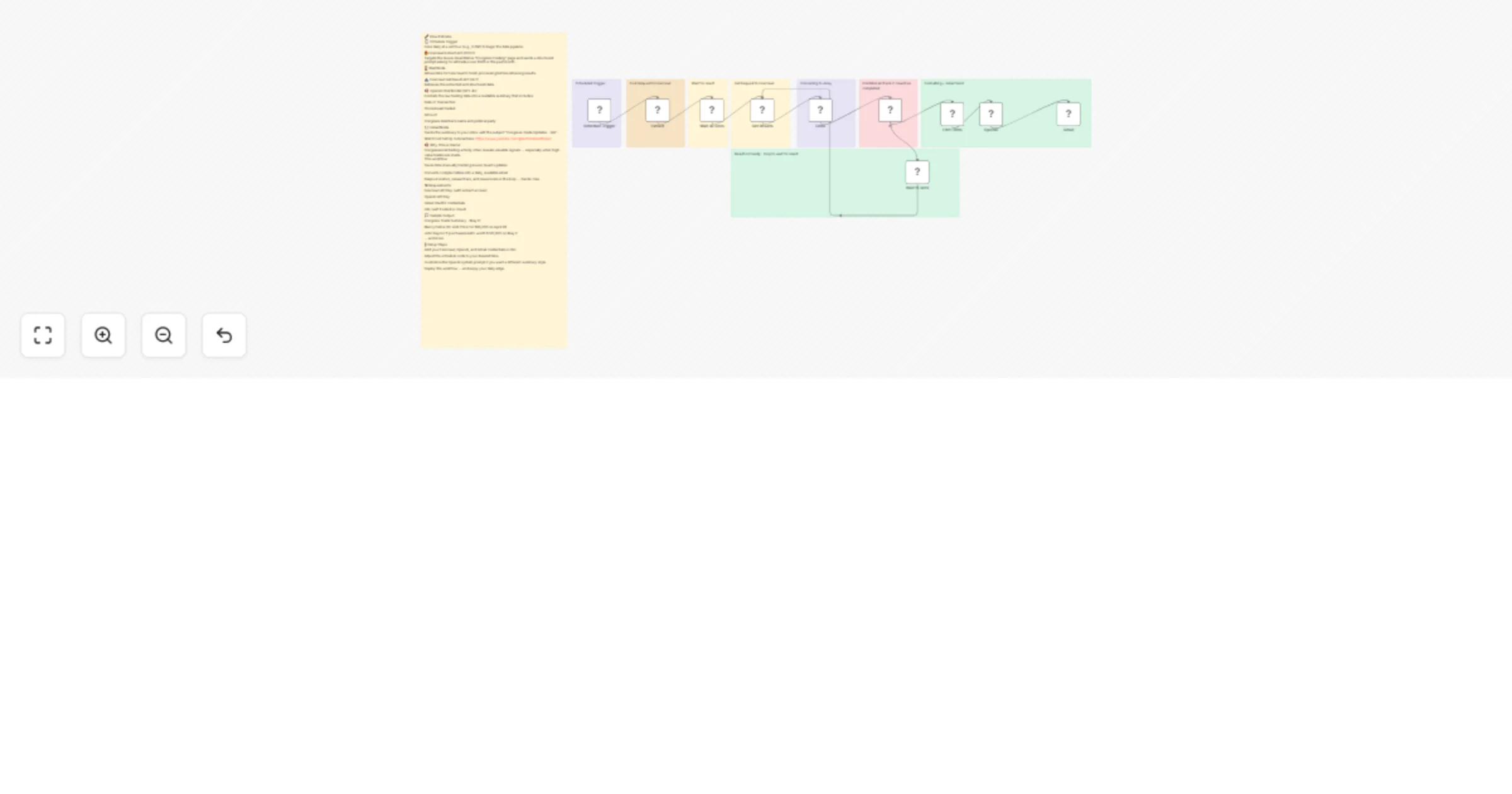
🔧 How It Works 🕒 Schedule Trigger Fires daily at a set hour (e.g., 6 PM) to begin the data pipeline.
🔥 Firecrawl Extract API (POST) Targets the Quiver Quantitative “Congress Trading” page and sends a structured prompt asking for all trades over $50K in the past month.
⏳ Wait Node Allows time for Firecrawl to finish processing before retrieving results.
📥 Firecrawl Get Result API (GET) Retrieves the extracted and structured data.
🧠 OpenAI Chat Model (GPT-4o) Formats the raw trading data into a readable summary that includes:
Date of Transaction
Stock/Asset traded
Amount
Congress member’s name and political party
📧 Gmail Node Sends the summary to your inbox with the subject “Congress Trade Updates - QQ”.
🧠 Why This is Useful Congressional trading activity often reveals valuable signals — especially when high-value trades are made. This workflow:
Saves time manually tracking Quiver Quant updates
Converts complex tables into a daily, readable email
Keeps investors, researchers, and newsrooms in the loop — hands-free
🛠 Requirements Firecrawl API Key (with extract access)
OpenAI API Key
Gmail OAuth2 credentials
n8n (self-hosted or cloud)
💬 Sample Output: Congress Trade Summary – May 21
Nancy Pelosi (D) sold TSLA for $85,000 on April 28
John Raynor (R) purchased AAPL worth $120,000 on May 2 ... and more
🪜 Setup Steps Add your Firecrawl, OpenAI, and Gmail credentials in n8n.
Adjust the schedule node to your desired time.
Customize the OpenAI system prompt if you want a different summary style.
Deploy the workflow — and enjoy your daily edge.
This catalog entry is organized from the workflow JSON. The node-level section below shows the executable blocks available for review before importing the template.
| Workflow | 🏛️ Daily US Congress members stock trades report via Firecrawl + OpenAI + Gmail |
|---|---|
| Complexity | advanced |
| Nodes | 19 |
| Categories | Crypto Trading, AI Summarization |
| Author | Automate With Marc |
| Published | 30 May 2025 |
Use the JSON export at /data/workflows/4509/4509.json as the source template for this automation.
Open n8n, import the downloaded JSON, and review each node before activating the workflow.
Replace placeholder credentials, API keys, webhook URLs, account IDs, and environment-specific values with your own settings.
Run the workflow manually or in a staging workspace, inspect node output, and confirm downstream systems receive the expected data.
Enable the workflow only after testing, then monitor executions, errors, and rate limits during the first production runs.
Review imported nodes carefully before activation. This catalog entry is intended to help you inspect the workflow structure, understand required services, and find related templates faster.
Node names, credentials, schedules, webhook paths, and external service limits may need adjustment for your workspace.
What This Workflow Does This workflow automatically scrapes recent high value congressional stock trades from Quiver Quantitative, summarizes the key transactions, and delivers a neatly formatte...
Review the workflow JSON, configure any required credentials in n8n, and test the automation in a safe workspace before using it in production.
Yes. Use the block-by-block analysis and the downloadable JSON to inspect each node, then adjust credentials, prompts, schedules, filters, or destinations for your Crypto Trading, AI Summarization use case.