Daily applicant digest by role with Gemini AI extraction for hiring managers

Workflow preview

Workflow preview
100%
Daily applicant digest by role with Gemini AI extraction for hiring managers preview
Open on n8n.io

Important notice

This workflow is provided as-is. Please review and test before using in production.

1. Workflow Overview

Send daily applicant digest by role from Gmail to hiring managers with Google Gemini This workflow automatically collects all new job application emails from your Gmail labeled as applicants in the...

Best for

  • AI Summarization automation workflows
  • Multimodal AI automation workflows
  • intermediate n8n builders looking for reusable templates

Tools used

n8n-nodes-base.scheduletrigger, @n8n/n8n-nodes-langchain.lmchatgooglegemini, n8n-nodes-base.stickynote, n8n-nodes-base.gmail, @n8n/n8n-nodes-langchain.chainllm, n8n-nodes-base.code

Source and attribution

This workflow is cataloged by N8N Workflows and links back to its original n8n.io source page by WeblineIndia.

Original n8n.io source

1.1 Workflow description

Title
Daily applicant digest by role with Gemini AI extraction for hiring managers
Workflow name
Daily applicant digest by role with Gemini AI extraction for hiring managers

Send daily applicant digest by role from Gmail to hiring managers with Google Gemini

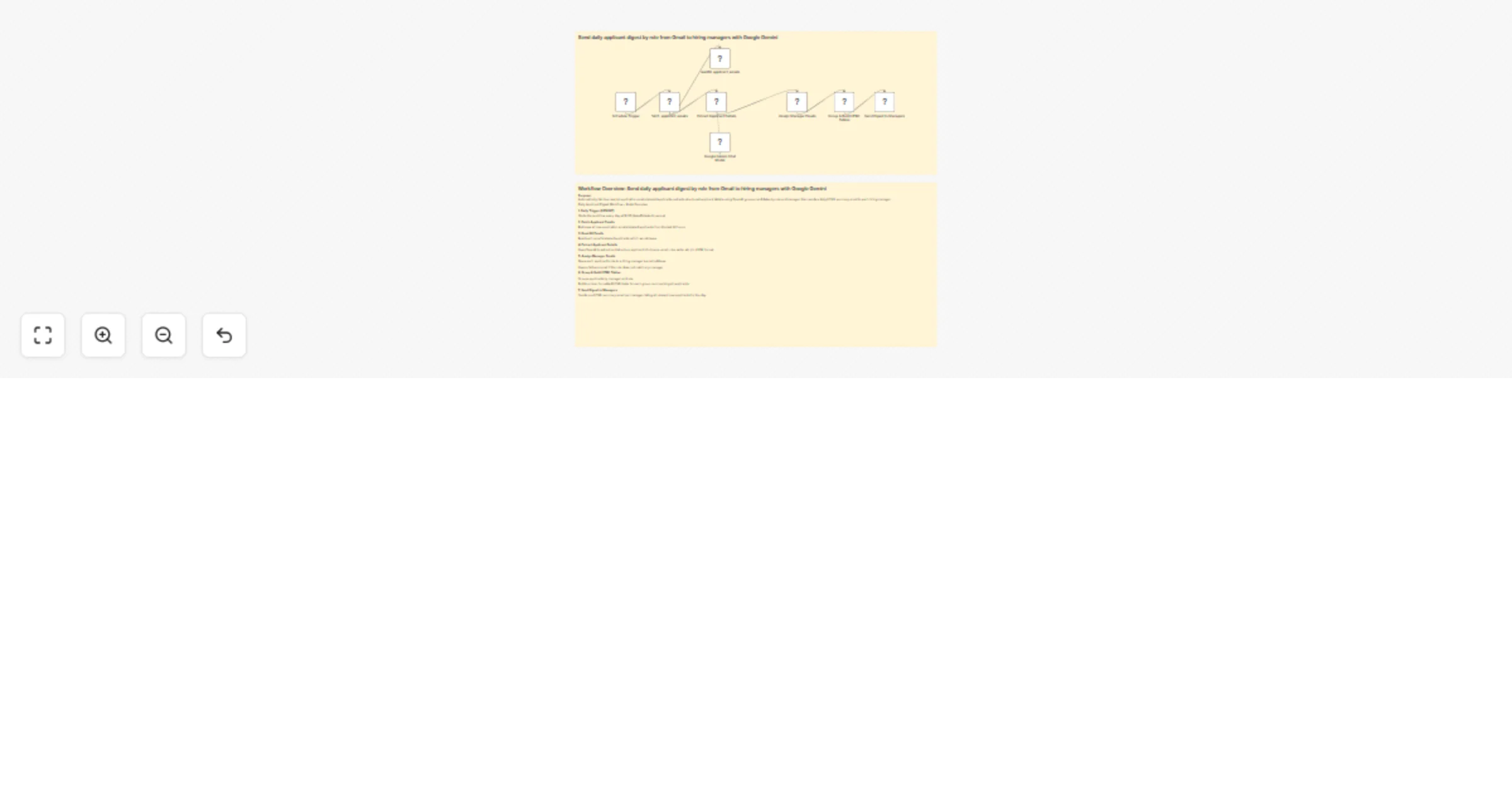
This workflow automatically collects all new job application emails from your Gmail labeled as applicants in the last 24 hours. Every day at 6:00 PM (Asia/Kolkata), it extracts structured details (name, email, phone, role, experience, skills, location, notice, summary) from each applicant (using Gemini AI or OpenAI). It then groups applicants by role and manager, compiles a neat HTML table digest for each manager and emails them a single summary — so hiring managers get everything they need, at a glance, in one place.

Who’s It For

  • Recruiters and hiring managers tired of digging through multiple application threads.
  • Small HR teams / agencies not yet on a full applicant tracking system.
  • Anyone wanting a consolidated, role-targeted applicant update each day.
  • Teams that want to automate candidate triage using Google Workspace and AI.

How It Works

  1. Schedule Trigger (6PM IST): Runs automatically at 18:00 India time.
  2. Fetch Applicant Emails: Reads Gmail for emails labeled 'applicants' from the past 24 hours.
  3. Prepare Email Text: Converts email content to plain text for reliable AI extraction.
  4. Extract Applicant Details: Gemini/OpenAI extracts applicant’s info in structured JSON.
  5. Assign Manager Emails: Routes each applicant to the correct manager via role→email mapping or fallback.
  6. Group & Build HTML Tables: Organizes applicants by manager and role, builds summary tables.
  7. Send Digest to Managers: Sends each manager one HTML summary email for their new applicants.

How to Set Up

  1. Create/verify Gmail label applicants and set up filters to route job emails there.
  2. Import the workflow: Use your Google/Gmail and Gemini/OpenAI accounts as credentials.
  3. Configure connections:
    • Gmail with OAuth2 (IMAP not required, uses Gmail API)
    • Gemini or OpenAI API key for extraction
  4. Set role→manager mapping in the “Assign Manager Emails” node (just edit the map!).
  5. Adjust time / defaults: Edit schedule and fallback email if you wish.
  6. Test it: Send yourself a test application, label it, check workflow logs.

Requirements

  • Gmail account (with OAuth2 enabled and 'applicants' label set up)
  • Gemini or OpenAI API key for structured AI extraction
  • n8n instance (self-hosted or cloud)
  • SMTP credentials (if using direct email instead of Gmail node)
  • At least one valid hiring manager email mapped to a role

How to Customize the Workflow

  • Centralize config with a Set node (label name, fallback/manager email, model name, schedule).
  • Add attachment-to-text conversion for applications with resume attachments.
  • Normalize role names in the mapping code for more robust routing.
  • Enable additional delivery: Slack, Teams, Google Sheets log, extra Cron for mid-day urgents.
  • Refine AI extraction prompt for specific fields (add portfolio URL, etc.).
  • Change schedule for daily, weekly or per-role timing.

Add‑Ons / Extensions

  • Resume Text Extraction: Add PDF/DOCX to text parsing for attachment-only applications.
  • ChatOps: Send the summary to Slack or Teams channels along with/instead of email.
  • Applicant Logging: Auto-log every applicant/action into Google Sheets, Notion or Airtable.
  • Multi-timezone: Duplicate/modify the Cron trigger for different manager regions or urgency levels.

Use Case Examples

  • Tech Hiring: Java, Python, Frontend candidates are automatically routed to their respective leads.
  • Small Agency: All applications summarized for reviewers, with per-role breakdowns.
  • HR Operations: Daily rollups sent before hiring sync, facilitating fast decision-making.

Common Troubleshooting

Issue Possible Cause Solution
No emails processed No 'applicants' label or wrong time window Check Gmail filters and adjust search query in fetch node
All digests go to fallback manager Incorrect or missing role → manager mapping Normalize role text in assignment node, expand map
AI Extraction returns bad/missing JSON Wrong prompt, high temperature or missing field names Tighten prompt, lower temperature, check example response
Duplicate/Old Emails appear Date filter not correct Use 'newer_than:1d' and keep 'mark as read' in email node
SMTP/Gmail Send errors Auth problem, quota or app password missing Use OAuth2, check daily send caps and app password settings
Blank or partially filled summary table AI unable to parse poorly formatted/empty email Improve sender email consistency, add fallback handling
Attachments not processed No attachment extraction node Add attachment-to-text parsing before AI node

Need Help?

If you get stuck, need help customizing a mapping or adding nodes or want to integrate extra steps (e.g., resume text, Slack), just ask!

We're happy to guide you step by step, review your workflow, or help you troubleshoot any errors.

Contact WeblineIndia — Your n8n Automation partner!

1.2 Logical Blocks

This catalog entry is organized from the workflow JSON. The node-level section below shows the executable blocks available for review before importing the template.

2. Block-by-Block Analysis

Block 1 - Schedule Trigger

Type / Role
n8n-nodes-base.scheduleTrigger - scheduleTrigger
Config choices
Version 1.2

Block 2 - Google Gemini Chat Model

Type / Role
@n8n/n8n-nodes-langchain.lmChatGoogleGemini - lmChatGoogleGemini
Config choices
Version 1

Block 3 - Sticky Note

Type / Role
n8n-nodes-base.stickyNote - stickyNote
Config choices
Version 1

Block 4 - fetch_applicant_emails

Type / Role
n8n-nodes-base.gmail - gmail
Config choices
Version 2.1

Block 5 - readAll_applicant_emails

Type / Role
n8n-nodes-base.gmail - gmail
Config choices
Version 2.1

Block 6 - Extract Applicant Details

Type / Role
@n8n/n8n-nodes-langchain.chainLlm - chainLlm
Config choices
Version 1.7

Block 7 - Assign Manager Emails

Type / Role
n8n-nodes-base.code - code
Config choices
Version 2

Block 8 - Group & Build HTML Tables

Type / Role
n8n-nodes-base.code - code
Config choices
Version 2

Block 9 - Send Digest to Managers

Type / Role
n8n-nodes-base.gmail - gmail
Config choices
Version 2.1

Block 10 - Sticky Note1

Type / Role
n8n-nodes-base.stickyNote - stickyNote
Config choices
Version 1

3. Summary Table

Workflow Daily applicant digest by role with Gemini AI extraction for hiring managers
Complexity intermediate
Nodes 10
Categories AI Summarization, Multimodal AI
Author WeblineIndia
Published 21 Aug 2025

4. Reproducing the Workflow from Scratch

  1. 1. Download the workflow JSON

    Use the JSON export at /data/workflows/7699/7699.json as the source template for this automation.

  2. 2. Import the template into n8n

    Open n8n, import the downloaded JSON, and review each node before activating the workflow.

  3. 3. Configure credentials and variables

    Replace placeholder credentials, API keys, webhook URLs, account IDs, and environment-specific values with your own settings.

  4. 4. Test with sample data

    Run the workflow manually or in a staging workspace, inspect node output, and confirm downstream systems receive the expected data.

  5. 5. Activate and monitor

    Enable the workflow only after testing, then monitor executions, errors, and rate limits during the first production runs.

5. General Notes & Resources

Review imported nodes carefully before activation. This catalog entry is intended to help you inspect the workflow structure, understand required services, and find related templates faster.

Node names, credentials, schedules, webhook paths, and external service limits may need adjustment for your workspace.

Frequently asked questions

What does Daily applicant digest by role with Gemini AI extraction for hiring managers do?

Send daily applicant digest by role from Gmail to hiring managers with Google Gemini This workflow automatically collects all new job application emails from your Gmail labeled as applicants in the...

What do I need before importing this workflow?

Review the workflow JSON, configure any required credentials in n8n, and test the automation in a safe workspace before using it in production.

Can I customize this workflow?

Yes. Use the block-by-block analysis and the downloadable JSON to inspect each node, then adjust credentials, prompts, schedules, filters, or destinations for your AI Summarization, Multimodal AI use case.