Block 1 - Schedule Trigger
- Type / Role
- n8n-nodes-base.scheduleTrigger - scheduleTrigger
- Config choices
- Version 1.2


 Early Deal
This workflow is provided as-is. Please review and test before using in production.
Purpose and Audience This n8n workflow template is designed to provide real time alerts on new cryptocurrency exchange listings and delistings. It caters especially to crypto traders, investors, an...
n8n-nodes-base.scheduletrigger, n8n-nodes-base.limit, n8n-nodes-base.if, n8n-nodes-base.supabase, n8n-nodes-base.httprequest, n8n-nodes-base.code, n8n-nodes-base.stickynote, n8n-nodes-base.telegram
This workflow is cataloged by N8N Workflows and links back to its original n8n.io source page by Malik Hashir.
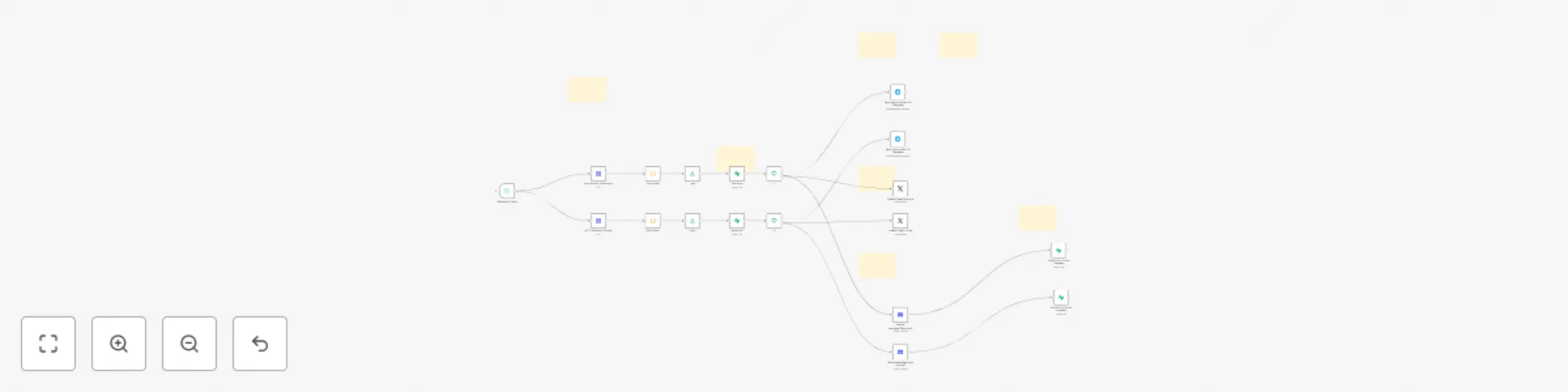
Original n8n.io sourceThis n8n workflow template is designed to provide real-time alerts on new cryptocurrency exchange listings and delistings. It caters especially to crypto traders, investors, and enthusiasts who want to stay ahead of market changes by receiving timely notifications about token availability across major exchanges like Binance, Bybit, Coinbase, OKX, Upbit, Bithumb, and Hyperliquid. The alerts are delivered via popular communication channels Telegram, X (formerly Twitter), and Discord, ensuring you never miss important updates.
The workflow continuously tracks new token listings announcement from Binance, Bybit, Coinbase, Bithumb, OKX, Upbit, and Hyperliquid futures exchange. It also monitors delistings announcement from Binance, Bybit, OKX, Upbit, and Coinbase. When a new listing or delisting announcement is detected, it automatically sends instant alerts to your subscribed Telegram groups or channels, X accounts, and Discord servers, helping you react quickly to market changes.
This workflow is perfect for crypto traders, portfolio managers, market analysts, and anyone active in cryptocurrency investment or community management. By automating the alert process, it saves time and ensures you receive critical exchange listing updates immediately on your preferred platforms without manual monitoring.
Complete video tutorial setup guide is included with the workflow file. The step-by-step guide walks you through configuring API credentials, connecting your Telegram, X, and Discord accounts, and customizing alert preferences to fit your needs.
This catalog entry is organized from the workflow JSON. The node-level section below shows the executable blocks available for review before importing the template.
Showing the first 24 of 26 workflow blocks. Download the JSON for the full node graph.
| Workflow | Crypto exchange listing & delisting alerts to Telegram, X, and Discord |
|---|---|
| Complexity | advanced |
| Nodes | 26 |
| Categories | Crypto Trading |
| Author | Malik Hashir |
| Published | 04 Sept 2025 |
Use the JSON export at /data/workflows/8236/8236.json as the source template for this automation.
Open n8n, import the downloaded JSON, and review each node before activating the workflow.
Replace placeholder credentials, API keys, webhook URLs, account IDs, and environment-specific values with your own settings.
Run the workflow manually or in a staging workspace, inspect node output, and confirm downstream systems receive the expected data.
Enable the workflow only after testing, then monitor executions, errors, and rate limits during the first production runs.
Review imported nodes carefully before activation. This catalog entry is intended to help you inspect the workflow structure, understand required services, and find related templates faster.
Node names, credentials, schedules, webhook paths, and external service limits may need adjustment for your workspace.
Purpose and Audience This n8n workflow template is designed to provide real time alerts on new cryptocurrency exchange listings and delistings. It caters especially to crypto traders, investors, an...
Review the workflow JSON, configure any required credentials in n8n, and test the automation in a safe workspace before using it in production.
Yes. Use the block-by-block analysis and the downloadable JSON to inspect each node, then adjust credentials, prompts, schedules, filters, or destinations for your Crypto Trading use case.