Block 1 - When clicking ‘Execute workflow’
- Type / Role
- n8n-nodes-base.manualTrigger - manualTrigger
- Config choices
- Version 1


 Early Deal
This workflow automates the creation of audiobooks from structured text data using AI powered text to speech and audio processing services. [Click here to listen](https://iframe.mediadelivery.net/p...
n8n-nodes-base.manualtrigger, n8n-nodes-base.splitinbatches, n8n-nodes-base.httprequest, n8n-nodes-base.wait, n8n-nodes-base.googlesheets, n8n-nodes-base.code, n8n-nodes-base.if, n8n-nodes-base.googledrive
This workflow is cataloged by N8N Workflows and links back to its original n8n.io source page by Davide Boizza.
Original n8n.io sourceThis workflow automates the creation of audiobooks from structured text data using AI-powered text-to-speech and audio processing services.
Click here to listen the result of my example.
The entire pipeline—from text retrieval to final audio upload—is automated. This removes manual steps, reduces human error, and enables repeatable audiobook generation at scale.
By using voice design prompts (voice description + style instruction), the workflow produces highly expressive and context-aware narration, ideal for audiobooks, storytelling, and branded audio content.
The batch processing and looping logic respects external API limits. This makes the workflow robust even for large audiobooks with dozens or hundreds of segments.
Google Sheets acts as a lightweight CMS:
The use of wait nodes and status checks allows the workflow to handle long-running audio operations without blocking or failing prematurely.
Final audiobooks are automatically stored in Google Drive, making them immediately accessible for distribution, review, or further processing.
Each step (TTS generation, batching, merging, storage) is modular. This makes it easy to:
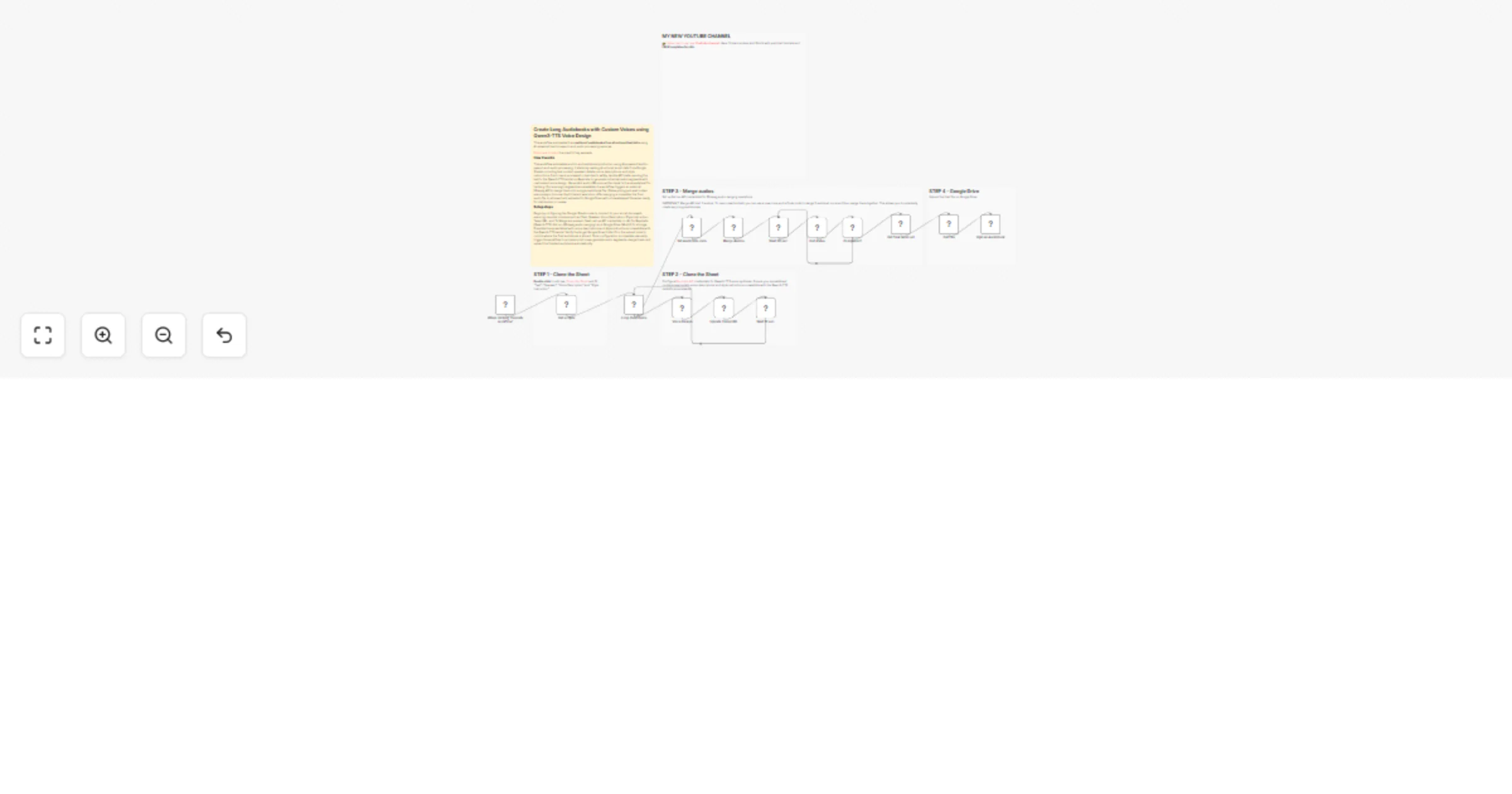
This workflow automates the creation of audiobooks using AI-generated voice synthesis with custom voice design. The process begins by retrieving script data from a Google Sheets document containing text, speaker information, voice descriptions, and style instructions.
The workflow then processes each row in batches, sending the text to the Qwen3-TTS model on Replicate with specified voice parameters to generate individual audio segments.
Each generated audio URL is stored back in the spreadsheet.
Concurrently, once multiple audio segments are ready, they are merged into a single audio file using an external FFmpeg API service.
The system polls for merge completion, retrieves the final merged audio file, and uploads it to Google Drive as a complete audiobook with a timestamped filename.
Data Source Configuration: Set up the Google Sheets node to connect to your spreadsheet containing the audiobook script with required columns: Text, Speaker, Voice Description, Style Instruction, Temp URL, and To Merge
API Credentials Setup:
Voice Design Parameters: Ensure your spreadsheet contains appropriate voice descriptions and style instructions compatible with the Qwen3-TTS model's requirements
Destination Settings: Verify the Google Drive folder ID in the upload node points to your desired storage location for the final audiobook
Execution: Trigger the workflow manually to begin processing your script rows and generating the complete audiobook with custom voice design
👉 Subscribe to my new YouTube channel. Here I’ll share videos and Shorts with practical tutorials and FREE templates for n8n.
Contact me for consulting and support or add me on Linkedin.
This catalog entry is organized from the workflow JSON. The node-level section below shows the executable blocks available for review before importing the template.
| Workflow | Create long Audiobooks 🔊📚 with custom voices using Qwen3-TTS Voice Design |
|---|---|
| Complexity | advanced |
| Nodes | 20 |
| Categories | Content Creation, Multimodal AI |
| Author | Davide Boizza |
| Published | 27 Jan 2026 |
Use the JSON export at /data/workflows/13030/13030.json as the source template for this automation.
Open n8n, import the downloaded JSON, and review each node before activating the workflow.
Replace placeholder credentials, API keys, webhook URLs, account IDs, and environment-specific values with your own settings.
Run the workflow manually or in a staging workspace, inspect node output, and confirm downstream systems receive the expected data.
Enable the workflow only after testing, then monitor executions, errors, and rate limits during the first production runs.
Review imported nodes carefully before activation. This catalog entry is intended to help you inspect the workflow structure, understand required services, and find related templates faster.
Node names, credentials, schedules, webhook paths, and external service limits may need adjustment for your workspace.
This workflow automates the creation of audiobooks from structured text data using AI powered text to speech and audio processing services. [Click here to listen](https://iframe.mediadelivery.net/p...
Review the workflow JSON, configure any required credentials in n8n, and test the automation in a safe workspace before using it in production.
Yes. Use the block-by-block analysis and the downloadable JSON to inspect each node, then adjust credentials, prompts, schedules, filters, or destinations for your Content Creation, Multimodal AI use case.