Create fillable document templates from PDF or DOCX with GPT-4o and Google Drive
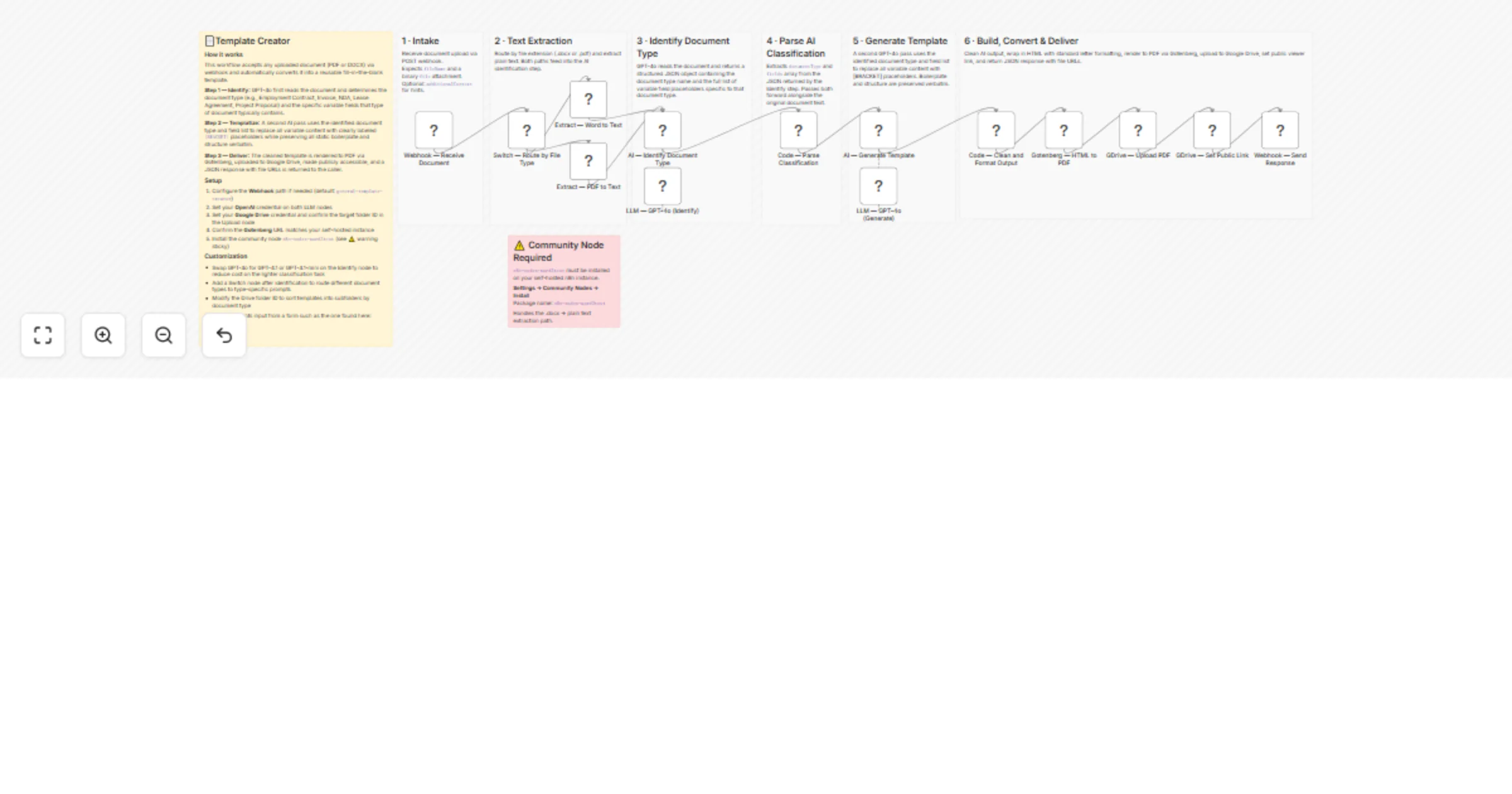
Workflow preview


 Early Deal
DISCOUNT 20%

Overview
📄Template Creator
How it works
This workflow accepts any uploaded document (PDF or DOCX) via webhook and automatically converts it into a reusable fill-in-the-blank template.
Step 1 — Identify: GPT-4o first reads the document and determines the document type (e.g., Employment Contract, Invoice, NDA, Lease Agreement, Project Proposal) and the specific variable fields that type of document typically contains.
Step 2 — Templatize: A second AI pass uses the identified document type and field list to replace all variable content with clearly labeled [BRACKET] placeholders while preserving all static boilerplate and structure verbatim.
Step 3 — Deliver: The cleaned template is rendered to PDF via Gotenberg, uploaded to Google Drive, made publicly accessible, and a JSON response with file URLs is returned to the caller.
Setup
- Configure the Webhook path if needed (default:
general-template-creator) - Set your OpenAI credential on both LLM nodes
- Set your Google Drive credential and confirm the target folder ID in the Upload node
- Confirm the Gotenberg URL matches your self-hosted instance
- Install the community node
n8n-nodes-word2text(see ⚠️ warning sticky)
Customization
- Swap GPT-4o for GPT-4.1 or GPT-4.1-mini on the Identify node to reduce cost on the lighter classification task
- Add a Switch node after identification to route different document types to type-specific prompts
- Modify the Drive folder ID to sort templates into subfolders by document type
Document accepts input from a form such as the one found here: Sample Form