Create and send AI sales proposals using Gemini, Google Docs & Gmail
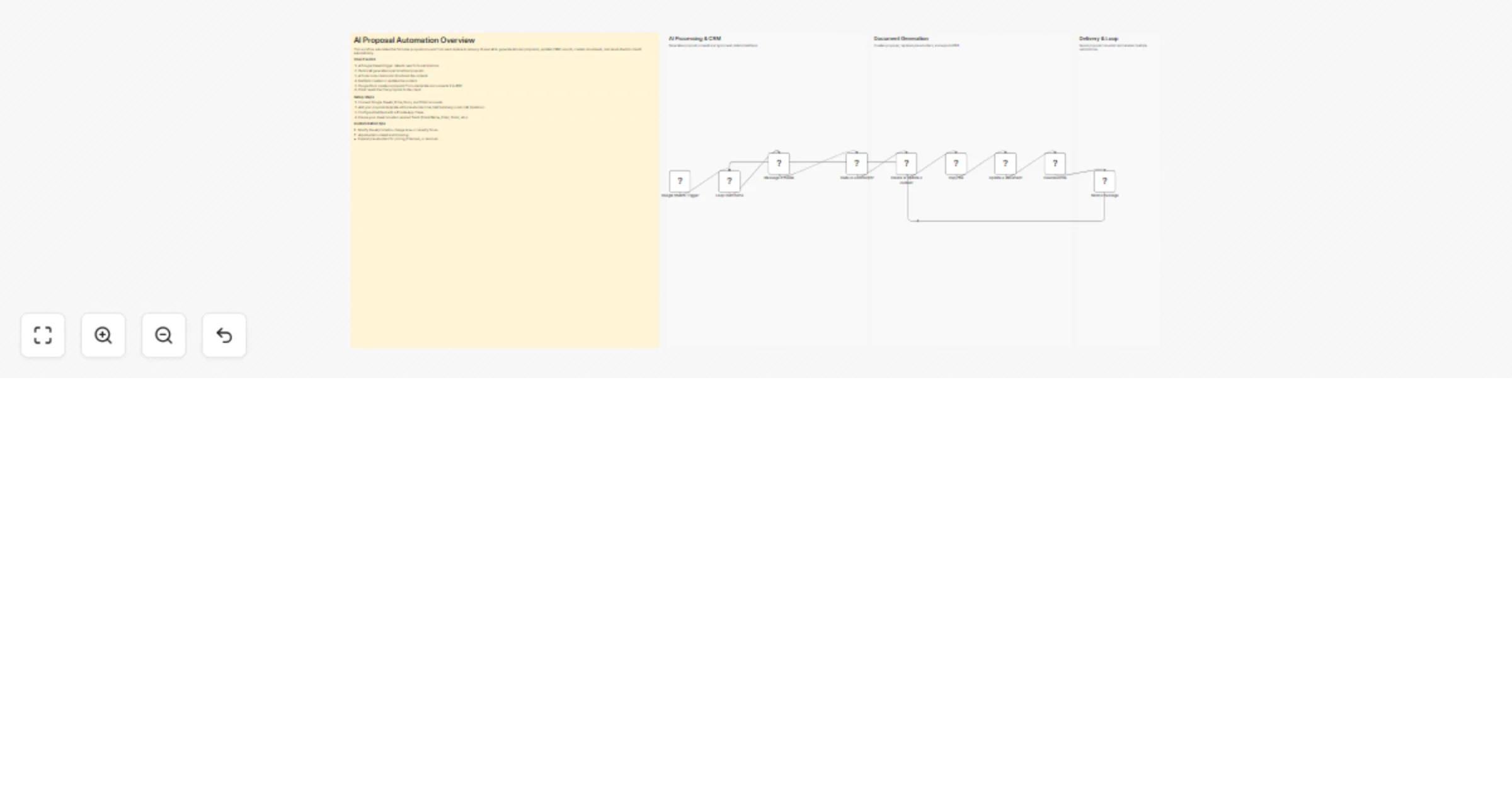
Workflow preview


 Early Deal
DISCOUNT 20%

Overview
How it works
This workflow automatically generates and sends personalized sales proposals when a new row is added to Google Sheets. It uses AI to create proposal content, updates contact details in HubSpot, and generates a formatted document. The document is converted into a PDF and emailed to the client. This eliminates manual proposal writing and ensures fast, consistent delivery.
Step-by-step
Capture lead and generate AI content
Google Sheets Trigger – Detects new form submissions in your sheet.
Loop Over Items – Processes each new entry individually.
Message a model – Uses Gemini AI to generate the proposal content.
Code in JavaScript – Cleans and splits AI output into structured fields.
Create contact and generate document
Create or update a contact – Stores or updates client data in HubSpot.
Copy file – Duplicates a proposal template from Google Drive.
Update a document – Replaces placeholders with real client and AI data.
Download file – Converts the final document into a PDF file.
Send proposal to client
Send a message – Emails the generated PDF proposal to the client.
Why use this?
- Automatically generates professional proposals without manual writing
- Ensures consistent formatting using templates and placeholders
- Saves time by combining CRM, AI, and document creation
- Improves response speed for leads and increases conversion chances
- Scales easily for handling multiple client requests simultaneously