Block 1 - When clicking ‘Execute workflow’
- Type / Role
- n8n-nodes-base.manualTrigger - manualTrigger
- Config choices
- Version 1


 Early Deal
This workflow is a simple yet brilliant automation designed to generate time coded SRT subtitles starting directly from a video URL using ElevenLabs. With ...
n8n-nodes-base.manualtrigger, @elevenlabs/n8n-nodes-elevenlabs.elevenlabs, n8n-nodes-base.code, n8n-nodes-base.googledrive, n8n-nodes-base.set, n8n-nodes-base.httprequest, n8n-nodes-base.stickynote
This workflow is cataloged by N8N Workflows and links back to its original n8n.io source page by Davide Boizza.
Original n8n.io sourceThis workflow is a simple yet brilliant automation designed to generate time-coded SRT subtitles starting directly from a video URL using ElevenLabs.
With just a single video link, the workflow automatically extracts the audio, transcribes it using AI speech recognition, and converts the transcription into a properly formatted SRT subtitle file with accurate timestamps.
This workflow automates the creation of SRT subtitle files for YouTube videos using AI speech recognition, eliminating the need for manual captioning and saving creators hours of work.
It’s a fast, reliable, and fully automated solution, perfect for YouTube creators, video editors, and content producers who want to improve accessibility, engagement, and SEO with minimal effort.
With just one input (a video link), the workflow:
It’s a lightweight, no-friction workflow that turns a raw video into professional subtitles in a fully automated way.
This workflow proves that automation doesn’t need to be complex to be effective. A minimal number of nodes delivers a complete end-to-end subtitle generation process.
Subtitles are not just plain text: they are properly time-aligned, making them immediately compatible with YouTube, video editors, and media players.
The workflow intelligently splits text based on punctuation and length, producing subtitles that are:
This workflow is ideal for:
It dramatically reduces the time needed to add subtitles, improving:
Once set up, it can be reused endlessly:
This workflow automates the creation of SRT subtitle files from YouTube videos using AI speech recognition.
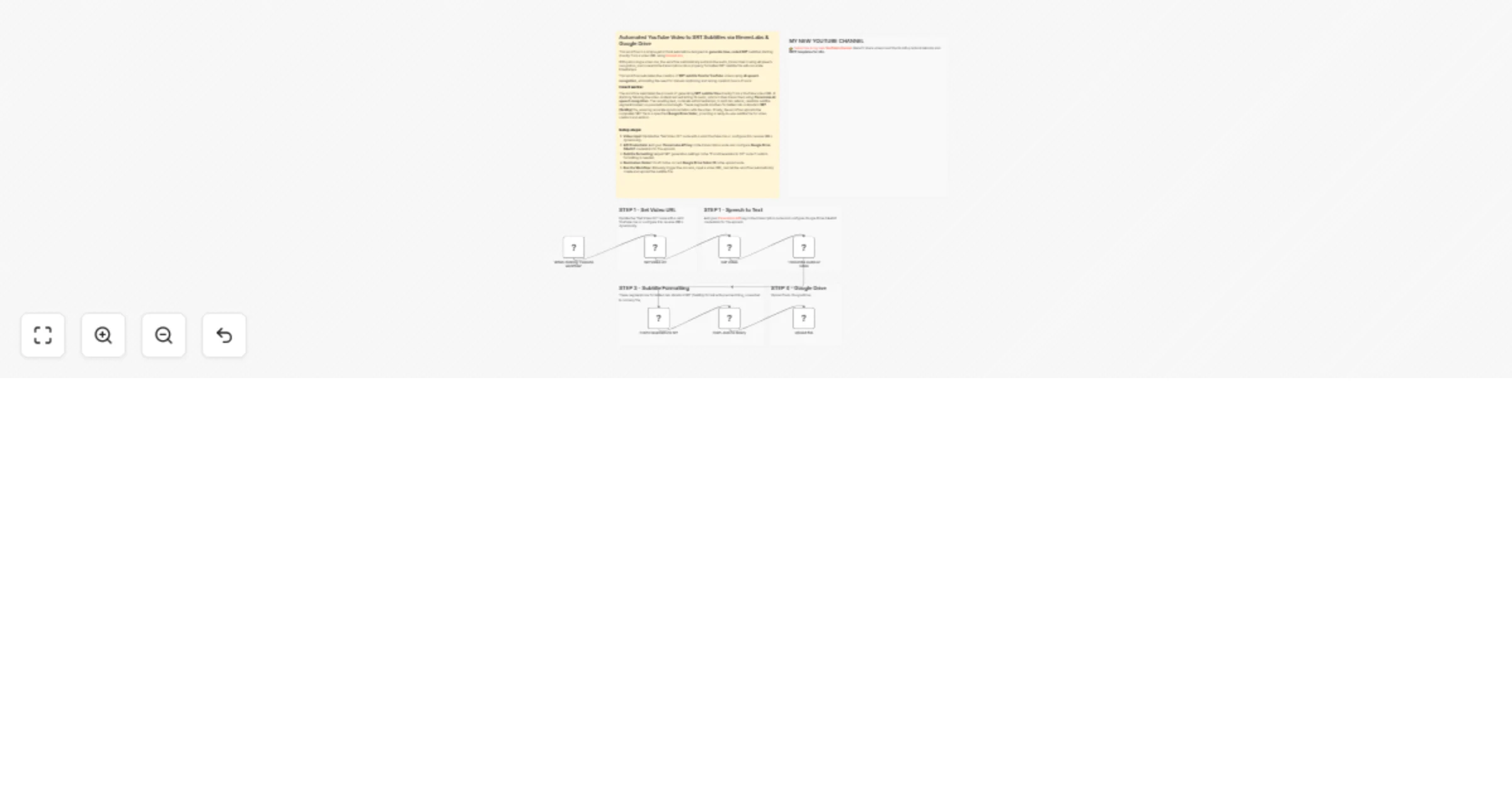
The process begins when the workflow is manually triggered, requiring a YouTube video URL as input. The system first fetches the video content via HTTP request, then sends the audio to ElevenLabs for transcription.
The AI returns timestamped text segments which are intelligently split into readable subtitle chunks based on punctuation and length constraints.
These segments are formatted into standard SRT (SubRip) format with precise timing, converted to a binary file, and finally uploaded to a specified Google Drive folder as a ready-to-use subtitle file.
👉 Subscribe to my new YouTube channel. Here I’ll share videos and Shorts with practical tutorials and FREE templates for n8n.
Contact me for consulting and support or add me on Linkedin.
This catalog entry is organized from the workflow JSON. The node-level section below shows the executable blocks available for review before importing the template.
| Workflow | Create AI YouTube SRT subtitles 📢 with ElevenLabs 🎧 and Google Drive |
|---|---|
| Complexity | intermediate |
| Nodes | 13 |
| Categories | Content Creation, Multimodal AI |
| Author | Davide Boizza |
| Published | 22 Jan 2026 |
Use the JSON export at /data/workflows/12924/12924.json as the source template for this automation.
Open n8n, import the downloaded JSON, and review each node before activating the workflow.
Replace placeholder credentials, API keys, webhook URLs, account IDs, and environment-specific values with your own settings.
Run the workflow manually or in a staging workspace, inspect node output, and confirm downstream systems receive the expected data.
Enable the workflow only after testing, then monitor executions, errors, and rate limits during the first production runs.
Review imported nodes carefully before activation. This catalog entry is intended to help you inspect the workflow structure, understand required services, and find related templates faster.
Node names, credentials, schedules, webhook paths, and external service limits may need adjustment for your workspace.
This workflow is a simple yet brilliant automation designed to generate time coded SRT subtitles starting directly from a video URL using ElevenLabs. With ...
Review the workflow JSON, configure any required credentials in n8n, and test the automation in a safe workspace before using it in production.
Yes. Use the block-by-block analysis and the downloadable JSON to inspect each node, then adjust credentials, prompts, schedules, filters, or destinations for your Content Creation, Multimodal AI use case.